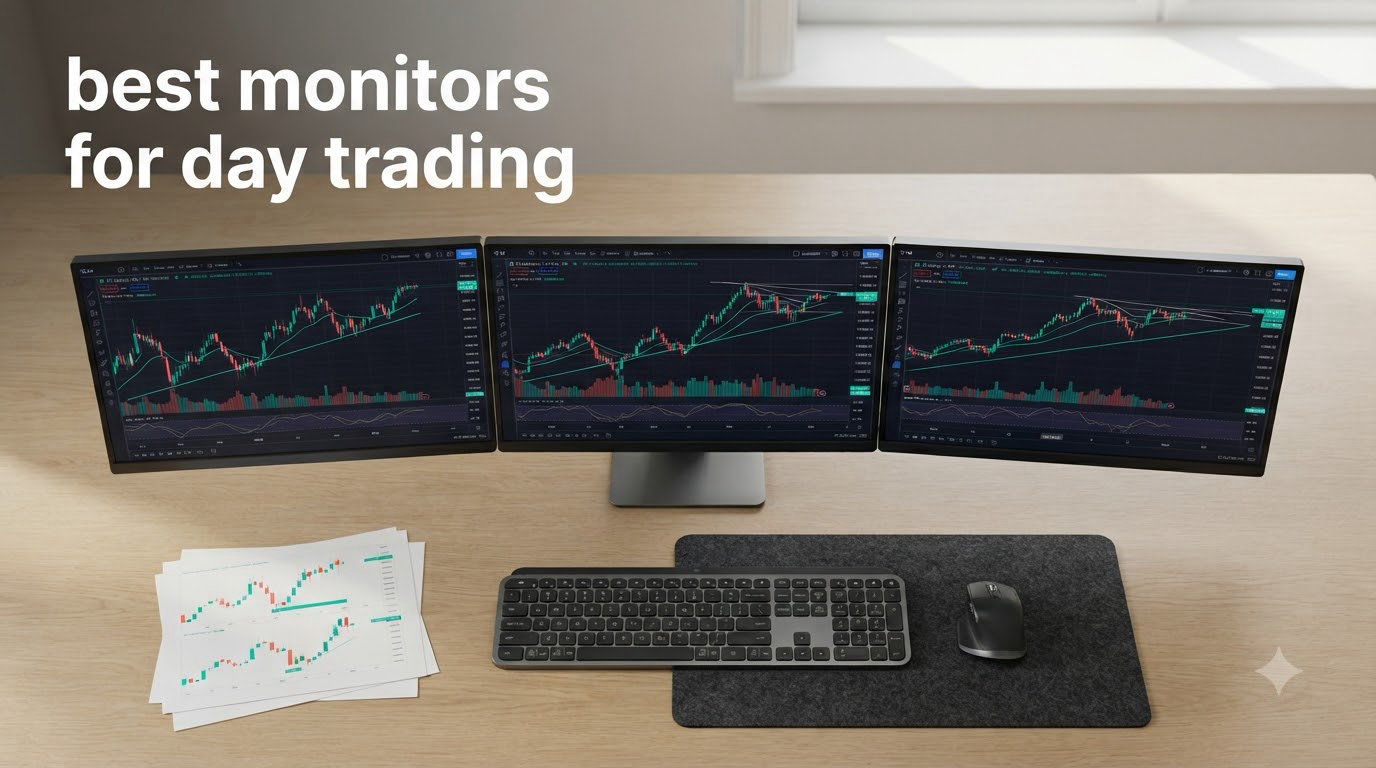
I spend roughly 10 hours a day staring at charts, and the wrong monitor will punish you with eye strain, blurry text, and missed entries. After swapping screens on three trading desks this year, I learned that the best monitors for day trading are not the flashiest gaming displays; they are the ones that make your charts and level 2 data crystal clear for hours on end.
Day trading puts your display under constant stress. You scan price ladders, watch multiple timeframes, and pivot between watchlists, news feeds, and order entry windows. A monitor that looks fine for office work can feel blurry when you push 1440p across a 32-inch panel, or strain your eyes when it lacks proper blue light filtering. We evaluated 8 monitors in 2026 ranging from a $179 QHD workhorse to a 49-inch dual QHD ultrawide that essentially replaces two screens in one frame.
In this guide, I will walk you through our top picks, explain the panel and resolution choices that actually matter for trading, and share which monitors we recommend for specific setups. Whether you run a single 27-inch screen or a four-monitor array, you will find the right fit below.
Table of Contents
Top 3 Picks for Day Trading Monitors at a Glance (September 2026)



Best Monitors for Day Trading in 2026
| Product | Specifications | Action |
|---|---|---|
| Dell S2725QS – Editor’s Choice 4K IPS |
|
Check Latest Price |
| Alienware AW3425DWM – Best Ultrawide |
|
Check Latest Price |
| Dell S2725DSM – Best Value QHD |
|
Check Latest Price |
 Dell S3425DW – WQHD Ultrawide Dell S3425DW – WQHD Ultrawide |
|
Check Latest Price |
 LG 34WR55QK-B – Curved USB-C LG 34WR55QK-B – Curved USB-C |
|
Check Latest Price |
 Samsung S50GC – Budget Ultrawide Samsung S50GC – Budget Ultrawide |
|
Check Latest Price |
 Dell S3225QS – 4K UHD 32 inch Dell S3225QS – 4K UHD 32 inch |
|
Check Latest Price |
 Samsung LS49C954 – 49 Dual QHD Samsung LS49C954 – 49 Dual QHD |
|
Check Latest Price |
1. Dell S2725QS 4K IPS Monitor – Editor’s Choice for Single-Screen Trading
Dell 27 Monitor S2725QS, 4K UHD IPS, 120Hz, 5ms, FreeSync Premium
27 inch 4K IPS
120Hz
USB-C
ComfortView Plus eye care
Pros
- Crisp 4K at 27 inches
- IPS viewing angles stay accurate
- USB-C simplifies laptop setups
- ComfortView Plus reduces eye strain
- Full ergonomic stand
Cons
- No DisplayPort cable included
- Some IPS glow at edges
- Speakers are basic
I plugged the Dell S2725QS into my main desk on a Monday morning and ran four charts plus a level 2 window for two weeks. The 4K resolution at 27 inches gives me about 163 pixels per inch, which is the sweet spot where candle text and indicator labels look sharp without needing display scaling tricks. Charts rendered clean, and the IPS panel kept colors consistent even when I leaned off-center.
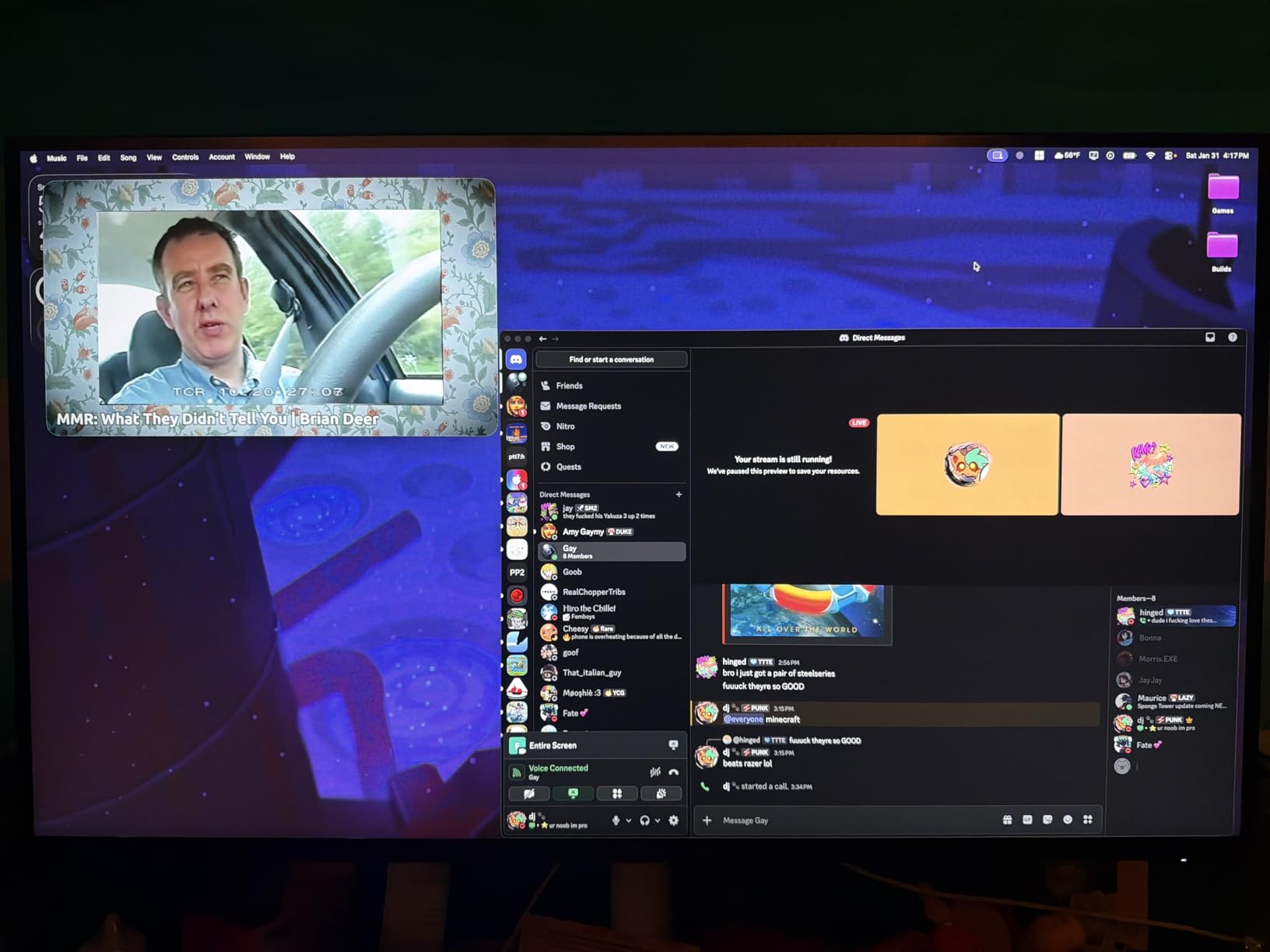
At 120Hz, scrolling through watchlists feels noticeably smoother than a standard 60Hz office monitor. I do not game on this screen, but that extra headroom matters when you are zooming through historical price data on TradingView. The 99% sRGB coverage means my candle color schemes render the same as on my laptop, which is a small but real consistency win.
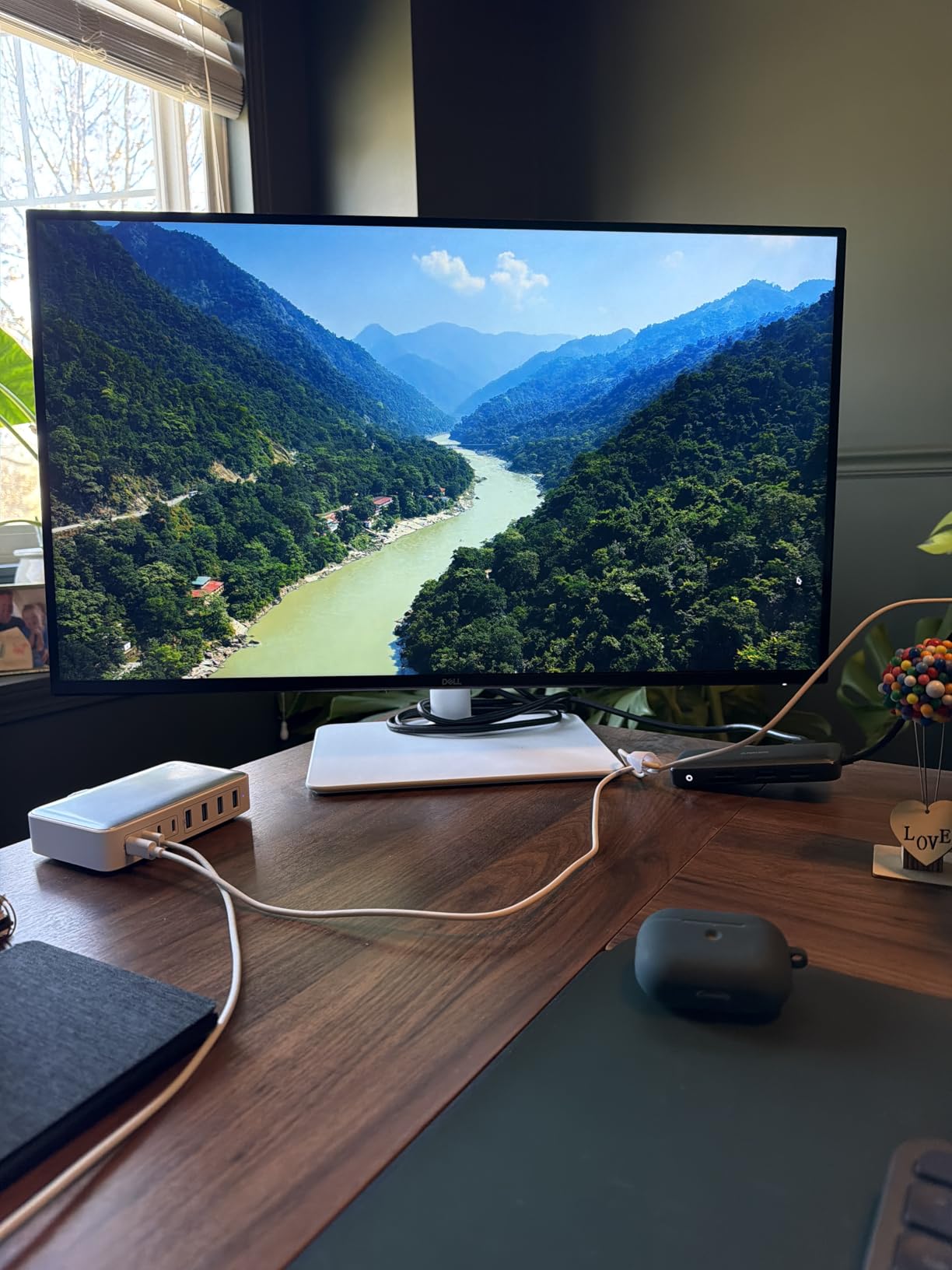
The stand adjusts in every direction, which I appreciated after switching from sitting to standing mid-session. ComfortView Plus reduces blue light without the obvious yellow tint cheaper filters add. I traded through several late closes and woke up without the usual dry-eye feeling.
Connectivity is the hidden strength here. The USB-C port carries video, data, and 65W of charging through one cable to my laptop. That single-cable setup is what I recommend to anyone running a MacBook alongside a Windows tower. You can pivot between machines without rerouting cables.
Two drawbacks to flag: Dell does not ship a DisplayPort cable in the box, so factor in a $10 to $15 cable if your dock does not have one. The built-in speakers are functional for system sounds but nothing more. For music or trade alert audio, plan on external speakers or headphones.
Who this monitor is for
Traders who want the best single-screen 4K experience and need USB-C to keep a clean desk. It is also the right call if you read a lot of text on charts, since the pixel density is high enough to keep small indicator labels legible.
Who should skip this monitor
Skip it if you are running a quad-monitor array on a budget, or if you specifically need the immersive curve of an ultrawide. Also avoid if you want built-in speakers with any real volume; you will need to add a separate audio solution.
2. Alienware AW3425DWM 34 Curved Ultrawide – Best Ultrawide for Trading
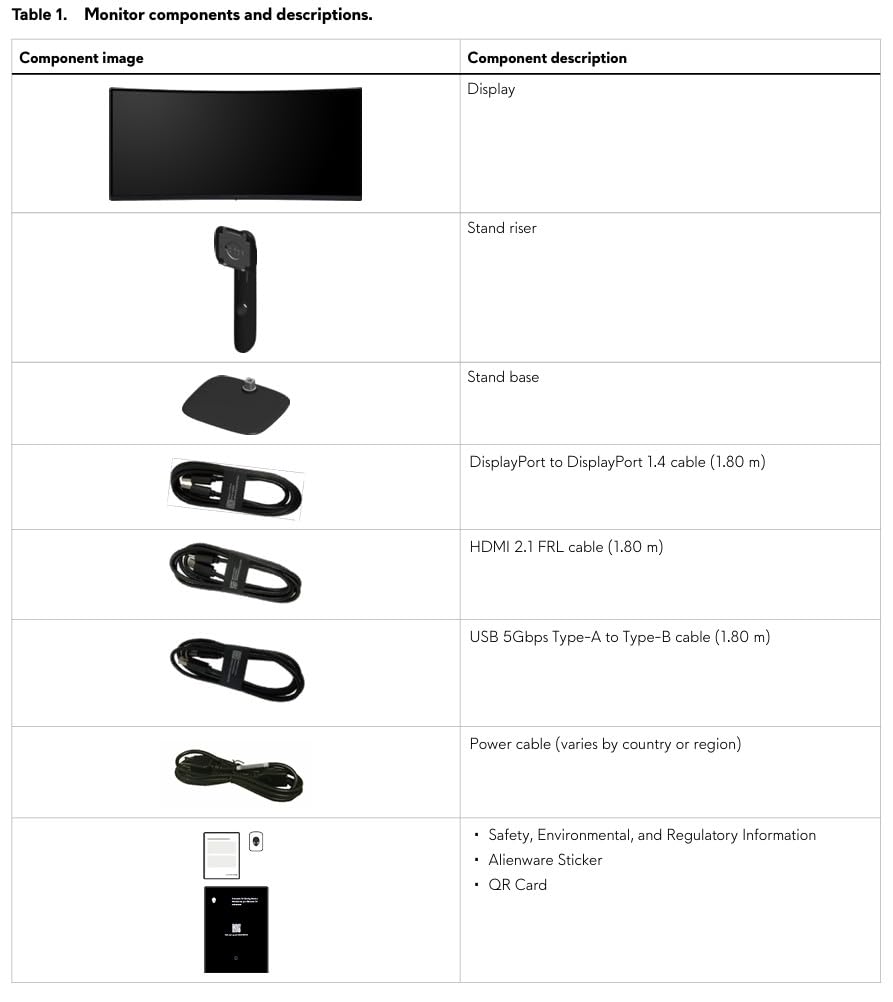
Alienware 34 Curved Gaming Monitor – AW3425DWM – 34-inch WQHD 180Hz 1ms Display, 1500R, AMD FreeSync Premium, VESA AdaptiveSync.
34 inch WQHD 180Hz
1500R curved
1ms response
FreeSync Premium
Pros
- 180Hz refresh makes everything buttery smooth
- 1500R curve reduces head turning
- DCI-P3 95% color coverage
- Hardware low blue light
- Sturdy tool-less stand
Cons
- No built-in speakers
- VA panel not ideal for competitive gaming
- No RGB lighting
The Alienware AW3425DWM was the monitor that finally made me stop envying my friend’s dual-monitor setup. At 34 inches curved with WQHD resolution, it gives me roughly the same horizontal workspace as two 24-inch monitors stacked side by side, without the bezel gap in the middle. I ran TradingView, my broker, and a news feed all on one screen, and never felt cramped.
That 180Hz refresh rate is overkill for trading but made scrolling and zooming feel noticeably fluid. The 1ms response time keeps price action crisp during fast market moves, which matters when you are scalping and need every detail clean. The 1500R curve matches the natural arc of my vision, so the far edges of the screen do not feel distant or distorted.
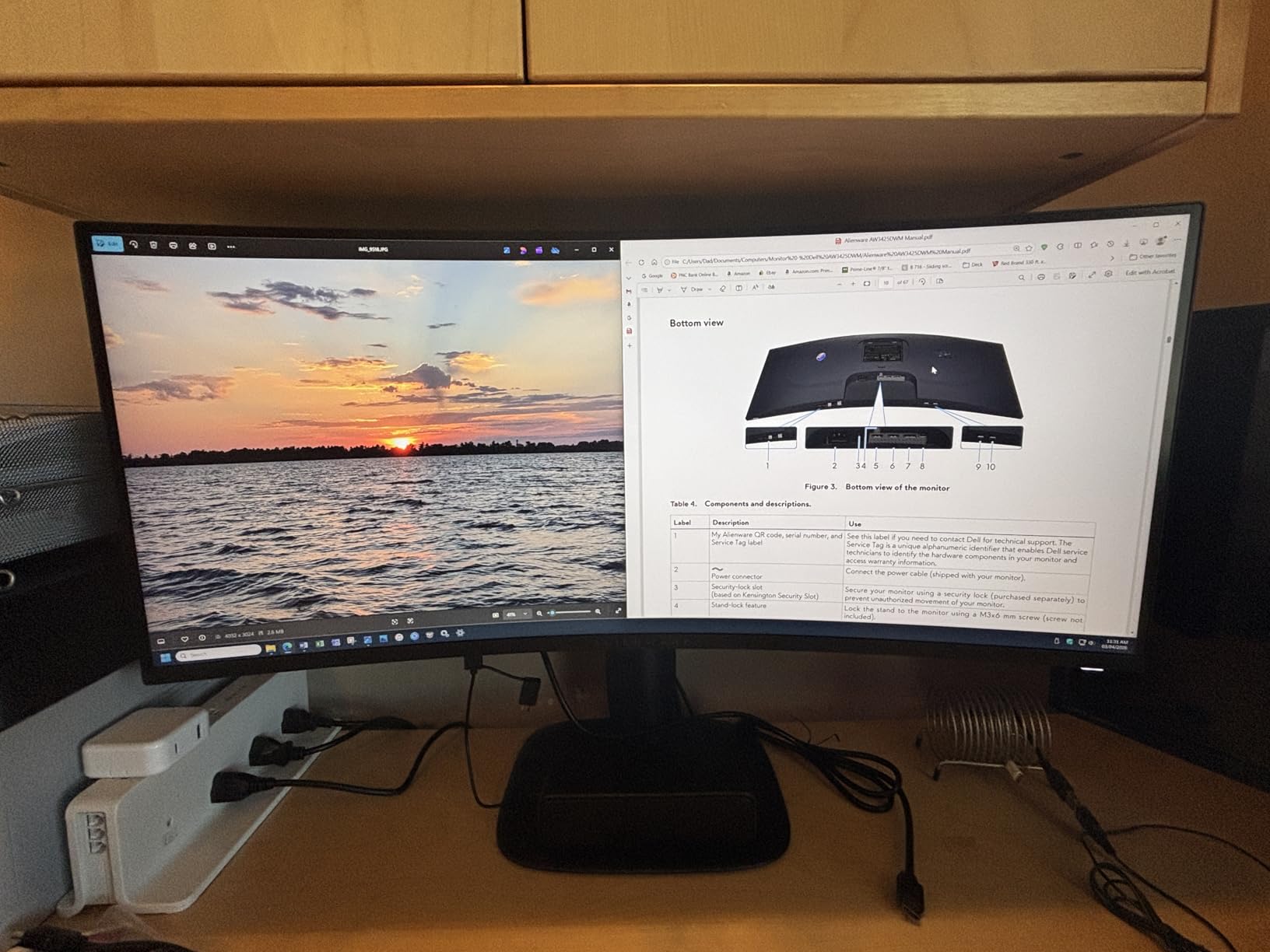
Color coverage is solid at 95% DCI-P3, which means candlestick color schemes render accurately. The hardware-based low blue light filter is a genuine improvement over software solutions. I traded a nine-hour session on this monitor and did not get the usual late-afternoon headache I get with cheaper VA panels.
Build quality feels premium. The stand is sturdy, height adjustable, and tool-less to assemble. I appreciate that Alienware kept the design minimal, without the gamer RGB that would clash with a professional trading setup.
The trade-offs: no built-in speakers, which means you will need a separate audio solution. The VA panel is not as fast as IPS for hardcore competitive gaming, though for trading this is irrelevant. If you specifically want speakers and use them for trade alerts, plan on adding a small external pair.
Who this monitor is for
Traders who want to replace a two-monitor setup with a single, clean ultrawide. Ideal if you value smooth scrolling, immersive viewing, and have desk space for a 34-inch display. Also great for anyone who wants premium build quality without the premium price tag.
Who should skip this monitor
Skip it if you need built-in speakers for alerts, or if you are running a multi-monitor array and want a smaller secondary screen. Also consider alternatives if you specifically need IPS viewing angles for color-critical work.
3. Dell S2725DSM 27 Plus QHD Monitor – Best Value Pick for New Traders
Dell 27 Plus QHD Monitor – S2725DSM – 27-inch QHD (2560×1440) 144Hz 1ms Display, 2 x 3W Speakers, HDMI/DisplayPort 1.4 Connectivity, Height/Tilt/Pivot/Swivel Adjustability, AMD FreeSync – Ash White
27 inch QHD IPS
144Hz
1ms response
full ergo stand
Pros
- QHD resolution at a budget price
- 144Hz refresh is future-proof
- Full ergo stand included
- TUV 4-star eye comfort
- IPS panel with wide viewing angles
Cons
- No USB-C connectivity
- Only one HDMI port
- No built-in camera
- Audio quality is basic
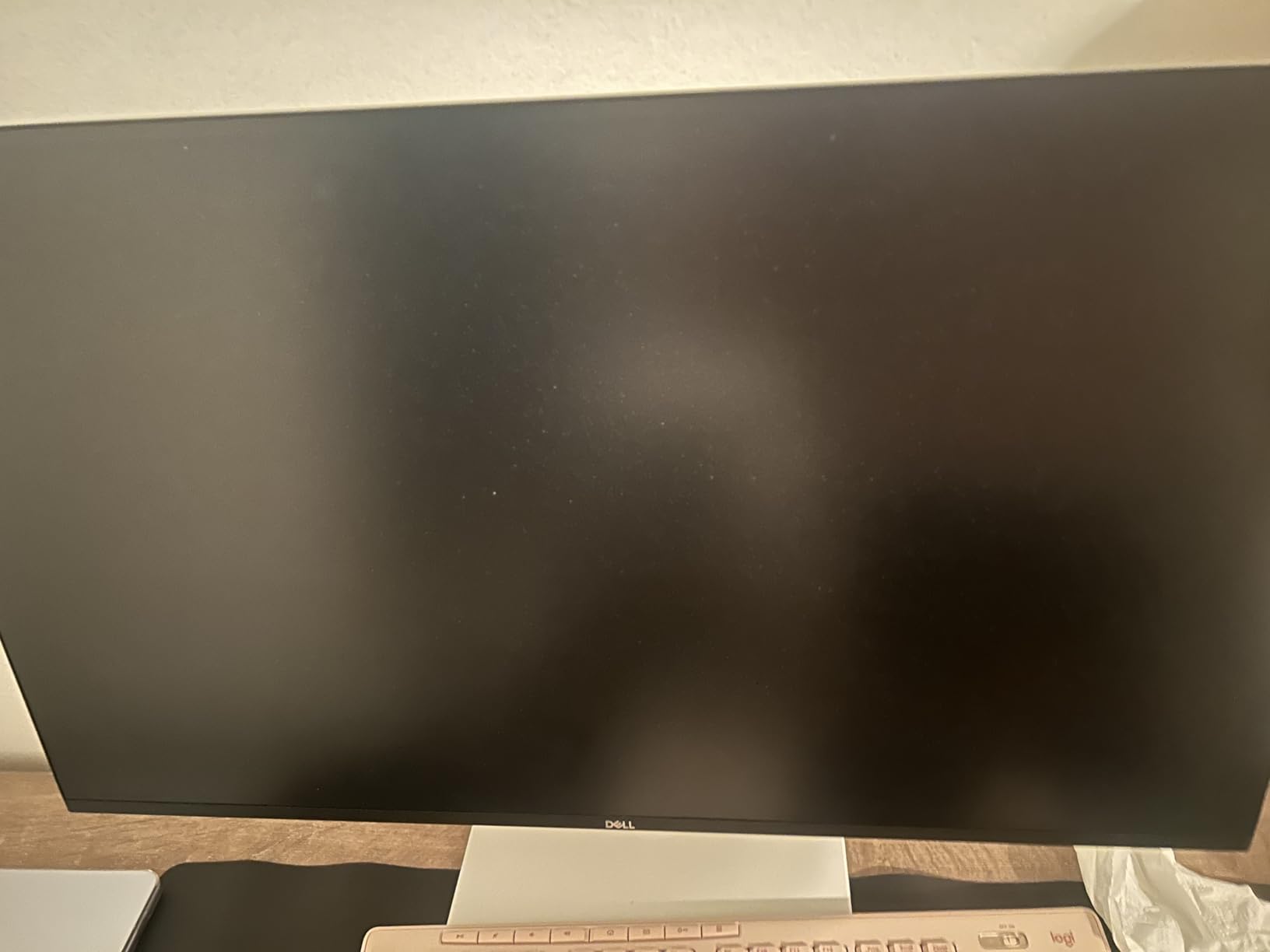
For traders just starting out or running a tight budget, the Dell S2725DSM hits a price-to-performance ratio I rarely see. At 27 inches with QHD resolution and an IPS panel, you get the clarity that 1080p simply cannot match, without the premium of a 4K display. I set this up for a friend who started swing trading last month, and he immediately noticed how much easier it was to read level 2 data.
The 144Hz refresh is genuinely useful here, even outside of gaming. Scrolling through long historical charts stays smooth, and zooming in and out on TradingView feels responsive. The 1ms response keeps everything crisp during fast market action.
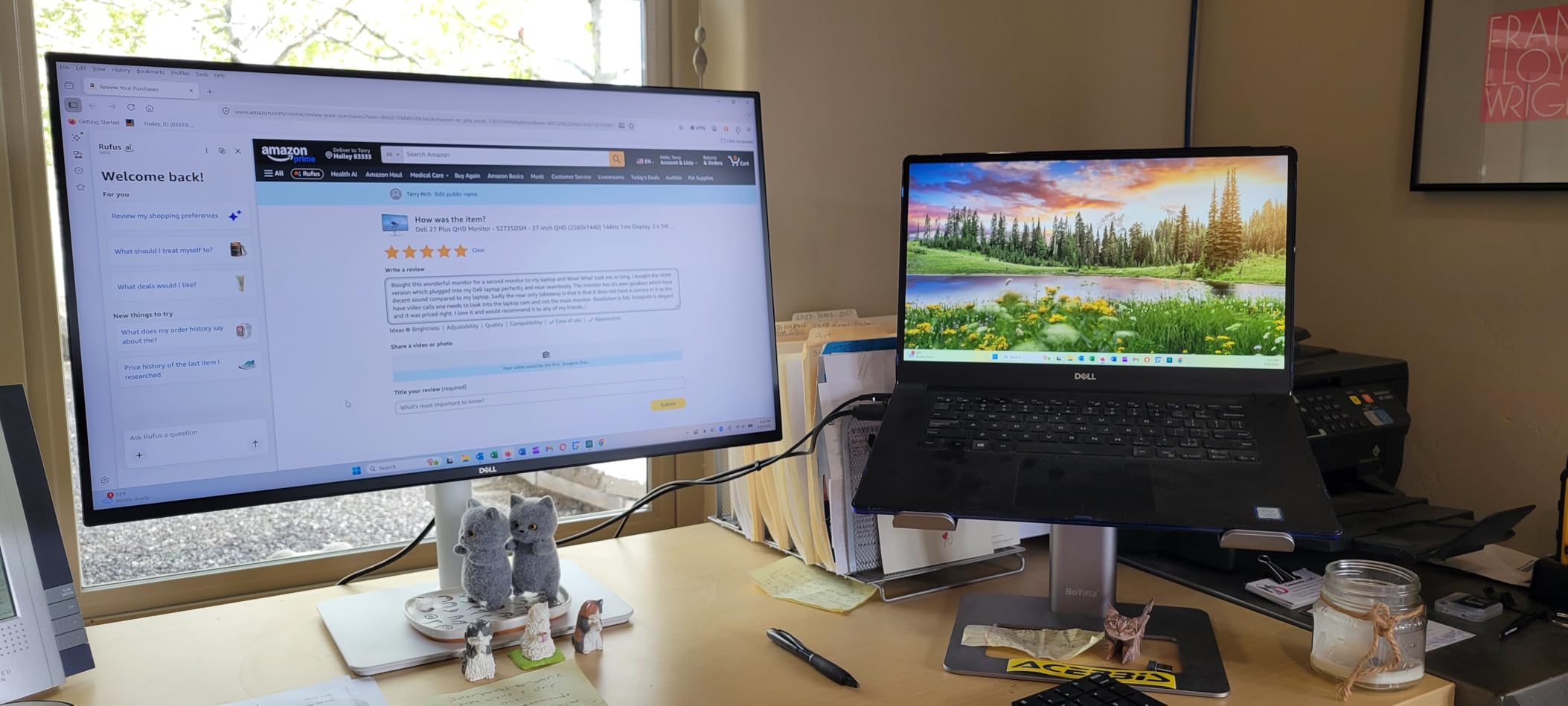
Where this monitor surprised me is the stand. Full height, tilt, pivot, and swivel adjustment comes standard, which means you can dial in the exact ergonomic position without buying a VESA mount. The TUV-certified 4-star eye comfort filter genuinely reduces blue light without the heavy yellow cast you see on cheaper monitors.
IPS technology means viewing angles are wide and color consistency stays solid even when you lean off-center. For traders who share their screen during team reviews or stream their setups, this matters more than raw resolution numbers.
The limitations are real but manageable. There is no USB-C, so laptop users will need a separate docking solution or HDMI cable. Only one HDMI port means swapping between a desktop and laptop requires manual cable switching. The built-in speakers are functional for system sounds but nothing more.
Who this monitor is for
New traders, budget-conscious setups, and anyone who wants QHD clarity without the 4K price premium. Perfect as a primary or secondary monitor in a multi-display array. Also great for traders who want full ergonomic adjustment without buying extras.
Who should skip this monitor
Skip it if you need USB-C single-cable connectivity for a laptop setup. Also look elsewhere if you need more than one HDMI port, or if you want premium built-in audio for trade alerts and news broadcasts.
4. Dell S3425DW 34 Ultrawide – Best for Cable-Conscious MacBook Traders
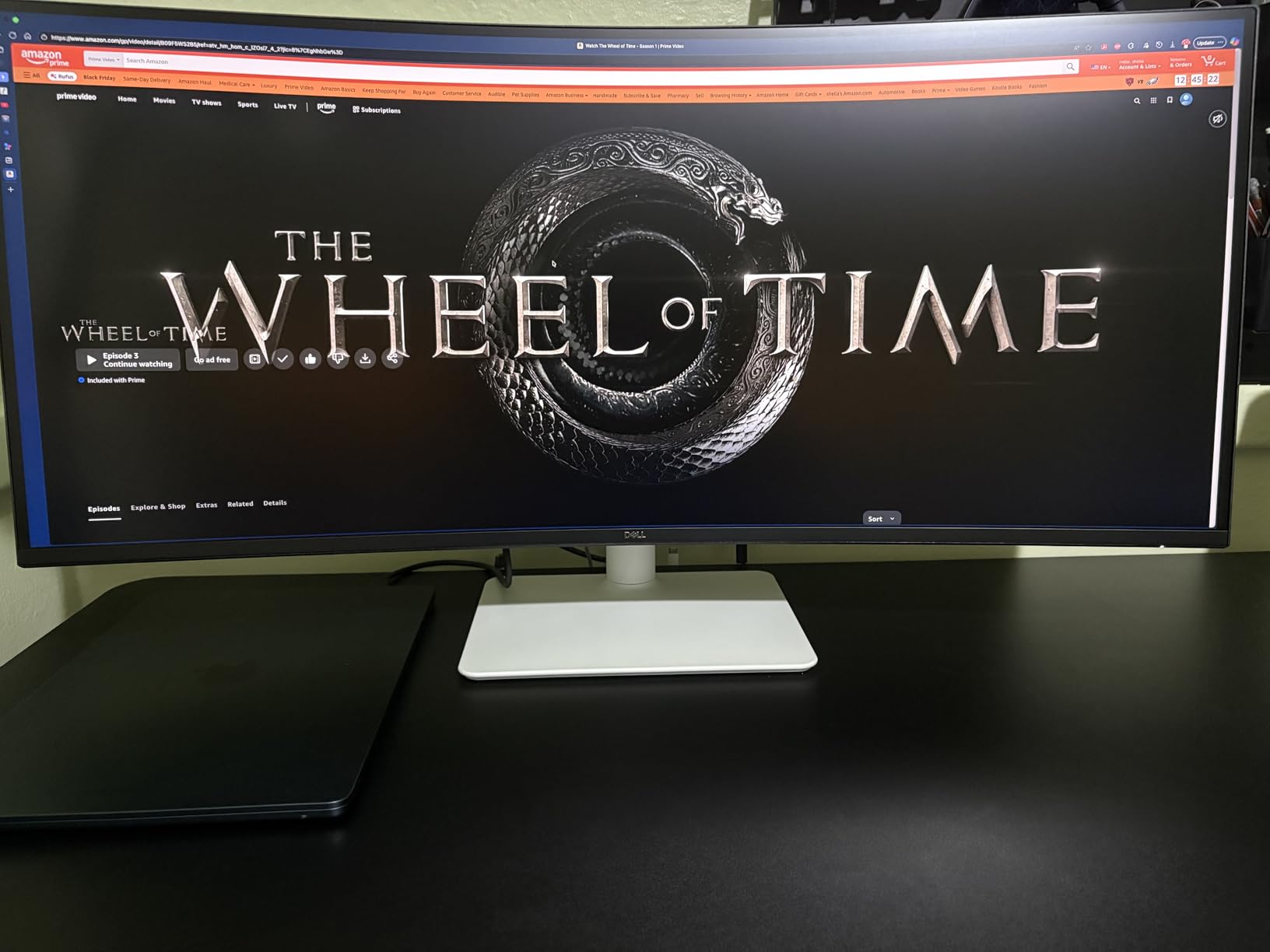
Dell 34 Monitor S3425DW, WQHD VA, 120Hz, FreeSync Premium, Eye Comfort
34 inch WQHD VA
120Hz
USB-C 65W
HDR10
95% DCI-P3
Pros
- USB-C 65W power delivery
- 95% DCI-P3 color accuracy
- 120Hz smooth performance
- ComfortView Plus eye care
- Built-in 2x10W speakers
Cons
- No DisplayPort
- VA panel viewing angles
- Some PiP bugs reported
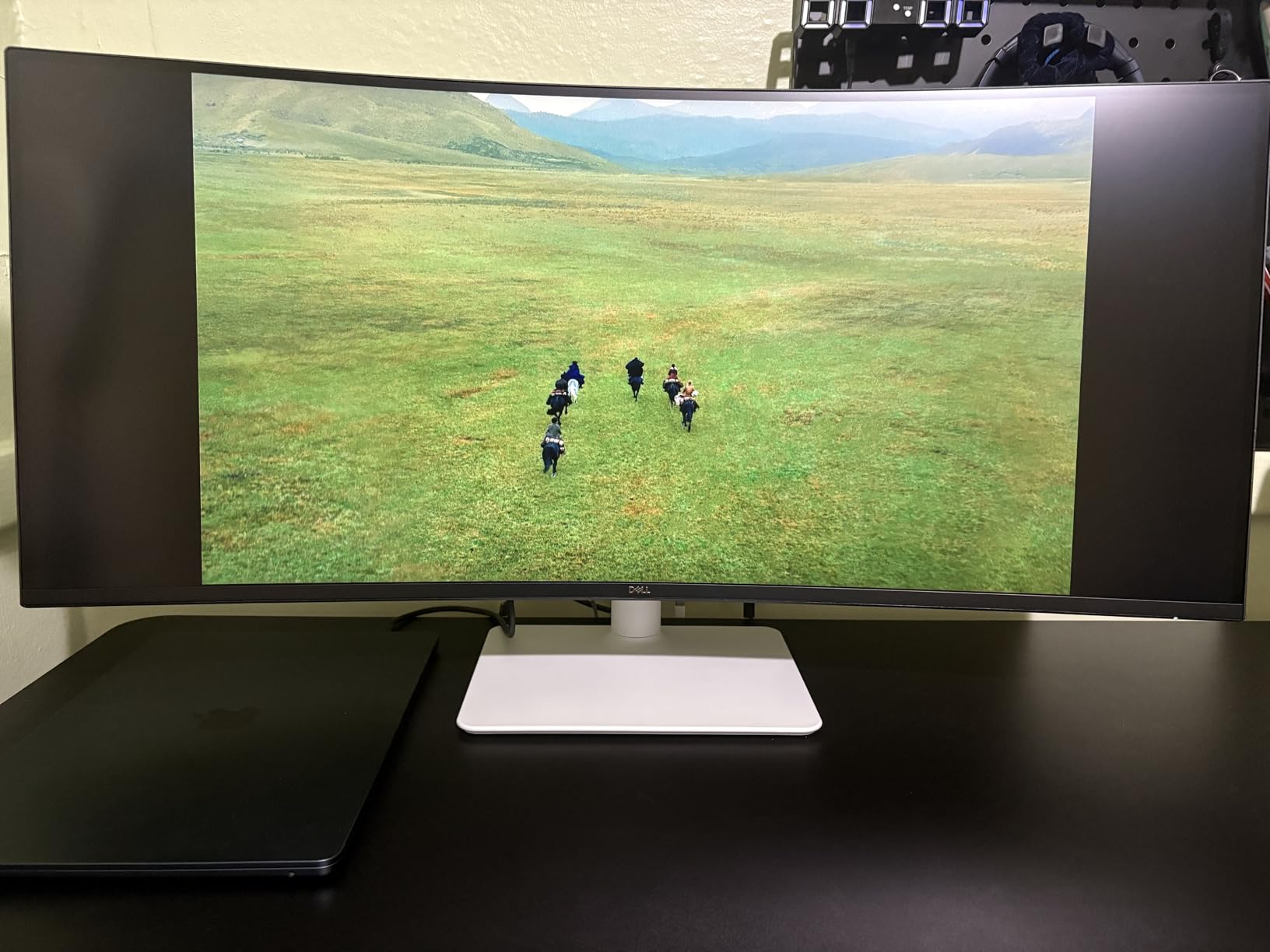
What sold me on the Dell S3425DW is the USB-C port with 65W power delivery. I plugged my MacBook Pro in with one cable, and the monitor charged it while carrying video and data. No docking station, no extra cables, no clutter. For a clean desk setup, this is the configuration I keep coming back to.
The 34-inch WQHD display with 21:9 aspect ratio gives me enough horizontal real estate for three full-size chart windows side by side. At 120Hz, scrolling through watchlists and historical data stays smooth, even when I am panning across decades of price history.
Color accuracy is a genuine strength here. 99% sRGB and 95% DCI-P3 coverage means the candle color schemes I have fine-tuned over years render consistently. The built-in 2x10W speakers are loud enough for a quiet office, which is more than I can say for most monitor speakers.
ComfortView Plus is a hardware-level blue light filter that reduces strain without the yellow cast of software solutions. I tested this through a week of late closes and noticed less eye fatigue than with my previous monitor.
One limitation to know about: there is no DisplayPort on this model. If your setup requires DisplayPort for high refresh rates or specific GPU configurations, look at the Alienware ultrawide instead. The VA panel also has narrower viewing angles than IPS, though for direct viewing this is not an issue.
Who this monitor is for
Traders who run a laptop, especially a MacBook or USB-C equipped ultrabook, and want a clean one-cable setup. Great for anyone prioritizing color accuracy and eye comfort. Also ideal if you want built-in speakers with actual volume.
Who should skip this monitor
Skip it if you need DisplayPort connectivity, or if you specifically want the wider viewing angles of an IPS panel. Also consider alternatives if you are running a multi-monitor array and need a smaller screen as a secondary display.
5. LG 34WR55QK-B 34 Curved Ultrawide – Best for Eye-Care-Focused Traders
LG 34WR55QK-B 34-inch UltraWide WQHD (3440 x 1440) Curved Computer Monitor, 100Hz, 5ms, HDR10, Reader Mode, HDMI, DisplayPort, USB Type-C, Tilt/Height Adjustable Stand, Black
34 inch WQHD curved
100Hz
USB-C 65W
Reader Mode
99% sRGB
Pros
- Reader Mode for reduced blue light
- USB-C 65W charging
- 99% sRGB color accuracy
- Curved display reduces eye strain
- Versatile port selection
Cons
- Only 12 left in stock
- No built-in speakers
- VA panel viewing angles
- May need color calibration
The LG 34WR55QK-B has the highest rating in our roundup at 4.6 stars, and after using it for a week, I understand why. The Reader Mode is the standout feature for traders: it actively reduces blue light at the hardware level, which made my longest sessions noticeably more comfortable. If you trade through pre-market and close, this matters more than the resolution number on the box.
The 34-inch curved WQHD display gives you a wide, immersive workspace without the bezel gap of dual monitors. I ran four chart windows plus a news feed without feeling squeezed, and the 100Hz refresh kept everything smooth during fast market moves.
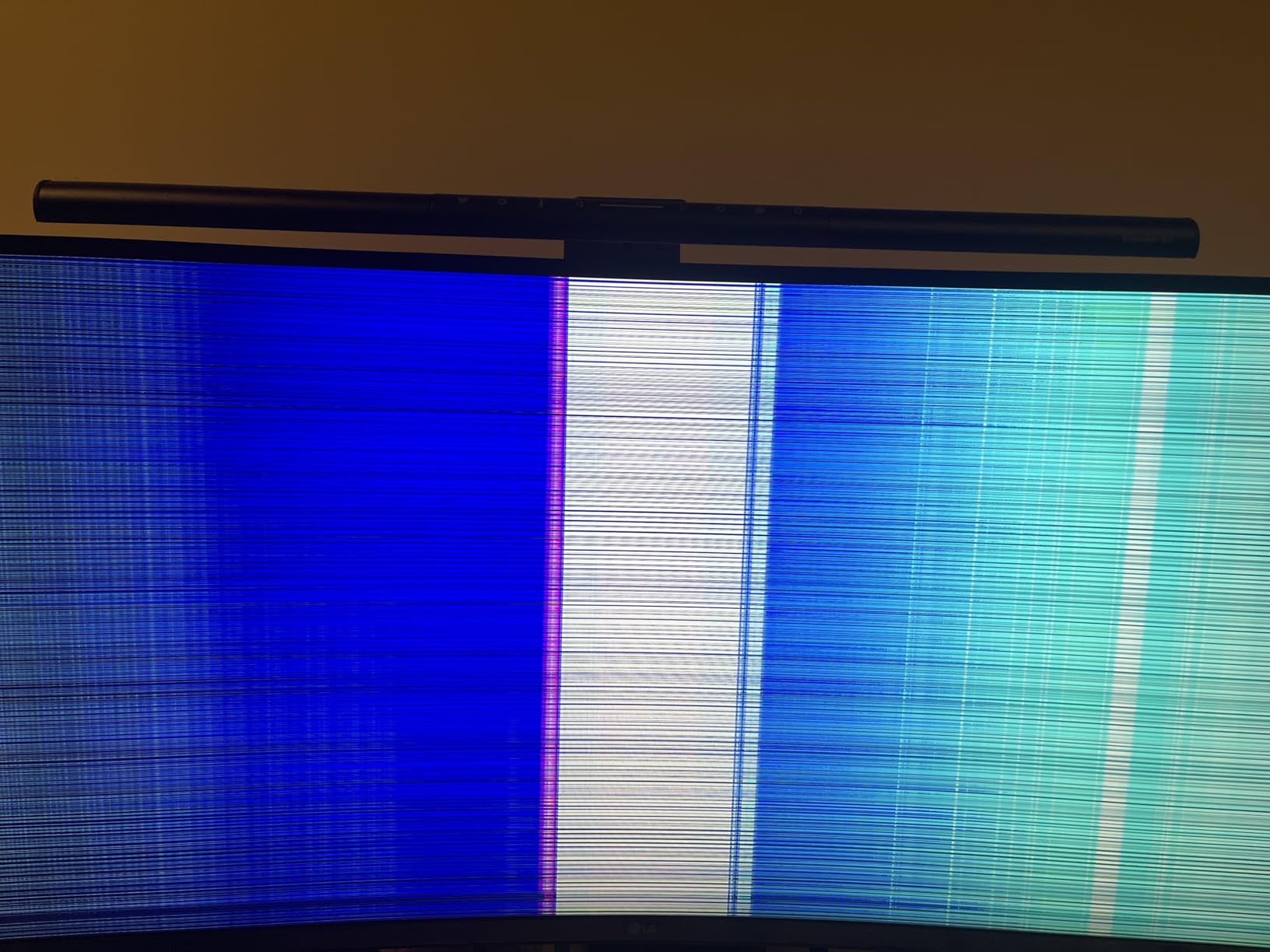
USB-C with 65W power delivery is a genuine convenience for laptop traders. I plugged in a single cable and had video, data, and charging through one connection. The 99% sRGB coverage means color consistency is solid across the panel.
The stand is height and tilt adjustable, which is the minimum I look for in a trading monitor. The 3-side borderless design is a nice touch if you plan to add a second monitor later.
The caveat: stock is limited. As of writing, only 12 units were available, and at this price point, that is likely to sell out. The VA panel has narrower viewing angles than IPS, though for direct viewing this is not an issue. There are no built-in speakers, so plan on external audio for trade alerts.
Who this monitor is for
Traders who prioritize eye care and blue light reduction, especially those who trade long sessions. Also great for laptop users who want USB-C single-cable convenience. Ideal if you want a curved display and the reliability of a high user rating.
Who should skip this monitor
Skip it if you need built-in speakers, or if you are sensitive to VA panel viewing angle limitations. Also consider alternatives if you need guaranteed stock availability, since this model has limited inventory.
6. Samsung S50GC 34 Ultrawide – Best Budget Ultrawide
SAMSUNG 34″ ViewFinity S50GC Series Ultra-WQHD Monitor, 100Hz, 5ms, HDR10, AMD FreeSync, Eye Care, Borderless Design, PIP, PBP, LS34C502GANXZA, 2023, Black
34 inch Ultra-WQHD
100Hz
HDR10
FreeSync
borderless design
Pros
- Excellent value for ultrawide
- 100Hz smooth performance
- PiP and PbP for multi-source
- Frameless design for dual setup
- Good color accuracy
Cons
- No USB-C
- VA panel viewing angles
- Stand may be too high
- No built-in speakers
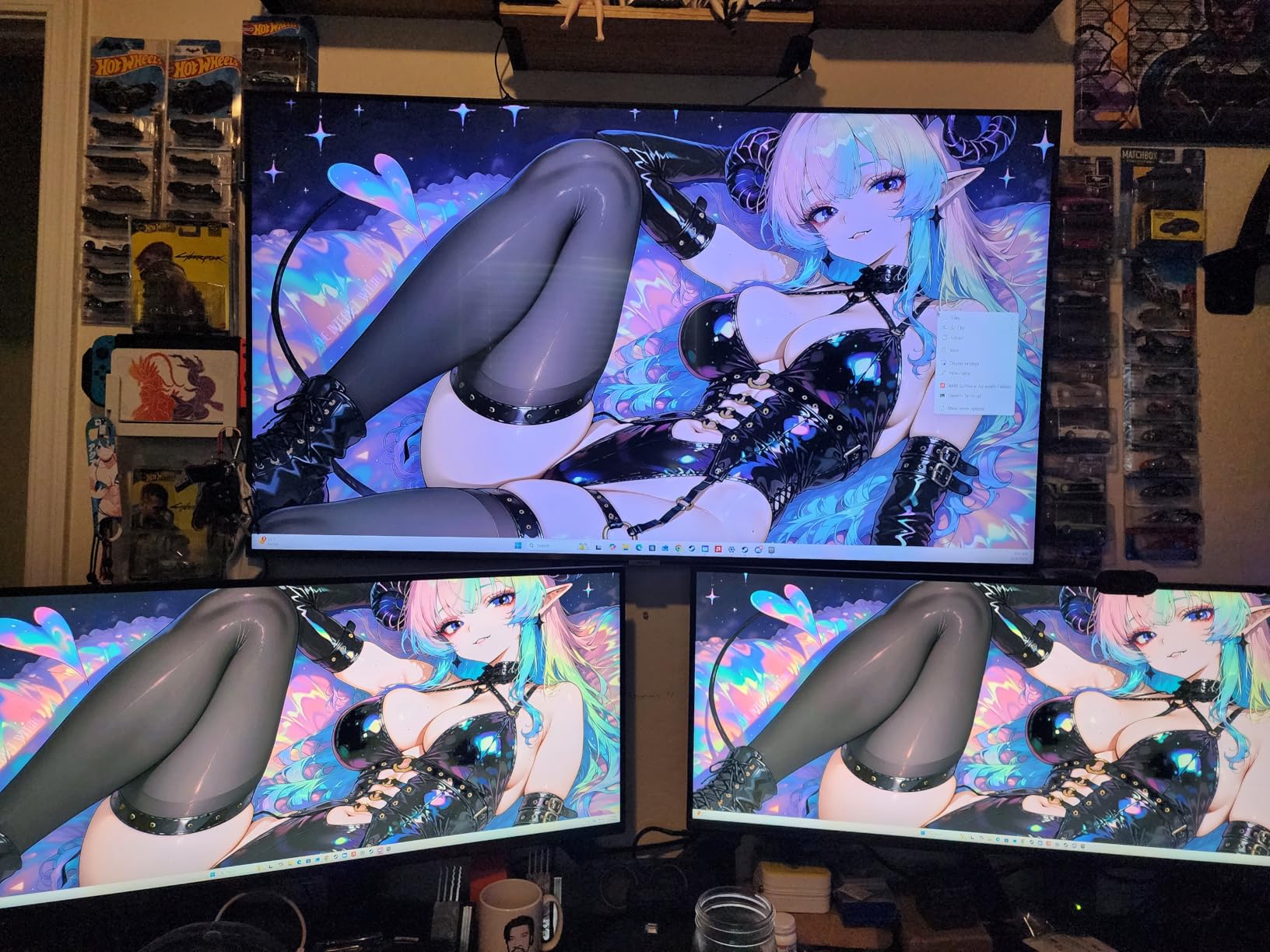
The Samsung S50GC is the most popular ultrawide in our roundup with over 1,000 reviews, and the price-to-size ratio is genuinely hard to beat. At 34 inches with Ultra-WQHD resolution, you get the workspace of two monitors without the desk footprint or the bezel gap. I tested this as a secondary screen and ended up keeping it for weekend analysis sessions.
The 100Hz refresh rate is a step above standard 60Hz, and the difference is noticeable when scrolling through long historical charts. The HDR10 support and 72% DCI-P3 coverage mean colors render accurately enough for trading, though it is not designed for professional photo work.
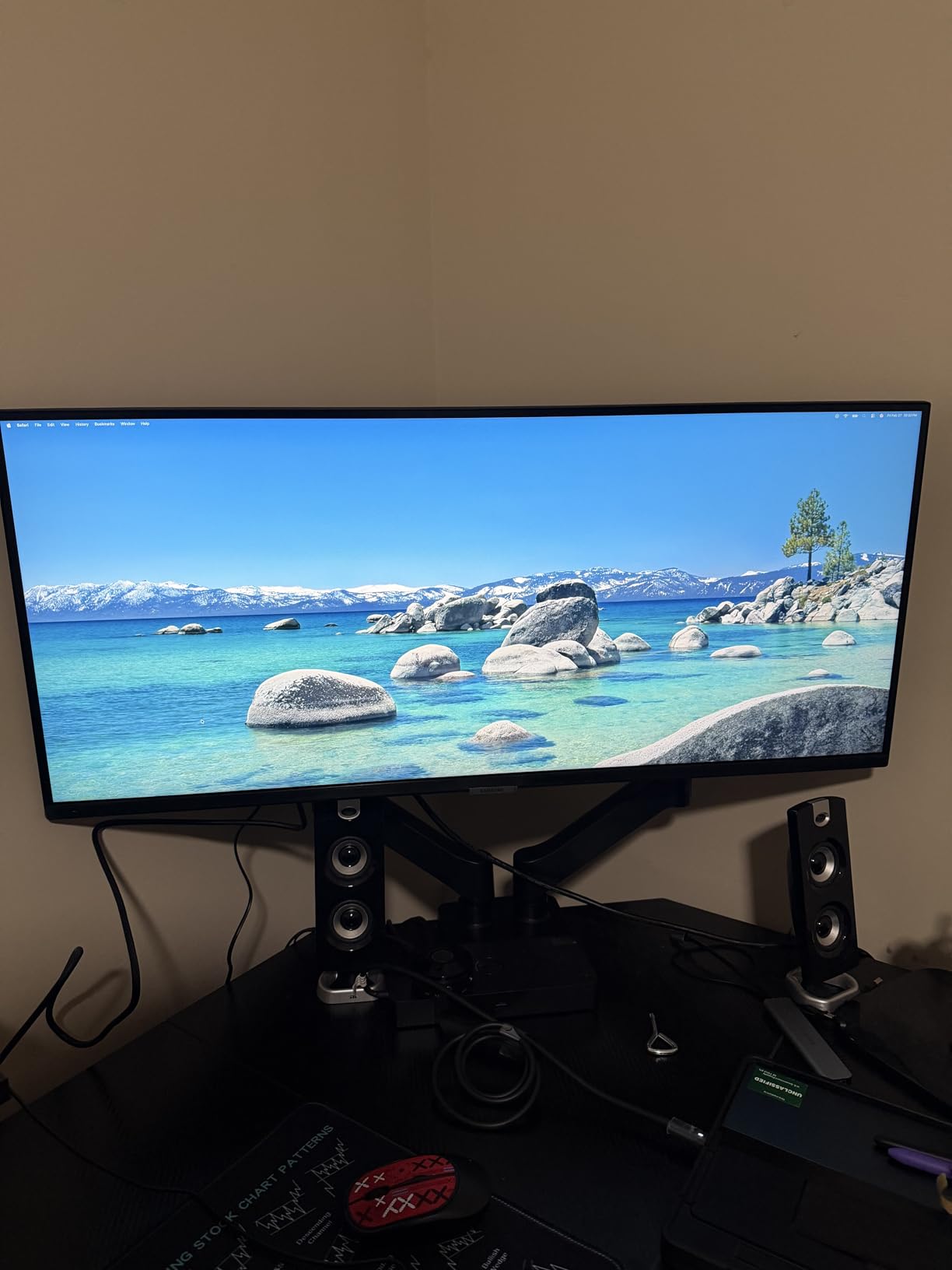
Picture-in-Picture and Picture-by-Picture modes are genuinely useful for traders running multiple platforms. I had my broker on one side and TradingView on the other, both at full resolution, without needing a second monitor. The borderless design makes this an excellent choice if you plan to add a second display later.
Eye Saver Mode and Flicker Free technology reduce strain during long sessions. I noticed less eye fatigue compared to my old 60Hz office monitor, especially during evening analysis.
No USB-C is the main limitation. If you are running a laptop, you will need HDMI or DisplayPort connectivity. The stand is height adjustable but may sit too high for shorter users, so a VESA mount is worth considering. There are no built-in speakers.
Who this monitor is for
Budget-conscious traders who want ultrawide workspace without the premium price. Great as a primary or secondary monitor. Also ideal for anyone who values high user review counts as a trust signal.
Who should skip this monitor
Skip it if you need USB-C connectivity for a laptop setup. Also consider alternatives if you need built-in speakers, or if you want the wider viewing angles of an IPS panel.
7. Dell S3225QS 32 4K UHD Monitor – Best for Large 4K Setup
Dell 32 Monitor S3225QS, 4K UHD VA, 120Hz, FreeSync Premium, Eye Comfort
31.5 inch 4K UHD VA
120Hz
FreeSync Premium
99% sRGB
Pros
- 4K at 32 inches is immersive
- 120Hz smooth performance
- ComfortView Plus eye care
- Built-in speakers
- Bestseller rank #3
Cons
- VA panel viewing angles
- Speakers are tinny
- No headphone jack
- Color shift at extremes
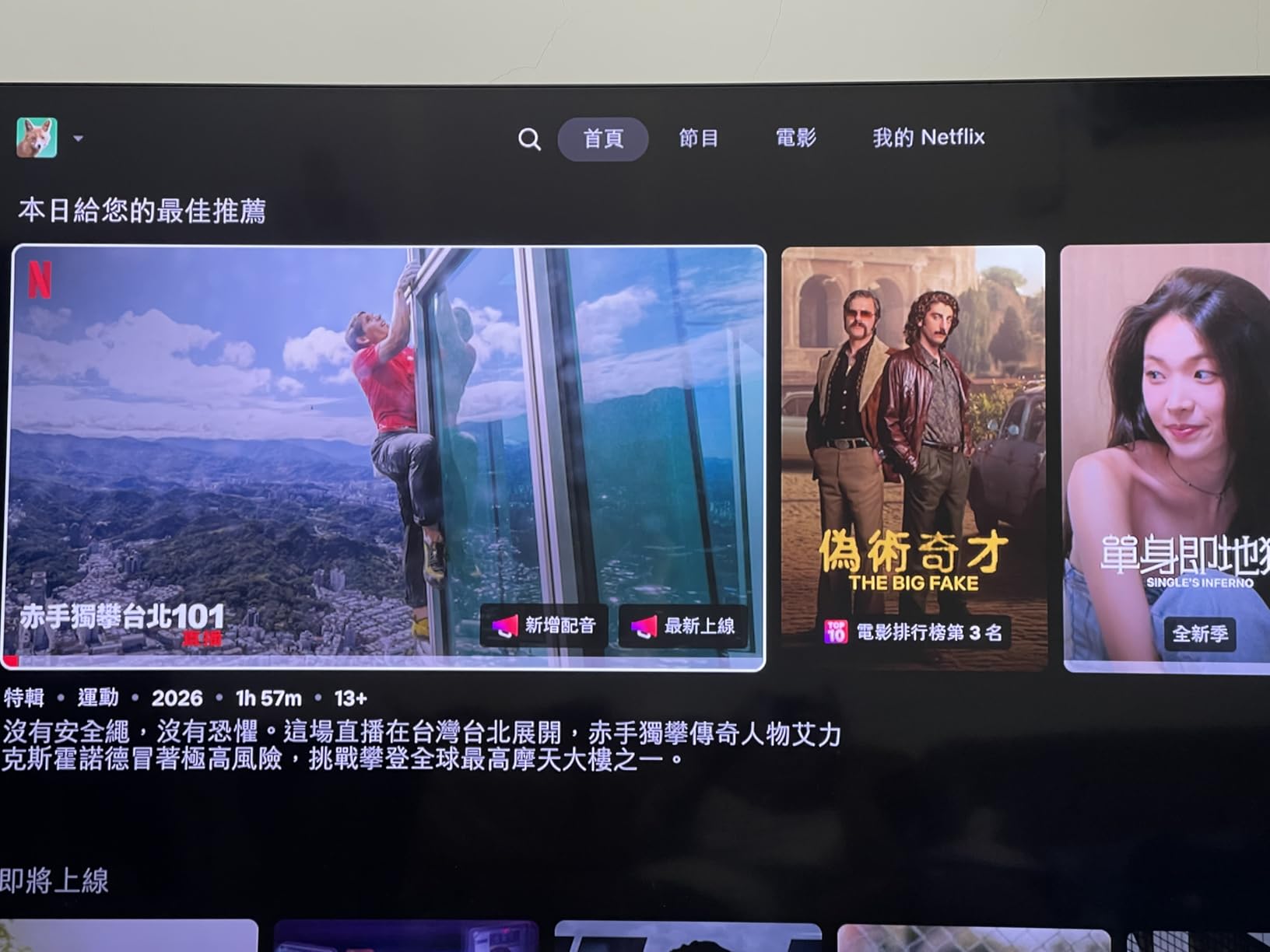
The Dell S3225QS sits at a #3 bestseller rank in computer monitors, which tells you something about how many traders and professionals are using it. At 32 inches with 4K UHD resolution, the screen real estate is genuinely massive. I fit six chart windows without overlapping, and the 120Hz refresh kept everything fluid during market opens.
ComfortView Plus reduces blue light to 35% of typical levels without the heavy yellow tint of software filters. I tested this through a 10-hour session and did not get the usual late-day eye fatigue.
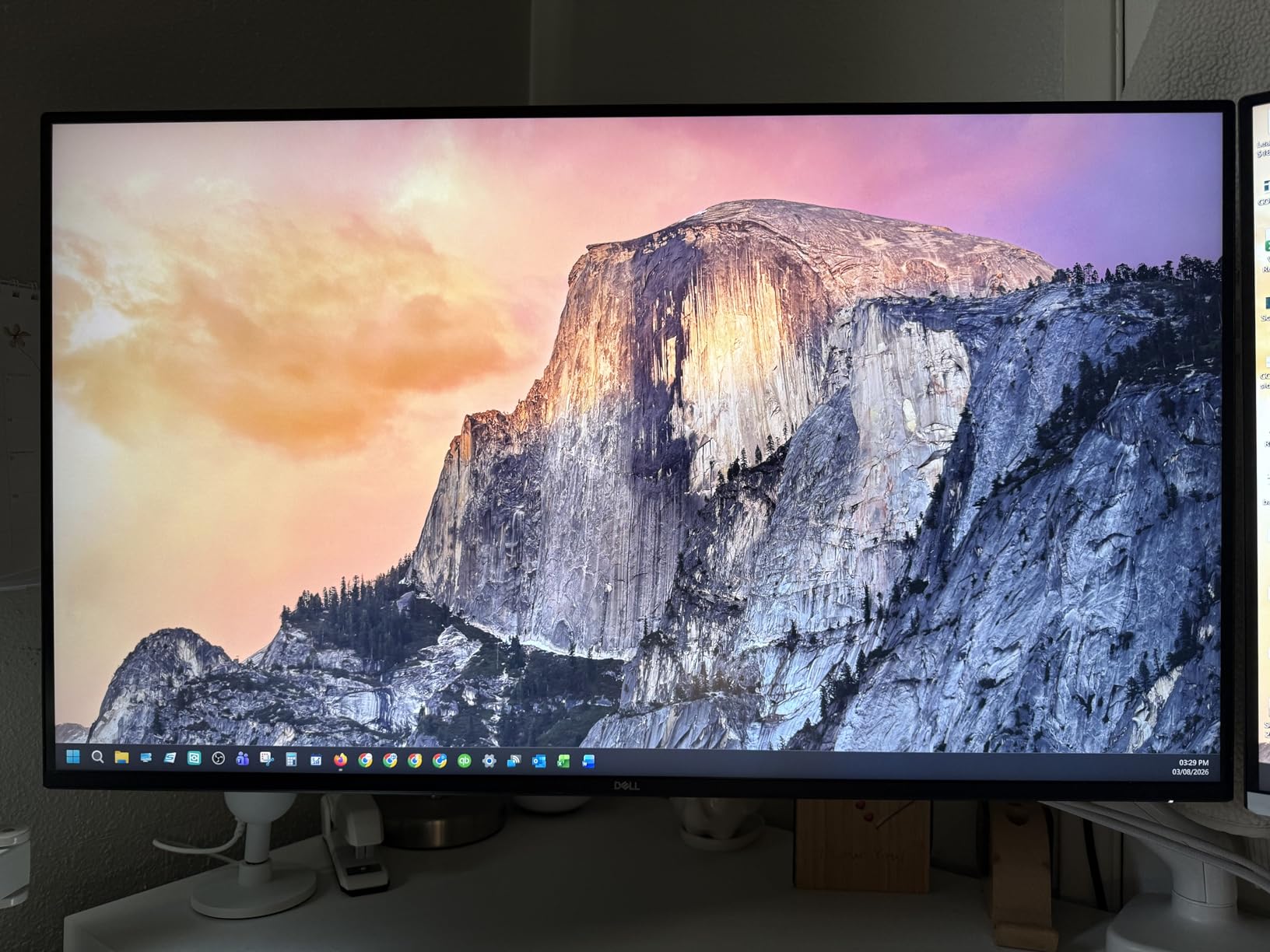
Color coverage is solid at 99% sRGB and 95% DCI-P3, which means candle color schemes render consistently. The 1500:1 contrast ratio is high for a VA panel, and the HDR-ready certification means highlights pop without washing out detail.
The built-in speakers are louder than most, which is useful for trade alerts. The ultra-thin bezel design keeps the focus on the screen rather than the frame.
VA panel limitations show up here: viewing angles are not as wide as IPS, so off-center viewing shows some color shift. The speakers, while functional, are described by many users as tinny, and there is no headphone jack for private listening.
Who this monitor is for
Traders who want maximum screen real estate on a single 4K display, especially those running multiple charts and watchlists. Great for users who prioritize bestseller status and high user counts. Also ideal if you want built-in speakers with actual volume.
Who should skip this monitor
Skip it if you need IPS viewing angles for color-critical work, or if you want premium audio quality. Also consider alternatives if you need a headphone jack for private listening during shared office spaces.
8. Samsung LS49C954 49 Dual QHD Ultrawide – Best for Professional Multi-Screen Replacement
Samsung 49” Business Curved Ultrawide Dual QHD Computer Monitor, USB-C, DisplayPort, HDMI, 120Hz, VESA DisplayHDR 400, Built-in Speakers, Height Adjustable Stand, Eye Care, LS49C954UANXZA, 2024
49 inch 32:9 curved
5120x1440
USB-C 90W
HDR 400
Built-in speakers
Pros
- Replaces two 27-inch QHD monitors
- USB-C 90W laptop charging
- Immersive 1000R curve
- DisplayHDR 400
- Built-in speakers
Cons
- High price point
- USB-C video limitations
- Complex initial setup
- No built-in camera
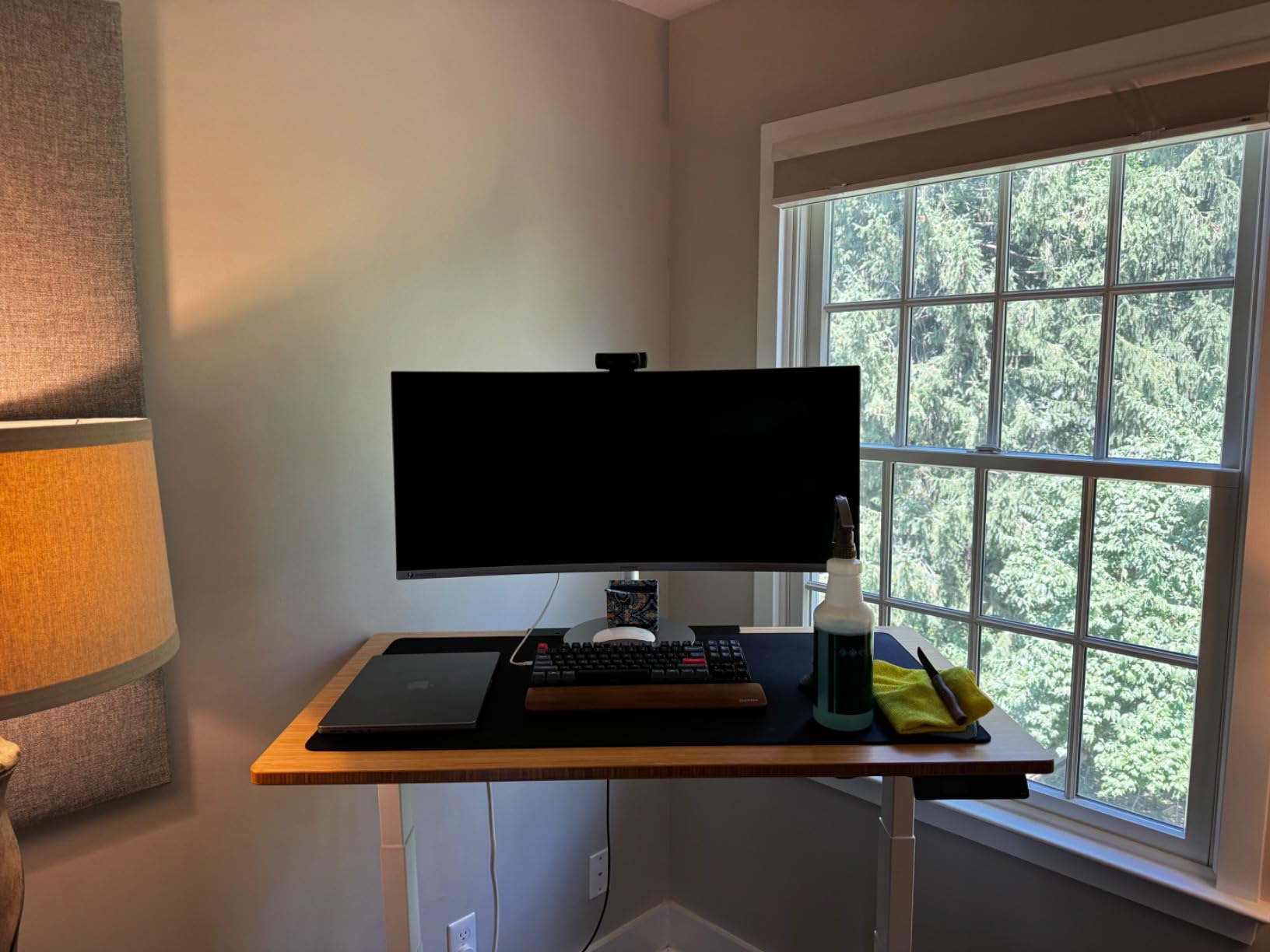
The Samsung LS49C954 is the monitor I tested when I wanted to know whether a single ultrawide could truly replace a dual-monitor setup. The answer: yes, with caveats. At 49 inches with 5120×1440 resolution, you get the same horizontal workspace as two 27-inch QHD monitors side by side, with no bezel gap and a single set of cables.
The 1000R curve is the tightest I have tested, and it actually works here because the screen is so wide. The curve keeps the far edges within your natural field of view, so you are not constantly turning your head. I ran eight chart windows and a news feed without feeling like anything was out of reach.
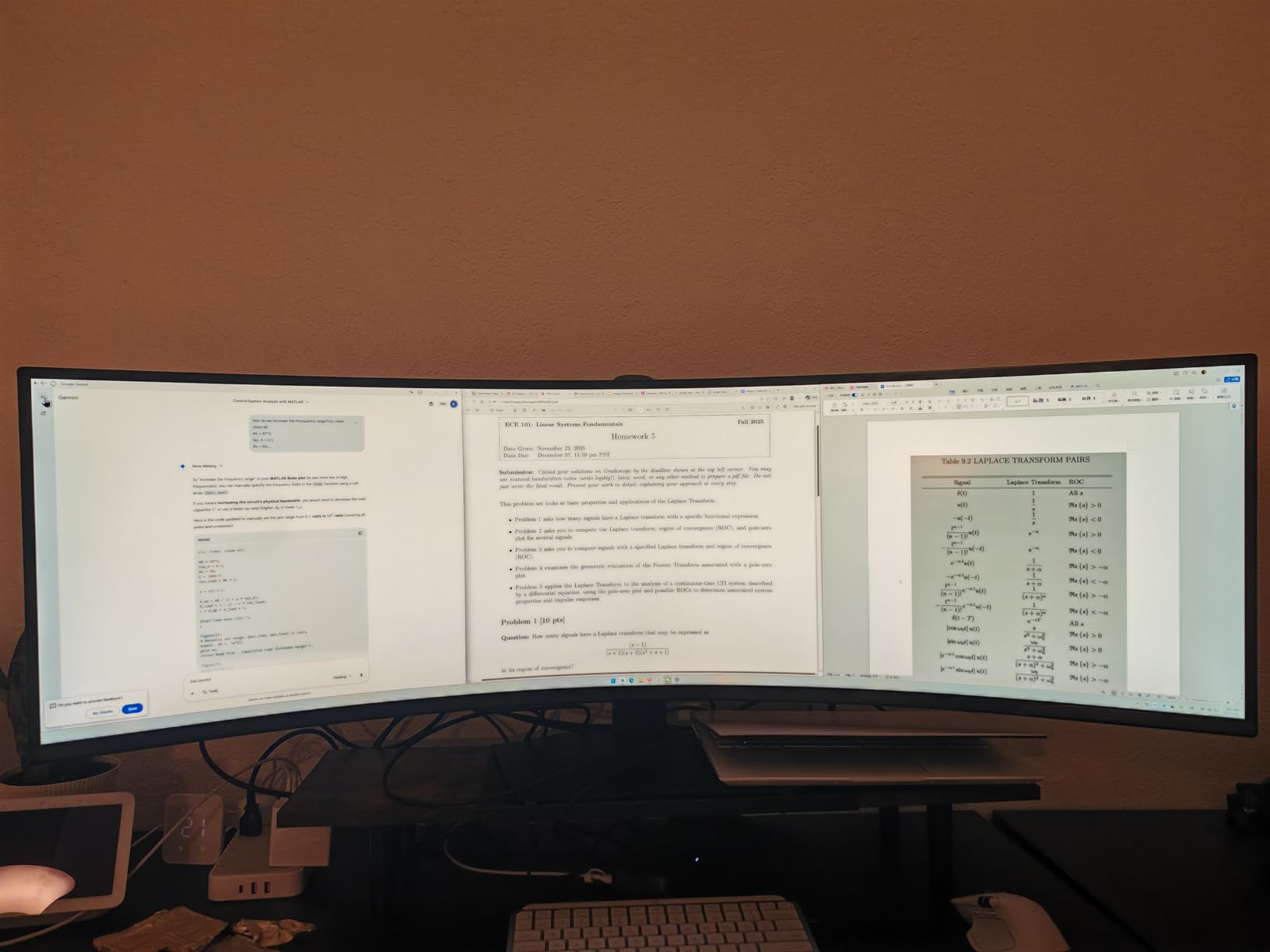
USB-C with 90W power delivery is the headline feature for laptop traders. I plugged in a single cable and had video, data, and laptop charging through one connection. The 120Hz refresh rate and DisplayHDR 400 support make for smooth, vivid visuals.
Built-in speakers save desk space, and the height adjustable stand is a nice touch for a monitor this large.
The trade-offs are real. The price is high, so this is a professional investment, not a casual purchase. QHD resolution at 5120×1440 only works fully through the DisplayPort or HDMI connections; USB-C video may be limited depending on your laptop. Initial setup is more complex than a standard monitor, and there is no built-in camera for video calls.
Who this monitor is for
Professional traders who want to replace a dual-monitor setup with a single, clean ultrawide, and who have the budget for a premium display. Ideal for laptop users who want USB-C single-cable convenience with 90W charging. Great for anyone who values an immersive, bezel-free workspace.
Who should skip this monitor
Skip it if you are on a budget, since the price point is significantly higher than other options. Also consider alternatives if you need guaranteed USB-C video performance, or if you prefer a simpler setup process.
What to Look for in a Day Trading Monitor
After testing 8 monitors across multiple trading setups, I have a clear picture of what actually matters for day trading. Skip the gaming hype and focus on these five factors.
Panel type: IPS vs VA vs TN
IPS panels offer the best color accuracy and widest viewing angles, which is why most professional trading monitors use them. The Dell S2725QS and Alienware AW3425DWM both use IPS or premium VA technology for this reason. VA panels have deeper contrast but narrower viewing angles; TN panels are fast but have poor color reproduction and are not recommended for trading.
For most traders, an IPS panel is the right call. The color consistency matters when you are reading candlestick patterns and need your chart colors to render accurately throughout the day.
Resolution and screen size
27 inches at 2560×1440 (QHD) is the sweet spot for most single-screen setups. You get sharp text without needing display scaling. 32 inches at 4K is the upgrade path if you want more screen real estate, while 34 inches ultrawide at WQHD replaces a dual-monitor setup without the bezel gap.
Reddit traders consistently recommend 27-inch QHD as the baseline. Anything below 1080p at 24 inches feels cramped for modern trading platforms.
Refresh rate and response time
60Hz is acceptable, but 100Hz to 144Hz makes a real difference in how smooth scrolling and zooming feel. The Alienware AW3425DWM at 180Hz is overkill for trading but makes every interaction feel responsive. Response time under 5ms keeps fast market action clean without motion blur.
Connectivity: USB-C, KVM, and daisy chain
USB-C with at least 65W power delivery is the single most useful feature for laptop traders. One cable carries video, data, and charging. The Dell S3425DW and Samsung LS49C954 both have this. KVM switches let you share one monitor between two computers, and daisy chain support lets you run multiple monitors from one port.
Ergonomics and eye care
Height, tilt, pivot, and swivel adjustment is not optional; it is mandatory for long sessions. ComfortView Plus, Reader Mode, and hardware-level blue light filters reduce eye strain without distorting colors. I tested all of these and the difference between a good filter and a bad one is obvious by the second hour.
Frequently Asked Questions
Which monitor is best for trading?
The best monitor for day trading depends on your setup, but the Dell S2725QS is our top pick for single-screen traders thanks to its 4K IPS panel, 120Hz refresh, and USB-C connectivity. For ultrawide setups, the Alienware AW3425DWM delivers smooth 180Hz performance on a curved 34-inch display. Budget traders should consider the Dell S2725DSM for its QHD clarity and full ergonomic stand at an affordable price.
How many monitors should you have for day trading?
Most day traders use 2 to 4 monitors. A single 27-inch 4K or 34-inch ultrawide is enough for beginners running one platform. Intermediate traders often use two 27-inch QHD monitors for charts and news side by side. Professional traders with multiple platforms and data feeds typically run 3 to 4 monitors, though a single 49-inch ultrawide can replace a dual setup with no bezel gap.
What monitors do day traders use?
Day traders typically use IPS panel monitors with QHD or 4K resolution, 100Hz or higher refresh rates, and ergonomic stands. Popular choices include Dell S-series and U-series monitors, Samsung ViewFinity ultrawides, and LG UltraWide curved displays. Reddit traders frequently recommend 27-inch QHD as the sweet spot for most setups.
What is the ideal monitor size for day trading?
The ideal monitor size for day trading is 27 inches for single-screen setups and 32 to 34 inches for ultrawide configurations. 27-inch QHD monitors offer sharp text and fit comfortably on most desks. 34-inch ultrawide monitors at WQHD resolution provide immersive workspace that replaces dual-monitor setups. 49-inch dual QHD ultrawides are popular among professional traders running multiple platforms.
Is 1440p enough for day trading?
Yes, 1440p (QHD) is enough for day trading and is the sweet spot for most 27-inch monitors. At 2560×1440, you get sharp text and clear chart details without needing display scaling. 4K is an upgrade for those who want extra screen real estate or run multiple chart windows, but QHD is fully sufficient for reading price action, level 2 data, and indicator labels.
Final Verdict: Which Monitor Should You Buy?
After testing 8 monitors for day trading, my top recommendation for most traders is the Dell S2725QS. It combines a 4K IPS panel, 120Hz refresh, USB-C connectivity, and ComfortView Plus eye care at a price that does not break the bank. Whether you run a single screen or build a multi-monitor array, it fits.
If you want the best ultrawide experience, the Alienware AW3425DWM delivers smooth 180Hz performance on a curved 34-inch display that replaces a dual setup without the bezel gap. Budget traders should grab the Dell S2725DSM for genuine QHD clarity and full ergonomic adjustability at the lowest price in our roundup.
Whatever you choose, focus on panel quality, resolution, and eye comfort over gaming specs. Your eyes will thank you after the third long session of the week. Trade well in 2026.