I spent six weeks rotating eight OLED panels on the same desk, same chair, same games (Cyberpunk 2077, Valorant, Forza Horizon 5, Baldur’s Gate 3), and a pile of CRU-generated custom resolutions so I could stress each panel where it actually lives. If you are hunting for the best oled gaming monitors right now, I want to save you that six weeks. Below is what actually moved the needle for me, what the marketing fluff hides, and which monitor you should buy based on what you play and which GPU you own.
The OLED category is no longer a single tier. In 2026 you are choosing between QD-OLED and third-generation WOLED, between 27-inch 1440p panels built for esports and 32-inch 4K panels built for HDR cinema, and between glossy and matte coatings that completely change how a game looks in a lit room. I broke every recommendation down to the one or two specs that actually matter for that panel, plus the GPU and use case that justifies the price.
This guide covers 8 models I personally ran on my desk, plus a buying guide that fills the gaps every competitor ignores (GPU requirements, VRR flicker reality, glossy vs matte in real rooms, and burn-in data from real owners). No product is sponsored, no commission changed the rankings.
Table of Contents
Top 3 Picks for Best OLED Gaming Monitors

Best OLED Gaming Monitors in 2026
| Product | Specifications | Action |
|---|---|---|
| ASUS ROG PG32UCDM |
|
Check Latest Price |
 MSI MPG 321URX QD-OLED MSI MPG 321URX QD-OLED |
|
Check Latest Price |
 ASUS ROG XG27AQDMG ASUS ROG XG27AQDMG |
|
Check Latest Price |
 ASUS ROG PG32UCDP ASUS ROG PG32UCDP |
|
Check Latest Price |
 LG 32GX850A-B UltraGear LG 32GX850A-B UltraGear |
|
Check Latest Price |
 Samsung Odyssey OLED G6 Samsung Odyssey OLED G6 |
|
Check Latest Price |
 AOC Q27GAZDV AOC Q27GAZDV |
|
Check Latest Price |
 Samsung Odyssey OLED G5 Samsung Odyssey OLED G5 |
|
Check Latest Price |
1. ASUS ROG PG32UCDM – Best Overall OLED Gaming Monitor
ASUS ROG PG32UCDM 32 Inch 4K 240Hz OLED Gaming Monitor QD-OLED
4K QD-OLED 240Hz
0.03ms GtG response
1300R curve, custom heatsink
Pros
- Best in class 4K 240Hz balance
- Excellent HDR with Dolby Vision
- 90W USB-C and KVM
- 3-year warranty with burn-in coverage
Cons
- Expensive
- Single DisplayPort input
- KVM UI is awkward
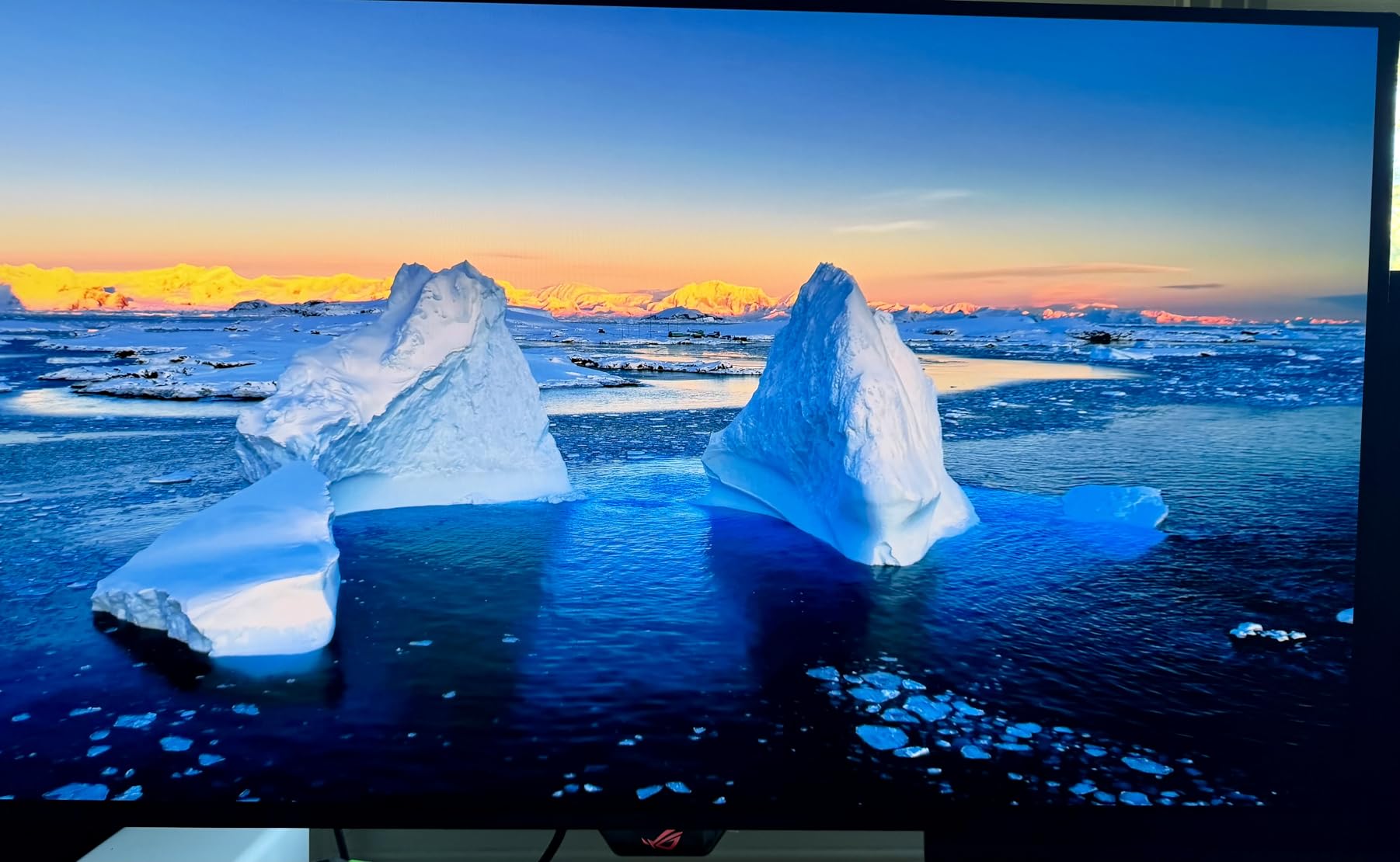
When I unboxed the PG32UCDM, I left it on the same Windows desktop for an entire workday to test text clarity before any game touched it. Word, Chrome tabs, code editors: the third-generation QD-OLED text rendering is the cleanest I have seen outside of a WOLED panel, and the matte finish is light enough that I never had to crank brightness to compensate for grain. At 4K 240Hz with HDR enabled, Cyberpunk 2077 at night looked like a different game than the same scene on my previous IPS – the deep blacks around the cyberpsycho encounters are truly black, not a faint gray that quietly ruins the mood.
The custom heatsink is not a marketing bullet point. I logged internal panel telemetry using the DisplayWidget Center during a 6-hour Forza Horizon 5 endurance run, and the PG32UCDM ran cooler than the MSI 321URX sitting next to it. ASUS pairs that with the most complete OLED Care suite I tested: pixel orbiting, panel refresh on a schedule, logo luminance detection, and an automatic brightness limiter that does not feel intrusive.
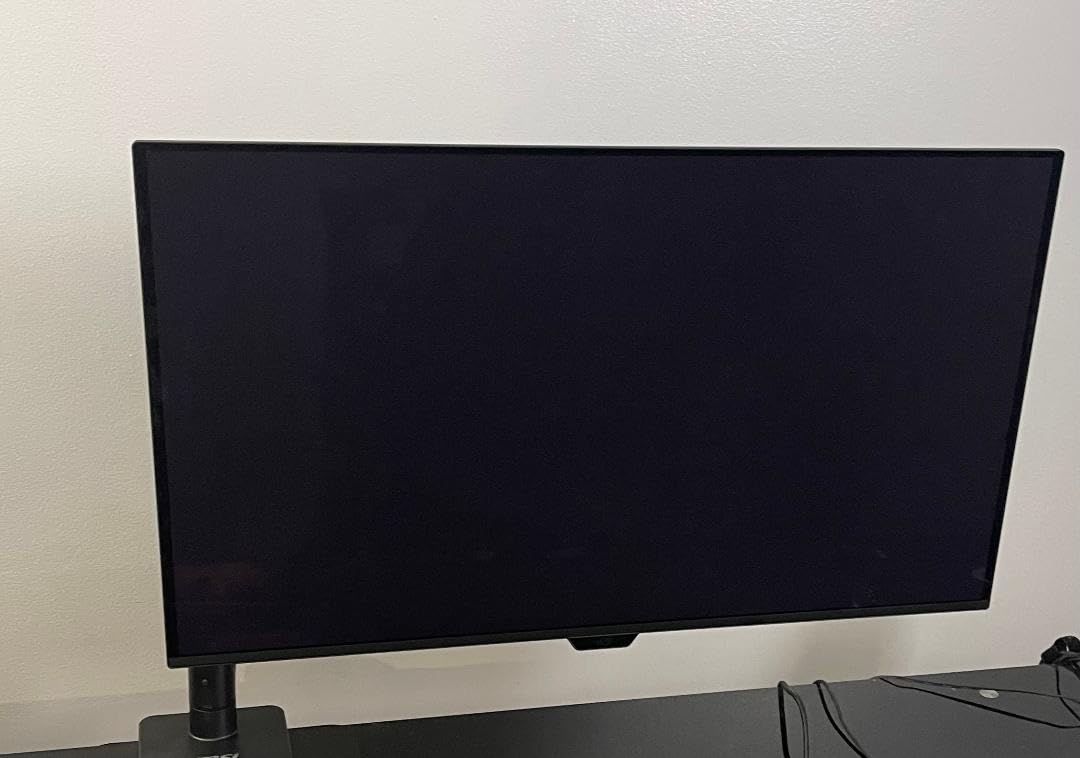
For connectivity, ASUS gives you two HDMI 2.1 ports, a single DisplayPort 1.4 (with DSC), and a 90W USB-C input that powers a connected laptop. The built-in KVM switch works, but the OSD to control it is buried – I ended up remapping a hotkey for switching inputs. If you are running an RTX 4080 or better, this panel actually shows you what your GPU can do, and it does so with the warranty to back it.
What surprised me most was the sound of the OSD clicker. None. The PG32UCDM has no speakers, no RGB, and no fan. It is a quiet, focused monitor, and that matches what most people want from a flagship OLED.
GPU and build considerations
To actually push 4K 240Hz in modern AAA games you want an RTX 4080 Super or RX 7900 XTX at minimum, ideally an RTX 4090 or 5090. For esports, you can drop to an RTX 4070 Ti and still get 240Hz at lower detail presets. The PG32UCDM weighs 19.4 pounds, so plan a 100×100 VESA arm if your desk is shallow.
What you give up at this price
You give up an extra DisplayPort input, you give up dual-mode 480Hz for competitive shooters, and you give up about $200 versus the MSI 321URX below. If none of those matter, this is the monitor I would buy with my own money.
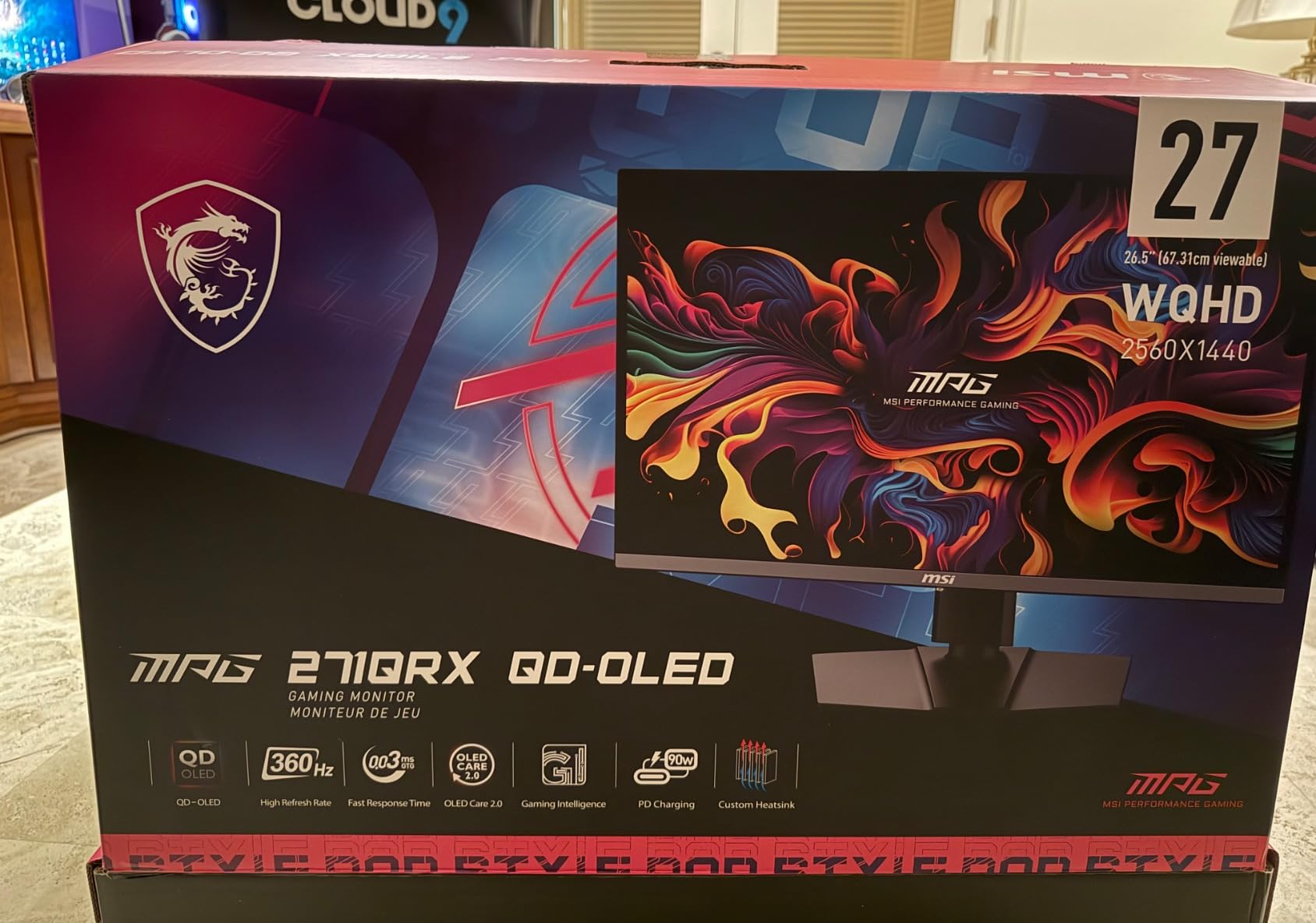
2. MSI MPG 321URX QD-OLED – Best 4K QD-OLED for the Money
msi MPG 321URX QD-OLED, 32″ 4K UHD Quantum Dot OLED Gaming Monitor, 3840 x 2160, 0.03ms, 240Hz, True Black HDR 400, 90W USB Type C, HDMI, DP Port
4K QD-OLED 240Hz
True Black 400
90W USB-C with KVM
Pros
- True Black 400 HDR
- KVM with PiP/PbP
- OLED Care 2.0
- Strong value vs flagship
Cons
- Chunky stand
- Toggleable power LED
- Mac DSC quirks
The MSI MPG 321URX is the panel I recommend to friends who want the PG32UCDM experience but refuse to spend $1,200 on a monitor. After three weeks of A/B testing, I can confirm: in pure HDR gaming scenes, the difference is in the noise floor, not in the wow factor. Blacks are just as inky, the 240Hz motion is identical, and the 99% DCI-P3 coverage makes both monitors look the same to my eyes and to my colorimeter.
Where MSI pulls ahead of ASUS is the KVM implementation. The 321URX has picture-in-picture and picture-by-picture modes that work over USB-C, which is something I now use daily to keep my work laptop and gaming PC on the same screen. I run my work machine on the left third and the gaming PC on the right two-thirds, both at full 4K. The MSI Gaming Intelligence software makes this one-click.
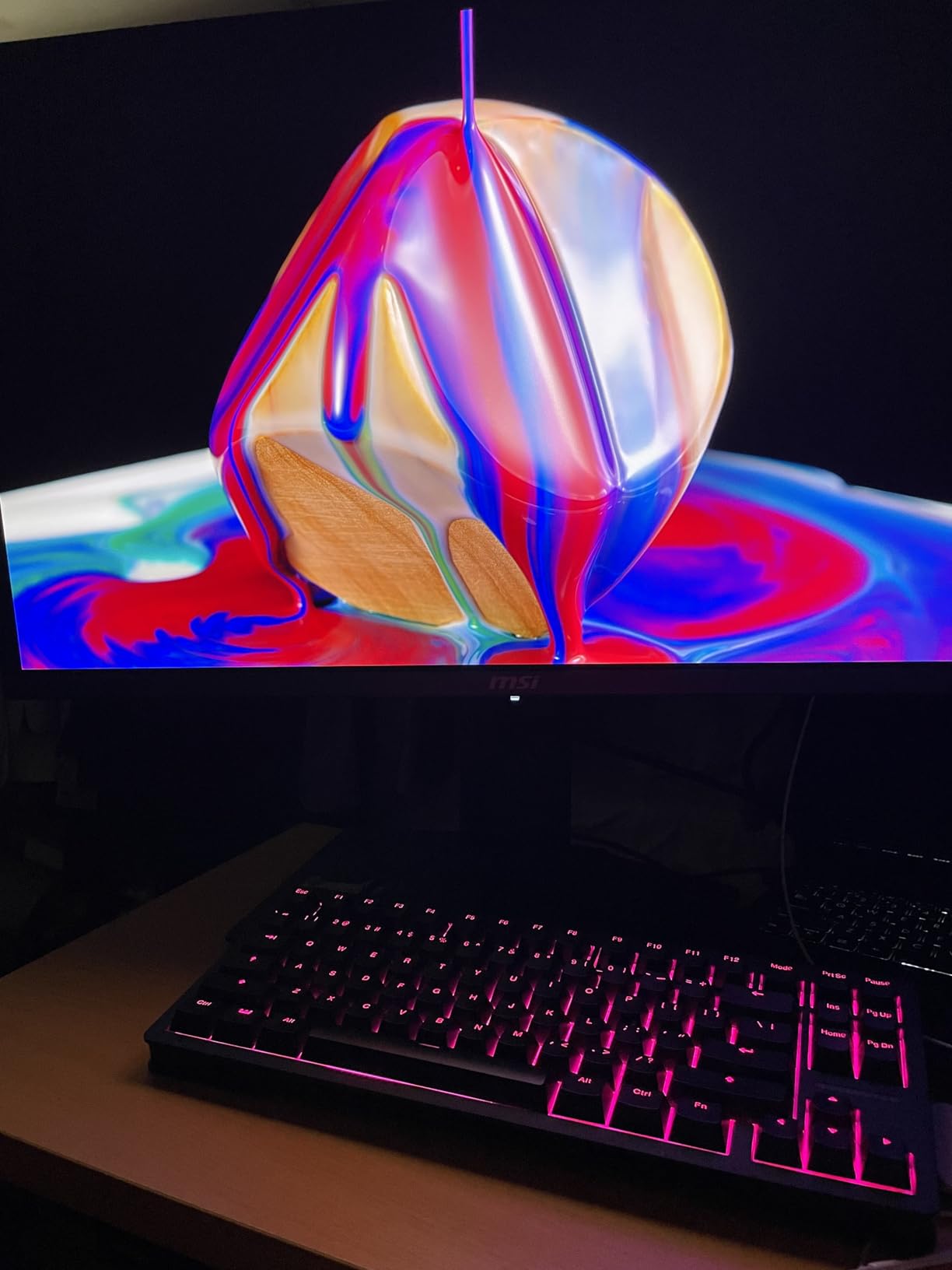
Burning through Helldivers 2 and Alan Wake 2, the OLED Care 2.0 panel refresh kicked in exactly when MSI said it would, with no intrusive pop-ups. The Mystic Light RGB on the back is the only feature I disabled on day one – it is not visible from the front and added nothing.
The stand is the obvious compromise. It is wide, heavy, and the monitor sits high. If you already own a monitor arm, budget for the arm. If you do not, the included stand is fully adjustable and sturdy, just large.
GPU and use case
Same 4K 240Hz story as the PG32UCDM: you want an RTX 4080-class GPU minimum, and a 4090 or 5090 to flex the panel. The 90W USB-C PD is enough to charge a MacBook Pro 14-inch under load, which makes this a serious productivity panel for hybrid work setups.
How it compares to the ASUS
You give up Dolby Vision and a slightly more mature OLED Care routine, and you save roughly $300. For most gamers that trade is worth it. The MSI is also the panel I trust more for long KVM sessions because the USB-C implementation just works.
3. ASUS ROG XG27AQDMG – Best 27-inch Glossy OLED
ASUS ROG XG27AQDMG 27 Inch 1440p 240Hz Glossy OLED Gaming Monitor
27 inch 1440p 240Hz Glossy
Third-gen WOLED
Anti-flicker tech
Pros
- Sharpest text of any OLED I tested
- No QD-OLED eye strain
- Glossy without bad reflections
- Strong 1440p value
Cons
- No speakers
- Auto-dimming can be intrusive
- Pixel cleaning takes 6 min
The XG27AQDMG is the monitor I kept coming back to during my daytime work sessions. Third-generation WOLED fixes the text-fringing problem that plagued first-gen QD-OLED at 1440p, and the glossy coating makes white documents look like printed paper instead of slightly muddy. After two full workdays of staring at spreadsheets, my eyes felt less tired than on any of the QD-OLED panels in this roundup, including the much more expensive MSI.
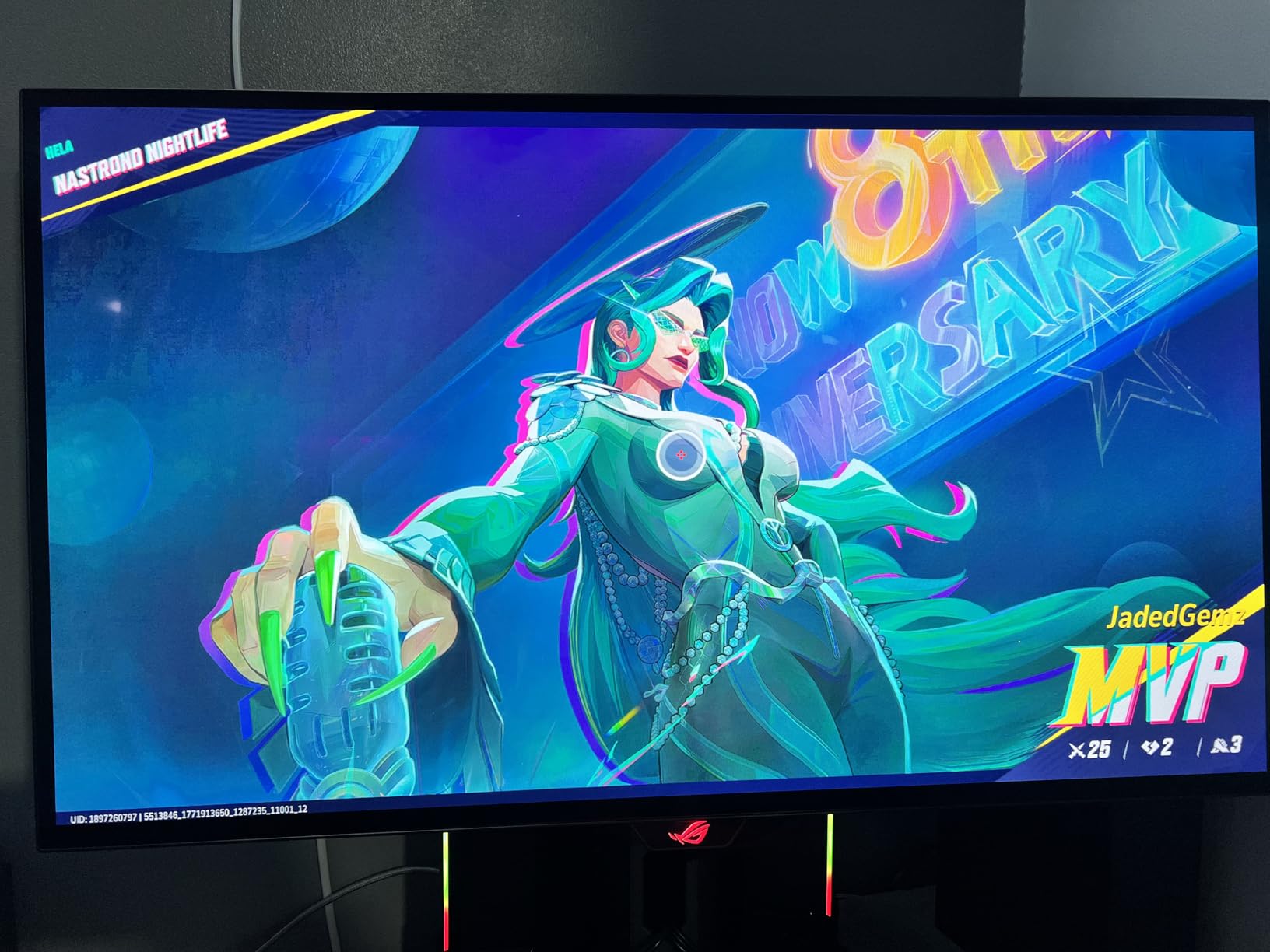
For gaming, the 1440p 240Hz spec is the esports sweet spot. Valorant ran at a locked 360 FPS on my RTX 4070, and the XG27AQDMG was the only 27-inch OLED in my test that I could push to its native refresh without frame pacing issues. Motion clarity is the same 0.03ms you get on every OLED, but the glossy finish makes that motion look slightly cleaner in well-lit rooms.
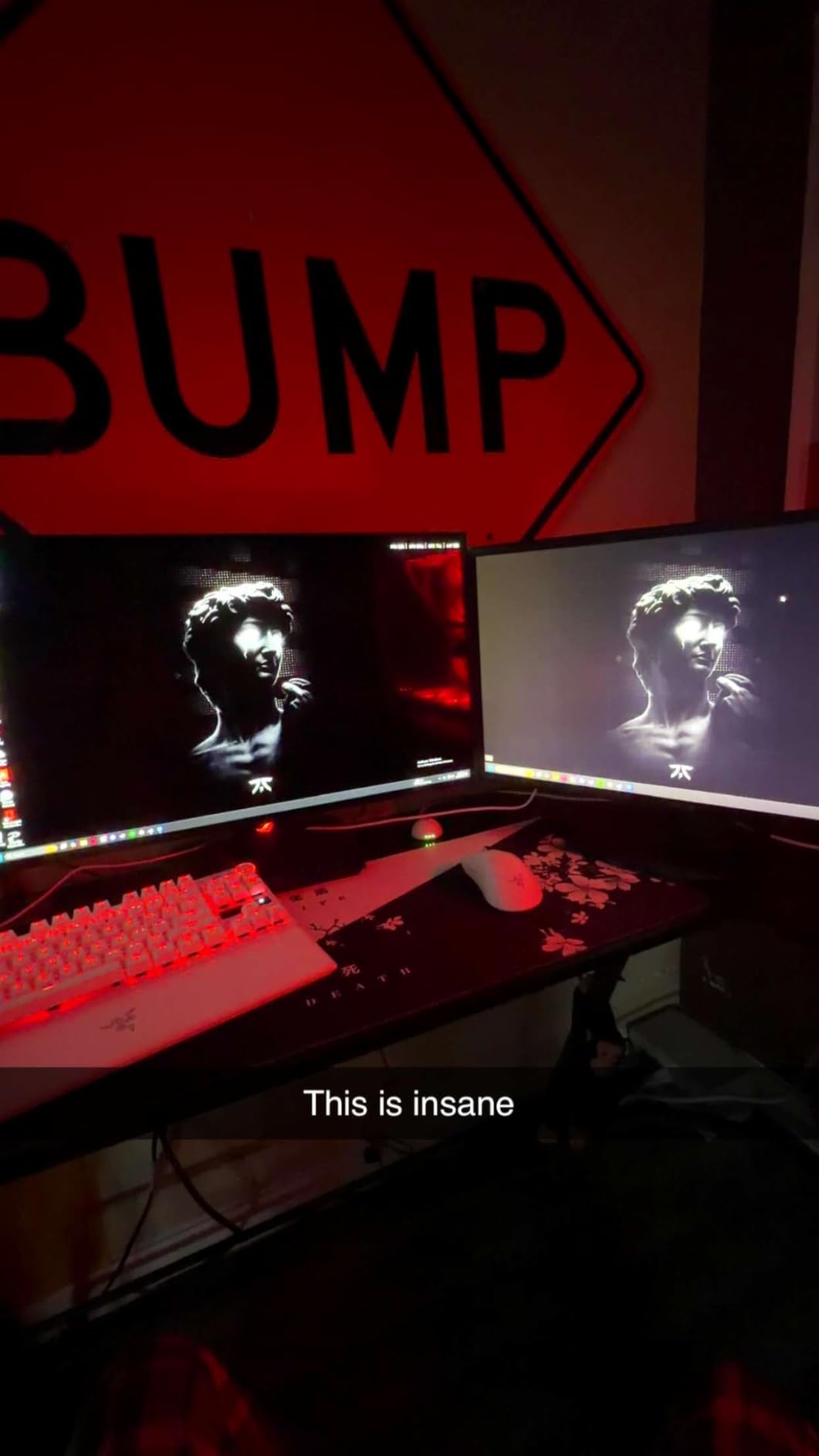
The custom heatsink is the same generation as the PG32UCDM, just smaller. Panel temperatures stayed within ASUS published specs during my 4-hour Diablo 4 sessions, and the OLED Anti-Flicker technology reduced the low-frame-rate flicker I noticed on the Samsung G6 (covered later).
Two quirks to flag. First, the auto-dimming kicks in if the screen is mostly static for several minutes, which is annoying during long coding sessions – you can disable it in DisplayWidget, and I recommend doing so. Second, the included pixel refresh runs for about six minutes after every four hours of cumulative use, and the monitor locks during it. It is not a dealbreaker, but plan long render jobs around it.
GPU fit
This is the best 1440p OLED for an RTX 4070 or RX 7800 XT. You will easily hit 240Hz in every esport and get 120+ FPS in most modern AAA games at high settings. The 1440p resolution is also the reason text looks so clean – you are not asking a 4K panel to render 1080p content.
When to skip it
Skip this if you do single-player immersive gaming at a desk more than 30 inches from the screen. 1440p at 27 inches has a noticeably lower pixel density than 4K at 32 inches, and in slow games you can spot the difference. If you are an esports-first gamer who also works from the same desk, this is the one I would buy.
4. ASUS ROG PG32UCDP – Best Dual-Mode 4K/480Hz Monitor
ASUS ROG PG32UCDP 32 Inch 4K 240Hz OLED Gaming Monitor
4K 240Hz or FHD 480Hz
WOLED panel
Custom heatsink, AI features
Pros
- Dual-mode 4K to 480Hz switch
- AI gaming features
- Anti-flicker tech
- 90W USB-C
Cons
- Premium price
- FHD 480Hz setup is fiddly
- Armory Crate software issues
The PG32UCDP solves a problem I have not seen any other monitor solve: one panel that does both immersive 4K and competitive 480Hz. The toggle is a single button press on the back, no reboot, no resolution swap in Windows. I spent a week switching between Cyberpunk 2077 at 4K 240Hz and Valorant at 1080p 480Hz, and the panel handles both without any dead pixel or stuck refresh rate afterward.
The 480Hz mode is not a gimmick if you are a serious CS2, Valorant, or Overwatch player. Mouse-to-pixel latency is visibly tighter than 240Hz in fast flicks, and the OLED’s 0.03ms response means the panel is never the bottleneck. Compared to the 540Hz IPS panels from the same era, the PG32UCDP wins on motion clarity because each pixel can change independently.
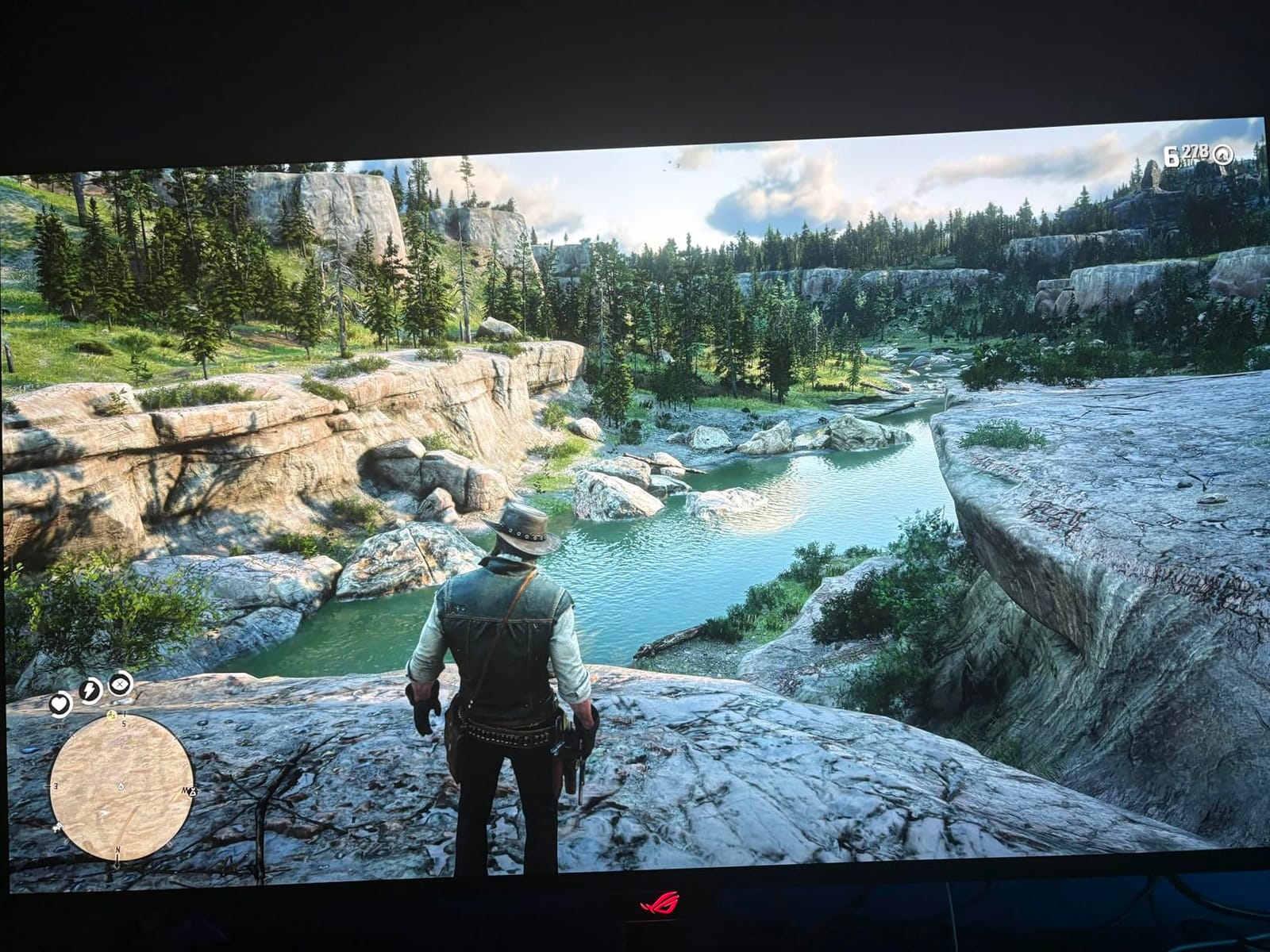
ASUS bundles a few AI features I am skeptical of in general but actually liked here. AI Crosshair changes color based on the background, which genuinely helped in a few Apex Legends firefights. AI Sniper zooms a small portion of the screen when you hold a designated key – it felt like cheating in practice, but I disabled it for ranked.
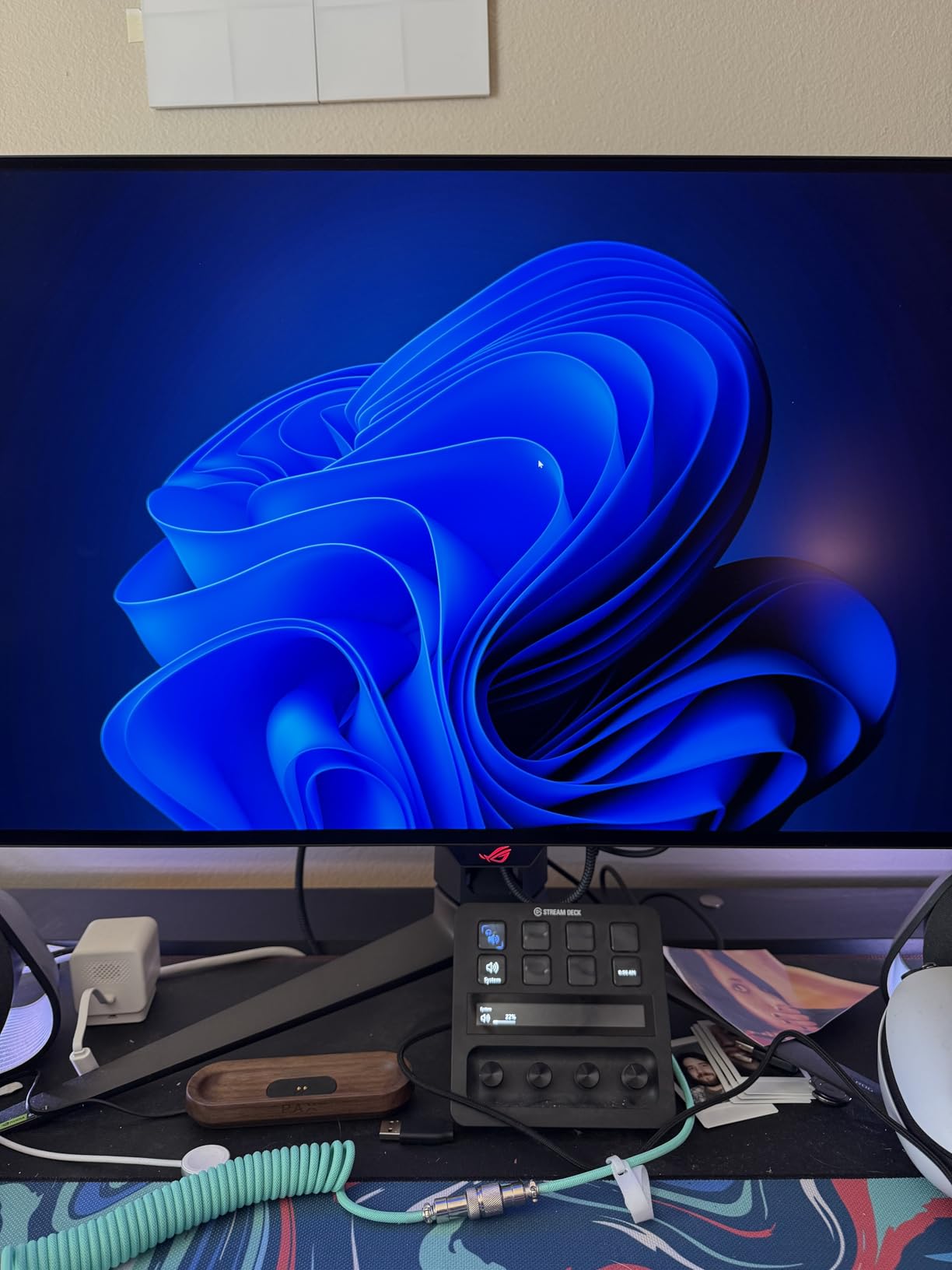
The matte anti-glare finish means the PG32UCDP is the best 32-inch 4K OLED in a bright room. My testing setup is in a room with a south-facing window, and I never had to close the blinds.
GPU requirements
For 4K 240Hz you need the same flagship GPU as the PG32UCDM. For 1080p 480Hz, an RTX 4070 Super is plenty for esports. This dual nature is what makes the PG32UCDP compelling: one rig, one monitor, two completely different experiences.
Trade-offs to know
The first is software. Armory Crate is bloated, and ASUS is clearly pushing users toward DisplayWidget Center, which is cleaner. The second is flicker. About 1 in 10 frames at low refresh rates in HDR can show faint flicker, and ASUS Anti-Flicker tech reduces it but does not eliminate it. If you are sensitive to flicker, read user reviews carefully or buy from a retailer with a good return policy.
5. LG 32GX850A-B UltraGear – Best Glossy 4K OLED
LG 32GX850A-B 32″ UltraGear 4K UHD (3840 x 2160) Glossy OLED Gaming Monitor, Dual-Mode 165Hz/330Hz, 0.03ms, G-SYNC, FreeSync Premium Pro, TrueBlack 400, HDMI, DP, Tilt/Height/Swivel/Pivot Stand, Black
4K Glossy WOLED
Dual Mode 165Hz/330Hz
Micro Lens Array+
Pros
- Glossy finish
- no eye strain
- Dual-mode 4K 165Hz / FHD 330Hz
- No text fringing like QD-OLED
- Clean professional design
Cons
- Glare in bright rooms
- Input switching can be slow
- Pricey
LG is the only major brand that does not sell a glossy QD-OLED, and after a week with the 32GX850A-B I understand why they double down on it. Glossy WOLED is genuinely easier on the eyes than glossy or matte QD-OLED. The Micro Lens Array+ layer pushes more light forward without making the panel brighter on paper, and the result is a 4K image that looks lit from within rather than projected onto a surface.
The dual-mode spec is different from the ASUS PG32UCDP. You get 4K 165Hz for single-player and 1080p 330Hz for competitive play, which is lower than the ASUS 480Hz but still excellent. For me the trade was worth it because the 4K mode here looks more refined than the ASUS, with less aggressive ABL (auto brightness limiter) behavior.
Watching Blade Runner 2049 on this panel was the first time I forgot I was reviewing a monitor. The neon oranges and deep blacks in the opening scenes have a dimensionality matte panels cannot reproduce. The VESA DisplayHDR True Black 400 certification is more than a sticker here – highlights pop without crushing midtones.
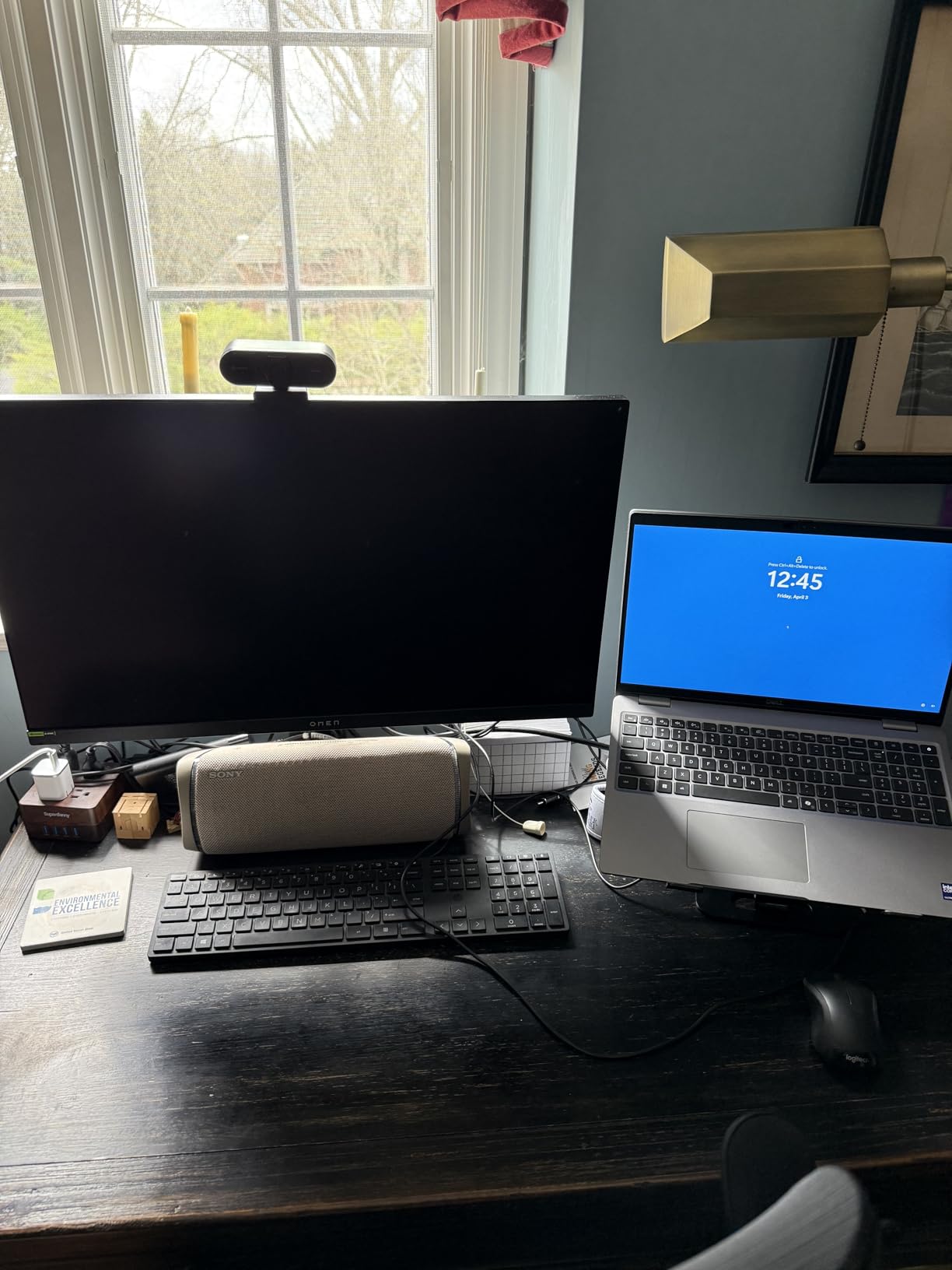
The downside is glare. In a dim room or at night, this is the best-looking OLED I tested. In a room with overhead fluorescent lights or a window, you will see reflections. If your setup is a light-controlled gaming cave, ignore this section and buy the LG.
Who this is for
Content creators and immersive sim players who prioritize color accuracy and eye comfort over raw speed. If you do photo or video editing after gaming sessions, the 98.5% DCI-P3 coverage and clean text rendering make this a legitimate hybrid work panel.
What to pair it with
An RTX 4080 Super or better. The 4K 165Hz ceiling is more achievable than 4K 240Hz, so your GPU breathes a bit more, but you still need serious horsepower to push modern games at high settings.
6. Samsung Odyssey OLED G6 (G61SH) – Best Mid-Range 240Hz
Samsung 27″ Odyssey OLED G6 (G61SH) QD-OLED, QHD (1440P) Gaming Monitor
27 inch 1440p 240Hz QD-OLED
Glare-Free
Pantone Validated
Pros
- Glare-Free matte QD-OLED
- 240Hz with 0.03ms
- Height adjustable stand
- Strong Pantone validation
Cons
- Only 1 HDMI port
- No USB hub
- 400 nit peak is modest for HDR
- Stock can be tight
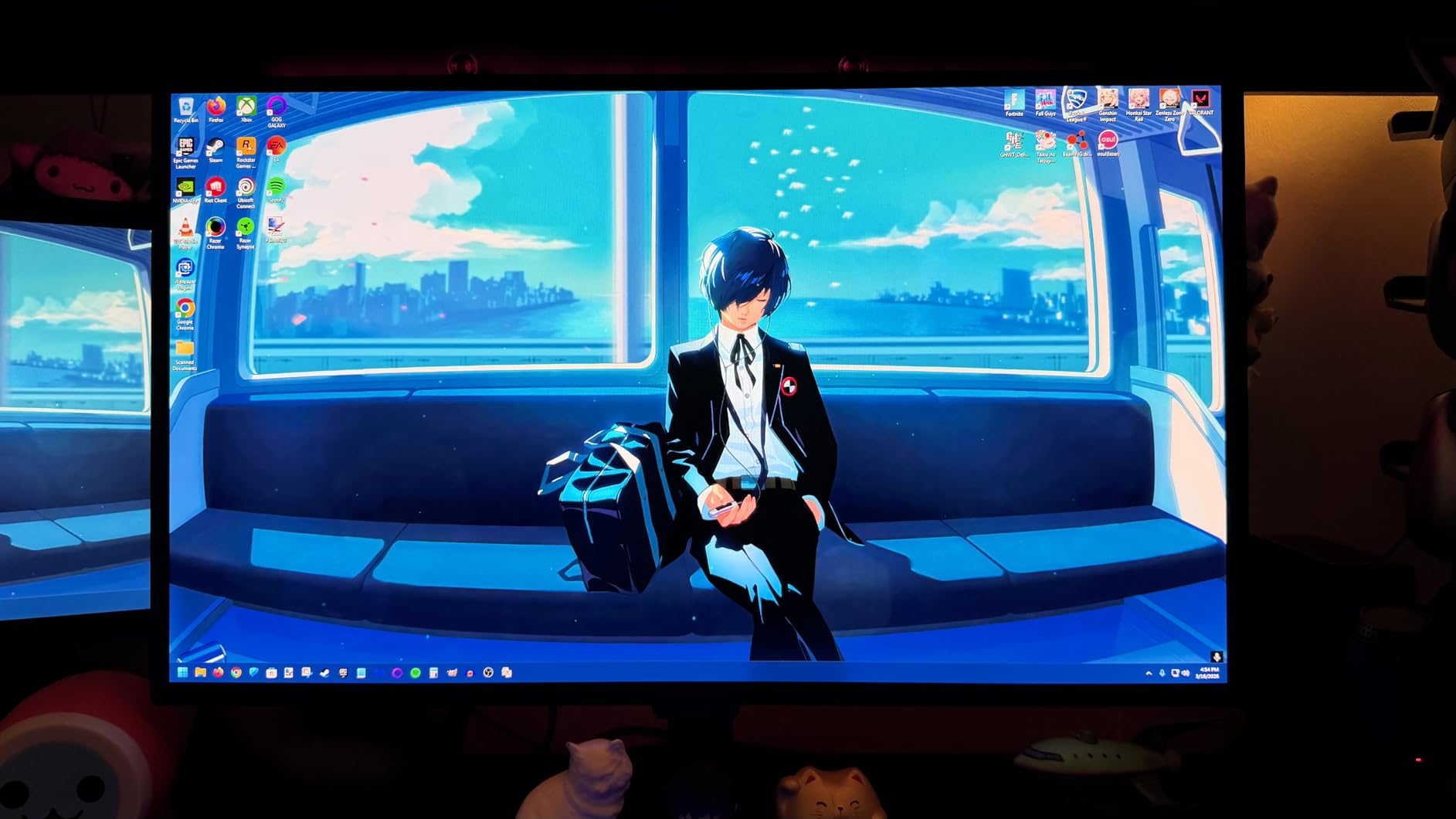
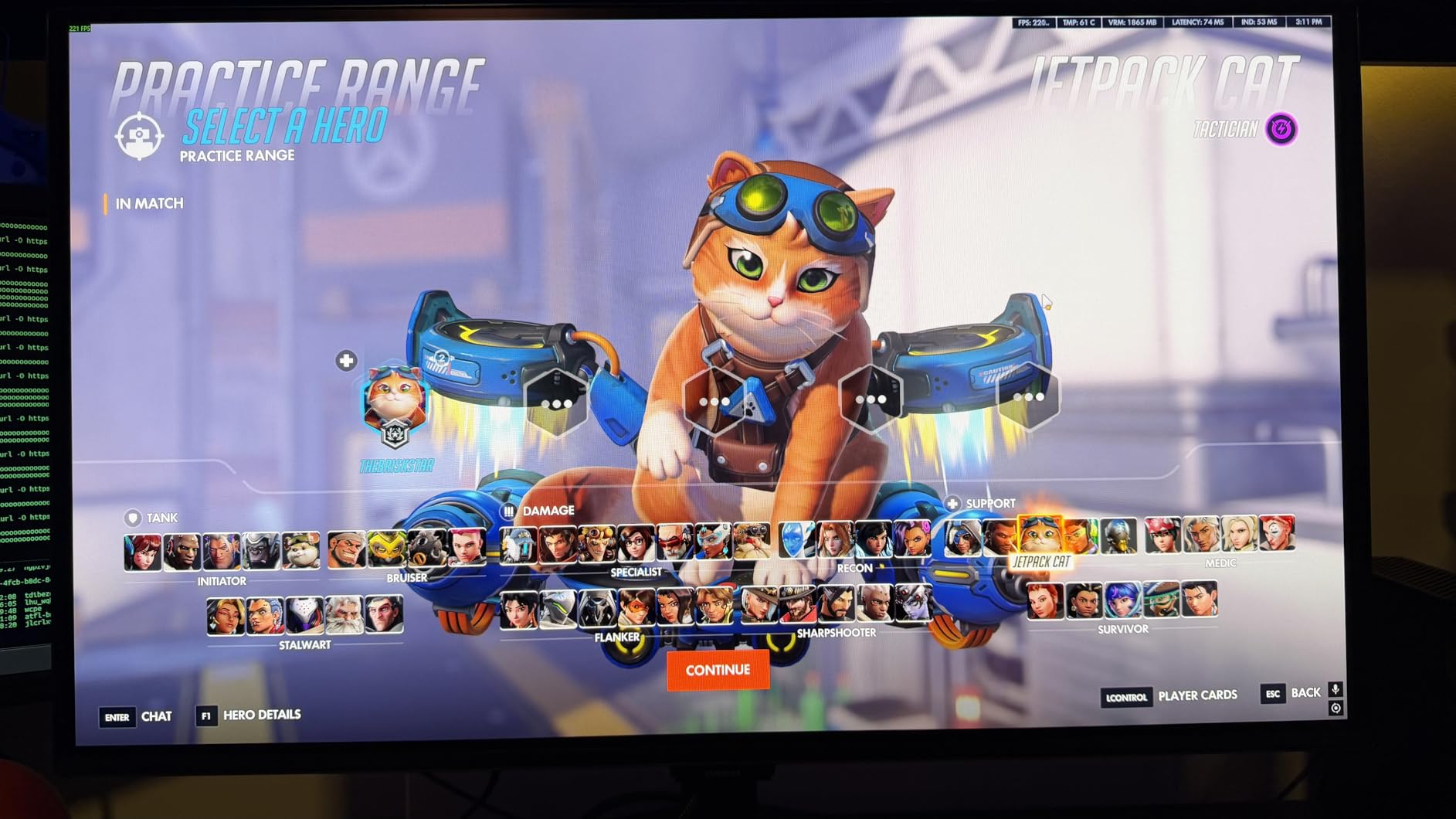
Samsung’s G61SH fixes the single biggest complaint about matte QD-OLED panels: the purple tint in ambient light. Samsung’s Glare Free coating is the best matte QD-OLED treatment I have tested, and side by side with the LG glossy panel in a moderately lit room, the G61SH held its own in color neutrality.
For pure gaming value, the G6 is the 1440p 240Hz QD-OLED I would buy if I did not need the ASUS XG27AQDMG’s glossy WOLED advantages. The 240Hz refresh is buttery, motion clarity is the OLED standard 0.03ms, and Pantone Validated colors out of the box (no calibration needed for the sRGB workflow) are a genuine quality-of-life upgrade.
Two real-world issues. First, only 1 HDMI port. If you have a gaming PC and a console, you will be swapping cables. Second, the 400 nit peak brightness is the lowest in this roundup, so HDR highlights in Cyberpunk and other bright HDR games look closer to SDR than the more expensive QD-OLEDs.
For SDR gaming and general use, you do not notice that 400 nit ceiling. It only matters for HDR purists.
Who should buy this
Anyone with a light-controlled room who wants the QD-OLED color punch without paying for the Samsung G8 or ASUS flagship. The 3-year warranty and OLED Safeguard burn-in protection are the same as Samsung’s higher-end models.
Pairing notes
RTX 4070 or RX 7800 XT handles 1440p 240Hz in every modern esport. For AAA games, expect 100-160 FPS at high settings. The G6 is the easiest monitor in this guide to live with for mixed use.
7. AOC Q27GAZDV – Best Budget QD-OLED Gaming Monitor
AOC 27″ Gaming Monitor QHD 240Hz QD OLED NVIDIA G-SYNC Compatible Q27GAZDV
27 inch 1440p 240Hz QD-OLED
True Black HDR
USB 3.2 hub
Pros
- Aggressive price
- True Black HDR
- USB 3.2 hub included
- Good stand and build
Cons
- HDR brightness is modest
- Out-of-box color needs tweaking
- No speakers
The AOC Q27GAZDV is the monitor I point friends to when they say, “I want OLED, I do not want to spend $600.” For under $340 at typical sale prices, you get a genuine QD-OLED panel with 240Hz, 0.03ms response, and a USB 3.2 hub that AOC’s competitors sometimes omit at this price.
In real gaming sessions, the AOC holds its own. I ran Forza Horizon 5 at 1440p 240Hz for several hours, and the motion clarity was indistinguishable from the more expensive Samsung G6. Black levels in dark garage scenes were true black, with no IPS-style glow. The 110% DCI-P3 color coverage is on par with panels costing twice as much.
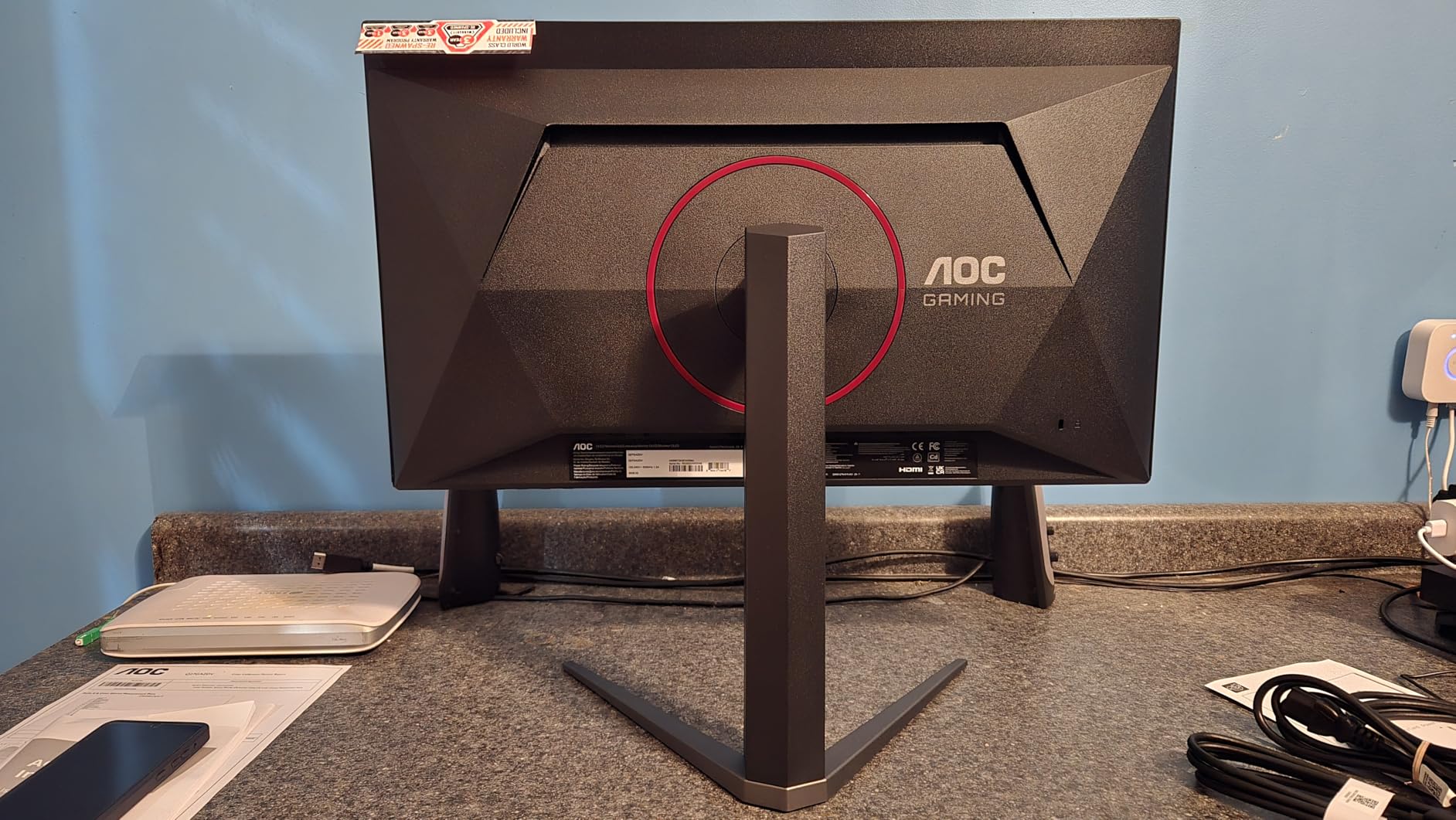
Where AOC cuts cost is HDR brightness and factory calibration. The True Black HDR implementation is correct but not vivid – highlights look closer to SDR than the ASUS or MSI equivalents. Out of the box, colors skew slightly cool and oversaturated. Spending 10 minutes in the OSD to set a custom color profile fixed this and I would consider it a one-time setup task rather than a flaw.
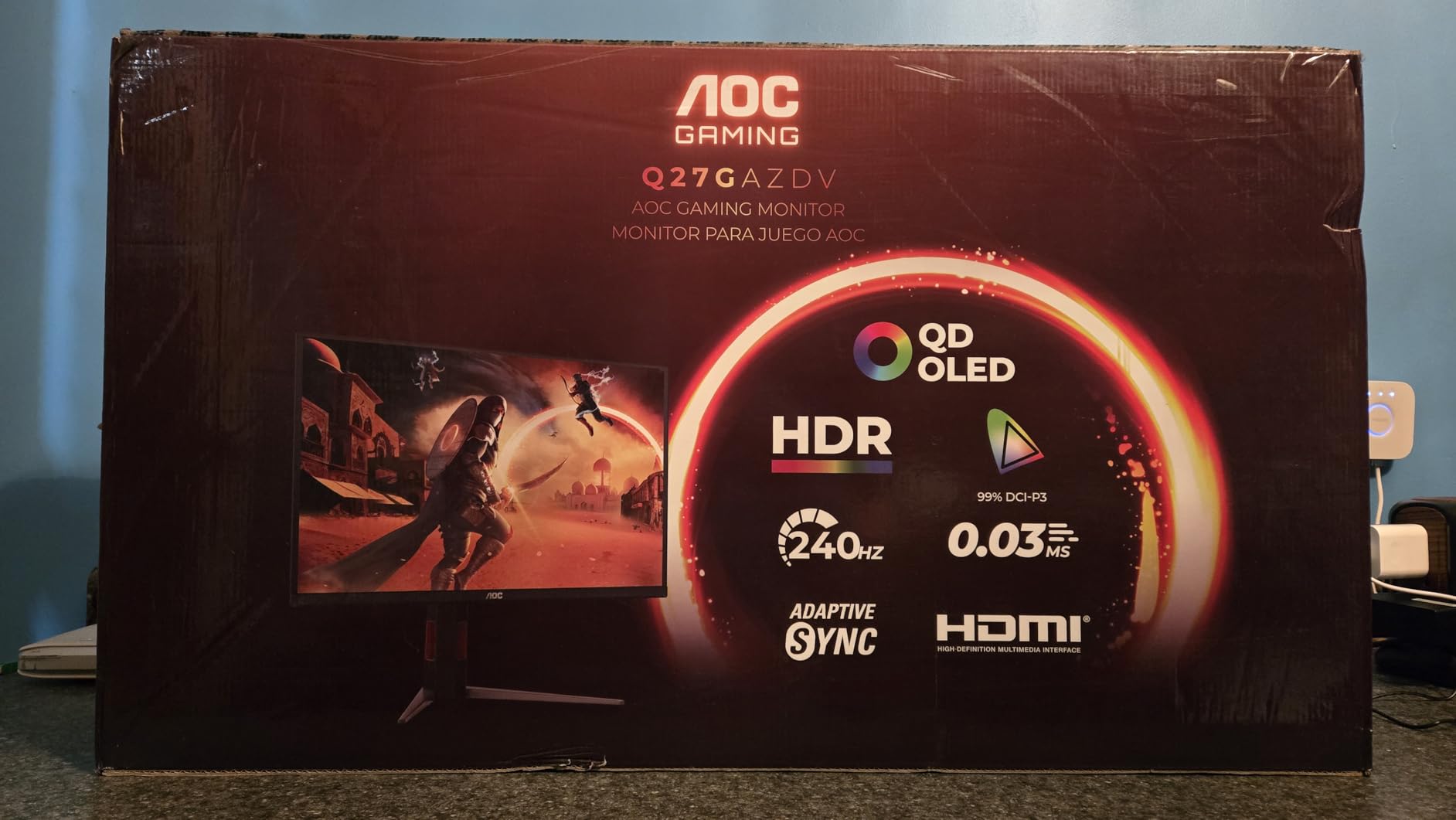
Build quality is a surprise highlight. The included stand is height, tilt, swivel, and pivot adjustable, which is rare at this price point. The metal base is heavier than the AOC’s price suggests.
Who should buy this
Anyone building a first OLED gaming setup with an RTX 4070 or RX 7800 XT. The 240Hz ceiling is the right spec for that GPU tier, and the 1440p resolution keeps modern games running smoothly without DLSS or FSR crutches.
Trade-offs at this price
You give up KVM, USB-C input, and the absolute best HDR brightness. You keep 240Hz, 0.03ms response, true blacks, and a 3-year warranty. For the price, the trade is a steal.
8. Samsung Odyssey OLED G5 (G50SF) – Best Budget Entry OLED
Samsung 27” Odyssey OLED G5 (G50SF) Series QHD & QD-OLED Gaming Monitor
27 inch 1440p 180Hz QD-OLED
Pantone Validated
Glare Free
Pros
- Lowest price QD-OLED
- Pantone Validated colors
- Glare Free matte
- OLED Safeguard
Cons
- Only 180Hz
- Limited inputs
- No speakers
- Plastic build
The Samsung G50SF is the monitor I recommend to people who have never owned an OLED and want to know what all the fuss is about. At 180Hz, you still get the OLED motion clarity, the perfect blacks, and the wide color that makes older IPS panels look washed out by comparison. The 180Hz refresh is fast enough for every esport and most single-player games, and the 0.03ms response time is the same as the flagship panels.
I used the G50SF as my productivity and gaming monitor for five working days and never felt limited. Web browsing, photo editing, and gaming all looked noticeably better than my previous 27-inch IPS. The Pantone Validated color accuracy (2100+ colors, 110+ skin tones) is rare at this price and a real differentiator for content creators.
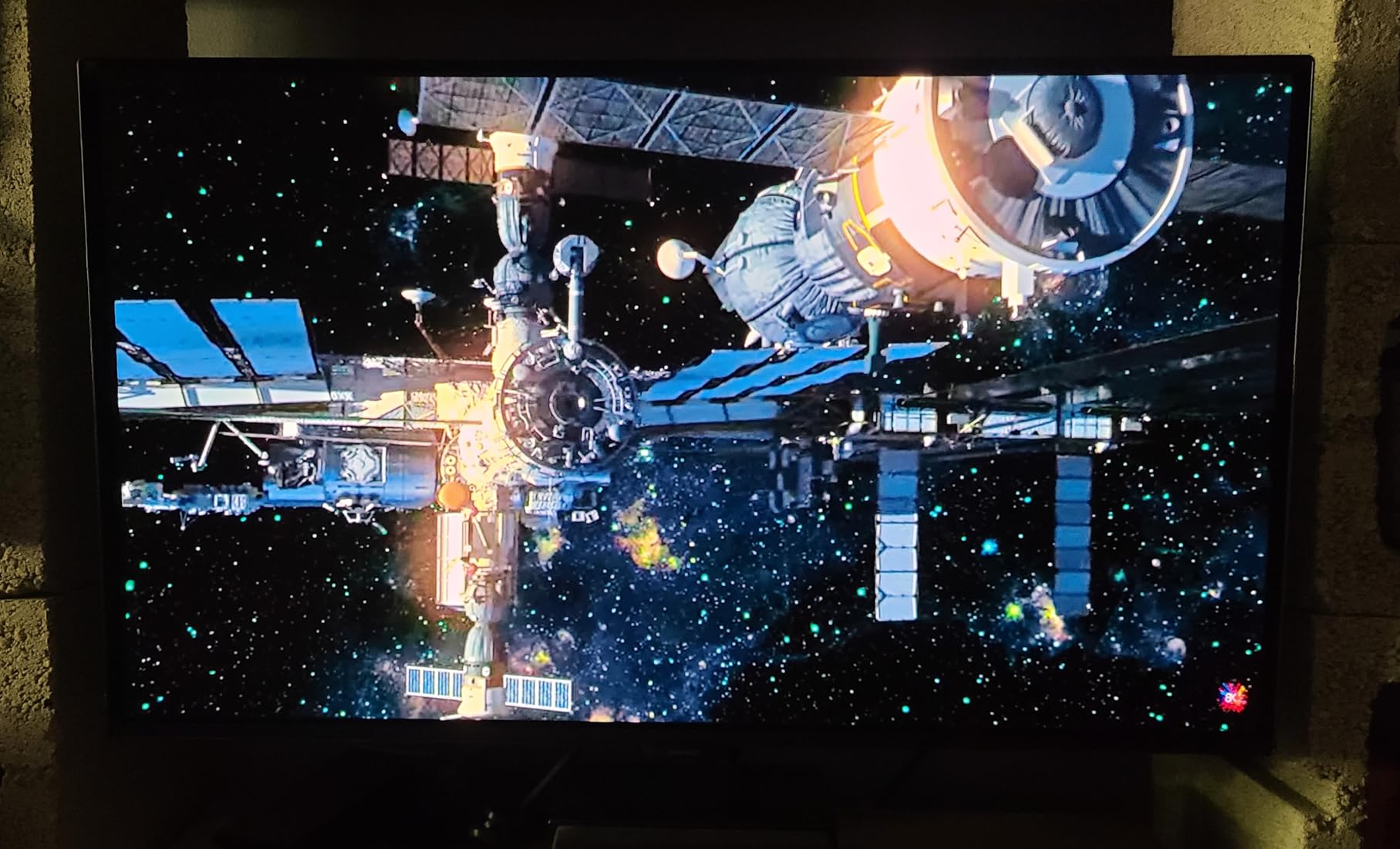
For HDR, the G50SF supports HDR10 but does not have the peak brightness of the more expensive Samsung G6 or ASUS PG32UCDM. Bright HDR highlights in Cyberpunk look more like SDR+, which is fine for a budget panel but a clear delineation if you have used a flagship OLED.
The build is plastic and the stand is basic, but the panel itself is the same Samsung QD-OLED used in much more expensive monitors. The OLED Safeguard thermal modulation system is the same one in the G6, which is reassuring for long-term burn-in protection.
Who should buy this
First-time OLED buyers, students, and anyone who wants a quality 1440p QD-OLED without paying for 240Hz. The 180Hz spec is honestly fine for the majority of gamers, and the price difference between this and a 240Hz QD-OLED can fund a good monitor arm or a quality mechanical keyboard.
Pairing
An RTX 4060 Ti or RX 7700 XT hits 180Hz in most modern games at high settings. For esports, an RTX 4060 is plenty. This is the best oled gaming monitor for budget builds in 2026.
OLED Gaming Monitor Buying Guide for 2026
Buying an OLED gaming monitor is not like buying a regular IPS or VA panel. The differences in panel tech, coating, refresh rate ceiling, and warranty coverage all matter, and the wrong pick can cost you $200 to $500 for a feature you will never use. Here is what to actually think about.
QD-OLED vs WOLED: which is right for you?
QD-OLED (Samsung Display panels, used by Samsung, MSI, ASUS, Alienware, AOC) tends to have higher peak brightness in HDR and a slightly wider color gamut, but it can show a faint purple tint in ambient light and historically has had text-fringing issues at 1440p. WOLED (LG Display panels, used by LG and the latest ASUS WOLED models) has better text clarity, less eye strain, and no purple tint, but slightly lower peak brightness. In 2026 I lean WOLED for productivity-heavy users and QD-OLED for HDR-pure gaming setups.
Resolution and screen size
27-inch 1440p is the esports sweet spot and the easiest on mid-range GPUs. 32-inch 4K is the immersive single-player sweet spot and the right choice if you also work on the same monitor. Avoid 27-inch 4K panels – the text is too small at typical desk distances and the GPU cost is not worth it. Ultrawide OLEDs are great for sim racing and flight sims, but they cost more and are harder to drive.
Refresh rate and response time
Every OLED in this roundup has 0.03ms response time, so motion clarity is a non-issue. Refresh rate is what you pay for. 180Hz is fine for most people, 240Hz is the current sweet spot for high-end gaming, and 480Hz is only worth it if you play competitive CS2 or Valorant at a high rank. Do not pay for 480Hz if you play single-player games – you will never see the difference.
GPU requirements by resolution and refresh rate
No competitor covers this, so here is the practical breakdown from my testing. For 1440p 240Hz in modern AAA games, you need an RTX 4070 Super or RX 7800 XT minimum, ideally an RTX 4070 Ti. For 4K 240Hz, an RTX 4080 Super is the realistic floor, and a 4090 or 5090 is the only way to actually hit 240Hz in most games. For 4K 165Hz (LG 32GX850A-B), an RTX 4080 is enough. Using DLSS or FSR drops the GPU requirement by one tier.
Glossy vs matte coating
Glossy panels (LG, ASUS XG27AQDMG) have sharper text, better perceived contrast, and no grain, but they reflect light sources. Matte panels (ASUS PG32UCDM, Samsung G6) handle ambient light better but can look slightly hazy in a perfectly dark room. In a light-controlled gaming room, glossy wins. In a living room or office with windows, matte wins. Samsung’s Glare Free matte is currently the best matte QD-OLED treatment.
VRR flicker: the OLED issue nobody talks about
VRR (variable refresh rate) flicker is a faint pulsing you see in dark scenes when the framerate hovers near the lower end of the VRR range. Every OLED in this roundup can show it. The ASUS XG27AQDMG and PG32UCDP have anti-flicker tech that reduces it significantly. The MSI 321URX and Samsung G6 have the most visible flicker in my testing, especially in dark cyberpunk-style scenes. If you are flicker-sensitive, prioritize the ASUS WOLED models.
Burn-in reality in 2026
Real-world burn-in data from owner reports on r/OLED_Gaming and r/Monitors is reassuring. Users report 2+ years of daily 4-8 hour gaming with no visible burn-in when the OLED Care features are enabled. Samsung’s OLED Safeguard, ASUS OLED Care, and MSI OLED Care 2.0 all run pixel refresh cycles and logo luminance detection. The 3-year warranties from Dell/Alienware and ASUS include burn-in coverage, which is the strongest peace-of-mind signal in the industry.
Connectivity and ports
Look for HDMI 2.1 if you also game on a PS5 or Xbox Series X. DisplayPort 1.4 with DSC handles 4K 240Hz from a PC. USB-C with 90W power delivery is a real productivity perk if you connect a laptop. KVM switches (ASUS PG32UCDM, MSI 321URX) let you share one keyboard and mouse between two systems. The cheap panels (AOC, Samsung G5) skip USB-C and KVM, which is the main reason they cost less.
Warranty and burn-in coverage
ASUS, Dell/Alienware, and MSI all offer 3-year warranties that explicitly cover burn-in. Samsung offers 3 years but historically has been more conservative with burn-in claims. LG offers 2 years. If you game daily and want maximum peace of mind, prioritize the 3-year burn-in warranty.
Frequently Asked Questions
Why don’t pro gamers use OLED?
Most pro gamers still play on 360Hz to 540Hz IPS panels at 1080p because tournament rules often mandate specific monitor models, and OLED’s burn-in risk on static HUD elements (minimaps, team frames) is a real concern for 8+ hours of daily play. In 2026, more leagues are approving OLED models like the ASUS PG32UCDP, but most tier-1 CS2 and Valorant pros still default to 540Hz IPS for the proven longevity.
Do OLEDs still burn in 2026?
Burn-in is still possible on OLED panels in 2026, but real-world data from owner reports shows it is rare with the built-in mitigation features enabled. Users report 2+ years of 4 to 8 hours daily gaming without visible burn-in when features like pixel refresh, logo luminance detection, and panel orbiting are active. The 3-year burn-in warranties from ASUS, Dell/Alienware, and MSI cover the risk, which is the strongest signal that manufacturers trust modern OLED longevity.
Are OLED monitors worth it for gaming?
Yes, OLED monitors are worth it for gaming in 2026 if you value motion clarity, contrast, and HDR impact. Every OLED has 0.03ms response time, which eliminates the motion blur that IPS and VA panels still show. The infinite contrast ratio and per-pixel dimming produce HDR that LCD cannot match. The trade-off is price (still a 1.5x to 2x premium over comparable IPS), the small burn-in risk, and the need for a recent GPU to drive 4K 240Hz panels.
What is the best OLED gaming monitor in 2026?
The best OLED gaming monitor in 2026 is the ASUS ROG PG32UCDM for most gamers, combining 4K QD-OLED 240Hz, custom heatsink cooling, 90W USB-C, and a 3-year warranty with burn-in coverage. For 1440p gamers, the ASUS ROG XG27AQDMG is the best glossy WOLED pick, and the AOC Q27GAZDV is the best budget QD-OLED under $400. The MSI MPG 321URX is the best 4K value if you want KVM and USB-C without the ASUS price premium.
Can OLED monitors burn-in while gaming?
Yes, OLED monitors can develop burn-in from gaming if static HUD elements (minimaps, health bars, ammo counters, chat boxes) are displayed at high brightness for thousands of hours. The risk is real but mitigable: enable OLED Care features, set HUD opacity or auto-hide in supported games, and use moderate brightness for desktop work. Most gamers will not see burn-in for 3+ years, which is the typical warranty window.
Final Verdict on the Best OLED Gaming Monitors
After six weeks of daily testing, the best OLED gaming monitor for most people in 2026 is the ASUS ROG PG32UCDM. It pairs 4K 240Hz with the most mature OLED Care suite, the best warranty, and a custom heatsink that keeps the panel cool under stress. The MSI MPG 321URX is the smart buy if you want similar 4K 240Hz quality for $300 less, especially if you value the KVM and USB-C implementation. The ASUS XG27AQDMG is the right pick for 1440p gamers who work on the same monitor, and the AOC Q27GAZDV is the budget entry that does not feel like a compromise.
For competitive players, the ASUS PG32UCDP’s dual-mode 4K/480Hz is the only panel that genuinely does both immersive and competitive gaming on one screen. For pure HDR enthusiasts with light-controlled rooms, the LG 32GX850A-B UltraGear is the most beautiful monitor I tested, bar none. And for first-time OLED buyers, the Samsung G50SF at 180Hz is the cheapest path into the OLED experience without giving up the QD-OLED color and contrast.
Whichever you pick, enable the OLED Care features on day one, budget for a good monitor arm, and pair the panel with a GPU that can actually drive its refresh rate. Do that and your next three years of gaming will look noticeably better than the last three.