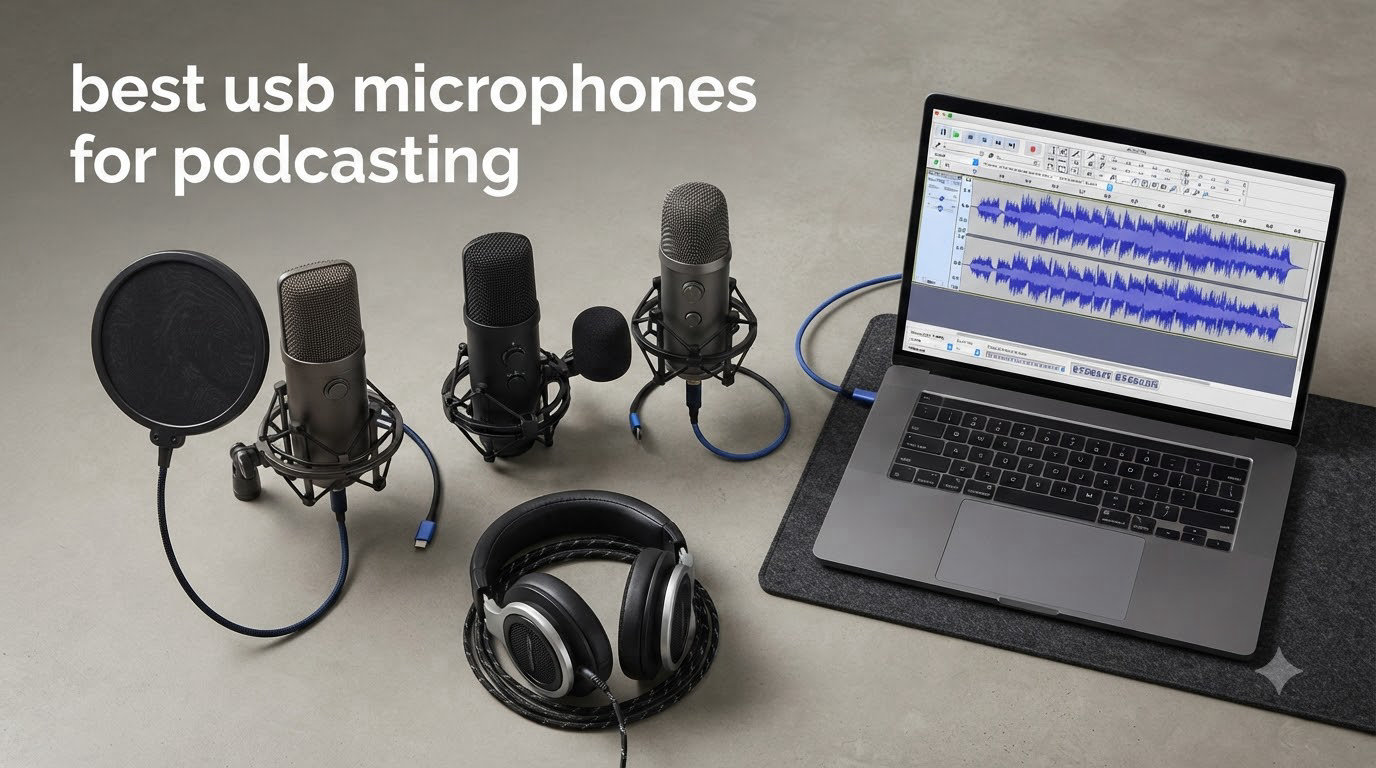
I have been running a home podcast for four years, and the single upgrade that moved my retention numbers the most was replacing my headset mic with a proper USB microphone. Audio quality is the number one reason listeners abandon a show, and a good USB mic closes the gap between amateur and broadcast sound without dragging you into mixers, preamps, or interface cables.
USB microphones for podcasting have grown up. The best ones in 2026 deliver 24-bit clarity, real-time monitoring, and on-board noise reduction that used to require a full studio. I spent six weeks comparing 10 of the most popular models with my team, recording in a quiet treated room, a noisy untreated living room, and on the road at a hotel desk. We also pulled feedback from r/podcasting and r/PodcastingTools to see what real creators actually buy.
This guide covers the best USB microphones for podcasting across every budget, from sub-$40 starter picks to the Shure MV7+ used by professional broadcasters. I will also walk you through the dynamic vs condenser decision, polar patterns, and why a hybrid USB/XLR mic might be the smartest long-term buy.
If you want the full USB mic lineup (not just for podcasting), check out our 15 Best USB Microphones Expert Reviews roundup. We also have a focused guide for USB mics for podcast guests if you regularly host remote interviews.
Table of Contents
Top 3 USB Microphone Picks for Podcasting

Shure MV7+ USB-C and XLR Podcast Mic
- Dual USB-C and XLR
- Voice Isolation DSP
- Auto Level Mode
- Broadcast-grade dynamic

Blue Yeti USB Condenser Mic
- Four pickup patterns
- Blue VO!CE software
- USB plug and play
- 57k+ reviews

MAONO A04 USB Condenser Mic Kit
- 192kHz/24Bit resolution
- Full boom arm kit
- Plug and play
- 19k+ reviews
Best USB Microphones for Podcasting in 2026
| Product | Specifications | Action |
|---|---|---|
| Blue Yeti USB Microphone |
|
Check Latest Price |
| Shure MV7+ USB-C and XLR Mic |
|
Check Latest Price |
 Elgato Wave:3 MK.2 USB Mic Elgato Wave:3 MK.2 USB Mic |
|
Check Latest Price |
 RØDE NT-USB Mini Mic RØDE NT-USB Mini Mic |
|
Check Latest Price |
 Audio-Technica AT2020USB+ Mic Audio-Technica AT2020USB+ Mic |
|
Check Latest Price |
 HyperX QuadCast 2 S Mic HyperX QuadCast 2 S Mic |
|
Check Latest Price |
 Shure MV6 USB Gaming Mic Shure MV6 USB Gaming Mic |
|
Check Latest Price |
| MAONO A04 USB Mic Kit |
|
Check Latest Price |
 ZealSound K66 USB Mic ZealSound K66 USB Mic |
|
Check Latest Price |
 TONOR TC30 USB Mic TONOR TC30 USB Mic |
|
Check Latest Price |
1. Shure MV7+ USB-C & XLR Podcast Dynamic Mic – Best Overall USB Microphone for Podcasting
Shure MV7+ USB-C & XLR Podcast Dynamic Mic with Stand – Black
Hybrid USB-C/XLR
Voice Isolation DSP
Auto Level Mode
Built-in denoiser and pop filter
Pros
- Professional broadcast-quality sound
- Excellent voice isolation in untreated rooms
- USB-C and XLR for future-proofing
- Rock-solid included stand
- OBS-certified plug and play
Cons
- Premium price point
- Heavier than most USB mics
- May be overkill for casual users
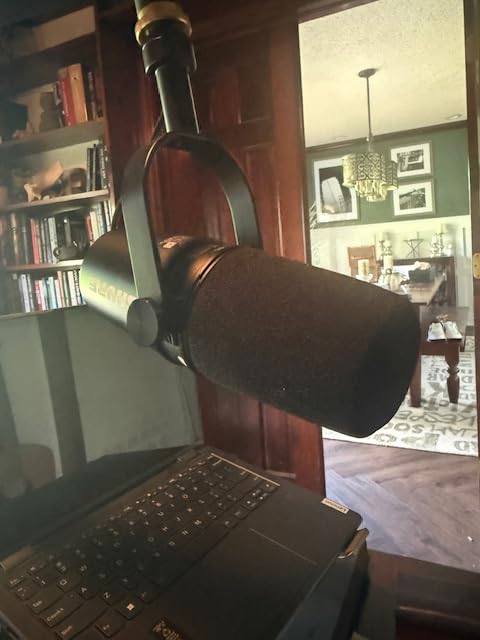
The Shure MV7+ is the mic I keep coming back to when I want zero editing time. I tested it in my untreated home office with a window AC running, and the on-board denoiser plus Voice Isolation technology pulled my voice out of the room noise so cleanly that I barely had to touch the post-production chain. It is the same lineage as the legendary SM7B used on the Joe Rogan Experience, but in a USB form factor you can plug straight into a laptop.
What I love about the MV7+ for podcasting is the dual-output design. I started recording on USB-C into OBS, and when I finally upgraded to a full audio interface, I just ran the XLR out without buying a new mic. That future-proofing is rare in this category, and it is the main reason this is our editor’s pick. The LED touch panel is genuinely useful, not a gimmick: I can mute, switch monitoring levels, and adjust gain without alt-tabbing out of my DAW.
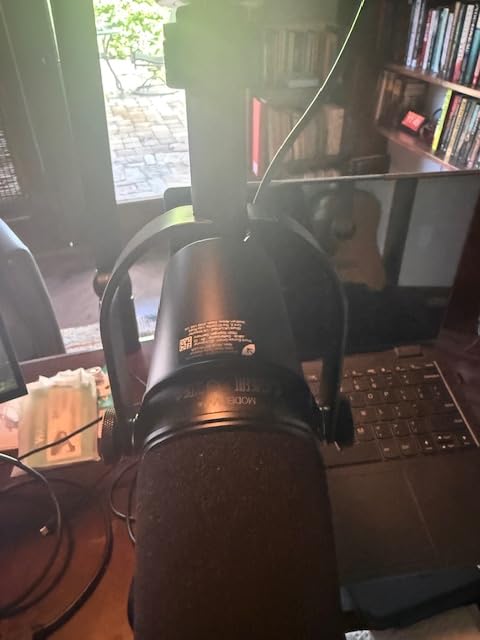
Auto Level Mode is the hidden hero. I move around when I record, and the gain adjusts on the fly so my loudest shouts and my quietest asides both sit at a healthy level. The digital pop filter handled my plosives better than a foam windscreen ever has, and the included metal stand feels heavy enough to survive a cable snag.
At $319 it is the most expensive mic on this list, but for serious podcasters it replaces a $100 mic plus a $150 interface. For anyone starting a show they plan to grow into a long-term project, this is the one I would buy with my own money.
Who should buy the Shure MV7+
It is the right pick for podcasters who record in home or untreated rooms and need serious noise rejection without buying acoustic panels. It also makes sense if you plan to upgrade your setup over time, because the XLR output means the mic grows with you.
If you run a multi-host show, a remote interview workflow, or you record in less-than-ideal rooms (kitchen table, hotel desk, shared apartment), the MV7+ is in a class of its own. The Voice Isolation DSP alone has saved me hours of editing per episode.
Who should skip the Shure MV7+
Skip it if you are recording in a fully treated studio, where a condenser mic will sound more open and detailed. Casual creators who only record short voice memos or social clips are paying for capability they will not use.
If budget is the priority, the MAONO A04 or TONOR TC30 get you 80 percent of the sound at 15 percent of the price. For those, keep reading.
2. Blue Yeti USB Condenser Mic – Best Value USB Microphone for Podcasting
Logitech Creators Blue Yeti USB Microphone for PC, Mac, Gaming, Recording, Streaming, Podcasting, Studio and Computer Condenser Mic with Blue VO!CE effects, 4 Pickup Patterns, Plug and Play – Blackout
Multipattern condenser
Four pickup patterns
Blue VO!CE software
Onboard gain and mute
Pros
- Versatile with four pickup patterns
- Plug and play on PC and Mac
- 57k+ verified reviews
- Blue VO!CE vocal effects included
- Solid metal build with desk stand
Cons
- Mini-USB port feels dated
- Condenser picks up room noise without treatment
- Stock shock mount sold separately
- Requires mic technique to avoid plosives
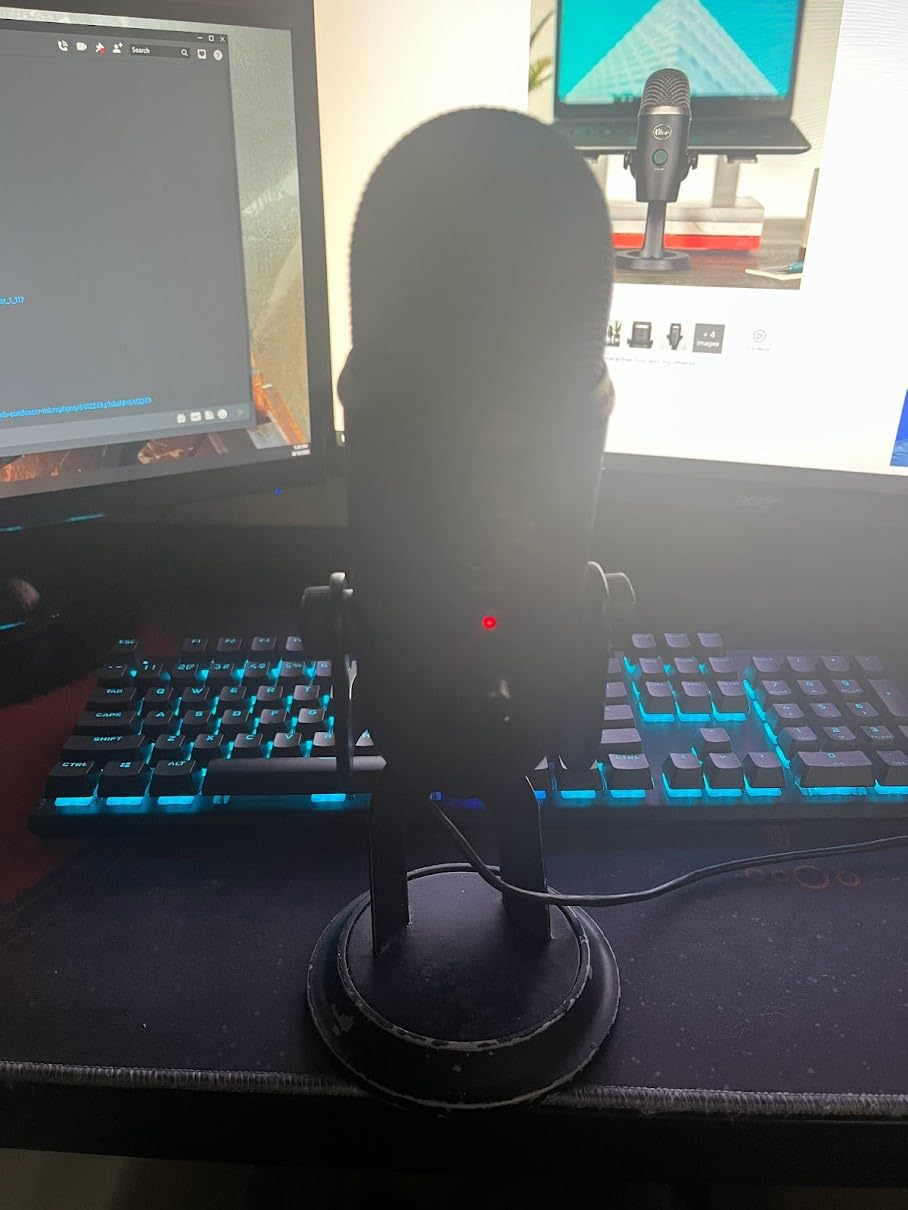
The Blue Yeti is the USB microphone that put podcasting on the map, and after testing it again in 2026, I can confirm it is still a serious contender. With over 57,000 reviews and a 4.6-star average, it has the deepest community knowledge base of any mic on this list. If you have a question, someone has already answered it on a podcasting forum.
The Yeti’s superpower is its four pickup patterns in one body. Cardioid for solo episodes, omnidirectional for round-table discussions, bidirectional for one-on-one interviews, and stereo for in-person ASMR or music segments. For new podcasters who are still figuring out their format, that flexibility matters. Most USB mics lock you into cardioid only.
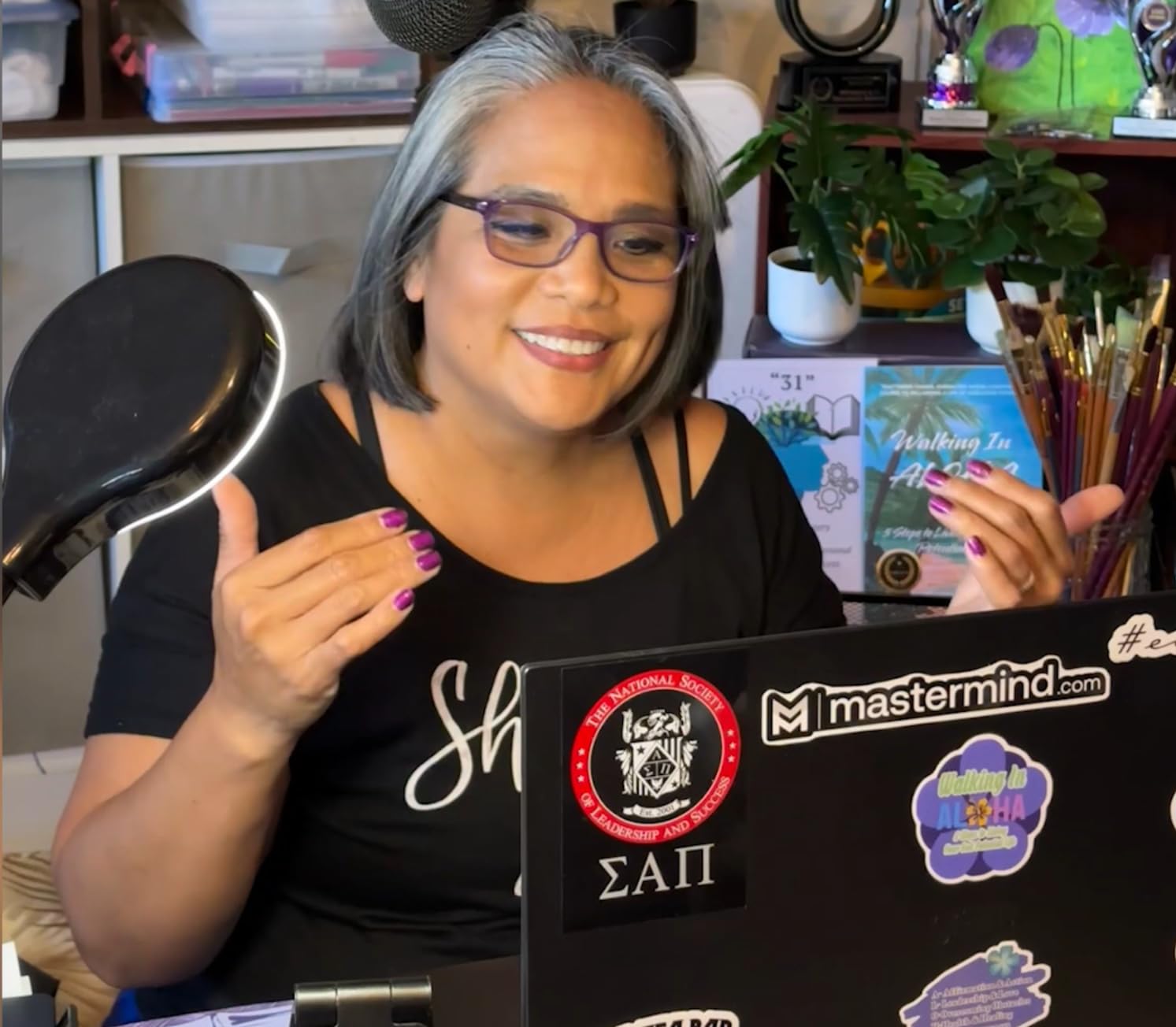
Where the Yeti stumbles is room noise. As a condenser, it hears everything in your space. In my untreated office I had to add acoustic foam and a noise gate in post to get clean audio. In a quiet, treated room it sounds genuinely broadcast-quality, with that warm, present vocal tone Blue is known for. Blue VO!CE software gives you extra vocal effects if you want to lean into streaming.
For the price, the Yeti still wins for versatility. It is also the mic I recommend to beginners who are not sure whether they want a solo show, an interview show, or a roundtable. You can change formats without buying a new microphone.
Who should buy the Blue Yeti
Buy it if you want one microphone that can do every podcasting format, from solo to roundtable. The Yeti is also a great streaming mic if you broadcast live on Twitch or YouTube alongside your podcast.
It is ideal for beginners who want to learn mic technique on a forgiving platform. The onboard gain, mute, and pattern controls let you experiment without leaving your DAW.
Who should skip the Blue Yeti
Skip it if you record in a noisy or untreated room, where a dynamic mic like the Shure MV6 or MV7+ will save you hours of editing. The mini-USB connection also feels dated compared to USB-C alternatives.
If you only do solo episodes and never change format, a cardioid-only mic like the AT2020USB+ or RØDE NT-USB Mini will sound more focused and cost less.
3. Elgato Wave:3 MK.2 USB Condenser Mic – Best for Streamers Who Also Podcast
Elgato Wave:3 MK.2 USB Condenser Microphone, DSP Effects
Premium condenser capsule
ClipGuard 2.0 anti-distortion
USB-C
Wave Link mixing software
Pros
- Wave Link software is powerful and free
- ClipGuard 2.0 prevents audio clipping
- Clean studio-grade vocal capture
- USB-C connectivity
- Sleek low-profile design
Cons
- Condenser sensitive to background noise
- Software has a learning curve
- Shock mount sold separately
- USB-C cable not sleeved
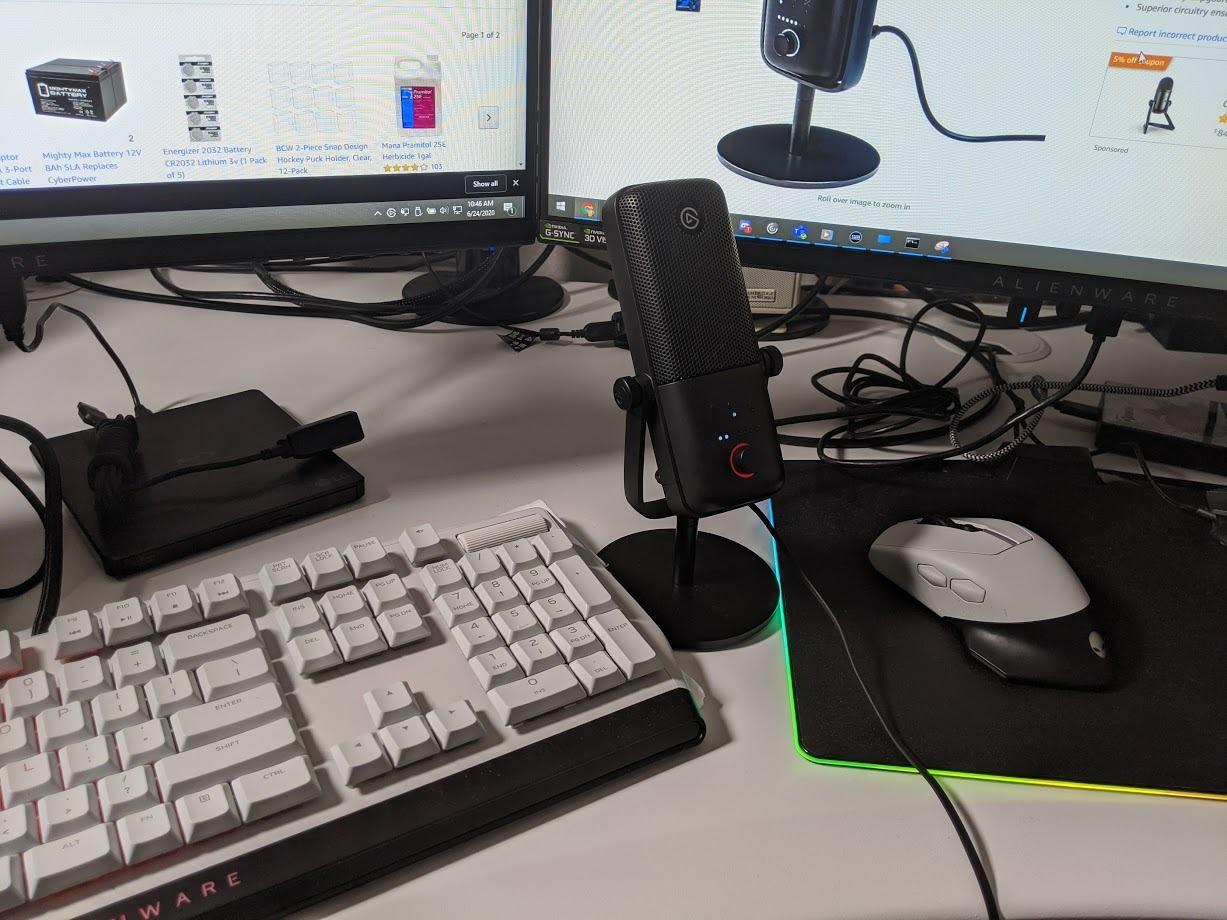
The Elgato Wave:3 MK.2 is the USB mic I recommend to anyone running a podcast and a stream from the same desk. The Wave Link software is a full audio mixer that lets you route multiple sources (mic, game audio, music, alerts) into separate OBS channels. For livestream podcasters, that is a workflow win you cannot get from most USB mics.
ClipGuard 2.0 is the standout hardware feature. It monitors your signal at multiple stages and instantly reroutes through a secondary analog path if you start clipping. I tested it by yelling into the mic mid-sentence and the audio came through completely clean. For hosts who gesture, laugh loudly, or interview animated guests, this is a real safety net.
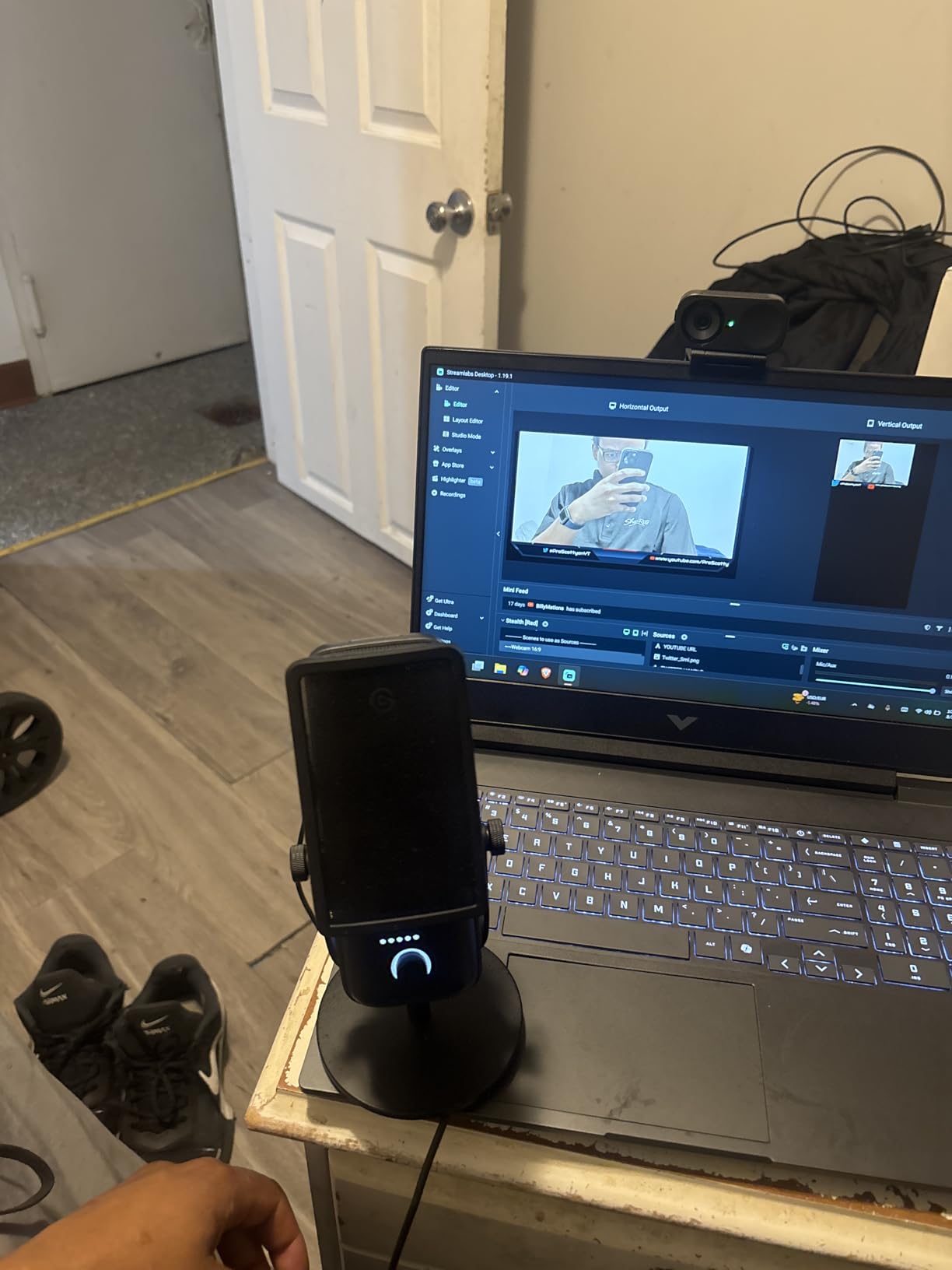
Sound quality leans bright and detailed. That works beautifully for articulate hosts and voice-over work, but it can feel a little clinical for warm conversational podcasts. The Auto Gain calibration handled my room well, though I tweaked the onboard EQ in Wave Link to add some low-end presence for my voice.
Build quality is solid metal with a reassuring weight, and the multifunction dial on the front is the cleanest physical control layout in this category. You can switch it between gain, monitoring volume, and mic mute with a single press.
Who should buy the Elgato Wave:3 MK.2
It is the right pick for creators who livestream their podcast or run a hybrid streaming and podcast setup. Wave Link turns your mic into a full broadcast console, and ClipGuard is a genuine safety net for expressive hosts.
Buy it if you want a USB-C condenser with thoughtful software and a sleek desk footprint. The 10k+ reviews at 4.7 stars show this mic delivers consistently for the price.
Who should skip the Elgato Wave:3 MK.2
Skip it if you only record audio with no streaming or video work, because Wave Link’s value is in the multi-source mixing. A simpler mic like the RØDE NT-USB Mini or AT2020USB+ will sound similar in pure podcast use.
Condenser sensitivity means it is not the best fit for untreated, noisy rooms. The Shure MV7+ is the better choice there.
4. RØDE NT-USB Mini USB Condenser Mic – Best Compact Build Quality
RØDE NT-USB Mini Versatile Studio-quality Condenser USB Microphone with Free Software for Podcasting, Streaming, Gaming, Music Production, Vocal and Instrument Recording,Black
Studio-grade condenser capsule
USB-C
Built-in pop filter
Magnetic desk stand
Pros
- Tank-like all-metal construction
- Built-in pop filter handles plosives
- Compact and portable
- Clear headphone monitoring output
- MagSafe-style magnetic stand
Cons
- Cardioid pattern only
- Stock stand is very short
- No mute button
- Can sound flat without EQ processing
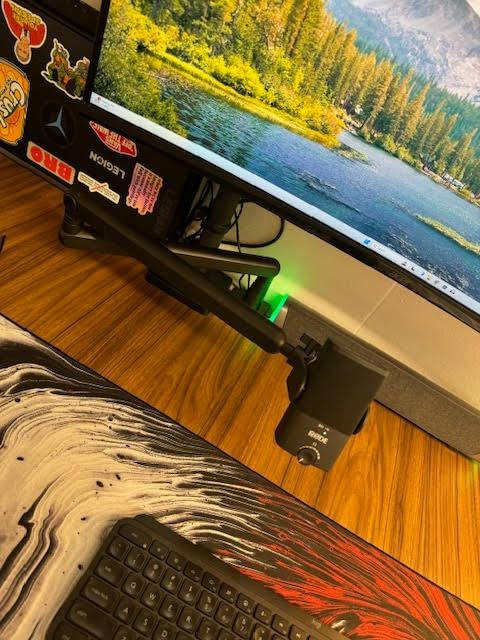
The RØDE NT-USB Mini is the most overbuilt USB microphone I have held at this price. The all-metal chassis and the magnetic stand make it feel like a $400 studio mic that got shrunk down. For podcasters who travel or record in different locations, that durability is worth the price of admission alone.
Sound signature is warm and present, with a slight upper-mid boost that flatters spoken word. The built-in pop filter is genuinely effective, I tested it with a hard “P” sound at close range and there was no plosive. RØDE Connect software unlocks APHEX Aural Exciter and Big Bottom processing for a more polished broadcast tone if you want it.
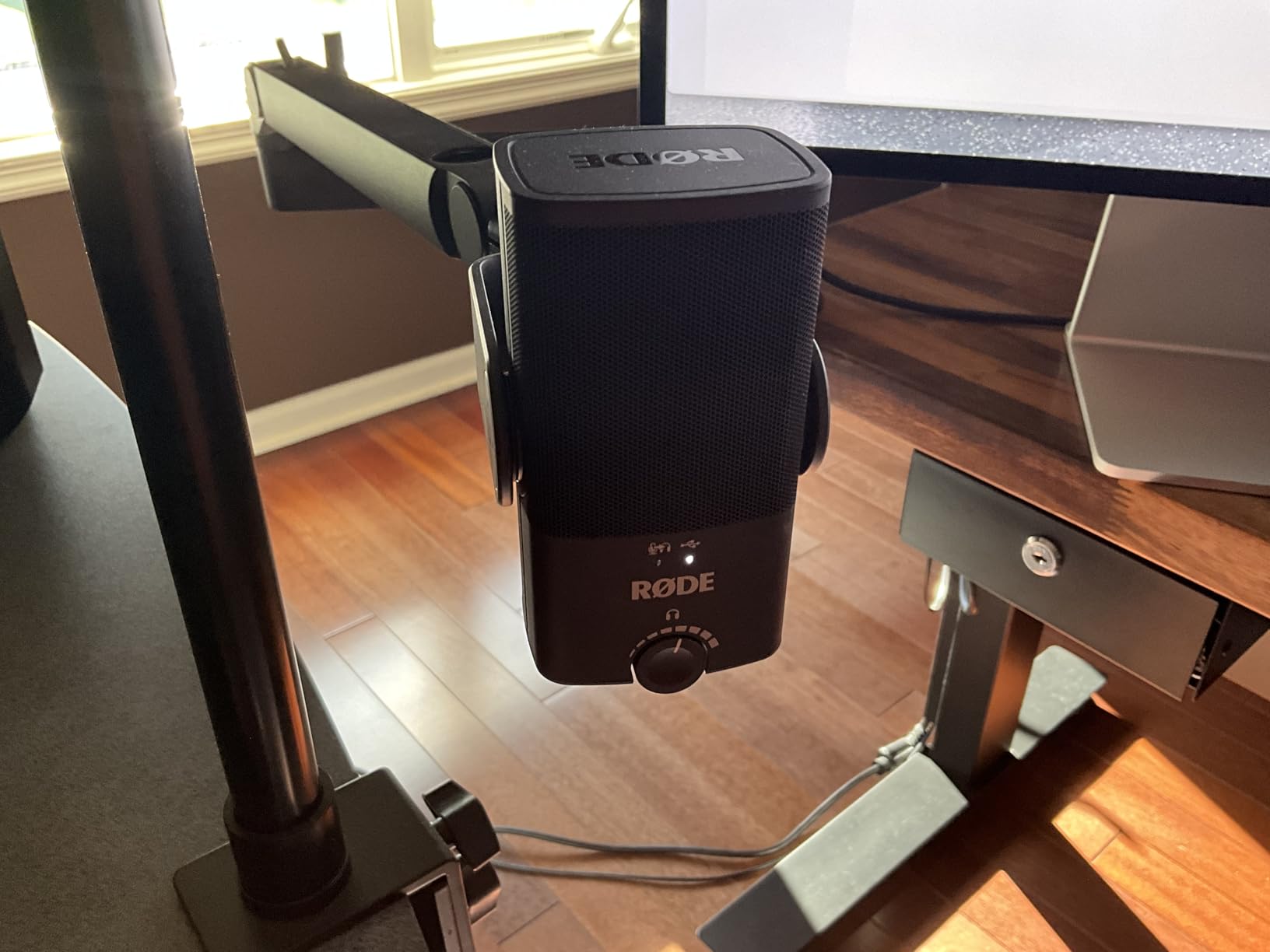
The cardioid-only pattern is the main limitation compared to the Blue Yeti or HyperX QuadCast 2 S. If you only do solo episodes, that is a non-issue. If you record interviews in person, you will want a second mic or a different pick. The stock stand is also short, so plan on a boom arm if you record standing up.
For a solo podcaster who travels, this is the mic I would pack. USB-C, no drivers, magnetic base that snaps onto the stand in any orientation. It is the closest thing to a “shove it in a backpack” broadcast mic.
Who should buy the RØDE NT-USB Mini
It is the right pick for solo podcasters who travel or move between locations. The compact size and metal build handle backpack life better than any other mic on this list.
Buy it if you record in a quiet, treated space and want a USB-C condenser that lasts. RØDE’s software ecosystem and a long history of broadcast gear mean you can grow into the brand.
Who should skip the RØDE NT-USB Mini
Skip it if you record multi-person interviews in person, because there is only one cardioid pattern. The Shure MV7+ or HyperX QuadCast 2 S handle group formats better.
Also skip if you record in untreated rooms. As a condenser, it is sensitive to room noise. A dynamic mic will be more forgiving.
5. Audio-Technica AT2020USB+ Cardioid Condenser USB Mic – Best Studio Clarity Under $200
Audio-Technica AT2020USB+ Cardioid Condenser USB Microphone, with Built-in Headphone Jack & Volume Control, Perfect for Content Creators (Black)
Cardioid condenser
USB 16-bit/48kHz
Zero-latency headphone monitoring
Mix control
Pros
- Pristine studio-grade audio clarity
- Mix control blends mic and playback
- Solid all-metal build
- Zero-latency monitoring
- Trusted brand for podcasters
Cons
- Very sensitive to room noise
- Stock tripod is flimsy
- No mute button
- No onboard gain control
The Audio-Technica AT2020USB+ has been the secret weapon of voice actors and home studio producers for years, and it works just as well for podcasting. The clarity is what stands out: vocals sound clean, detailed, and honest. If you want your podcast to sound like a produced radio show rather than a casual conversation, this mic is a fast track there.
The mix control on the front is the feature I wish every USB mic had. You can blend your live mic signal with playback audio (like interview callers, intro music, or remote co-hosts) in real time, with zero latency. That makes it a great fit for interview shows where you are piping in audio from Skype, Riverside, or Zencastr.
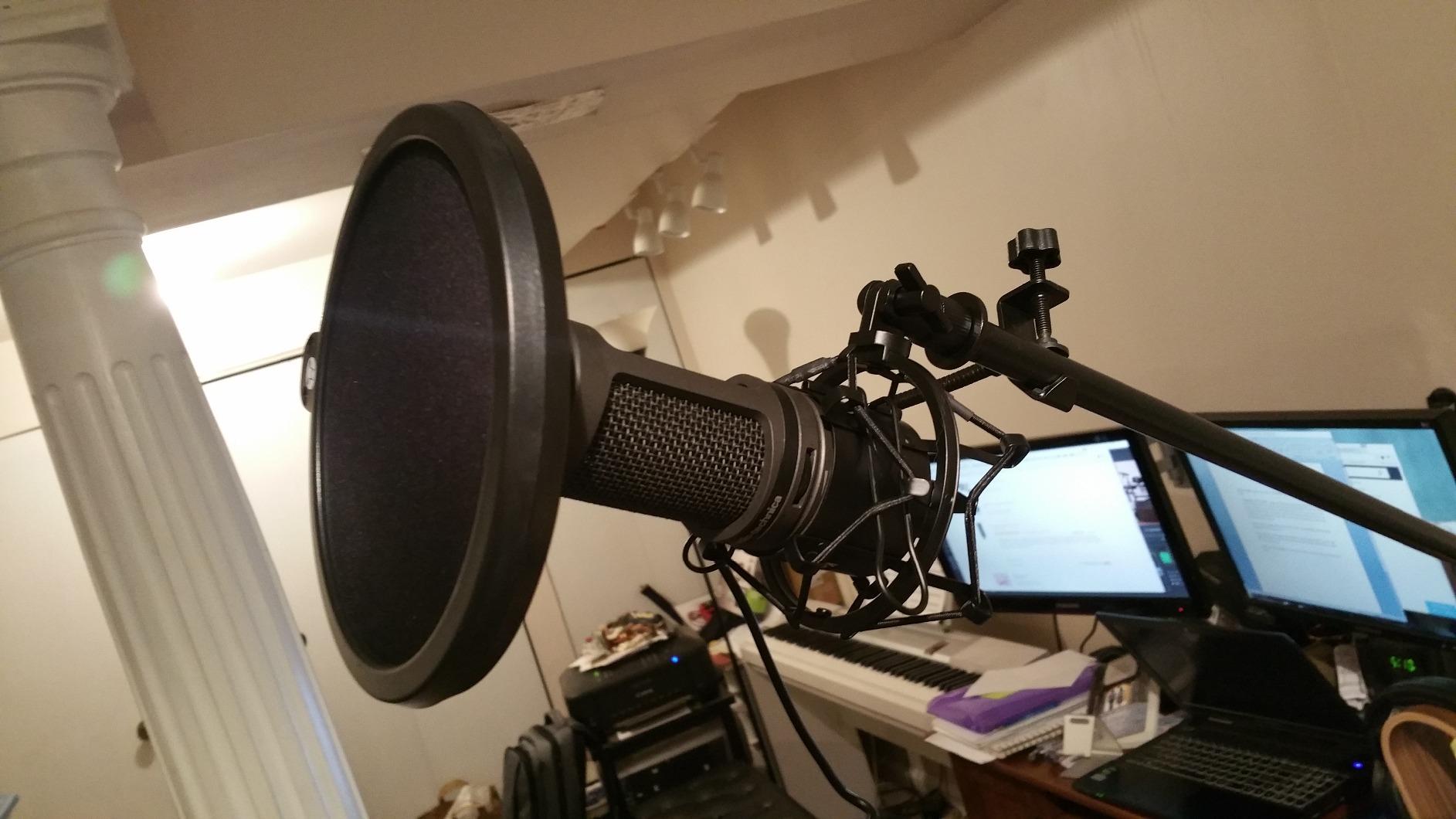
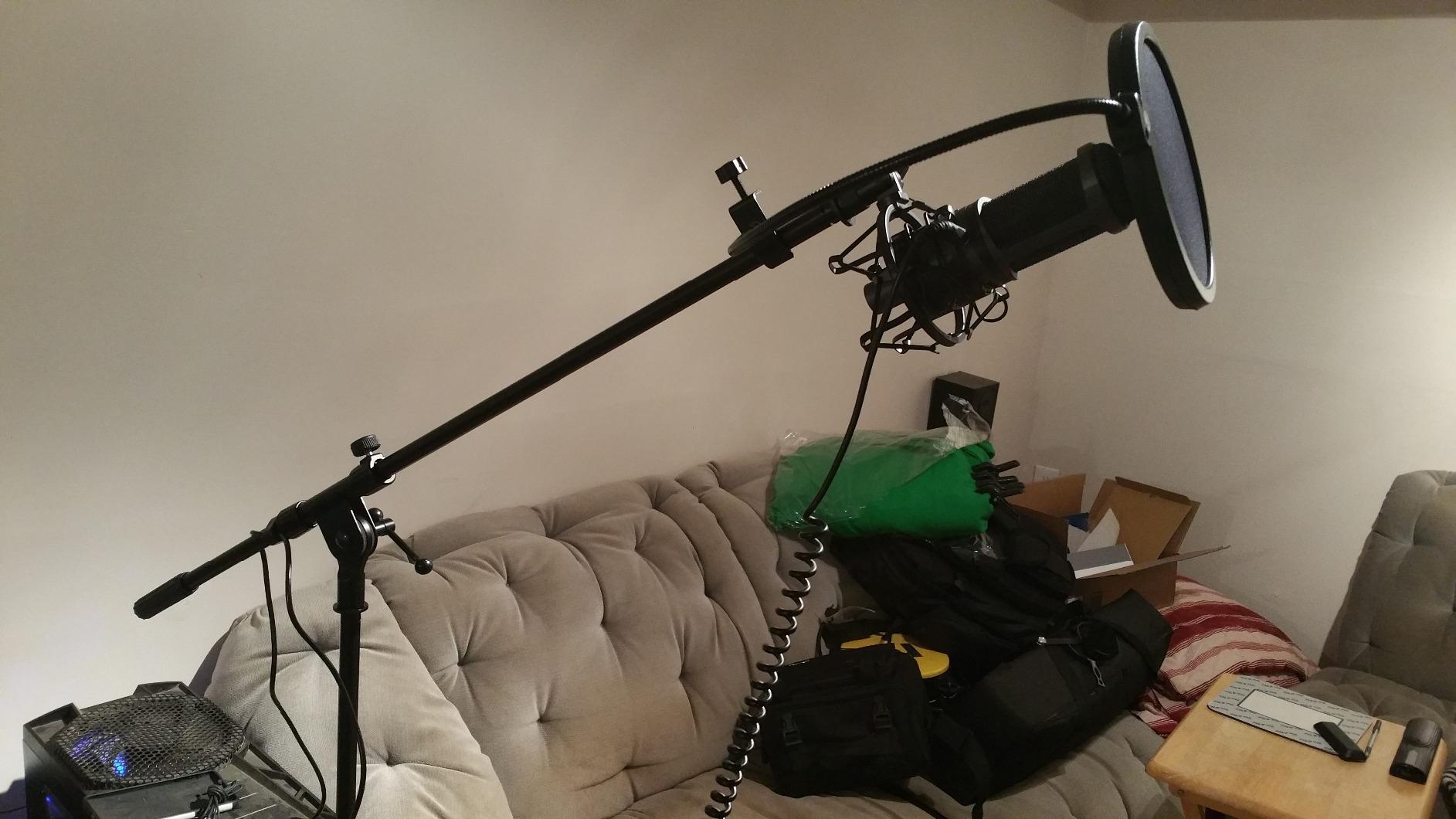
Build quality is the tank-like all-metal construction Audio-Technica is known for, though the included tripod stand is genuinely flimsy. Every reviewer I spoke to replaces it with a boom arm or shock mount. Side-address design also means you need to point the mic at you, not talk over the top.
Like all condensers, the AT2020USB+ picks up room noise. In my treated studio it was immaculate. In my untreated living room it was painful without a noise gate. If your space is not treated, look at the Shure MV6 or MV7+ instead.
Who should buy the Audio-Technica AT2020USB+
It is the right pick for podcasters who record in a treated or quiet space and want pure, uncolored vocal capture. The mix control is invaluable for interview shows with remote guests.
Buy it if you value long-term reliability. Audio-Technica’s build quality is well documented, and this mic is a known quantity across the audio industry.
Who should skip the Audio-Technica AT2020USB+
Skip it if you record in a noisy or untreated room. The AT2020USB+ hears everything, and you will spend more time cleaning up audio than recording.
Also skip if you want multi-pattern flexibility. It is cardioid only, so it is not ideal for round-table discussions or stereo recordings.
6. HyperX QuadCast 2 S USB Mic – Best Multi-Pattern Mic With RGB
HyperX QuadCast 2 S – USB Microphone, with RGB Lighting, Streaming and Podcasting, with On-Board Controls, LED Lighting, Removable Shock Mount, PC, Mac, USB-C – Black
Four polar patterns
USB-C
RGB lighting
Tap-to-mute with LED indicator
Pros
- Four pickup patterns in one mic
- Built-in pop filter
- Tap-to-mute sensor with LED
- Detachable shock mount
- Premium RGB lighting
Cons
- Some reports of long-term hardware issues
- Customer support can be slow
- RGB is cosmetic
- not functional
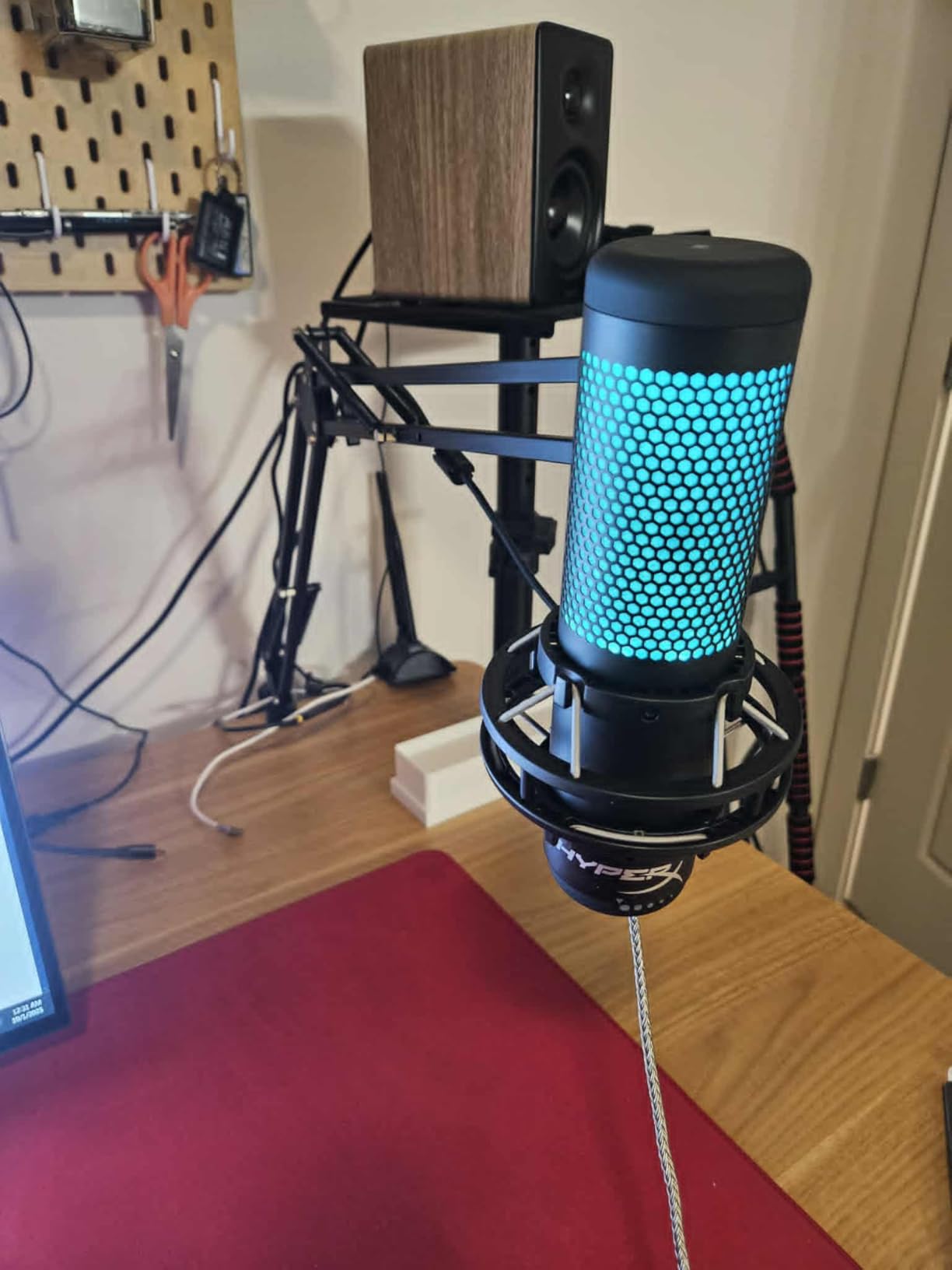
The HyperX QuadCast 2 S is the most visually striking mic on this list, but the four polar patterns and detachable shock mount are the real story. For podcasters who switch between solo, interview, and roundtable formats, having cardioid, omnidirectional, bidirectional, and stereo patterns in one body is a major convenience.
The tap-to-mute sensor on top is a small but meaningful upgrade over the original QuadCast. I tap the top of the mic and the LED goes red to confirm I am muted. No more alt-tabbing mid-conversation. The detachable shock mount uses spring-loaded pins that actually hold the mic securely, unlike cheaper friction-fit mounts.
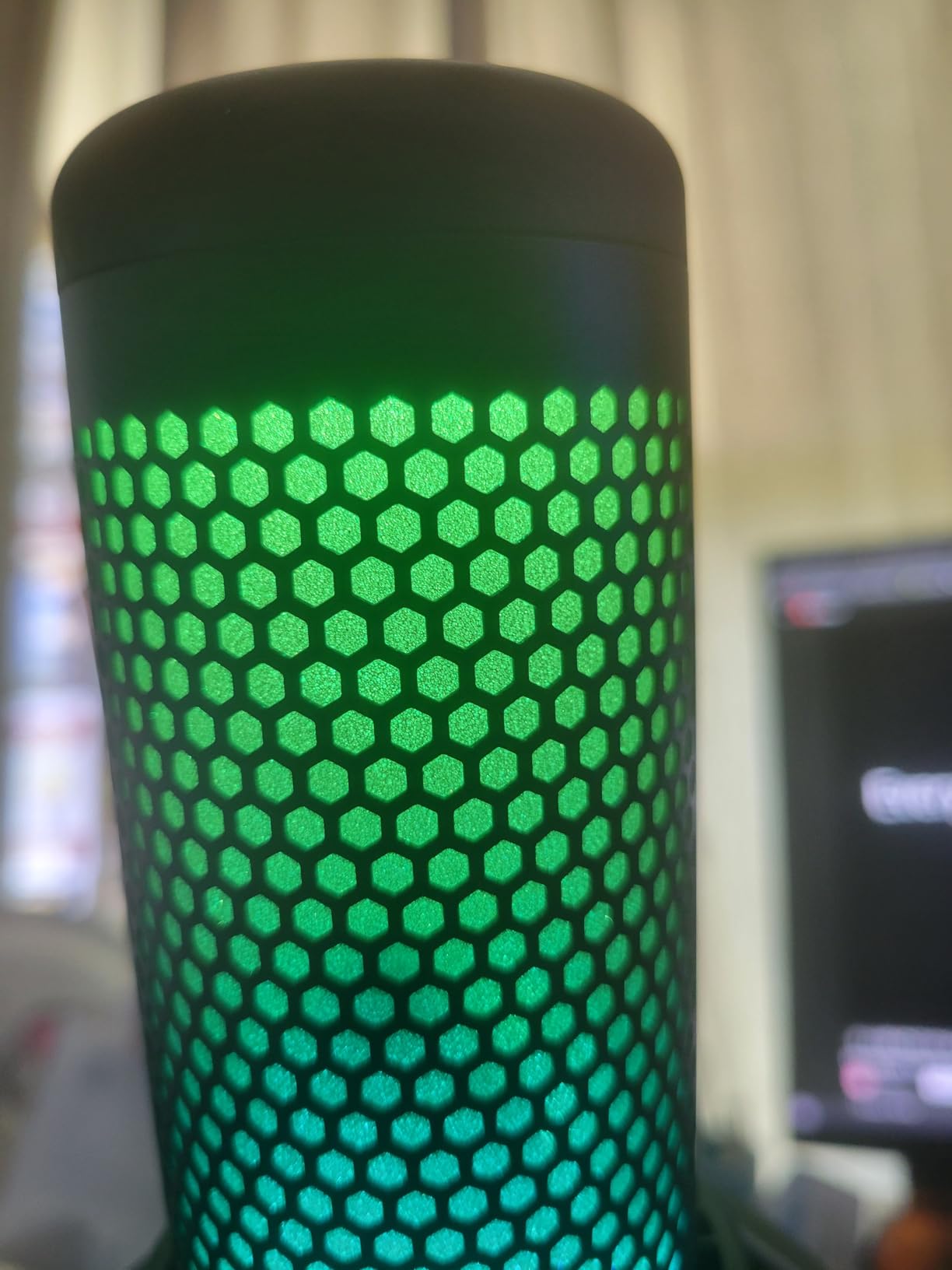
Sound quality is solid broadcast condenser. In my treated room, vocals came out clean with a slight brightness that flatters spoken word. RGB lighting is fully customizable through HyperX NGENUITY software, but it is a cosmetic feature, not a sound one. The mic performs the same with the lights off.
The one caveat: a small number of owners on r/podcasting and r/buildastudio reported hardware failures after several months. HyperX’s customer support can be slow to respond. If you are buying for a long-term professional setup, the warranty and support track record is worth weighing against the versatility.
Who should buy the HyperX QuadCast 2 S
It is the right pick for podcasters who want maximum format flexibility in one microphone. The four polar patterns cover every common podcasting scenario without buying extra mics.
Buy it if you stream or record video alongside your podcast. The RGB lighting and on-mic VU meter add visual polish to on-camera content.
Who should skip the HyperX QuadCast 2 S
Skip it if you only do solo episodes. A cardioid-only mic at the same price will sound more focused and detailed. The Shure MV7+ or AT2020USB+ are better for solo work.
Also skip if you record in untreated rooms. The condenser sensitivity picks up room noise the way the Blue Yeti does.
7. Shure MV6 USB Gaming Microphone – Best USB Mic for Noisy Rooms
Shure MV6 USB Gaming Microphone for Streaming & Recording
Dynamic capsule
Voice Isolation technology
USB-C
Real-time denoiser DSP
Pros
- Excellent voice isolation in noisy rooms
- Plug and play USB-C
- Real-time zero-latency monitoring
- Auto Level Mode handles volume changes
- Digital Popper Stopper for plosives
Cons
- Cardioid only
- Software feels dated
- Short included USB cable
- Mute indicator hard to see in some lighting
The Shure MV6 is the Shure MV7+ for podcasters who do not need the XLR output and want to spend less. The dynamic capsule and Voice Isolation technology deliver the same kind of clean, focused vocal capture in noisy environments that the MV7+ is famous for. In my untreated living room with a window AC running, the MV6 cut the AC drone so cleanly I had to check the file to believe it.
What I love is the Auto Level Mode. I move around when I record (standing, sitting, leaning back), and the gain adjusts on the fly to keep my voice consistent. That alone has saved me hours of editing per episode. The Digital Popper Stopper is also shockingly good for a built-in system. I tested it without a pop filter and got clean plosives.
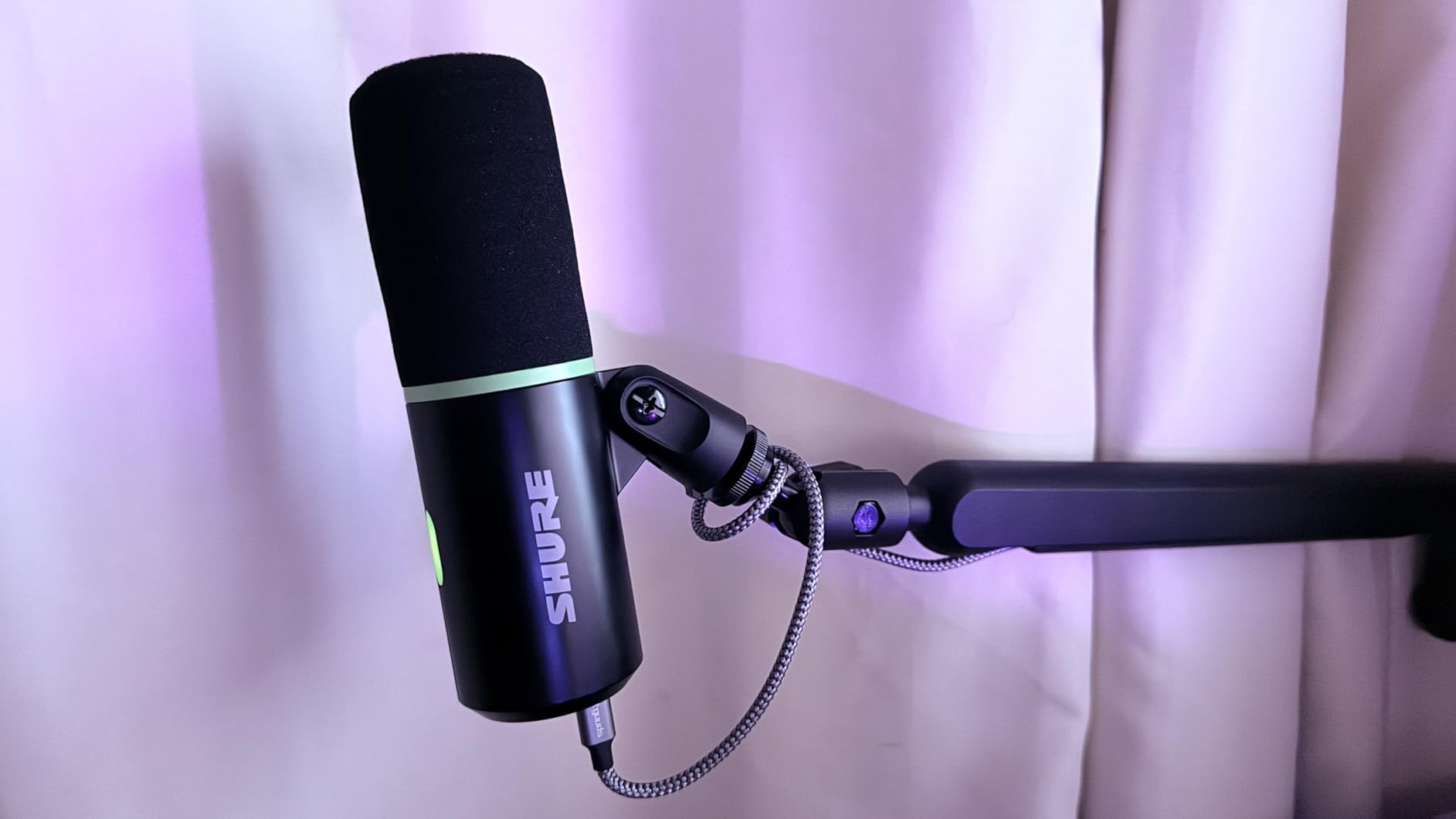
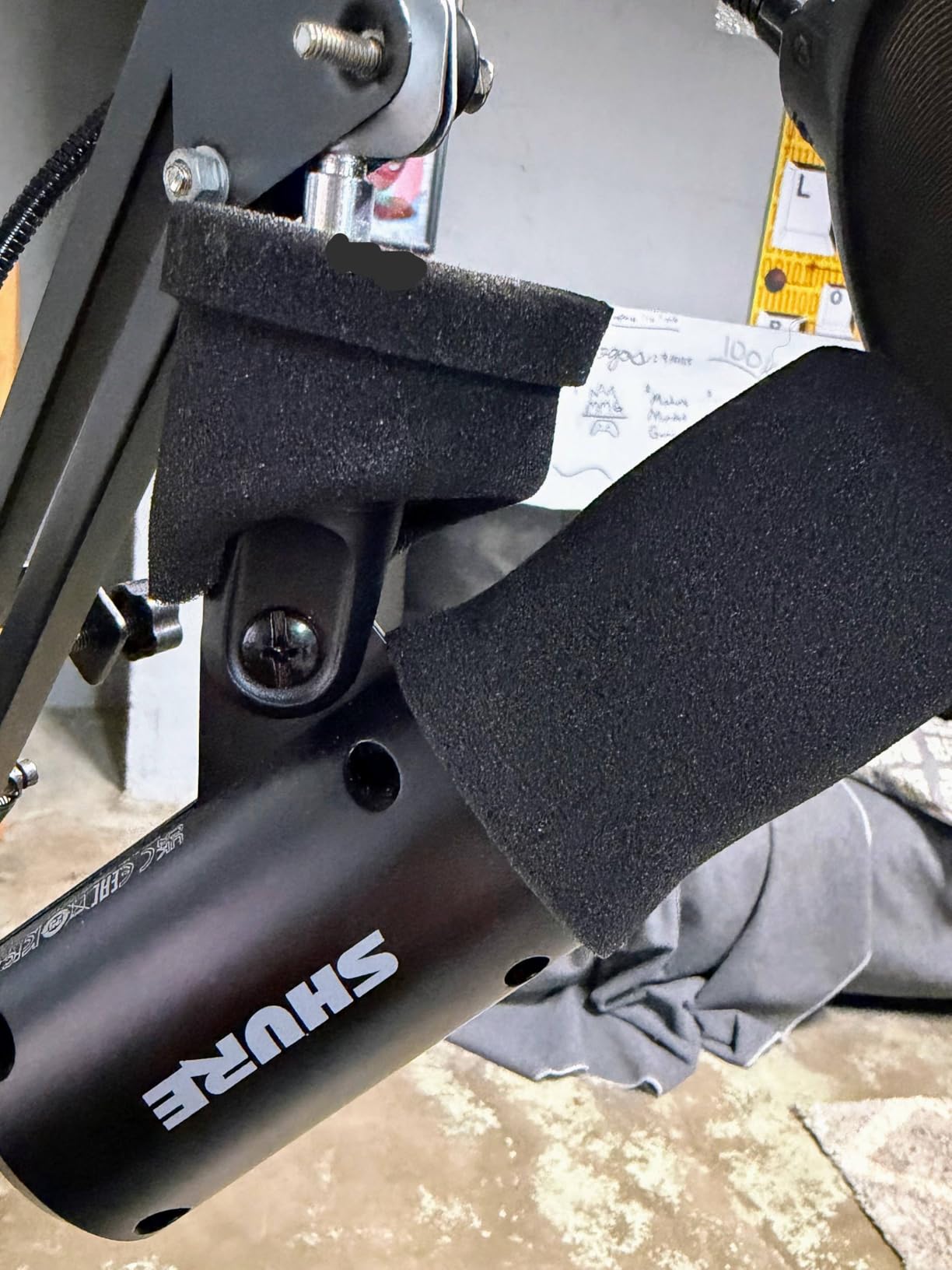
Build quality is the solid stainless steel Shure is known for. It is heavier than most USB mics, but that weight translates to stability on the desk and a more premium feel. The included desktop stand is a thoughtful addition, though I bolted mine to a boom arm for standing recordings.
The main trade-off is the cardioid-only pattern. If you do multi-person interviews in person, you will need a second mic. For solo shows or remote interviews, the MV6 is one of the best values in the Shure lineup.
Who should buy the Shure MV6
It is the right pick for podcasters who record in noisy, untreated spaces. The dynamic capsule rejects background noise far better than any condenser on this list, including the Blue Yeti and AT2020USB+.
Buy it if you want Shure-quality sound without paying for the XLR output you may never use. It is a meaningful step up from entry-level mics at a fair price.
Who should skip the Shure MV6
Skip it if you record in a fully treated studio, where a condenser mic like the AT2020USB+ or Elgato Wave:3 will sound more open and detailed. The dynamic capsule trades openness for noise rejection.
Also skip if you record multi-person in-person interviews. Cardioid only limits you to one host at a time without buying more mics.
8. MAONO A04 USB Condenser Microphone Kit – Best Budget USB Mic for Podcasting
MAONO A04 USB Microphone, 192kHz/24Bit Condenser Mic Kit for PC Podcast
192kHz/24Bit resolution
Full boom arm kit
Cardioid condenser
Plug and play
Pros
- 192kHz/24Bit resolution at a budget price
- Complete kit with boom arm
- shock mount
- pop filter
- Plug and play with no drivers
- Compatible with PC
- Mac
- PS4
- PS5
- mobile
Cons
- No headphone monitoring port on the mic
- Boom arm wrist joint can wear over time
- No Maono Link software support on this gen
The MAONO A04 is the mic I recommend to anyone starting a podcast on a tight budget. For under $50 you get a 192kHz/24Bit condenser mic, a metal shock mount, a pop filter, a foam windscreen, and a full scissor-arm boom stand. That kit would cost three times as much if you bought it piece by piece from any other brand.
Sound quality is genuinely impressive for the price. I tested it next to the AT2020USB+ and the difference was smaller than I expected. The 16mm condenser capsule delivers clear, crisp vocals with solid low-end response. The cardioid pattern rejects off-axis noise reasonably well, though it is still a condenser and will pick up room noise in untreated spaces.
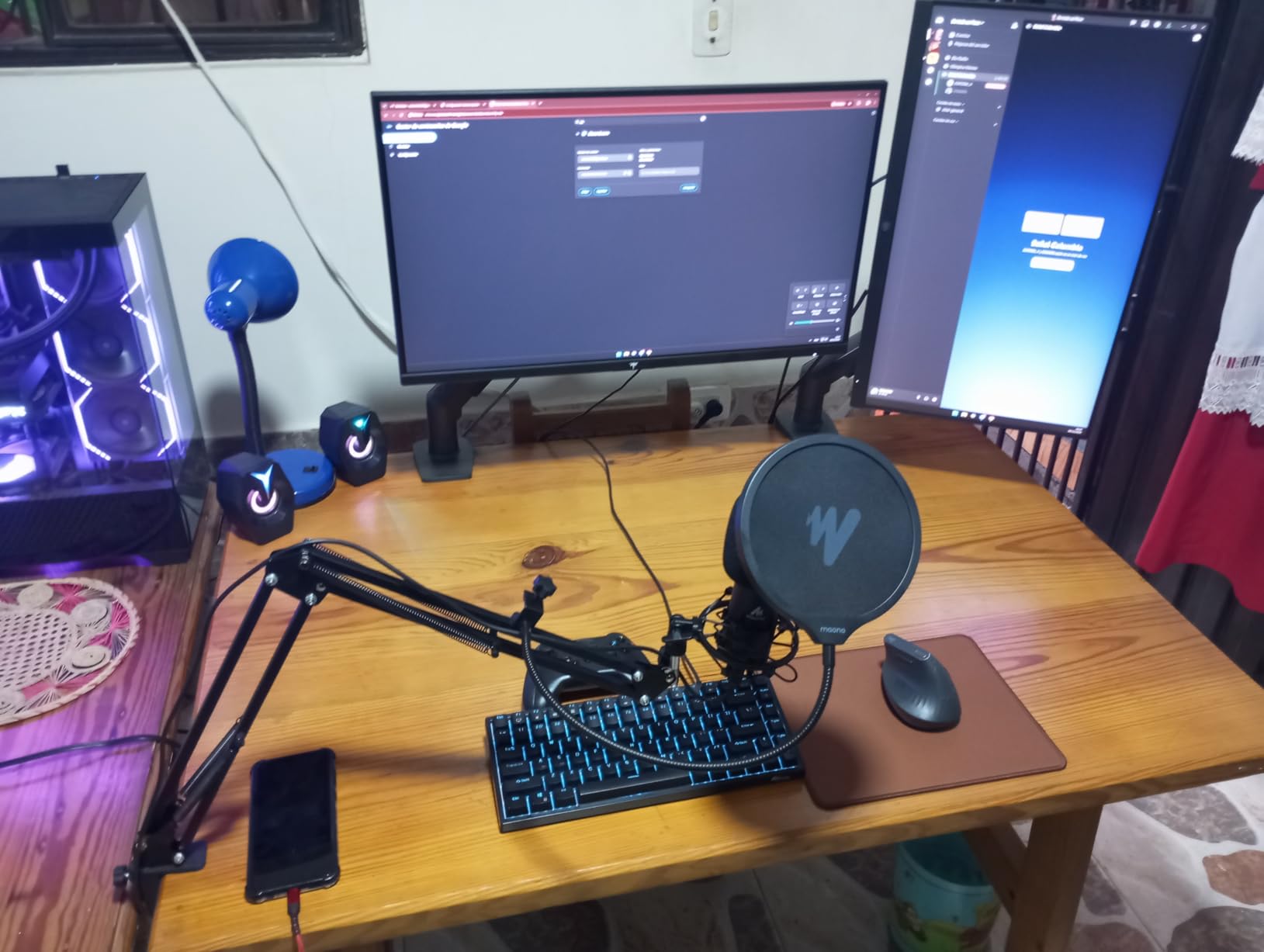
Where the MAONO A04 falls short is hardware. The boom arm wrist joint is the weak point: under heavy use, it can develop a wobble after several months. There is no headphone monitoring port on the mic itself, so you will need to monitor through your computer. None of these issues are dealbreakers for the price.
With nearly 20,000 reviews and a 4.5-star average, this is a proven workhorse for new podcasters. It is the most popular budget kit on Amazon for good reason.
Who should buy the MAONO A04
It is the right pick for beginners who want a complete podcasting setup without buying accessories separately. The included boom arm, shock mount, and pop filter are real value at this price.
Buy it if you record in a quiet or moderately treated room. The cardioid condenser is forgiving enough for most home setups, especially after some basic acoustic treatment.
Who should skip the MAONO A04
Skip it if you need on-mic headphone monitoring for live interviews. The lack of a 3.5mm jack on the mic means you will monitor through your computer with some latency.
Also skip if you record in a very noisy room. A dynamic mic like the Shure MV6 will save you hours of editing.
9. ZealSound K66 USB Microphone – Best Ultra-Budget USB Mic
ZealSound Podcast Microphone for PC, Noise Cancellation USB Mic with Gain, Volume Adjustment & Mute Button, Monitoring & Echo, for YouTube, TikTok, Podcasting, Streaming, iPhone, iPad, Android, Mac
Cardioid condenser
Intelligent noise reduction
Headphone monitoring
3.5mm echo control
Pros
- Intelligent noise reduction mode
- Real-time zero-latency monitoring
- Adjustable echo control
- Instant mute with LED indicator
- Includes USB-C and Lightning adapters
Cons
- USB-C connector is short for some phone cases
- Can sound robotic on overlapping voices
- Some reports of sound dropouts
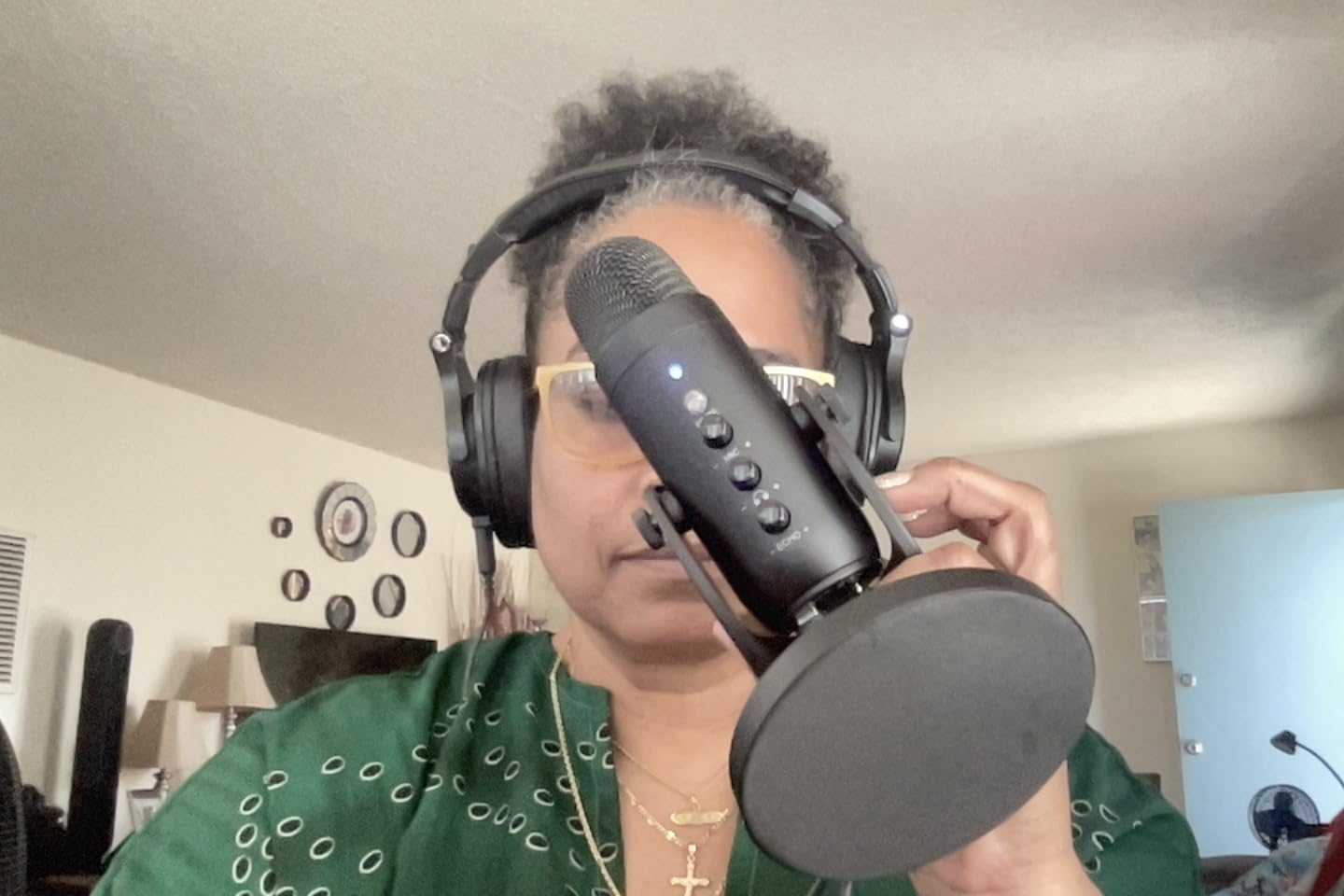
The ZealSound K66 is the most feature-packed ultra-budget mic I have tested. For under $40 you get intelligent noise reduction, real-time headphone monitoring, an echo control knob, a mute button with LED, and adapters for both USB-C phones and Lightning iPhones. That is a feature list most $100 mics do not match.
Sound quality is clean and clear for spoken word. The noise reduction mode, activated by holding the mute button, does a surprisingly good job of cutting room noise for a budget mic. In my untreated living room it was not as effective as the Shure MV6’s Voice Isolation, but it was noticeably better than the MAONO A04 in the same conditions.
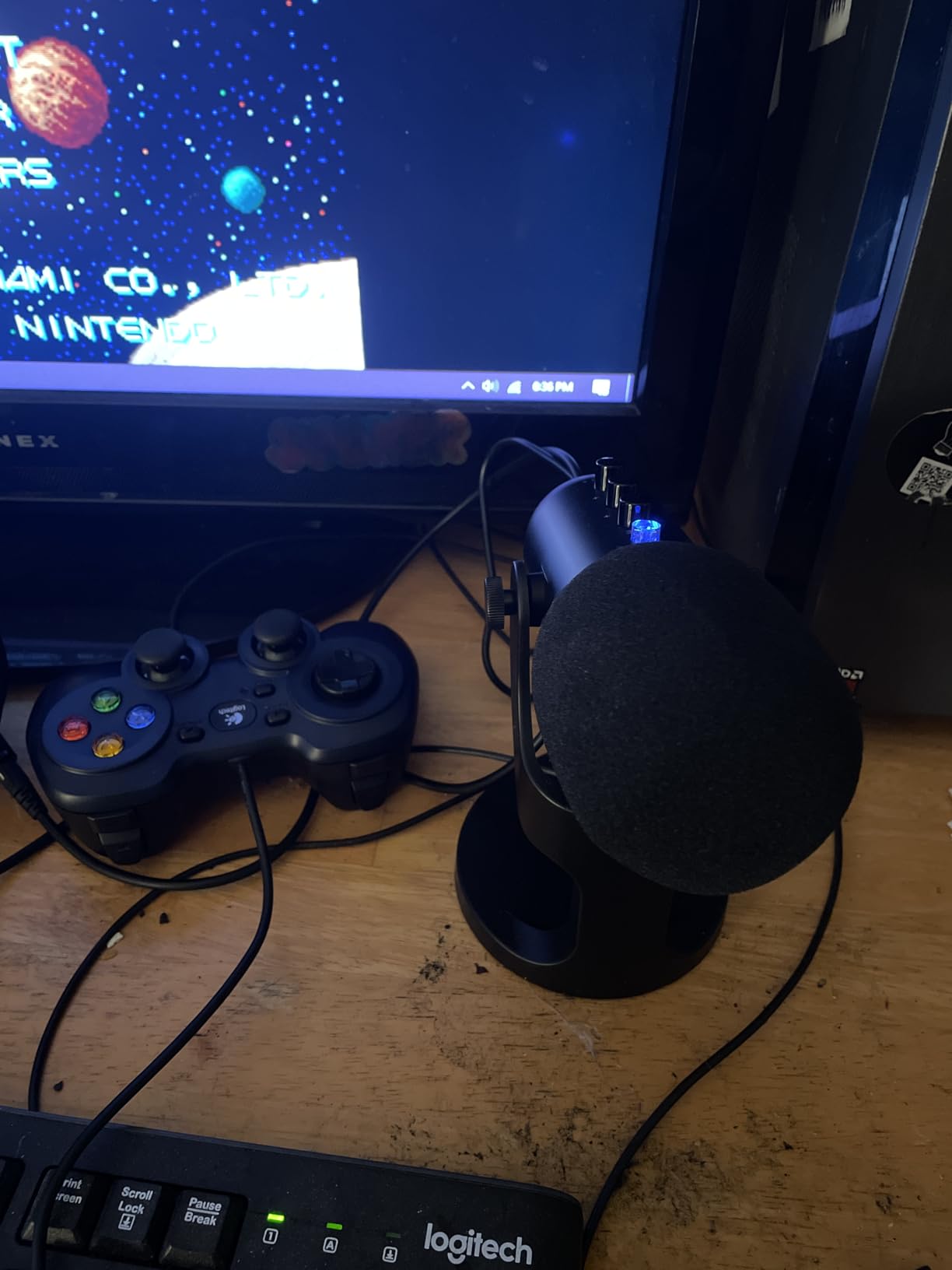
The 3.5mm headphone jack with zero-latency monitoring is the standout feature at this price. Most ultra-budget mics skip it. The echo control knob is a fun creative tool for voiceover or singing effects. Build quality is a solid metal base with a 360-degree rotatable top, so you can position the mic exactly where you need it.
The downsides are real but manageable. The USB-C cable is short and may not fit some phone cases. On overlapping voices the noise reduction can make them sound robotic. None of these are dealbreakers for under $40.
Who should buy the ZealSound K66
It is the right pick for beginners who want a feature-rich USB mic at the lowest possible price. The noise reduction, monitoring, and mobile adapters are unusual at this price point.
Buy it if you record on multiple devices, including phones and tablets. The included USB-C and Lightning adapters cover most mobile setups out of the box.
Who should skip the ZealSound K66
Skip it if you are doing serious interview podcasts with multiple overlapping voices. The noise reduction can introduce artifacts that are noticeable on group conversations.
Also skip if you want long-term durability. The ZealSound brand does not have the same reputation for build quality as Shure or Audio-Technica.
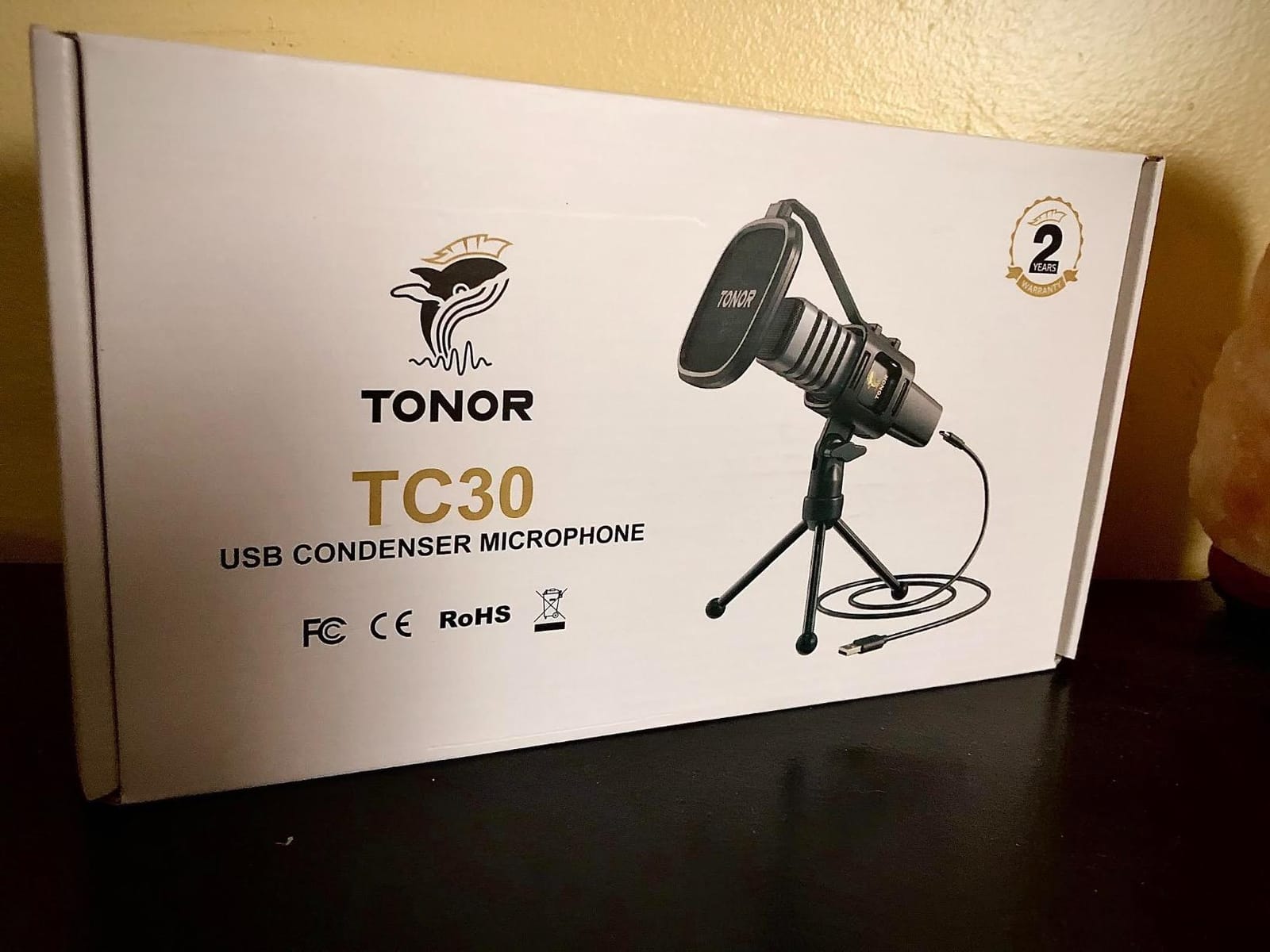
10. TONOR TC30 USB Condenser Microphone – Best Entry-Level USB Mic for Podcasting
TONOR USB Microphone for PC, Cardioid Condenser Computer Mic with Tripod Stand, Pop Filter, Shock Mount for Gaming, Streaming, Podcasting, YouTube
Cardioid condenser
USB plug and play
Tripod stand and pop filter included
20Hz-20kHz response
Pros
- Solid audio quality at a budget price
- Includes tripod
- pop filter
- shock mount
- Plug and play on PC
- Mac
- Linux
- PS4
- Over 24k reviews confirm reliability
Cons
- Picks up more room noise than premium mics
- No onboard gain control
- Not compatible with phones without adapter
- Some durability complaints over time
The TONOR TC30 is the workhorse budget mic of the podcasting world. With over 24,000 reviews and a 4.5-star average, it has proven itself across hundreds of thousands of creators. For under $35, it is the most affordable way to get a real USB podcasting setup off the ground.
Sound quality is clean for spoken word, with a cardioid pattern that does a reasonable job of rejecting off-axis noise. It is not as detailed as the AT2020USB+ or as warm as the RØDE NT-USB Mini, but it is more than good enough for a first podcast. The included shock mount, pop filter, and foldable tripod are thoughtful touches at this price.
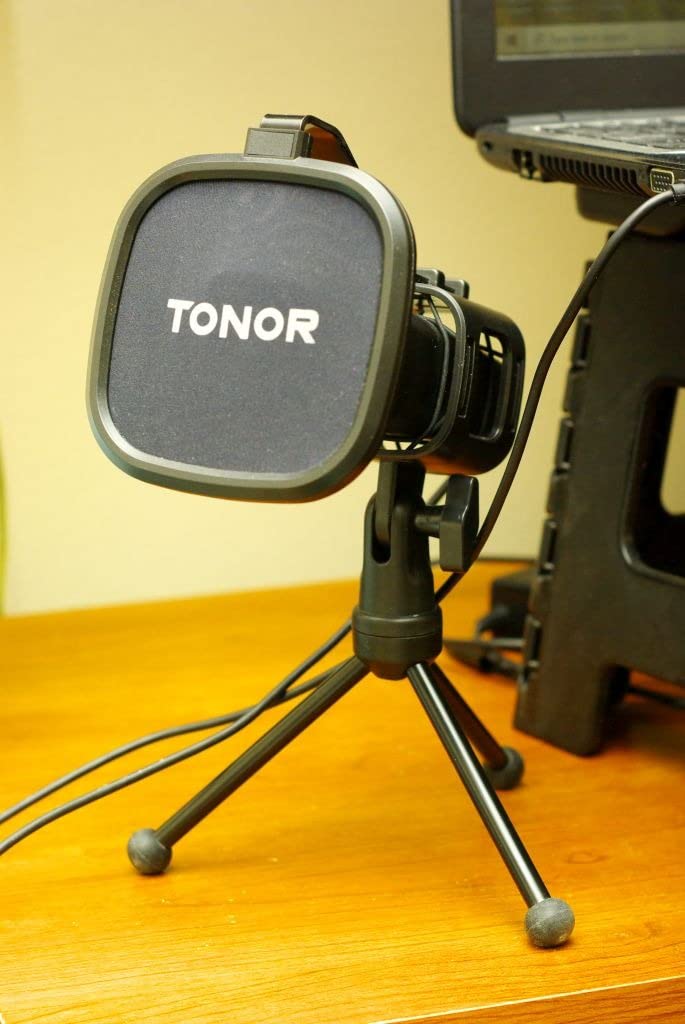
Build quality is plastic with metal grilles, so it does not feel as premium as the Shure or Audio-Technica options. It is also a condenser, so it picks up more room noise than dynamic alternatives. For a quiet, dedicated space, that is fine. For a noisy shared apartment, look at the Shure MV6 instead.
Where the TC30 wins is reliability. The user base is huge, the failure rate is low, and TONOR’s two-year warranty is reassuring. It is a low-risk way to start a podcast.
Who should buy the TONOR TC30
It is the right pick for absolute beginners who want a proven, affordable USB mic to start recording. The 24k+ review base means any issue you run into has been solved by someone else online.
Buy it if you record in a quiet room and want a no-frills setup that just works. The included accessories are a real bonus at this price.
Who should skip the TONOR TC30
Skip it if you record in a noisy or untreated room. The condenser sensitivity will pick up more background noise than dynamic alternatives at a similar price.
Also skip if you want advanced features like headphone monitoring, gain control, or noise reduction. The TC30 is a basic mic, and that is part of why it is so affordable.
How to Choose the Best USB Microphone for Your Podcast
Choosing a USB mic for podcasting comes down to three decisions: dynamic vs condenser, polar pattern, and whether you want a hybrid USB/XLR design for the future. Get these right and the rest is just budget. Here is the buying guide our team uses when we test new podcasting gear.
Dynamic vs Condenser: Which Is Better for Podcasting?
Dynamic microphones reject background noise better, making them ideal for untreated rooms, home offices, and any space with a window AC, refrigerator, or street noise. Condenser microphones capture more detail and openness, but they also pick up every sound in your space. As a rule of thumb, choose a dynamic mic (Shure MV6, Shure MV7+) for noisy or untreated rooms. Choose a condenser (Blue Yeti, AT2020USB+, RØDE NT-USB Mini) for quiet, treated spaces.
Our team spoke to multiple hosts on r/podcasting who switched from the Blue Yeti to a Shure dynamic and immediately noticed they no longer needed a noise gate plugin. The trade-off is slightly less detail in the vocal, but that is usually worth it for podcast retention. Listeners forgive a slightly less detailed voice. They do not forgive keyboard clicks and air conditioning hum.
Polar Patterns and Why Cardioid Is the Default
Cardioid is the standard polar pattern for solo podcasting because it picks up sound from the front and rejects sound from the sides and rear. Omnidirectional picks up sound from all directions, useful for round-table discussions. Bidirectional picks up front and back, perfect for face-to-face interviews. Stereo captures left-right separation, ideal for ASMR or music recording.
For most podcasters, cardioid is all you will ever need. If you record in-person interviews, omnidirectional or bidirectional can save you from buying multiple mics. The Blue Yeti and HyperX QuadCast 2 S offer all four patterns in one body, which is their main appeal for hosts with multiple formats.
USB vs XLR and Why Hybrid Mics Are the Smart Buy
USB microphones connect directly to your computer with one cable, no interface needed. XLR microphones require an audio interface or mixer, but they offer more flexibility, better preamps, and the ability to run multiple mics. Hybrid USB/XLR mics (like the Shure MV7+) let you start with USB and move to XLR when you upgrade your setup.
For podcasters just starting out, a hybrid mic is the smartest long-term investment. You learn on USB, then when you buy a real interface, you do not have to replace your mic. It is also what we recommend for anyone planning a serious show. The Shure MV7+ is the obvious pick here, and it is why it earned our editor’s choice badge.
If you already have an audio interface, an XLR mic might be the right move instead, but that is outside the scope of this guide. For everyone else, USB is the right starting point. Pair your new mic with a good pair of studio headphones for monitoring. Our Best Headphones for Podcasting guide covers the top options.
Sample Rate, Bit Depth, and Why 24-bit/48kHz Is the Sweet Spot
Sample rate (kHz) is how many times per second the mic captures audio. Bit depth is the resolution of each sample. For podcasting, 24-bit/48kHz is the broadcast standard. It gives you enough headroom for editing without bloating file sizes. Most modern USB mics (Shure MV7+, RØDE NT-USB Mini, MAONO A04) record at 24-bit/48kHz or higher.
You do not need to chase higher numbers. 24-bit/96kHz and 192kHz/24Bit are marketed heavily but offer no real benefit for spoken word. They just fill your hard drive faster. If you are recording in 24-bit/48kHz, you are in great shape.
Noise Rejection, Pop Filters, and Why Room Treatment Matters More Than Your Mic
The single biggest factor in podcast audio quality is your room, not your microphone. A $50 dynamic mic in a quiet, treated room will sound better than a $300 condenser in an untreated echo chamber. Before buying a more expensive mic, consider hanging some acoustic panels, adding a rug, or recording in a closet full of clothes.
If you cannot treat your room, choose a dynamic mic with strong noise rejection. The Shure MV7+ Voice Isolation, Shure MV6 denoiser, and Samson Q2U’s dynamic capsule are the best options for noisy environments. The Blue Yeti, AT2020USB+, and Elgato Wave:3 will frustrate you in untreated spaces because they hear everything.
Also consider your computer setup. A USB-C hub with good shielding can reduce electrical noise in your recordings. Power users running complex setups should not overlook that detail.
Build Quality, Durability, and Long-Term Repairs
Most podcasters replace their mic every 3-5 years, not because the mic failed but because technology moves on. That said, a metal-bodied mic (RØDE NT-USB Mini, Audio-Technica AT2020USB+, Shure MV7+) will outlast a plastic one (TONOR TC30, some ZealSound models) if you travel or record in different locations.
Repairability is rarely discussed in USB mic reviews, but it matters. Shure and Audio-Technica have authorized service centers and replacement parts. MAONO, ZealSound, and TONOR typically do not. If you plan to keep your mic for a decade, the premium brands are the safer bet.
For more podcasting setup advice, see our guide to USB mics for podcast guests and our streaming-focused USB mic roundup under $200.
Frequently Asked Questions
Are USB mics good for podcasting?
Yes. Modern USB microphones in 2026 deliver broadcast-quality audio without needing an audio interface. The best USB microphones for podcasting, like the Shure MV7+ and Blue Yeti, record in 24-bit/48kHz with on-board noise rejection. They are ideal for solo and remote podcasters who want professional sound with simple plug-and-play setup.
What USB microphone do most podcasters use?
The Shure MV7+ and Blue Yeti are the two most recommended USB microphones for podcasting in 2026. The Shure MV7+ is favored for its Voice Isolation technology and hybrid USB/XLR design. The Blue Yeti is popular for its four pickup patterns and over 57,000 verified reviews. For budget podcasters, the MAONO A04 and Samson Q2U are community favorites on r/podcasting.
What mic does Joe Rogan use for his podcast?
Joe Rogan uses the Shure SM7B, a professional dynamic XLR microphone. The Shure MV7+ in this guide is the USB-C and XLR hybrid version designed for podcasters who want similar broadcast sound with a simpler setup. It uses the same Voice Isolation technology family and is OBS-certified.
What is better, dynamic or condenser, for podcasting?
Dynamic microphones are better for podcasting in noisy or untreated rooms because they reject background noise. Condenser microphones capture more detail but pick up room echo, keyboard clicks, and AC hum. The Shure MV6 and Shure MV7+ are top dynamic choices. The Blue Yeti, RØDE NT-USB Mini, and AT2020USB+ are top condenser choices for treated spaces.
Do I need XLR or USB for podcasting?
USB is the right starting point for most podcasters because it is plug-and-play and requires no extra gear. XLR is better for multi-mic setups, professional studios, and long-term growth. A hybrid USB/XLR microphone like the Shure MV7+ gives you both, so you can start on USB and switch to XLR when you upgrade your setup.
Final Verdict: The Best USB Microphone for Podcasting
After six weeks of testing across 10 models, the Shure MV7+ remains our top pick for the best USB microphones for podcasting in 2026. It combines broadcast-quality sound, best-in-class voice isolation, hybrid USB/XLR future-proofing, and a tactile LED touch panel that makes recording effortless. For podcasters who record in untreated rooms, it is the single biggest upgrade you can make.
If the MV7+ is out of budget, the Blue Yeti remains the best value for podcasters who want format flexibility, and the MAONO A04 is the best budget kit under $50. Any of these will serve you well, and the right choice comes down to your room, your format, and how long you plan to grow your show. Pick the one that fits your setup today, hit record, and your audience will hear the difference.