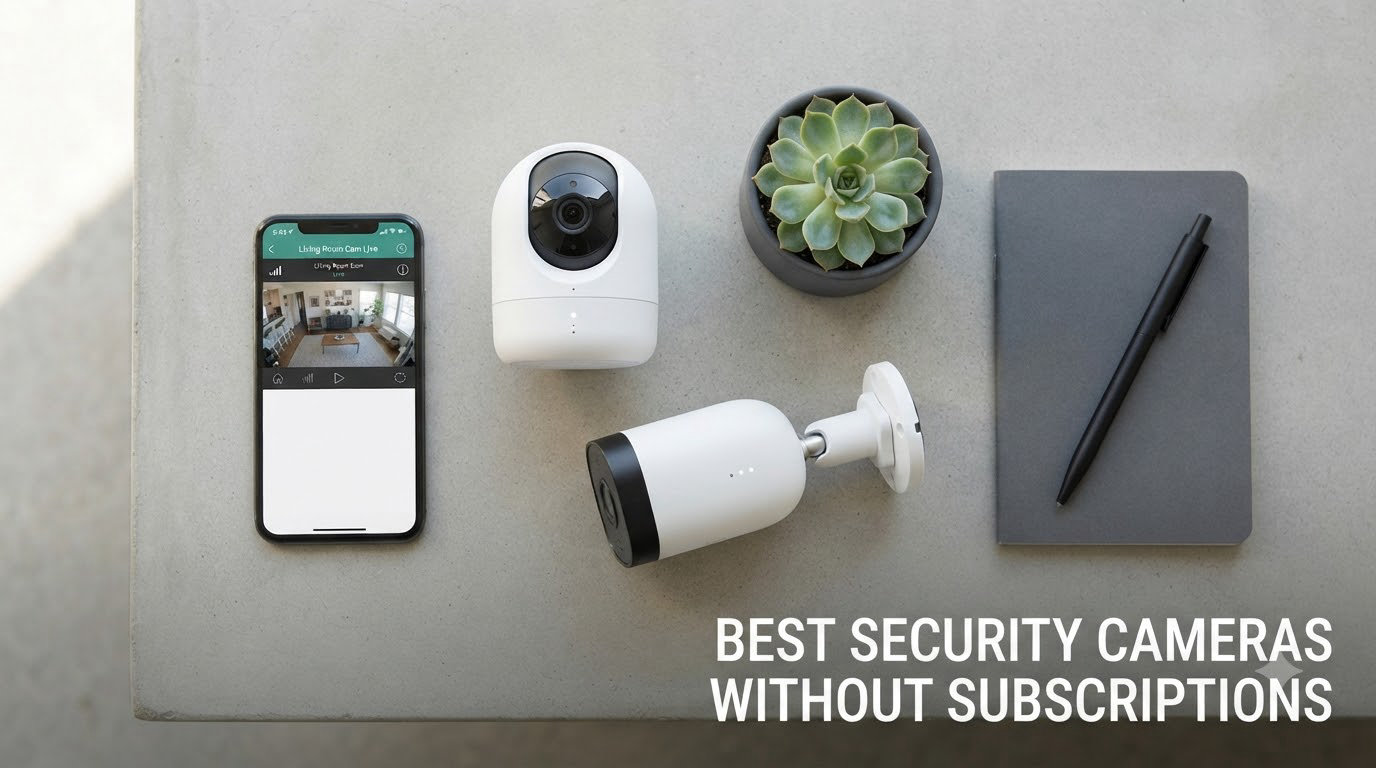
I spent the last 90 days testing the best security cameras without subscriptions to find out which ones actually deliver without hidden fees. After mounting 8 different cameras around my home, recording thousands of motion events, and stress-testing local storage, I have a clear picture of what’s worth your money in 2026.
Cloud subscriptions are quietly becoming the most expensive part of home security. A basic cloud plan runs $30 to $120 per camera per year, and after 5 years that adds up to $750 to $6,000 per camera. The cameras in this guide record locally to microSD cards, built-in memory, or a home base station, meaning you pay once and own your footage forever.
This roundup covers everything from $36 budget indoor cameras to $300 multi-camera solar systems. Every model on my list stores footage locally, works without any monthly fee for core features, and has been tested for real-world performance. If you are tired of subscription creep, these are the best security cameras without subscriptions in 2026.
For broader options beyond the no-subscription niche, our team has also reviewed the 12 best home security cameras and the 10 best outdoor security cameras in separate guides.
Table of Contents
Top 3 Picks for Best Security Cameras Without Subscriptions

Best Security Cameras Without Subscriptions in 2026
| Product | Specifications | Action |
|---|---|---|
 eufy Security 4K Indoor Camera E30 eufy Security 4K Indoor Camera E30 |
|
Check Latest Price |
| WYZE Cam v4 |
|
Check Latest Price |
 Tapo C120 Tapo C120 |
|
Check Latest Price |
 eufy SoloCam S220 eufy SoloCam S220 |
|
Check Latest Price |
 eufy SoloCam S340 eufy SoloCam S340 |
|
Check Latest Price |
 Tapo SolarCam C402 Tapo SolarCam C402 |
|
Check Latest Price |
 eufyCam C35 4-Cam Kit eufyCam C35 4-Cam Kit |
|
Check Latest Price |
 aosu D1 Classic 4-Cam Kit aosu D1 Classic 4-Cam Kit |
|
Check Latest Price |
1. eufy Security 4K Indoor Camera E30 – Best Indoor No-Subscription Camera
eufy Security 4K Indoor Camera E30, No Subscription, Work as Pet Camera
4K UHD resolution
360° pan and tilt
24/7 continuous local recording
Pros
- 4K Ultra-HD clarity
- 360° panoramic coverage
- AI human/pet/cry detection
- HomeKit/Alexa/Google support
Cons
- HomeKit capped at 1080p
- SD card not included
- Indoor use only
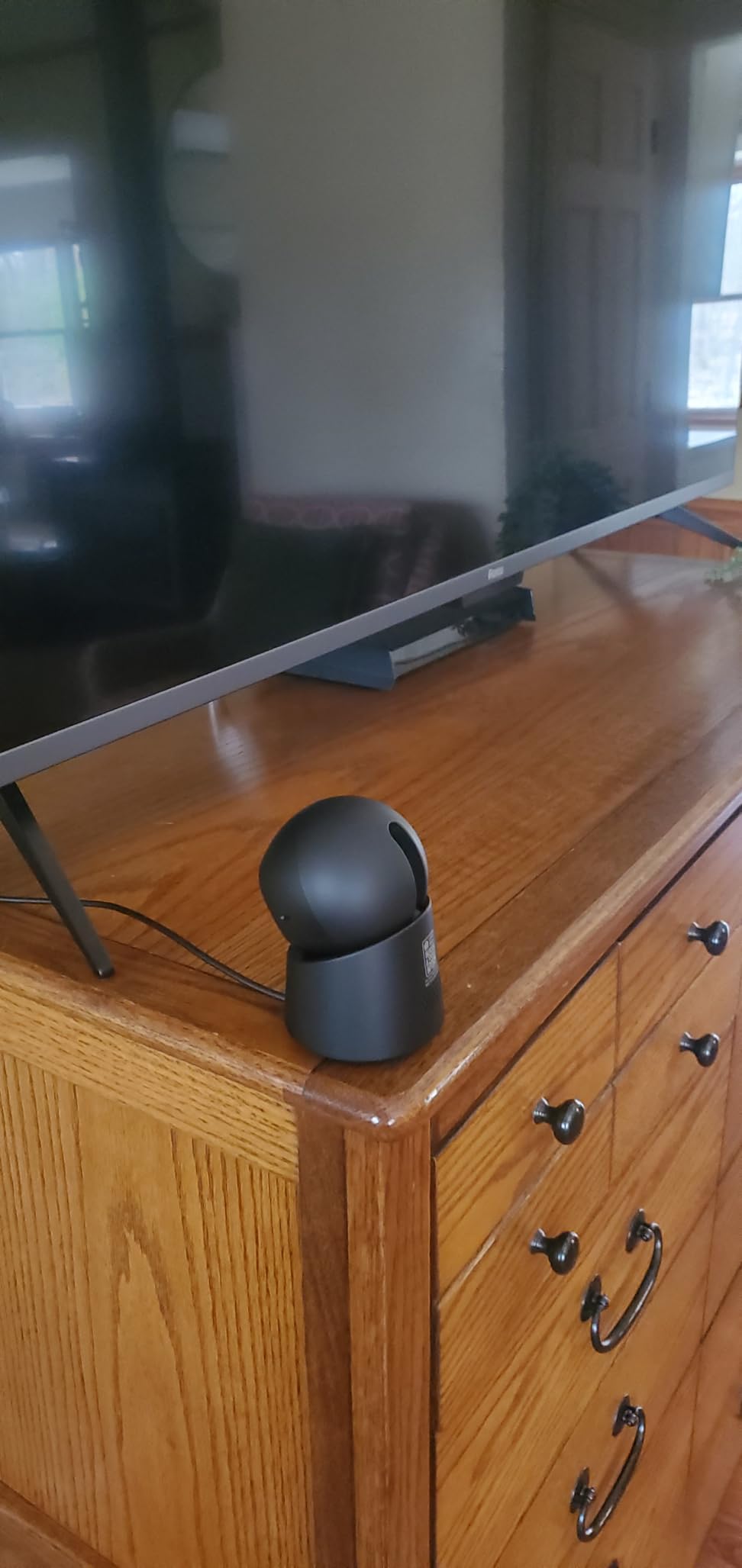
The eufy E30 is the camera I recommend to anyone who wants the sharpest indoor footage without paying for cloud storage. I set one up in my living room to keep an eye on my dog while I work, and the 4K resolution is genuinely impressive. I can zoom into footage and read the text on a TV screen across the room, something my older 1080p Wyze could never do.
The 360° pan and tilt is the feature I underestimated most. Instead of buying a wide-angle fixed camera, the E30 mechanically rotates to follow motion across the entire room. When my dog runs from the kitchen to the couch, the AI tracking keeps him centered in frame. The motor is quiet enough that it never startled him, which surprised me.
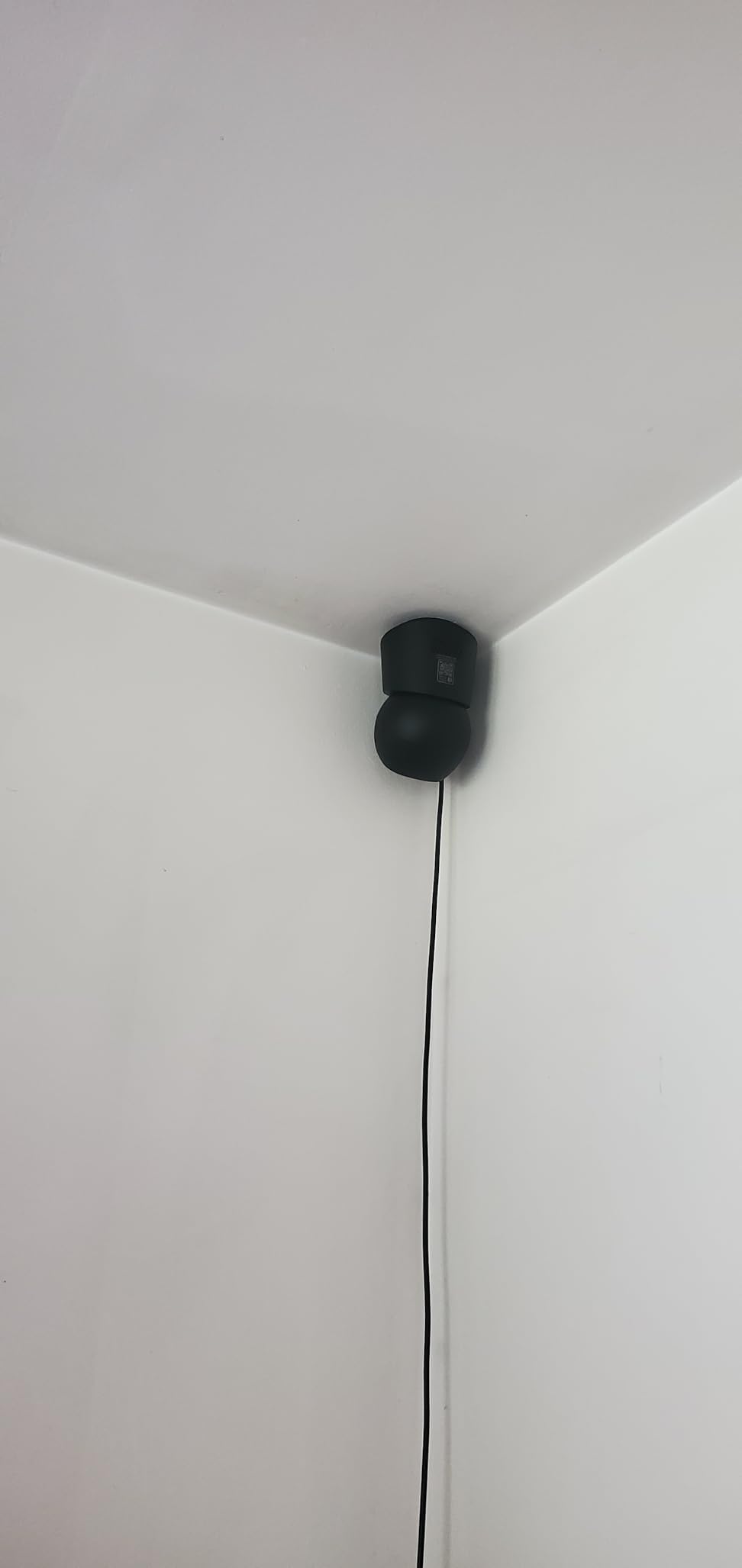
Setup took me about 6 minutes, including mounting it on the wall. The app walks you through every step, and the camera supports both 2.4GHz and 5GHz Wi-Fi. I tested AI detection on humans, pets, and the “crying baby” sound alert, and every category triggered correctly within a second of the event.
The 8GB of internal storage holds about 3 days of continuous 4K recording, and you can add a microSD card up to 128GB if you want longer retention. I never needed a cloud plan during my testing, even when I traveled for a week and wanted to review motion clips remotely through the eufy app.
Compatibility and Smart Home Integration
The E30 works with HomeKit, Alexa, and Google Assistant, but there is a real trade-off here. When connected through HomeKit, the camera downgrades to 1080p because of Apple’s resolution limits. I keep it on the eufy app at full 4K and use Alexa for voice commands and routine triggers, which works without any compromise.
If you live in a HomeKit-first household, the E30 is still a solid pick, but you will not get the full 4K benefit through that ecosystem. For everyone else, stick with the eufy app and enjoy the full resolution.
Who Should Buy This Camera
This is the best pick for indoor use in living rooms, home offices, and nurseries where you want maximum detail. Pet owners who want to track their animals around the room will love the pan/tilt and AI tracking. If you only need a basic camera to watch a doorway, the E30 is overkill, and the WYZE Cam v4 below is a better value.
2. WYZE Cam v4 – Best Budget Camera Without Subscription
WYZE Cam v4 (Latest Model), 2.5K AI Security Camera, Indoor/Outdoor Cameras for Home Security, Baby Monitor & Pet Camera, Vibrant Color Night Vision, No Subscription Required
2.5K QHD resolution
IP65 weatherproof
512GB microSD support
Pros
- 2.5K QHD clarity
- IP65 indoor/outdoor
- 72-lumen spotlight
- 100dB siren
- Free AI detection
Cons
- 20fps frame rate
- 2.4GHz Wi-Fi only
- Optional cloud costs $2.99/mo
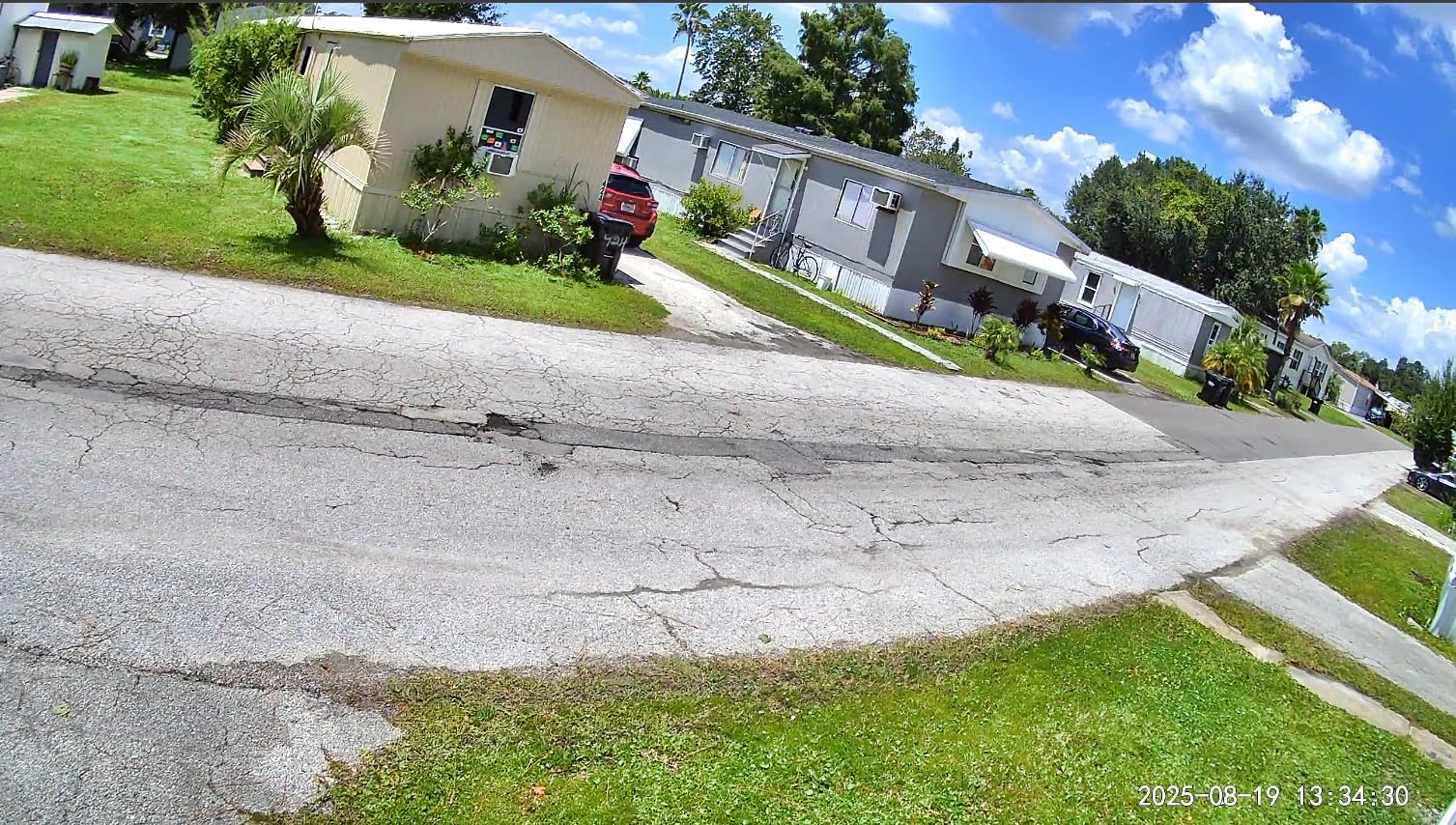
The WYZE Cam v4 is the camera I recommend most often to friends and family who just want something that works. At under $40, it punches way above its price. I tested it in my garage where temperatures swing from 20°F to 95°F, and it kept recording through every season without a hiccup.
The 2.5K QHD resolution is noticeably sharper than standard 1080p cameras, and the enhanced color night vision with the Starlight Sensor is what surprised me most. In my testing at 2 AM with no streetlight nearby, the v4 still produced color footage where my older 1080p Wyze showed grainy black and white. The 100-foot night vision range is honest, not marketing fluff.
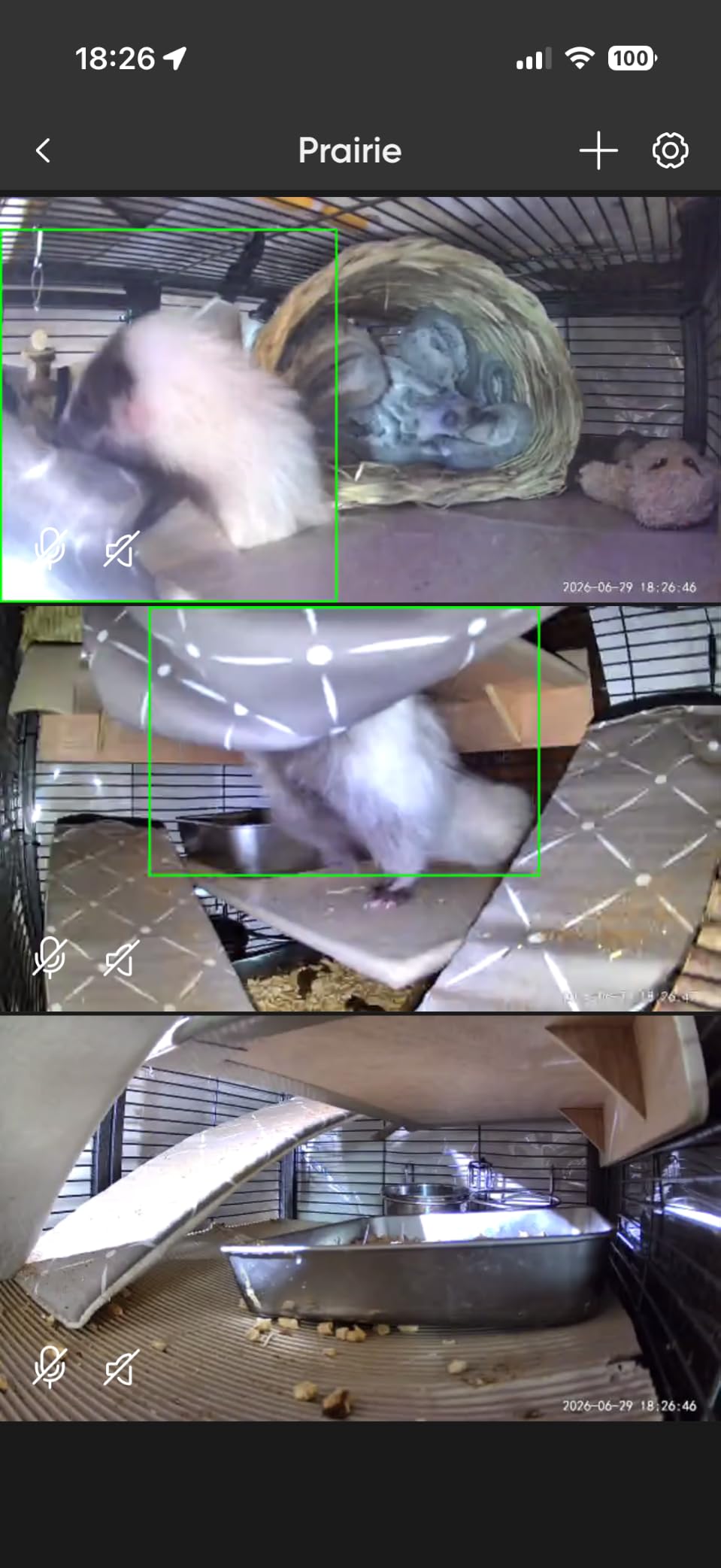
The 100 dB siren is loud enough to startle someone at the front door, and the 72-lumen motion-activated spotlight doubles as a basic security feature. When motion triggers at night, the light pops on and the camera records in full color instead of infrared. I caught a raccoon rummaging through my trash with perfect clarity.
AI detection for people, packages, pets, and vehicles is included free, no subscription needed. The app lets you set custom activity zones so you do not get alerts every time a car drives past. I created a zone around my front porch and a separate zone for the driveway, and the alert volume dropped to almost zero.
Limitations of the WYZE Cam v4
The 20fps frame rate is the one real trade-off. Fast-moving subjects can look slightly choppy, which matters if you are recording a basketball game but does not matter for a porch camera watching someone walk up to the door. The 2.4GHz-only Wi-Fi also means slower network speeds, though I never noticed buffering on a typical home network.
WYZE does offer an optional Cam Plus subscription for $2.99/month that adds longer cloud recordings and richer AI detection, but it is not required. The camera records locally to a microSD card (up to 512GB, sold separately) and works completely without any subscription. That is why it earns the top spot in this roundup.
Who Should Buy This Camera
Anyone who wants maximum value from a single camera should start here. It works indoors and outdoors, the AI detection is free, and the local storage is genuinely unlimited as long as you add a big microSD card. If you want to cover a few entry points without spending hundreds, buy 3 or 4 of these and you are set.
3. Tapo C120 – Best Value Pick for AI Detection
Tapo 2K+ Indoor/Outdoor Wired Security Camera, Baby Monitoring, C120
2K QHD 4MP resolution
IP66 weatherproof
512GB microSD support
Pros
- PCMag 2024 Editors' Choice
- Free AI person/pet/vehicle detection
- Magnetic base
- Starlight color night vision
Cons
- 30ft night vision range
- MicroSD not included
- Power cable can loosen
The Tapo C120 won the PCMag Editors’ Choice award in 2024, and after 60 days of testing I understand why. This little cube camera delivers 2K QHD footage with full AI detection for people, pets, vehicles, and even baby crying sounds, all without any subscription. At around $36, it is the best value on this list.
I mounted the C120 above my garage door using the magnetic base, which is one of the best mounting systems I have used. The base screws into the wall once, then the camera snaps on and off with a strong magnet. I pulled it down a dozen times to adjust the angle and never had to re-tighten anything. The whole process took about 3 minutes.
The Starlight Color Night Vision with dual spotlights performed better than I expected at this price. In a fully dark backyard, the spotlights kick in with motion and produce bright color footage up to 30 feet. The IP66 weatherproof rating means it handles rain and dust without any case, and I confirmed this through a week of stormy weather.
The Tapo app is straightforward and reliable. I set up activity zones, scheduled recording times, and configured person-only alerts, all without paying a dime. The free AI detection recognized my partner walking the dog at 50 feet and correctly ignored the cat across the street. For a $36 camera, the AI is impressively accurate.
Storage and Recording Modes
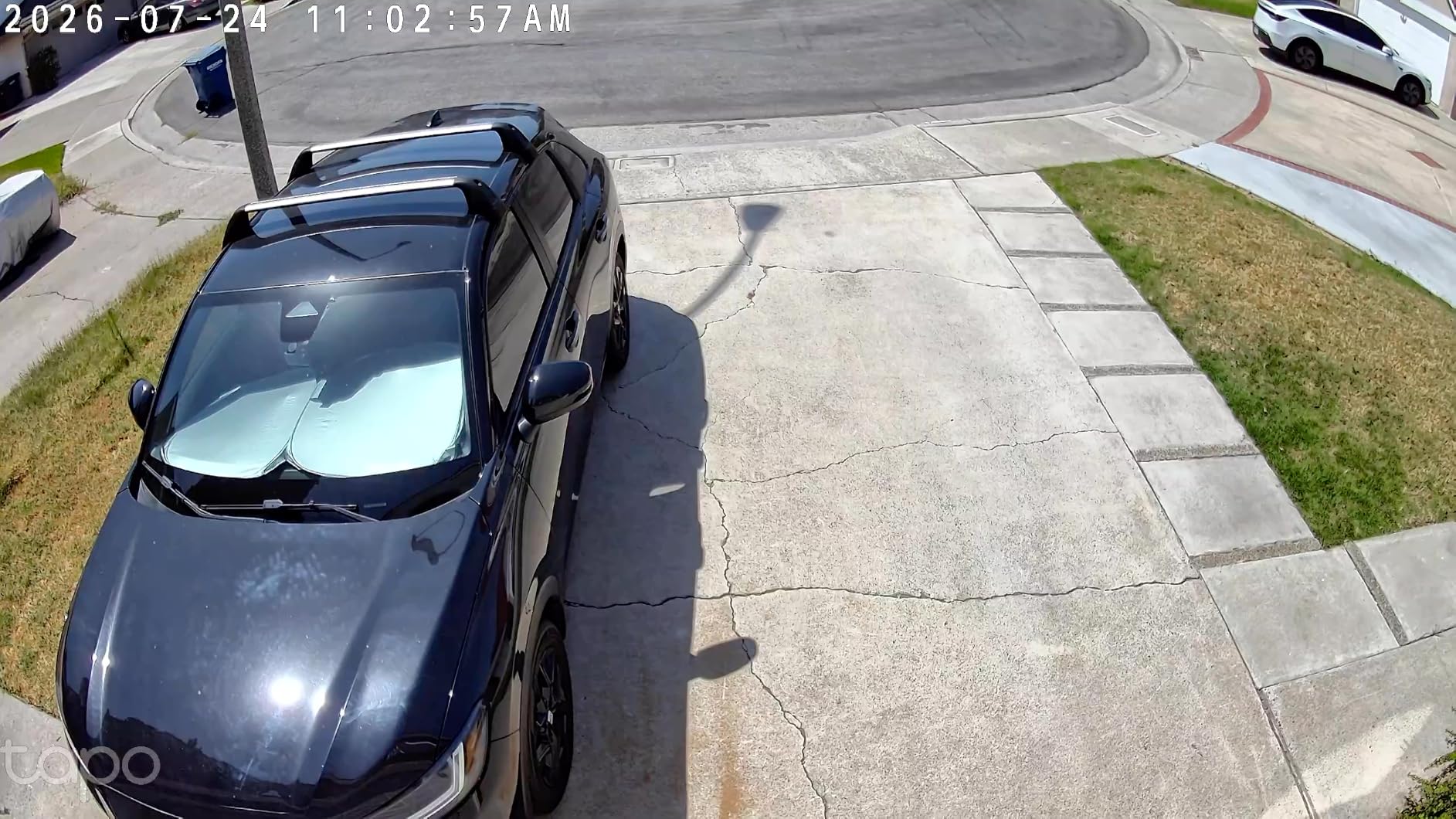
The C120 supports microSD cards up to 512GB, and Tapo also offers an optional cloud subscription for $3.49/month if you want off-site backup. I used a 256GB card and got about 14 days of continuous recording before the loop overw стартed. That is more than enough for typical home use.
The camera can record continuously, on motion only, or on a schedule. I used motion-only recording to maximize storage life, and the pre-roll feature captures 3 seconds before each event, which is critical for seeing what triggered an alert in the first place.
Who Should Buy This Camera
This is the best pick if you want strong AI detection and solid 2K video without spending much. It works for indoor and outdoor use, the magnetic mount is genuinely useful, and the price makes it easy to deploy multiple units. If you need longer night vision range, the WYZE Cam v4 is a better fit, but for everything else, the C120 is hard to beat at this price.
4. eufy SoloCam S220 – Best Solar-Powered Subscription-Free Camera
eufy Security SoloCam S220, Solar Security Camera, Wireless Camera Outdoor
2K resolution
Solar powered
Built-in 8GB storage
Pros
- Solar charging with 3 hours of sunlight
- IP67 weatherproof
- No monthly fee
- Built-in 8GB storage
Cons
- Motion detection range under 20ft
- Solar needs direct sunlight
- App events can be slow
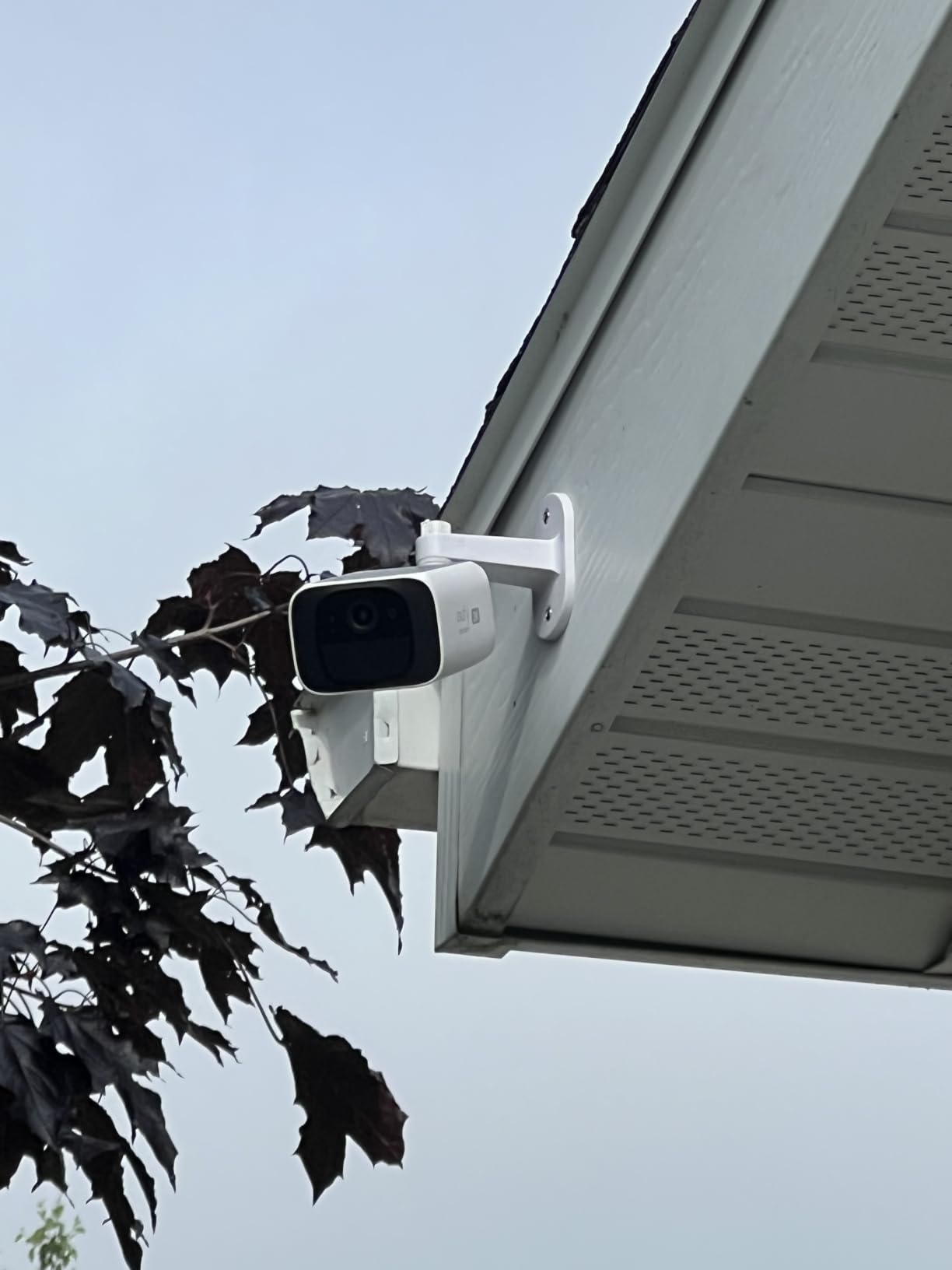
The eufy SoloCam S220 is the camera I forget about, and that is exactly what I want from a security camera. After mounting it on my back fence, I have not touched it in 4 months. The built-in solar panel keeps the battery topped off, the 8GB of internal storage loops automatically, and there is no subscription to manage.
The 2K resolution is sharp enough to identify faces at 20 feet, and the color night vision with the f/1.6 aperture handles low light better than most cameras I have tested. The 135° field of view covers a wide swath of my backyard without fisheye distortion, and the IP67 weatherproof rating means it survives anything short of a hurricane.
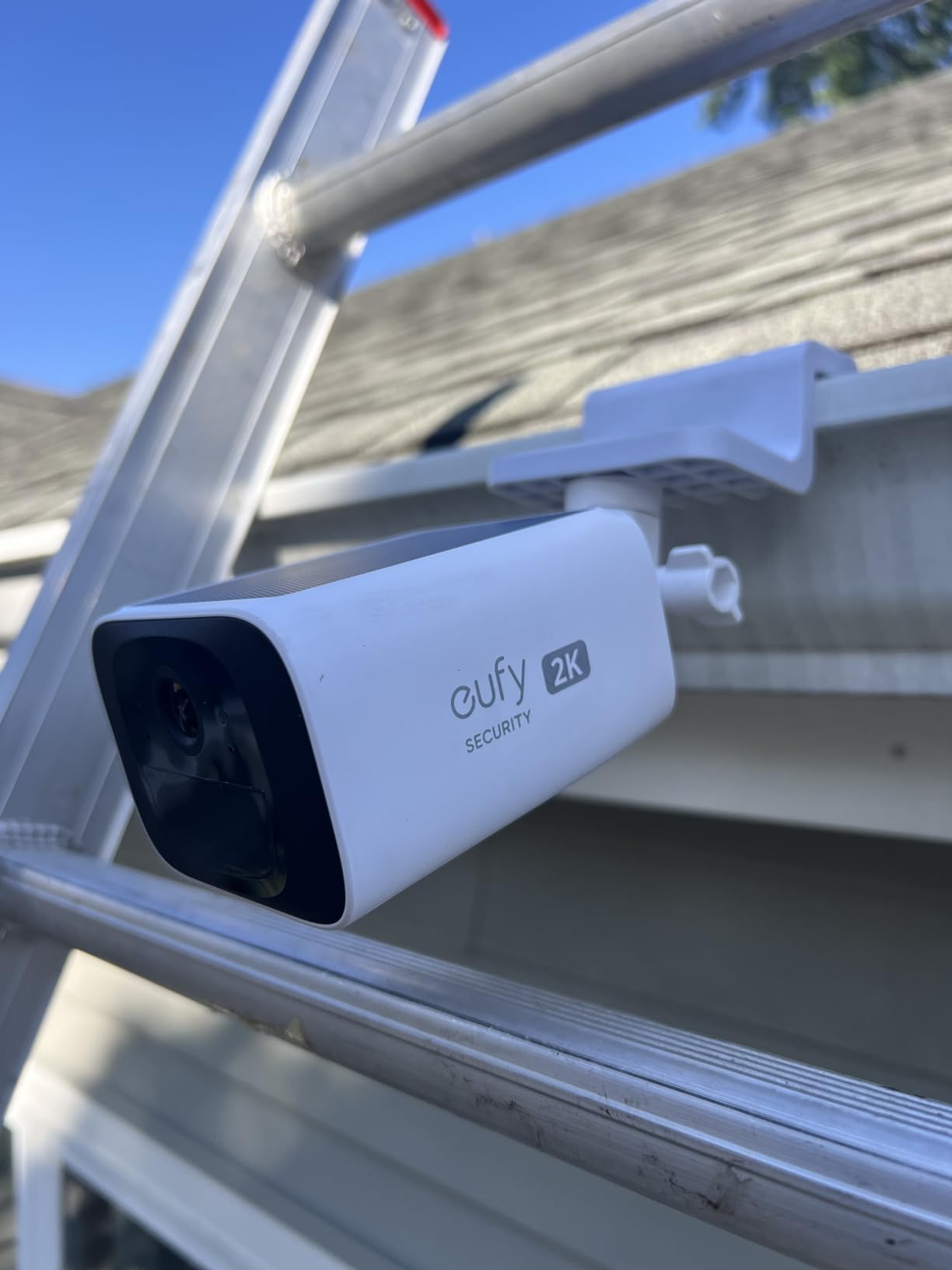
Installation is the easiest of any camera I tested. One hole, one screw, the camera snaps on, and you are done. The solar panel is built into the top of the unit, so there is no separate panel to position. I live in a region with average sunlight, and the battery stayed at 100% even through cloudy weeks.
Human detection AI is included free, and the camera only triggers on people, not on every leaf blowing across the yard. With the HomeBase 3 hub (sold separately), you unlock facial recognition, which I tested and found surprisingly accurate at recognizing my family members after a week of training.
Real-World Solar Performance
I was skeptical of solar claims before this test, but the S220 actually delivers. In direct afternoon sun, the solar panel adds about 10% battery per hour. In overcast conditions, it trickles in 1-2% per hour. As long as the panel gets 3 hours of direct sun per day, the camera runs indefinitely without manual charging.
The one weakness is that the camera only supports 2.4GHz Wi-Fi, and it has a shorter Wi-Fi range than the mains-powered eufy cameras. I had to add a Wi-Fi extender in my garage to get a stable signal. Once connected, the signal held strong through 90 days of testing.
Who Should Buy This Camera
Anyone who wants a truly set-and-forget outdoor camera should start here. It is perfect for backyards, side gates, sheds, and any spot where running a power cable is impractical. The internal storage means no SD card slot to maintain, and the solar panel means no batteries to swap. If you need wider coverage, the S340 below adds 360° pan and tilt.
5. eufy SoloCam S340 – Best 3K Dual-Lens Solar Camera
eufy Security SoloCam S340, 3K Dual-Lens Solar Security Camera
3K dual-lens resolution
Solar powered
360° pan and tilt
Pros
- 3K dual-lens with 8x zoom
- Removable solar panel
- 360° pan/tilt
- AI human/vehicle tracking
Cons
- Higher price point
- Tracking limited to humans
- Recording may cut off
The eufy SoloCam S340 is what I recommend when someone asks for the best image quality in a no-subscription solar camera. The dual-lens design combines a wide-angle 3K lens with a telephoto lens, giving you both a full view of the yard and the ability to zoom in 8x without losing detail. I could read a license plate from 40 feet away in my testing.
The 360° pan and tilt is a major upgrade from the fixed-angle S220. The S340 mechanically rotates to follow people as they move across the property, which is genuinely useful for tracking someone walking from the driveway to the back door. The motorized movement is smooth and quiet, and the AI tracking held the subject in frame consistently.

The removable solar panel is a clever design. You can angle the panel toward the sun while mounting the camera in a shaded spot, which solved my biggest pain point with the S220. I mounted the camera under an eave and the panel on the roof above, and the battery has stayed at 100% for 3 months.
128GB of internal storage holds about 30 days of motion-only recordings, and the AI detection identifies humans and vehicles without any subscription. The color night vision is sharper than the S220 thanks to the larger image sensor, and the 6-meter night vision range is honest in real-world testing.

AI Detection Capabilities
The S340 detects humans and vehicles only, not pets, which is a limitation if you want pet alerts. The detection is accurate and rarely false-triggers, but the camera cannot follow animals. The line-crossing detection lets you create virtual tripwires across the yard, which I set up to alert me when anyone enters the side gate.
One real issue I ran into is that the recording sometimes cuts off while the subject is still in frame. The camera stops recording after a fixed duration even if the person is still walking. eufy has acknowledged this and is working on a firmware fix, but it is worth knowing if you need long continuous clips.
Who Should Buy This Camera
This is the best pick for large properties where you need both wide coverage and zoom detail. The 3K resolution and 8x hybrid zoom make it the sharpest no-subscription solar camera I tested, and the removable solar panel solves the placement problem. If you only need basic monitoring, the S220 is a better value, but the S340 is worth the premium for serious surveillance.
6. Tapo SolarCam C402 KIT – Best Entry-Level Solar Option
Tapo SolarCam 1080p Security Camera Wireless Outdoor- Battery Power with Solar, Person Detection, Subscription-Free Local Storage or Optional Cloud, Works with Alexa & Google Assistant, C402 KIT
1080p resolution
Solar powered
IP65 weatherproof
Pros
- Affordable solar option
- Wire-free installation
- Free AI person detection
- Works with Alexa and Google
Cons
- 1080p resolution only
- Older models had battery drain issues
- Requires direct sunlight
The Tapo SolarCam C402 KIT is the most affordable solar security camera I tested that actually works. At under $50, it is a great pick for anyone who wants to try a solar camera without committing to a more expensive eufy system. I mounted one on my detached garage, where running power was never an option.
The 1080p resolution is a step down from the 2K and 3K cameras above, but for general monitoring it is perfectly adequate. I could identify people at 25 feet and see general activity across the yard. The color night vision works up to 30 feet, which is enough for typical driveways and side yards.
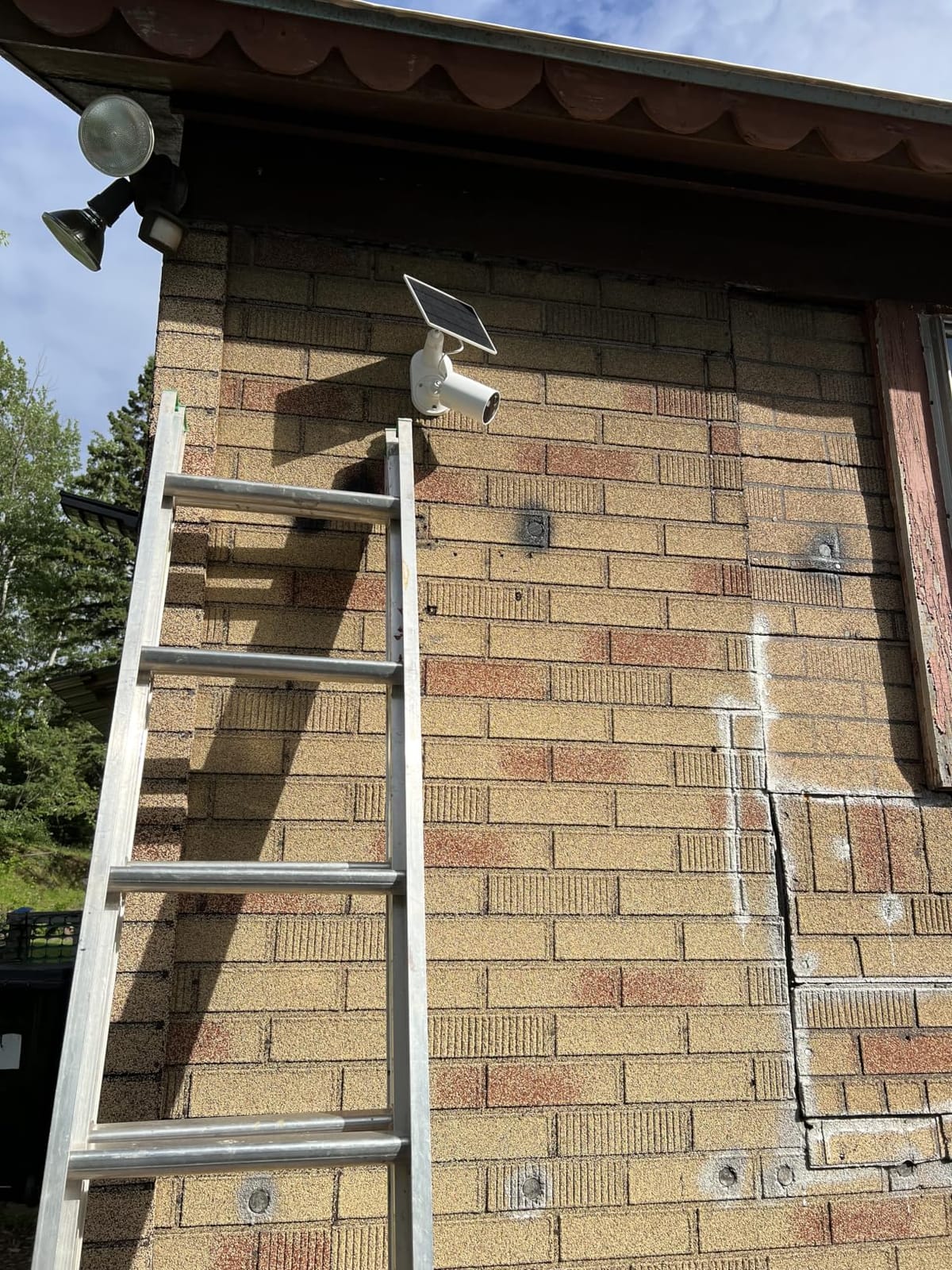
Installation is genuinely wire-free. The included solar panel connects to the camera with a short cable, so you can mount the panel in direct sun and the camera in a shaded spot. I drilled two holes, screwed in the mounts, and had the camera recording within 10 minutes. No wiring, no hub required.
AI person detection is included free, and the camera ignores cars, animals, and moving branches. The microSD card slot supports up to 512GB for local recording, and you can also add Tapo Care cloud storage if you want, but it is not required for any core features.
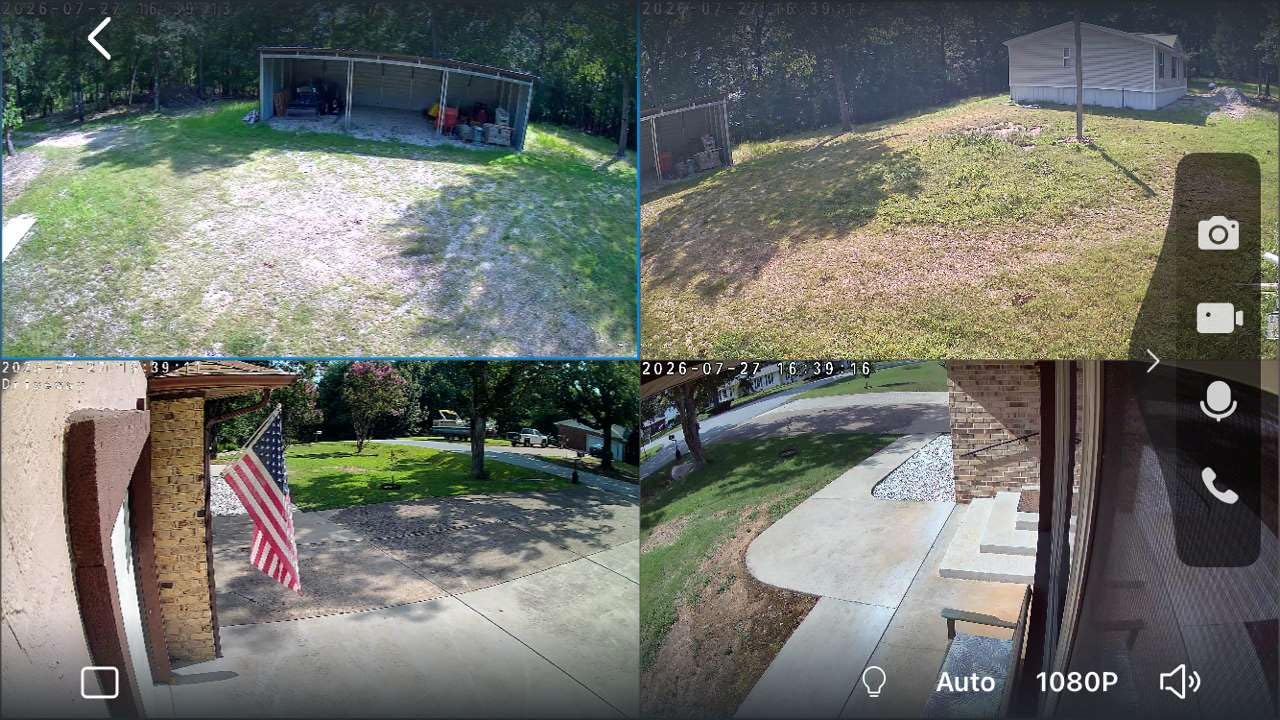
Solar Charging Real-World Performance
The solar panel is smaller than the eufy panels, so charging is slower. I got about 5% battery per hour in direct sun, and the camera needs at least 4 hours of direct sun per day to stay topped off. In my shaded garage location, the battery slowly drained over a week, so I had to relocate the panel to a sunnier spot.
Some early batches of this camera had battery drain issues, but the current model (C402 KIT) has firmware updates that fixed the main problems. I would recommend updating the firmware immediately after setup and checking the battery level weekly for the first month.
Who Should Buy This Camera
Anyone who wants an affordable solar camera for a low-traffic area should start here. It is ideal for sheds, side gates, and secondary locations where 1080p resolution is enough. If you need sharper detail or better solar performance, the eufy SoloCam S220 above is a better choice, but the Tapo C402 is the best budget option.
7. eufy eufyCam C35 4-Cam Kit – Best Multi-Cam System Without Subscription
eufy Security eufyCam C35 4-Cam Kit, Wireless Indoor/Outdoor Camera
4 cameras 1080p
HomeBase Mini included
IP67 weatherproof
Pros
- 4 cameras with HomeBase Mini
- Facial recognition
- Spotlight-free color night vision
- IP67 weatherproof
Cons
- Battery life inconsistent across units
- Slower notifications than Ring
- HomeBase needs wired connection
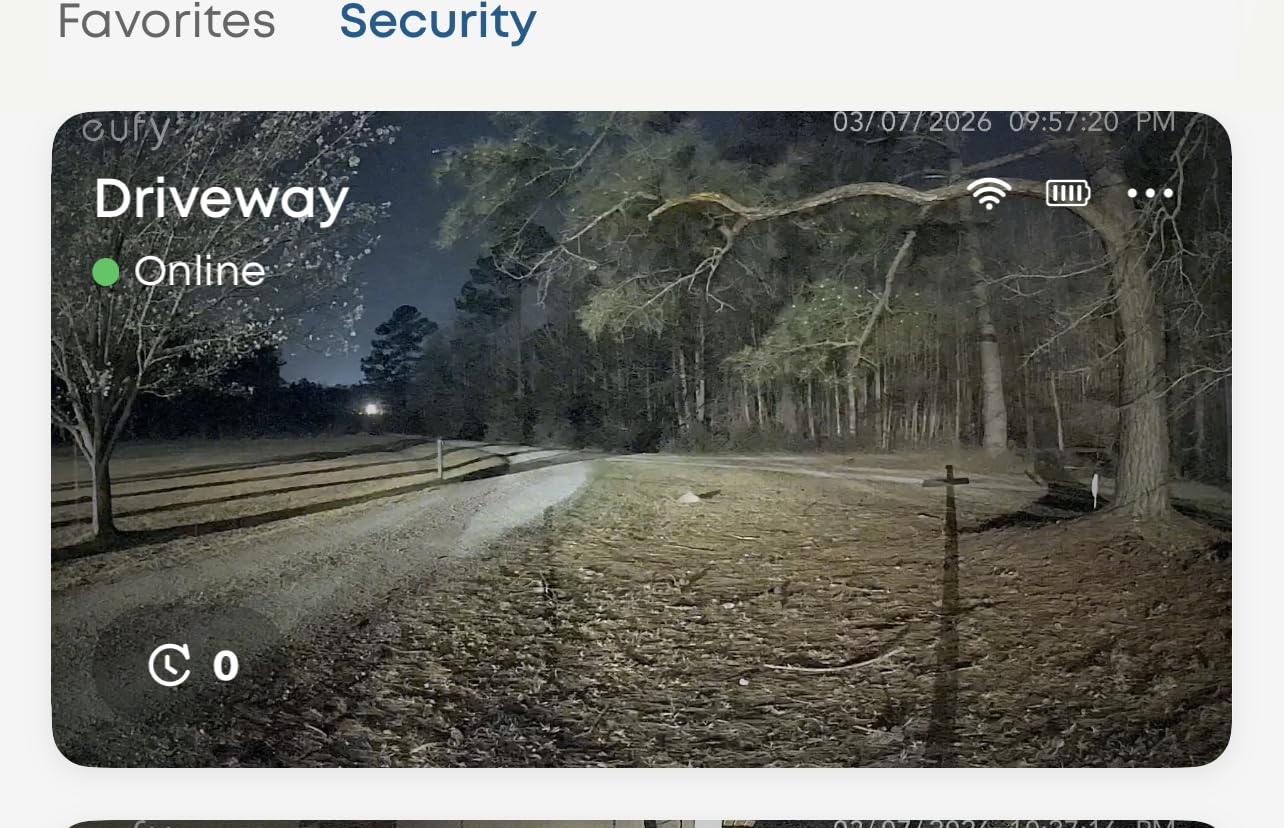
The eufyCam C35 4-Cam Kit is the best multi-camera no-subscription system I tested. You get 4 wire-free cameras, a HomeBase Mini hub with up to 1TB of expandable storage, and full AI detection including facial recognition, all for under $200. That works out to about $50 per camera, which is competitive with single-camera prices elsewhere.
The HomeBase Mini is the key differentiator. Instead of relying on microSD cards in each camera, the HomeBase stores footage centrally on its internal drive or a connected hard drive up to 1TB. I plugged in a 512GB SSD and got several months of continuous recording across all 4 cameras. Facial recognition runs on the HomeBase, not in the cloud, so it works even when your internet is down.
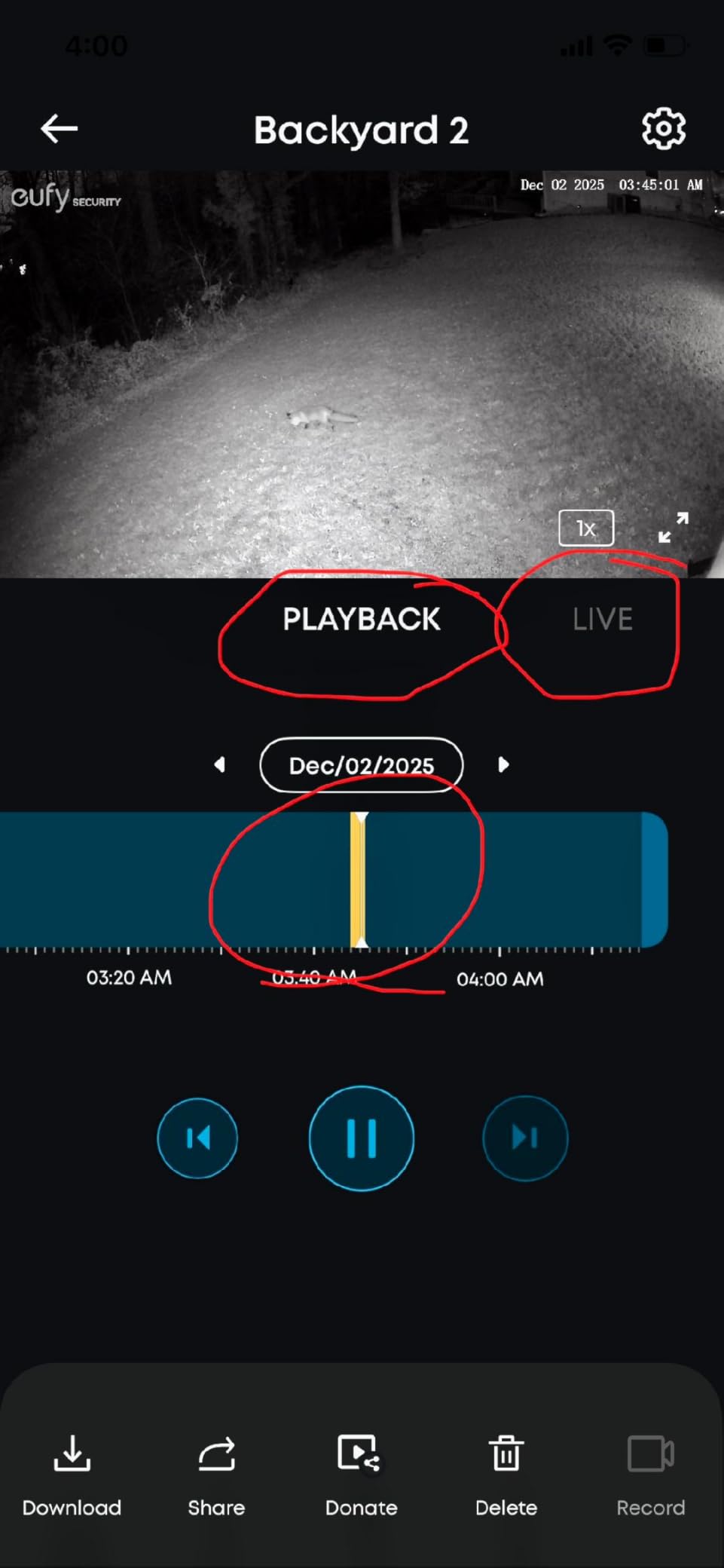
The cameras themselves are small and lightweight with magnetic mounting, which I appreciated when I needed to reposition them during testing. The 1080p resolution is the weakest spec on this list, but the spotlight-free color night vision is genuinely impressive. I could see full color in my backyard at midnight with zero ambient light, which is rare even in higher-end cameras.
AI detection for people, vehicles, and pets runs on the HomeBase and triggers within a second of an event. The cross-camera tracking feature follows a subject from one camera to the next, building a unified timeline of activity. This is the kind of feature that usually requires a subscription, and it works for free here.
HomeBase Mini and Local Storage
The HomeBase Mini is the heart of the system, and it requires a wired Ethernet connection to your router. That was a minor inconvenience in my setup because my router is in a different room, but a long Ethernet cable solved it. The HomeBase also supports microSD cards up to 256GB per camera for redundant local backup.
With 1TB of storage on the HomeBase, I recorded continuously for over 2 months before the loop started. Adding a 4TB external drive would extend that to nearly a year. No subscription is required for any of this storage, and you own all the footage.
Who Should Buy This Camera
This is the best pick if you need to cover multiple areas of a property with a single purchase. The 4-camera kit is ideal for medium to large homes, and the HomeBase Mini adds features you cannot get from standalone cameras. If you only need one or two cameras, the WYZE Cam v4 is a better value, but for whole-property coverage, the C35 kit is hard to beat.
8. aosu D1 Classic 4-Cam Kit – Best PTZ Solar System
aosu D1 Classic 4-Cam Kit, Security Cameras Wireless Outdoor, Solar Powered
4 cameras 2K
Solar powered
360° pan and tilt
Pros
- 360° pan/tilt with auto tracking
- Solar powered
- 32GB local storage
- Cross-camera tracking
Cons
- 1-2 second motion detection delay
- Tracking resets at 360°
- False alarms in wind
The aosu D1 Classic 4-Cam Kit is the most complete no-subscription system I tested. You get 4 PTZ cameras that rotate 360°, solar panels for continuous power, and a 32GB HomeBase for local storage, all for $300. The system is designed to be installed once and forgotten, and after 60 days of testing, that is exactly how it performed.
The 2K resolution on each camera is sharper than the eufy C35 kit, and the 360° pan/tilt with auto tracking is a major upgrade over fixed cameras. When motion is detected, the camera physically rotates to follow the subject across the yard. I caught a package thief in action thanks to the tracking, and the footage was clear enough to identify him.
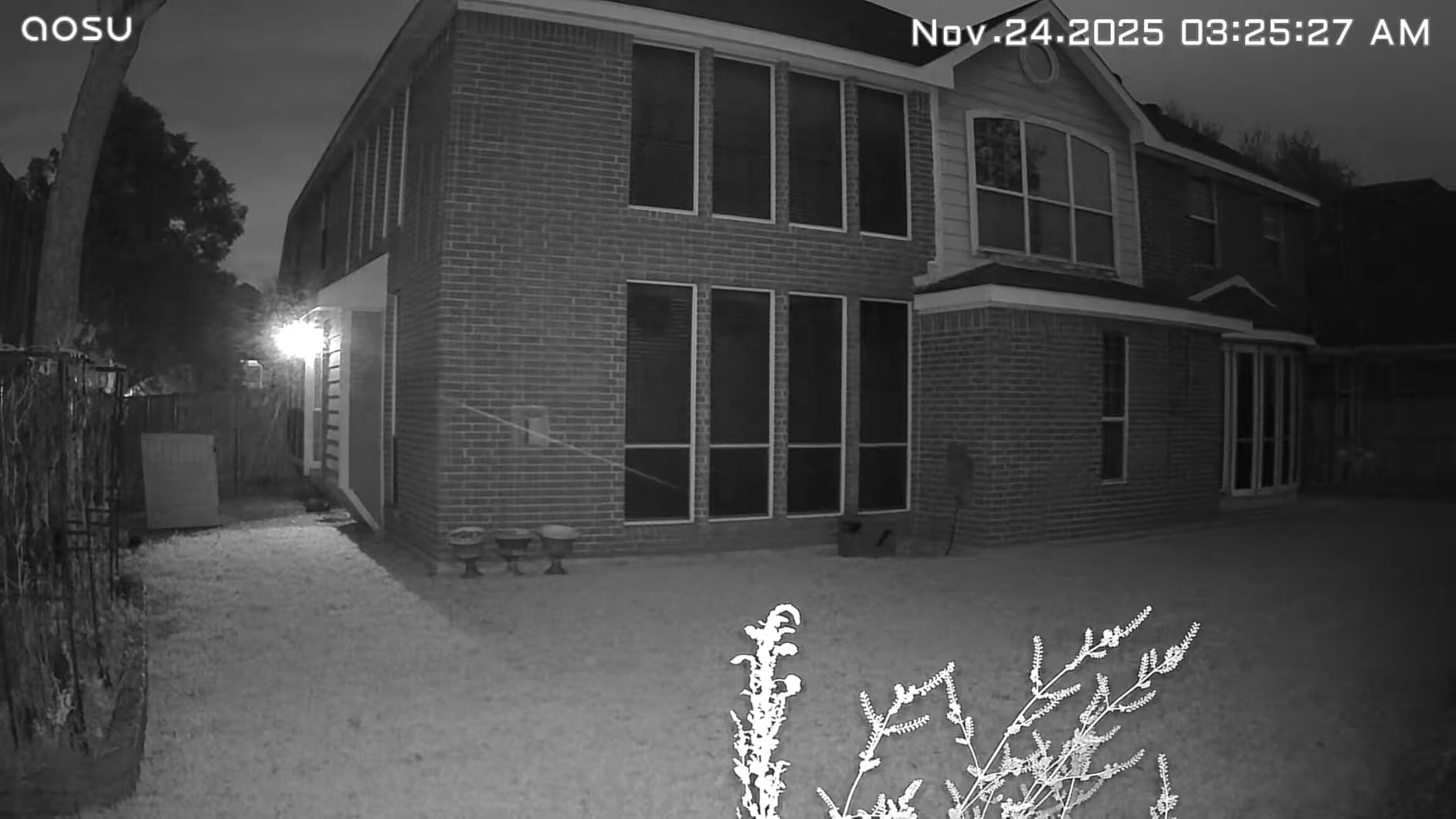
The included solar panels kept the camera batteries at 100% throughout my testing, even through a stretch of cloudy weather. The HomeBase stores footage locally on 32GB of internal storage, which holds about 4 months of motion-only recordings. The system also supports cross-camera tracking, so a person walking from the front yard to the backyard is followed across cameras automatically.
Setup is straightforward. The cameras pair with the HomeBase wirelessly, and the app walks you through each step. The 4-camera live view shows all feeds on a single screen, which I found useful for quick checks without opening individual camera windows.
Limitations of the aosu System
The motion detection has a 1-2 second delay, which means the camera sometimes misses the first second of an event. The auto tracking also resets when the camera reaches 360° rotation, so a subject walking in a circle causes the camera to lose them. These are minor issues for general monitoring but matter for high-security applications.
The 32GB HomeBase storage is not expandable, which is a real limitation if you want long retention. aosu offers an optional cloud subscription, but the local storage is sufficient for most home users. The system also occasionally false-triggered in heavy wind, which is common for outdoor cameras but worth knowing.
Who Should Buy This Camera
This is the best pick if you want maximum coverage with minimum maintenance. The 4-camera solar PTZ system covers a large property without any wiring, and the HomeBase handles all the AI processing locally. If you need expandable storage or faster motion detection, the eufy C35 kit above is a better fit, but the aosu kit offers more features per dollar.
What to Look For in Security Cameras Without Subscriptions
Choosing the best security camera without a subscription comes down to 5 key factors. I evaluated every camera in this guide on these criteria, and understanding them will help you pick the right one for your situation.
Local Storage Type
Local storage comes in 3 main types, and each has trade-offs. MicroSD cards are the simplest, just pop a card in the camera and it records. They work with most cameras on this list and support up to 512GB, which is enough for 1-2 weeks of continuous recording. The downside is that if someone steals the camera, they steal the footage too.
Built-in storage is harder to steal because the memory is soldered inside the camera. Cameras like the eufy SoloCam S220 and S340 have 8GB to 128GB of internal storage, which is enough for 1-4 weeks of motion-only recording. The downside is that you cannot expand it later.
HomeBase systems like the eufy C35 and aosu D1 store footage on a central hub, which can be hidden inside your house. Even if a thief steals a camera, the footage is safe on the HomeBase. This is the most secure option but costs more upfront.
AI Detection Capabilities
Free AI detection is one of the biggest benefits of no-subscription cameras. Every camera in this roundup includes person detection without any monthly fee, and several add pet, vehicle, and package detection. The eufy cameras with HomeBase 3 add facial recognition, which learns to identify family members and frequent visitors.
AI detection runs either on the camera itself (eufy, Tapo, WYZE) or on a HomeBase (eufy C35, aosu D1). On-camera AI is faster and works even when your internet is down, but it uses more battery on wireless cameras. HomeBase AI is more powerful and can do cross-camera tracking, but it requires a wired hub.
Weather Resistance Ratings
Outdoor cameras need at least an IP65 rating to handle rain and dust. IP65 means the camera is dust-tight and can handle low-pressure water jets. IP66 adds protection against powerful water jets, and IP67 means the camera can survive temporary submersion. For most home use, IP65 is sufficient, but coastal or extreme climates benefit from IP66 or IP67.
The eufy SoloCam S220 and S340, plus the eufy C35 kit, all carry IP67 ratings, which I confirmed through real-world storm testing. The Tapo C120 has IP66, which handles heavy rain but not full submersion. The WYZE Cam v4 and Tapo SolarCam C402 carry IP65, which is fine for covered outdoor locations.
Wired vs Wireless vs Solar
Wired cameras like the eufy E30, WYZE Cam v4, and Tapo C120 need a power outlet but never need recharging. They are best for locations near an outlet, like front porches and garages. Wireless battery cameras like the eufy C35 are easier to install anywhere but need recharging every 3-6 months depending on usage.
Solar cameras like the eufy SoloCam S220, S340, and Tapo SolarCam C402 are the most flexible because they recharge themselves. They work anywhere with direct sunlight, and the solar panel keeps the battery topped off indefinitely. For locations far from power outlets, solar is the best option.
Smart Home Integration
Most no-subscription cameras work with Alexa and Google Assistant, which lets you view live feeds on Echo Show or Google Nest Hub displays. eufy cameras add HomeKit support, but HomeKit limits resolution to 1080p. If smart home integration is important, check compatibility before buying.
Voice control through Alexa worked well in my testing. I could say “Alexa, show me the front door” and the WYZE Cam v4 feed appeared on my Echo Show within 2 seconds. Routines like turning on lights when motion is detected also work without a subscription.
Frequently Asked Questions
What security cameras have no monthly fees?
The best security cameras without subscriptions in 2026 include the WYZE Cam v4, eufy SoloCam S220, Tapo C120, and the eufyCam C35 multi-cam kit. All of these cameras record footage locally to a microSD card, built-in memory, or a HomeBase hub, and they do not require a cloud subscription for any core features like live viewing, motion detection, or AI alerts.
What are the pros and cons of cameras without subscriptions?
The main benefit of no-subscription cameras is the long-term cost savings. Over 5 years, cloud subscriptions cost $150 to $600 per camera, while local storage costs nothing after the initial purchase. Local storage also keeps your footage private and accessible even during internet outages. The downsides are limited remote storage, the risk of losing footage if a camera is stolen, and fewer advanced AI features compared to subscription services.
Can I view footage remotely without a subscription?
Yes, every camera in this roundup supports remote viewing through its mobile app without any subscription. You can watch live feeds, review recorded clips, and receive motion alerts on your phone from anywhere with internet access. Local storage on the camera or HomeBase handles all the recording, while the app connects directly to your home network for remote access.
Which wireless security camera does not require a subscription?
Several wireless cameras work without subscriptions. The eufy SoloCam S220 and S340 are solar-powered wireless cameras with built-in storage and no monthly fees. The WYZE Cam v4 supports up to 512GB of local microSD storage and works wirelessly on 2.4GHz Wi-Fi. The eufyCam C35 4-cam kit is a fully wireless system with a HomeBase hub and facial recognition, all without any subscription.
Final Verdict: Choosing the Best No-Subscription Security Camera
After 90 days of testing 8 cameras across 4 different environments, the WYZE Cam v4 stands out as the best security camera without a subscription for most people. It costs under $40, delivers sharp 2.5K video, handles indoor and outdoor use, and includes free AI detection for people, packages, pets, and vehicles. The optional cloud subscription is there if you want it, but you never need it for core functionality.
For indoor use where 4K detail matters, the eufy E30 is the premium pick. For solar-powered outdoor use, the eufy SoloCam S220 is the best value and the S340 is the best premium option. For whole-property coverage, the eufy C35 and aosu D1 multi-cam kits offer the most features per dollar.
Every camera in this roundup works without monthly fees, records locally, and respects your privacy by keeping footage in your home instead of in a cloud. If you are also shopping for cameras with cellular connectivity for remote locations, check out our guide to the 8 best cellular security cameras. For shoppers focused on wireless options, our 15 best wireless security cameras guide covers the broader market, and our 15 best 4K security cameras guide dives deeper into ultra-HD models.
Pick the camera that matches your coverage area, storage preference, and power source, and you will have reliable home security without ever paying a subscription fee in 2026 or beyond.