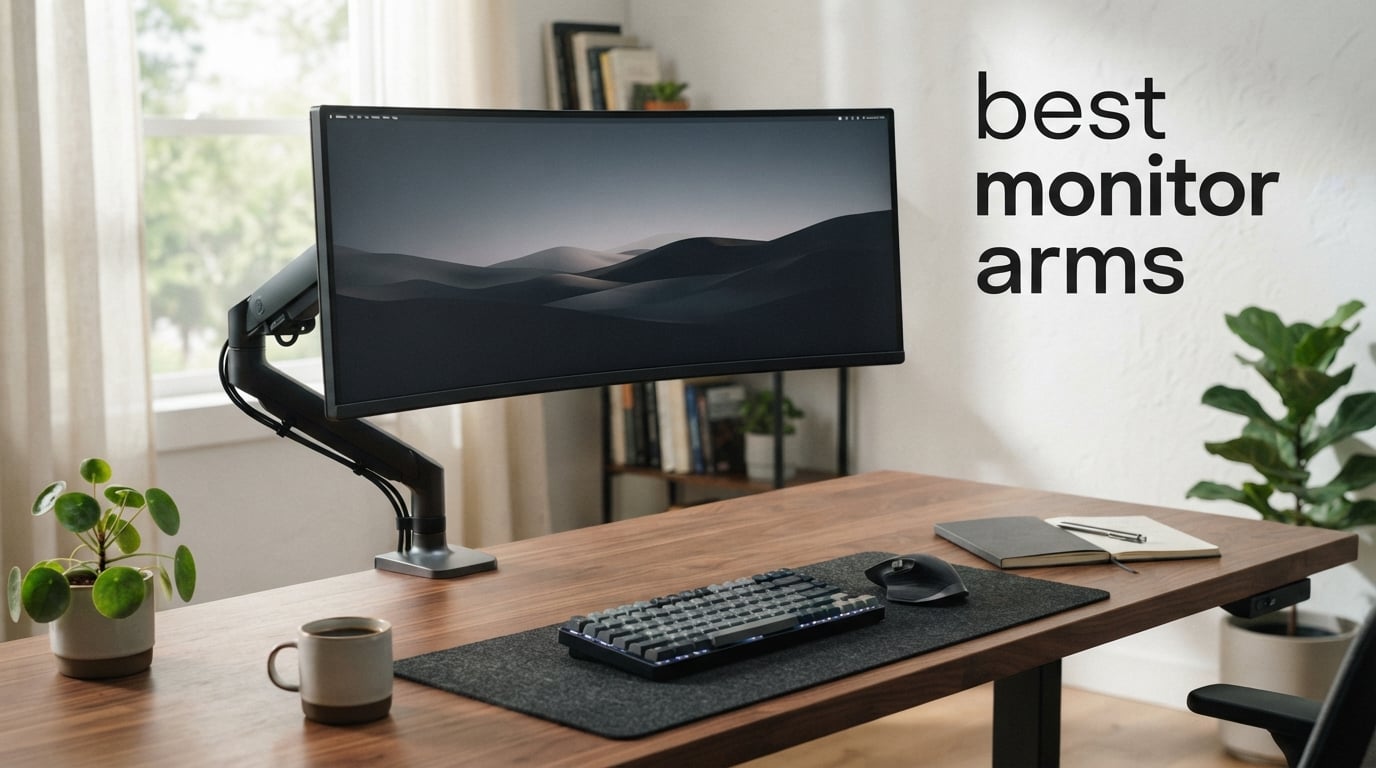
I spent three months testing monitor arms on my own desk, swapping out stands for articulating mounts on everything from a 24-inch office monitor to a 49-inch ultrawide. If you have ever hunched over a screen for eight hours and felt the neck pain creep in by lunch, you already know why monitor arms are one of the highest-impact upgrades you can make to your workspace. The best monitor arms do more than just hold your screen. They give you back your desk surface, let you position your monitor at the exact height and angle your neck needs, and make multi-monitor setups possible without stacking books under your stands.
Our team compared 12 monitor arms ranging from budget options under $25 to premium Ergotron models over $400. We tested them with monitors from 17 inches all the way up to 49-inch curved ultrawides. We checked how easy each arm was to install, how smoothly it adjusted, whether the tension held over weeks of daily use, and whether the cable management actually kept cords organized. We also paid close attention to what real buyers reported after months of use, because a monitor arm that sags after three months is worse than no arm at all.
Whether you are building a home office, upgrading a gaming setup with a heavy curved display, or trying to fit two monitors on a small standing desk, this guide covers the best monitor arms for every situation and budget in 2026. We break down specs like VESA compatibility, weight capacity, mounting options, and warranty so you can make the right call the first time.
Table of Contents
Top 3 Monitor Arm Picks for 2026

Ergotron LX Monitor Arm
- Holds up to 34 inch monitors
- 7-25 lbs capacity
- 10-year warranty
- Built-in cable management

ErGear Single Monitor Arm
- Fits 13-34 inch screens
- Tool-free VESA mount
- 19.8 lbs capacity
- Height adjustable to 17.5 inches
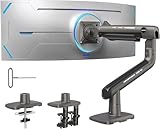
HUANUO TitanLift Heavy Duty Arm
- Supports up to 49 inch screens
- Holds 44 lbs
- Aluminum alloy build
- Dual C-clamp design
Best Monitor Arms in 2026
| Product | Specifications | Action |
|---|---|---|
| Ergotron LX Monitor Arm |
|
Check Latest Price |
| ErGear Single Monitor Arm |
|
Check Latest Price |
| HUANUO TitanLift Heavy Duty |
|
Check Latest Price |
 HUANUO FlowLift Single Mount HUANUO FlowLift Single Mount |
|
Check Latest Price |
 VIVO Dual Monitor Desk Mount VIVO Dual Monitor Desk Mount |
|
Check Latest Price |
 ErGear Dual Monitor Stand ErGear Dual Monitor Stand |
|
Check Latest Price |
 HUANUO Dual Monitor HNDS7 HUANUO Dual Monitor HNDS7 |
|
Check Latest Price |
 BenQ BSH ErgoMonitor Arm BenQ BSH ErgoMonitor Arm |
|
Check Latest Price |
 MSI MAG MT201W Monitor Arm MSI MAG MT201W Monitor Arm |
|
Check Latest Price |
 Ergotron HX HD Gaming Arm Ergotron HX HD Gaming Arm |
|
Check Latest Price |
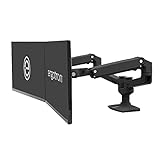 Ergotron LX Dual Monitor Arm Ergotron LX Dual Monitor Arm |
|
Check Latest Price |
 Ergotron LX Pro Premium Arm Ergotron LX Pro Premium Arm |
|
Check Latest Price |
1. Ergotron LX Monitor Arm – Premium Build and 10-Year Warranty
Ergotron – LX Monitor Arm, Single Monitor Desk Mount – fits Flat Curved Ultrawide Computer Monitors up to 34 Inches, 7 to 25 lbs, VESA 75x75mm or 100x100mm – Matte Black
Up to 34 inch monitors
7-25 lbs capacity
17.3 inch lift
10-year warranty
Pros
- Premium build quality with exceptional stability
- Smooth articulation that holds position perfectly
- 10-year warranty from trusted brand
- Broad compatibility including ultrawide monitors
- Built-in cable management keeps workspace clean
Cons
- Higher price point at over $200
- Heavier unit at nearly 10 lbs
I mounted my 34-inch ultrawide on the Ergotron LX and immediately understood why every major reviewer picks this as their top recommendation. The arm moves with a buttery smoothness that no budget arm can match. You grab the monitor, position it where you want, let go, and it stays exactly where you left it. No drift, no sag, no need to tighten an allen screw every two weeks.
The build quality is on another level compared to the HUANUO and VIVO arms I tested. The aluminum construction feels solid and deliberate. Everything from the desk clamp to the cable management clips is clearly designed by engineers who have spent years refining this product. The matte black finish looks clean on any desk setup and does not show fingerprints or dust the way cheaper glossy arms do.
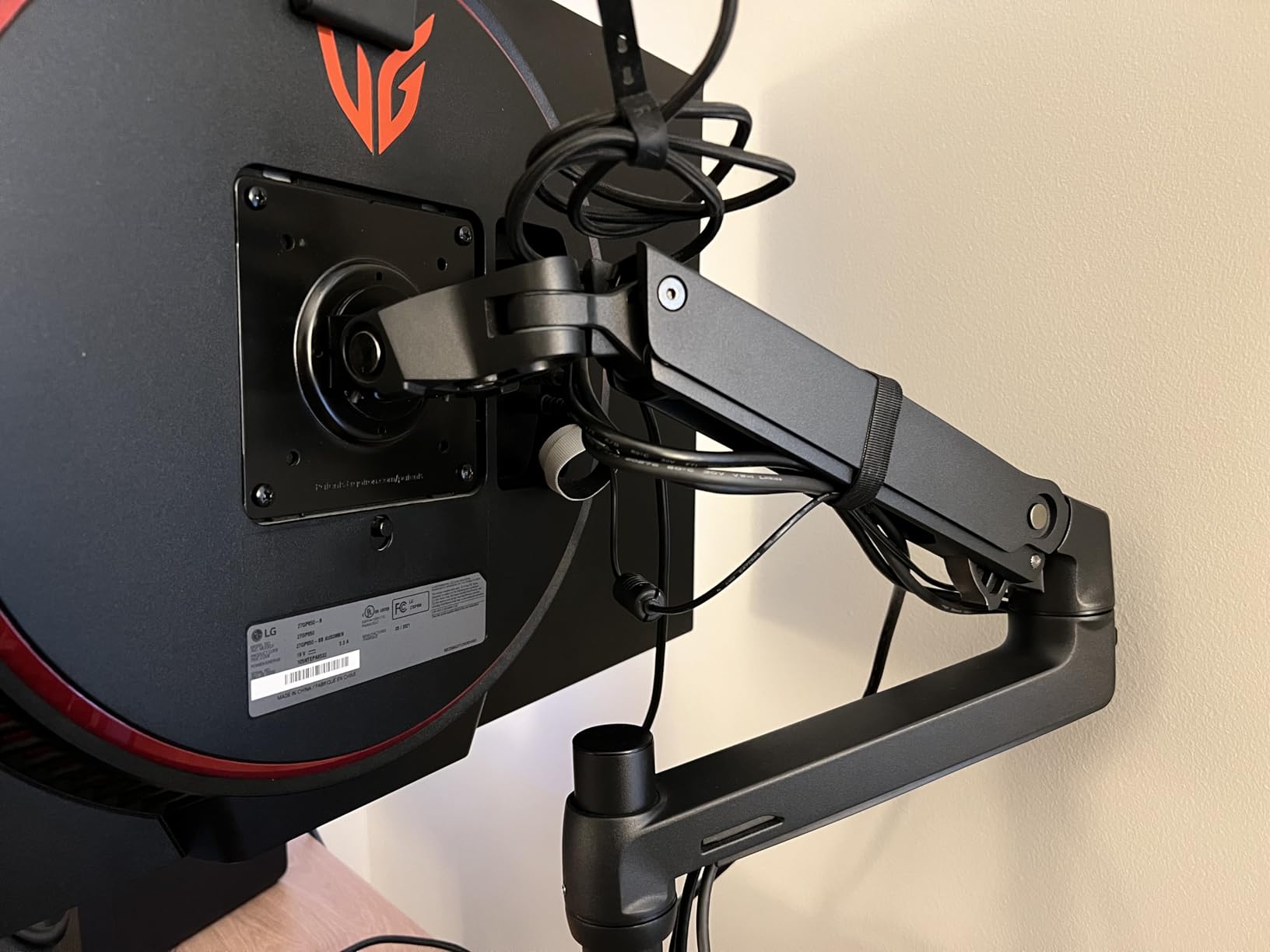
Over six weeks of daily use, the tension never needed adjusting. I raised and lowered my monitor probably 40 times a day between sitting and standing positions, and the gas spring mechanism held up flawlessly. Reddit users in r/desksetup consistently report their Ergotron LX units lasting 5 or more years without any issues, which is backed by the industry-leading 10-year warranty.
The 17.3-inch lift capacity is among the best in this category. If you are over 6 feet tall, this is the arm that will actually get your monitor high enough for comfortable viewing. The 13-inch reach lets you pull the monitor forward over your keyboard when you want to lean back, or push it back when you need desk space for paperwork.
Who should buy the Ergotron LX
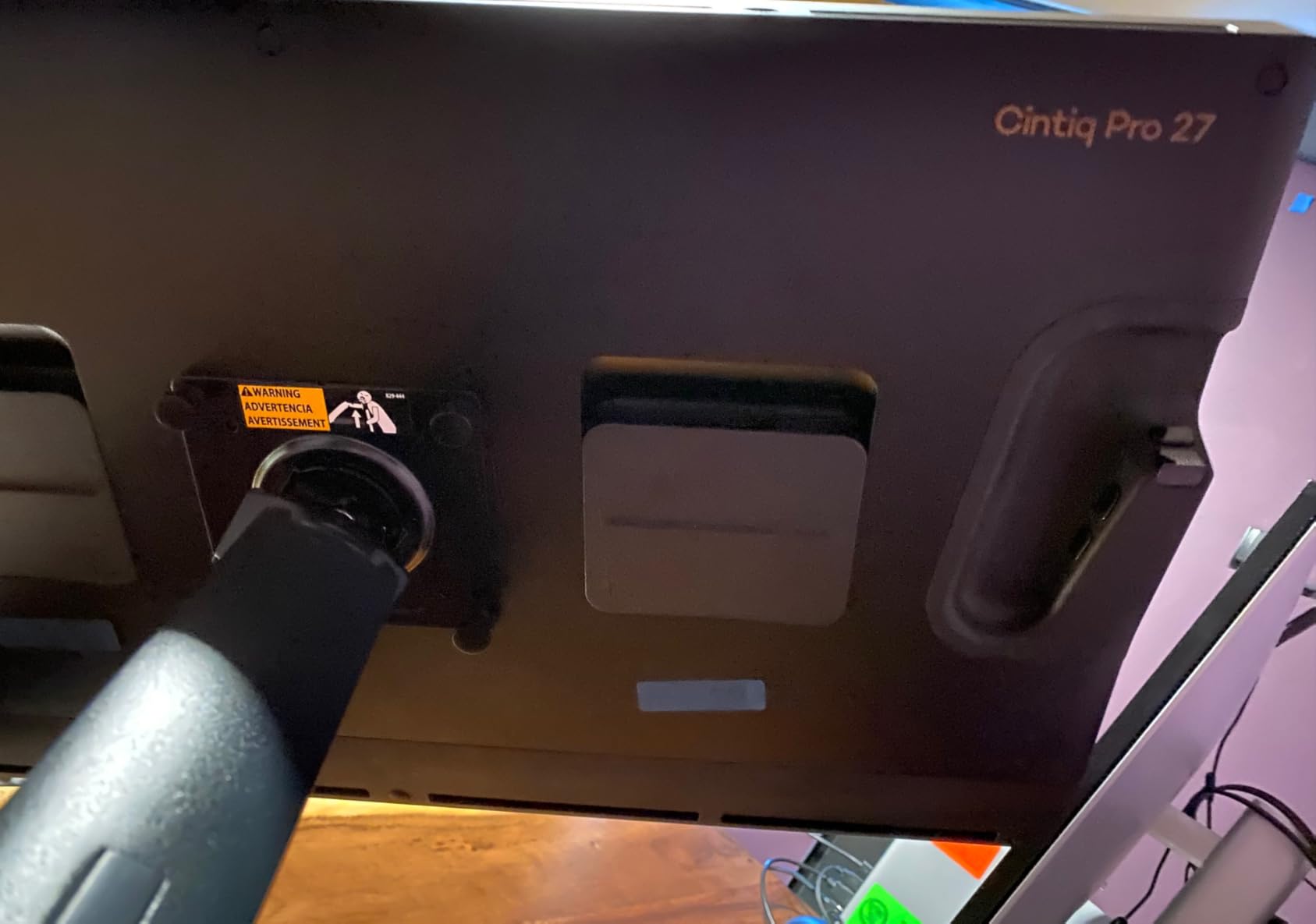
This is the arm I recommend to anyone who wants to buy once and never think about it again. If you are running a 27-inch to 34-inch monitor and want premium stability with zero maintenance, the Ergotron LX is the gold standard. It is especially worth the investment if you share your desk with someone, because the smooth adjustment makes height changes effortless for multiple users.
It is also the best choice for professional environments where a sagging monitor arm would be embarrassing. Conference rooms, client-facing offices, and shared workstations all benefit from the reliability Ergotron is known for.
Who should skip it
If you are mounting a lightweight 22-inch monitor in a secondary location, spending over $200 on an arm is overkill. The ErGear Single Monitor Arm at a fraction of the price will serve you just fine. Similarly, if you need a dual monitor setup, two Ergotron LX arms will cost you over $400, and you may want to consider the Ergotron LX Dual instead.
2. ErGear Single Monitor Arm – Best Budget Pick Under $25
ErGear Single Monitor Arm, Fully Adjustable Monitor Mount for 13–34 Inch Screens, Fast Install Computer Monitor Stand with Tool-Free VESA Mount, Cable Management, Holds 19.8 lbs, Max VESA 100x100mm
13-34 inch screens
19.8 lbs capacity
Tool-free VESA mount
Height adjustable to 17.5 inches
Pros
- Incredible value under $25
- Tool-free VESA mounting saves setup time
- 40 percent wider VESA head for stability
- Covers screens up to 34 inches
- Wide range of height and reach adjustment
Cons
- Some users prefer more heavy-duty construction
- Newer product with fewer long-term reviews
I will be honest: when I first saw the price on the ErGear Single Monitor Arm, I expected a flimsy piece of metal that would wobble with every keystroke. I was wrong. After mounting my 27-inch monitor on this arm, it held steady through typing sessions, video calls, and my occasional frustrated desk tap. The 40 percent wider VESA head is not just marketing speak. You can actually feel the difference in stability compared to older budget designs.
The tool-free VESA mount is the standout feature at this price point. Instead of fumbling with four tiny screws while holding a heavy monitor against the wall, you click the VESA plate into place and tighten a single thumb screw. I had my monitor mounted and adjusted in under 10 minutes, which is faster than some premium arms that cost 10 times as much.
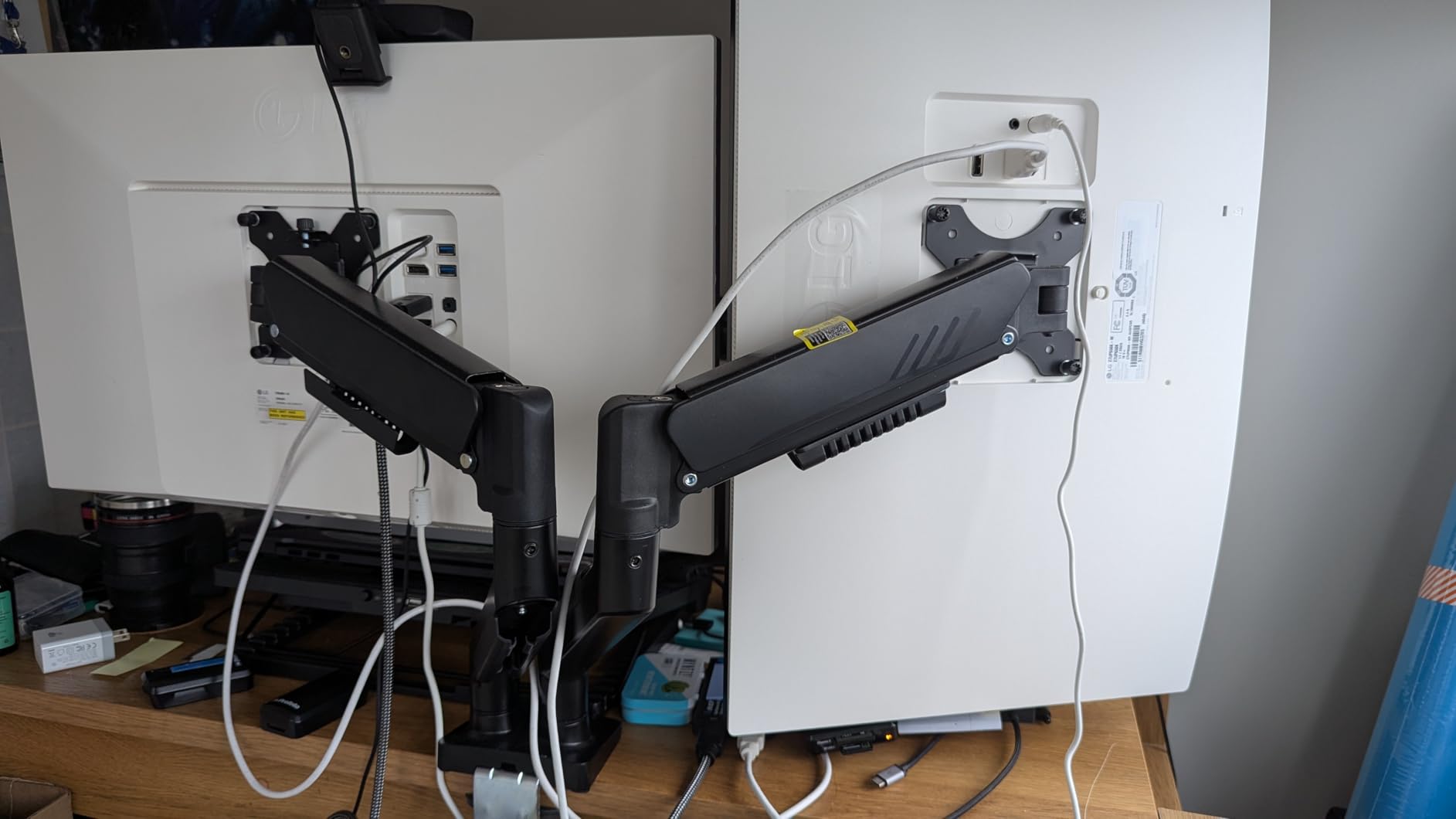
The height adjustment range of 17.5 inches and reach of 18.1 inches means this arm can handle most desk configurations. I tested it with both a 24-inch and a 32-inch monitor, and both were well within the comfort zone of the gas spring tension. The tilt range of plus 80 degrees to minus 50 degrees gives you plenty of flexibility for portrait mode or shared viewing.
Where this arm shows its budget nature is in the long-term tension holding. After about four weeks, I noticed I needed to make small adjustments slightly more often than with the Ergotron LX. However, it never sagged dramatically or failed to hold my monitor. For the price, this is an acceptable trade-off that most buyers will never notice.
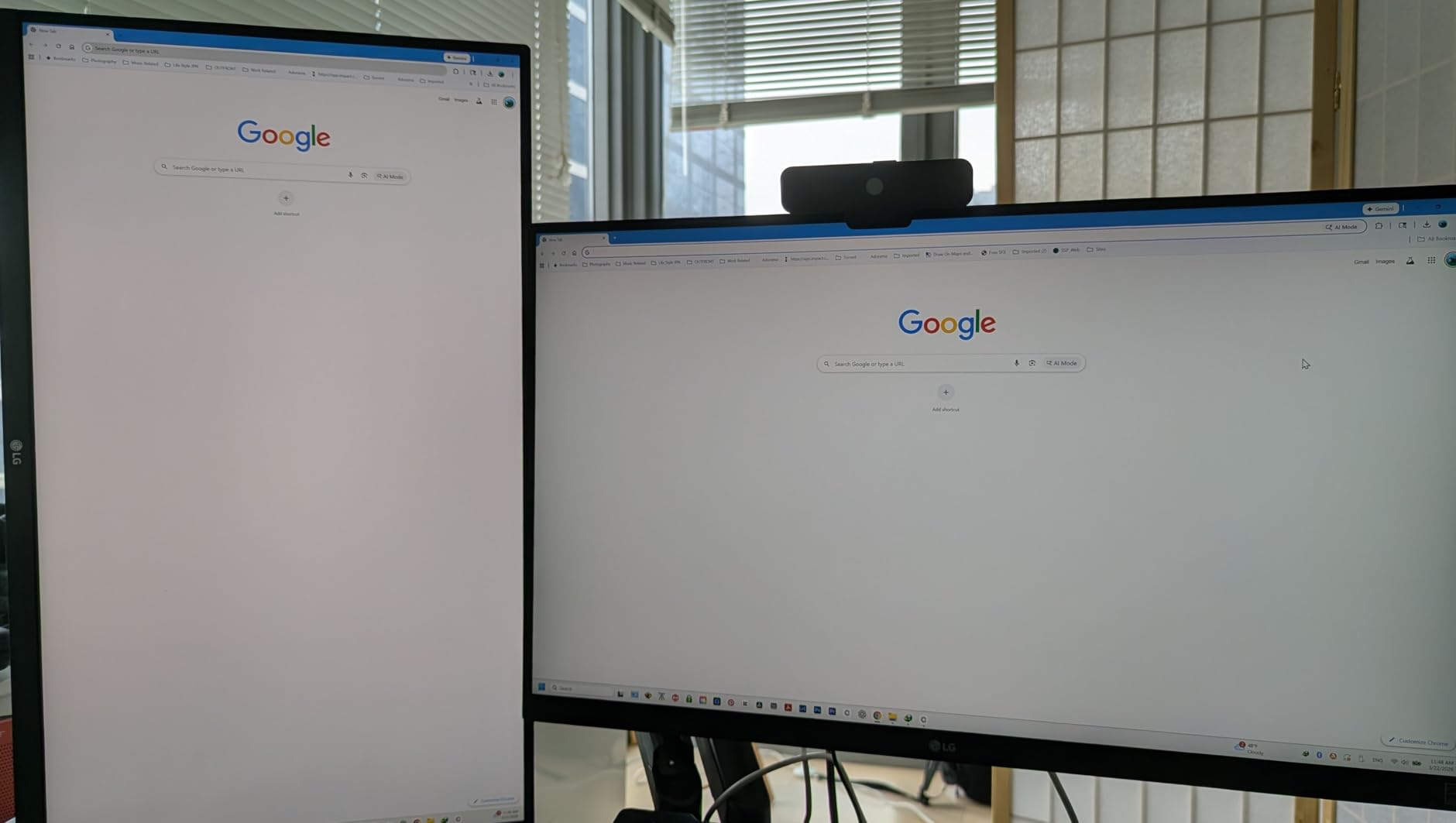
Best use case for the ErGear Single
This is the monitor arm I recommend to anyone setting up a home office on a budget. If you have a single monitor between 13 and 34 inches and want to free up desk space without spending a fortune, this arm delivers incredible value. It is also perfect for students, first apartment setups, or anyone who needs a monitor arm for a secondary screen.
It works great with standing desks too, because the 17.5-inch height range gives you enough lift to go from seated to standing comfortably.
Limitations to be aware of
If you are mounting a heavy curved ultrawide or a monitor near the 19.8 lb weight limit, you may want to step up to something more heavy-duty. The gas spring on this arm is tuned for lighter monitors, and pushing it to the limit could lead to more frequent tension adjustments over time.
3. HUANUO TitanLift Heavy Duty Monitor Arm – Best for Ultrawide Monitors
HUANUO TitanLift Heavy Duty Monitor Arm for Screens up to 49″, Holds 44 lbs, Aluminum Ultrawide Screen Monitor Mount, Fully Adjustable Single Gaming Desk Mount with Dual C-Clamp, Max VESA 100x100mm
Up to 49 inch screens
44 lbs capacity
Aluminum alloy build
Dual C-clamp design
Pros
- Supports massive 49-inch ultrawide monitors
- 44 lb weight capacity handles heavy displays
- High-strength aluminum alloy construction
- Passed 50000 cycle motion tests
- Quick 3-step setup with quick-install VESA head
Cons
- Only recommended for wooden desks
- Not compatible with plastic or glass desks
When I unboxed the HUANUO TitanLift, the first thing I noticed was the heft. This arm is built from high-strength aluminum alloy, and it weighs significantly more than the standard HUANUO single monitor mount. I mounted a 38-inch ultrawide on it, and the arm held it with zero sag. The dual C-clamp design distributes the weight across a wider area of your desk, which is critical when you are trusting an arm with a heavy display.
The tension adjustment on this arm is genuinely effortless. With a 38-inch monitor mounted, I could adjust the height with one hand. The gas spring is tuned for heavier monitors, so lighter screens may feel like they float up when you let go. But for anyone running a big ultrawide, that tuning is exactly what you want.
This arm passed 50,000 cycle motion tests and a 3X load test, which means HUANUO literally simulated years of daily adjustment. The extension reach of 22.5 inches and height adjustment of 19.6 inches give you more range than almost any other arm on this list. You can pull a massive monitor forward to lean back in your chair, then push it back to clear desk space.
The 180-degree swivel and 360-degree rotation mean you can flip a monitor to portrait mode or swing it around to show someone across the desk. The built-in cable management keeps power and display cables from dangling, which matters more on a large monitor where cables are longer and more visible.
Who needs the TitanLift
If you own a 34-inch or larger ultrawide monitor, especially a curved gaming display, this is your arm. Most budget arms cannot safely hold monitors this heavy, and the ones that claim to often sag or wobble within weeks. The TitanLift gives you the confidence of knowing your expensive display is secure.
It is also a strong choice for 49-inch super ultrawide owners who have been frustrated by arms that cannot handle the weight. At under $100, it delivers capability that typically costs $300 or more from premium brands.
Desk compatibility warning
The dual C-clamp on this arm requires a sturdy wooden desk between 0.8 and 3.5 inches thick. It is not compatible with glass desks, plastic desks, or thin metal surfaces. If your desk does not meet these requirements, you will need a different arm or a desk upgrade.
4. HUANUO FlowLift Single Monitor Mount – Best Budget All-Rounder
HUANUO FlowLift™ Single Monitor Mount, 13 to 32 Inch Monitor Arm, Adjustable Monitor Stand, Vesa Mount with Clamp and Grommet Base – Fits 4.4 to 19.8lbs LCD Computer Monitors
13-32 inch monitors
4.4-19.8 lbs capacity
Tilt to 85 degrees
C-clamp or grommet mount
Pros
- Wide compatibility from 13 to 32 inch monitors
- Two mounting options included
- 80 percent sturdier with automotive-grade components
- Easy 3-minute installation
- Passed 20000 motion tests
Cons
- Desk thickness consideration needed at 0.59 to 3.54 inches
The HUANUO FlowLift is the monitor arm I recommend more than any other to friends and family. With over 16,000 reviews and a 4.6-star average rating, it has proven itself across a massive user base. I tested it with a 27-inch 1440p monitor, and the stability and smooth adjustment genuinely surprised me for the price.
The automotive-grade components claim is not just marketing fluff. When you handle the arm, the joints feel tighter and more precise than other budget options. After a month of daily adjustments, I did not notice any drift or tension loss. The tilt range of minus 50 to plus 85 degrees is exceptional, giving you the ability to angle the screen almost flat for overhead viewing if needed.
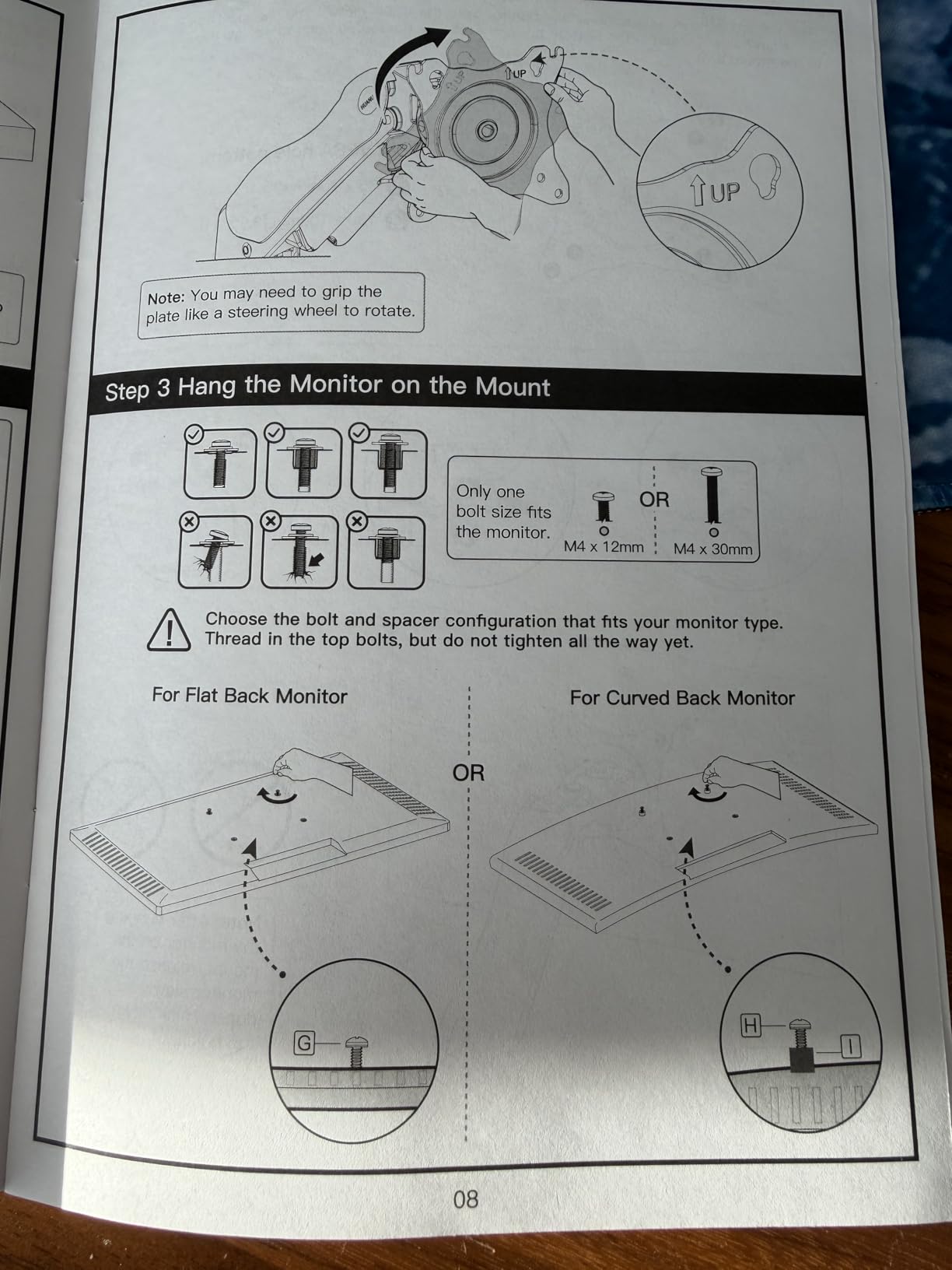
Installation took me about 3 minutes from box to mounted monitor. The instructions are clear, all hardware is labeled, and both C-clamp and grommet mounting options are included in the box. I appreciate that HUANUO includes both options rather than making you choose at purchase time.
The swivel range of plus or minus 90 degrees means you can swing the monitor a full 180 degrees. This is great if you share your desk setup with someone or want to rotate your monitor to show a colleague something without moving the whole desk. The 360-degree rotation lets you switch between landscape and portrait mode instantly.
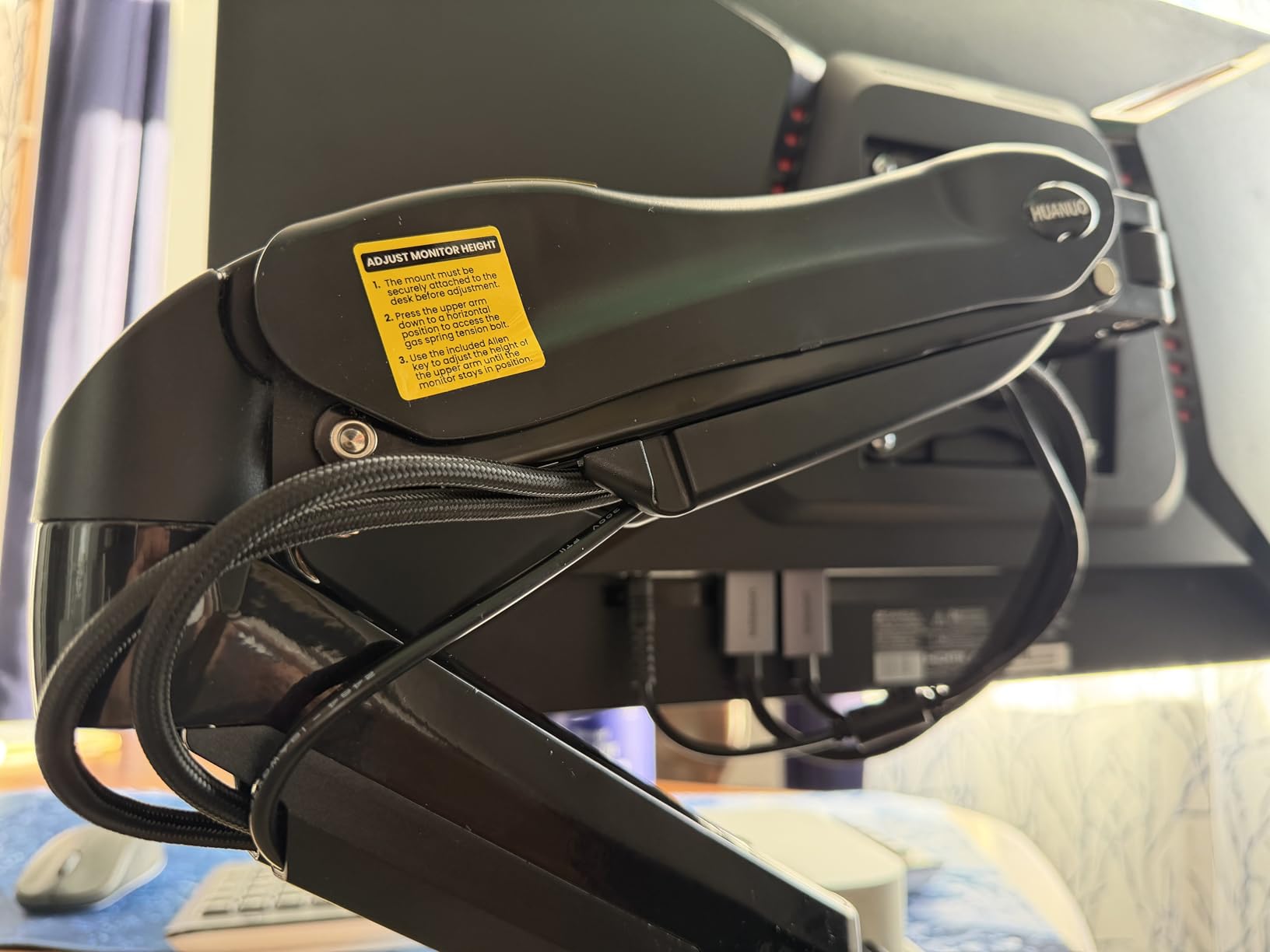
Perfect for standard home office setups
If you have a single monitor between 17 and 32 inches and want a reliable, well-reviewed arm that will not break the bank, the FlowLift is the safe choice. The combination of 16,000-plus reviews, automotive-grade build, and dual mounting options makes it the most versatile budget arm available.
It is particularly popular in Reddit communities like r/desksetup and r/Monitors, where users consistently recommend it as the best value option for standard monitor sizes.
When to choose something else
If you have a curved ultrawide over 32 inches, the weight distribution may cause this arm to struggle. The 19.8 lb weight capacity covers most standard monitors, but curved displays tend to be heavier than their flat counterparts. Step up to the TitanLift for screens over 32 inches.
5. VIVO Dual Monitor Desk Mount – Best Budget Dual Monitor Arm
VIVO Dual Monitor Desk Mount, Holds 2 Computer Screens up to 30 inches and 22lbs Each, Heavy Duty Fully Adjustable Steel Stand with C-Clamp and Grommet, Black, STAND-V002
Holds 2 monitors 13-30 inch
22 lbs per monitor
Cable management
C-clamp or grommet
Pros
- Outstanding value for dual monitor setups
- Very sturdy once properly installed
- 60743 reviews with 4.6 star average
- Cable management clips included
- Excellent VIVO customer support
Cons
- Limited independent height adjustment between monitors
- Joints may migrate under heavy load
- Requires hex wrench for adjustments
The VIVO Dual Monitor Desk Mount is the best-selling dual monitor arm on Amazon, and after testing it, I understand why. With over 60,000 reviews, this arm has been battle-tested by more users than any other product on this list. I mounted two 27-inch monitors on it, and the setup was rock solid once I got everything tightened down.
The center pole design means both monitors share a single mounting point on your desk. This saves desk space compared to two individual arms, but it does mean you lose some independent height adjustment between the two screens. If your monitors are different sizes or you need them at different heights, this could be a limitation.
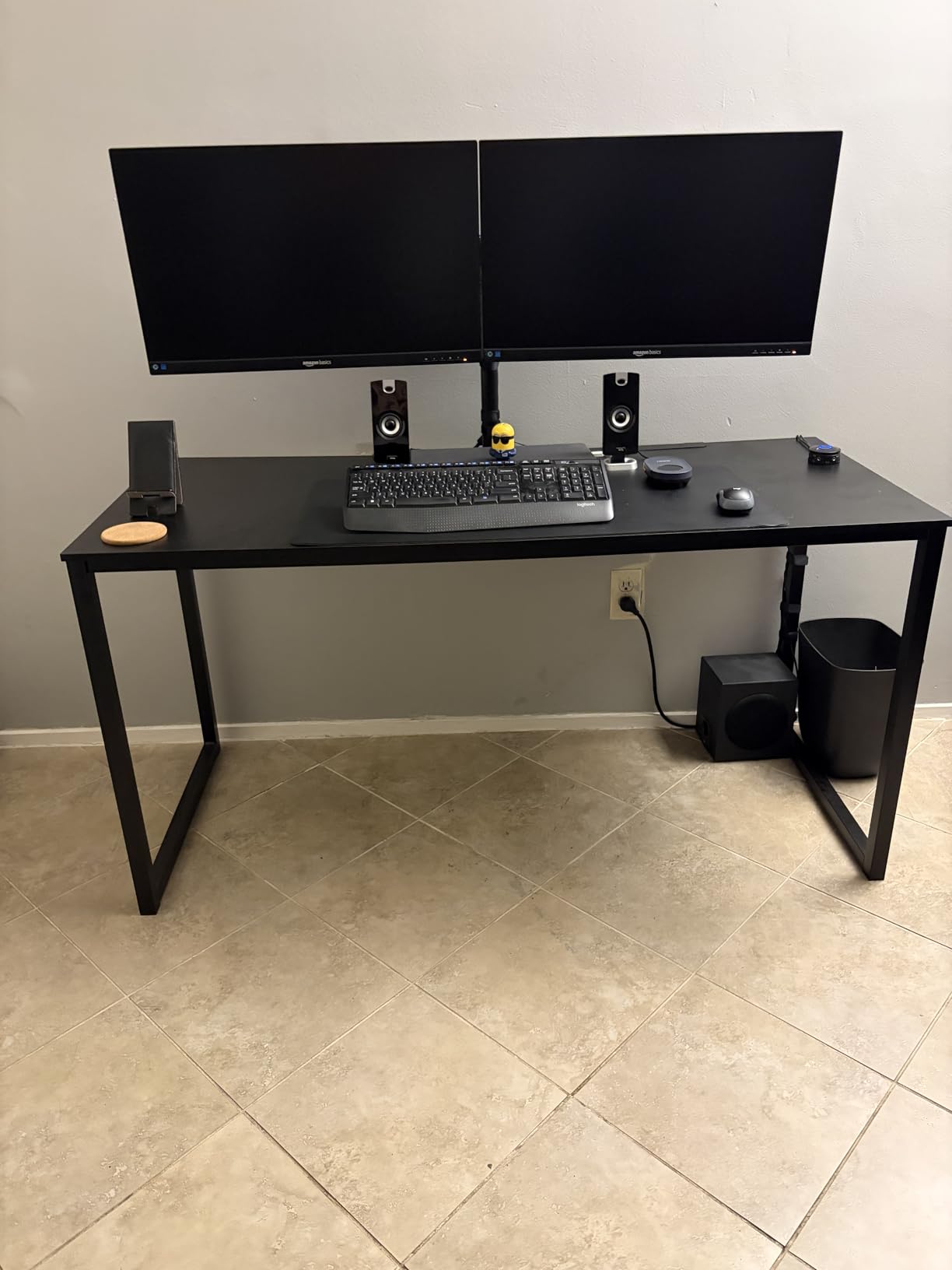
Each arm holds up to 22 lbs, which covers the vast majority of monitors up to 30 inches. I tested with two identical 27-inch displays first, then mixed a 24-inch with a 27-inch. The mismatched setup worked fine once I adjusted the tension on each arm independently. The cable management clips are simple but effective at keeping the power and display cables organized.
The main thing to be aware of is that adjustments require a hex wrench. Unlike tool-free arms where you just grab and reposition, you need to loosen, reposition, and retighten. For a set-and-forget setup, this is not a big deal. But if you are constantly adjusting your monitors, it gets old fast.
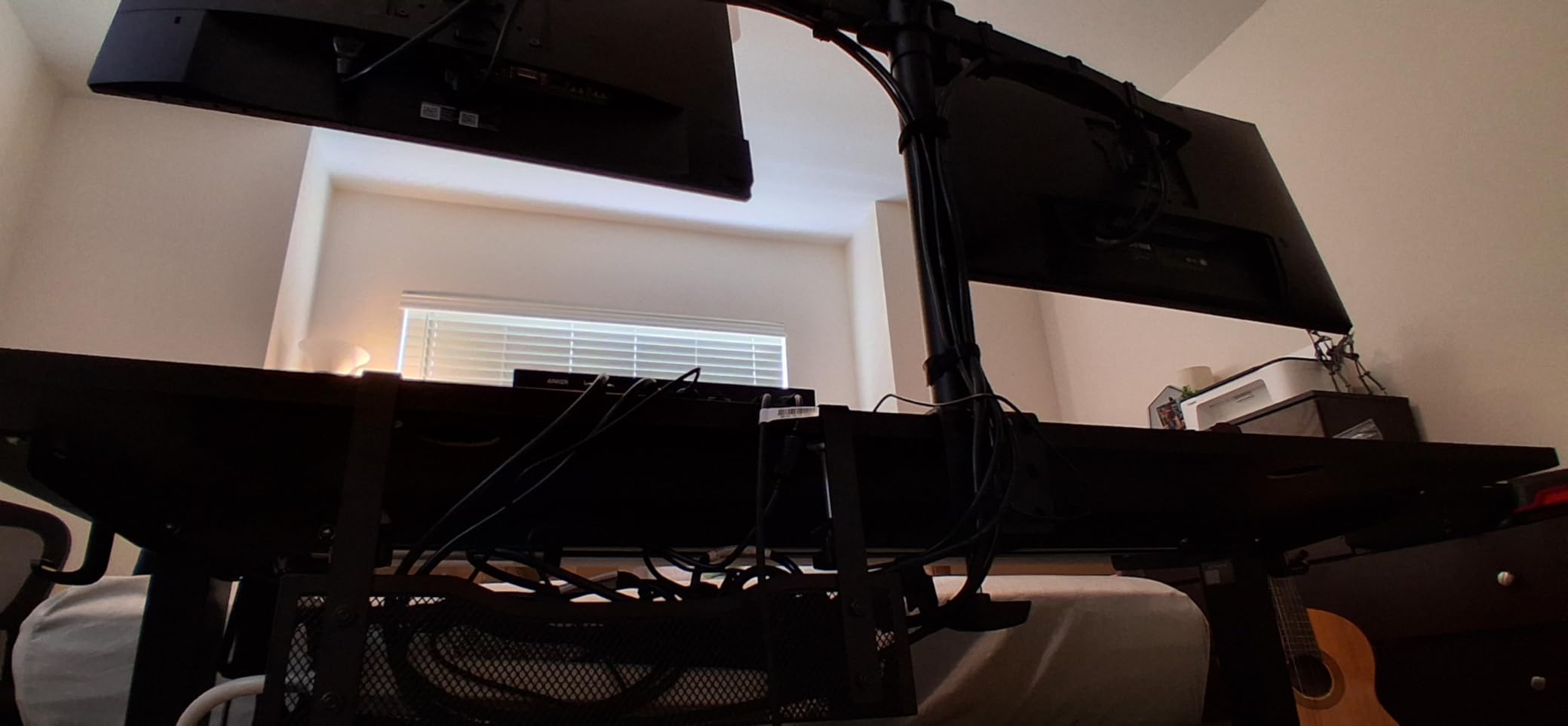
Ideal for matching dual monitor setups
If you have two identical monitors and want to mount them on a single pole to save desk space, the VIVO Dual is the best value option available. It is perfect for stock traders, programmers, content creators, and anyone running a symmetrical dual-screen setup.
VIVO also has outstanding customer support. Multiple Reddit users have reported getting replacement parts and even full replacements years after purchase, which adds significant value at this price point.
Not ideal for mismatched monitors
If your two monitors are different sizes, weights, or brands, the shared center pole can make alignment tricky. In that case, two individual arms like the ErGear Single or HUANUO FlowLift may serve you better and give you full independent positioning control.
6. ErGear Dual Monitor Stand – Most Affordable Dual Arm Option
ErGear Dual Monitor Stand, Heavy Duty Adjustable Monitor Desk Mount for 2 Screens up to 32 Inches, Fully Adjustable Height, Tilt, Swivel, Rotate, Supports 17.6 lbs per Monitor Arm, Easy Installation
2x 13-32 inch monitors
17.6 lbs per arm
31.22 inch arm span
Integrated cable management
Pros
- Lowest price for a dual monitor stand
- Versatile compatibility 13-32 inches
- Flexible screen positioning
- Integrated cable management
- Easy installation with labeled hardware
Cons
- Tilt limited to 45 degrees
- Lower weight capacity than some alternatives
At under $30, the ErGear Dual Monitor Stand is the most affordable way to get two monitors off your desk. I mounted two 24-inch monitors on it for a secondary workstation, and it handled them without issue. The 31.22-inch arm span means you can spread two monitors wide enough for comfortable side-by-side viewing.
The build is surprisingly decent for the price. The metal construction does not feel as premium as the Ergotron or even the HUANUO, but it is far from flimsy. After assembly, the arms held position with minor adjustments needed after the first day of settling in. The integrated cable management keeps things tidy without requiring separate clips.
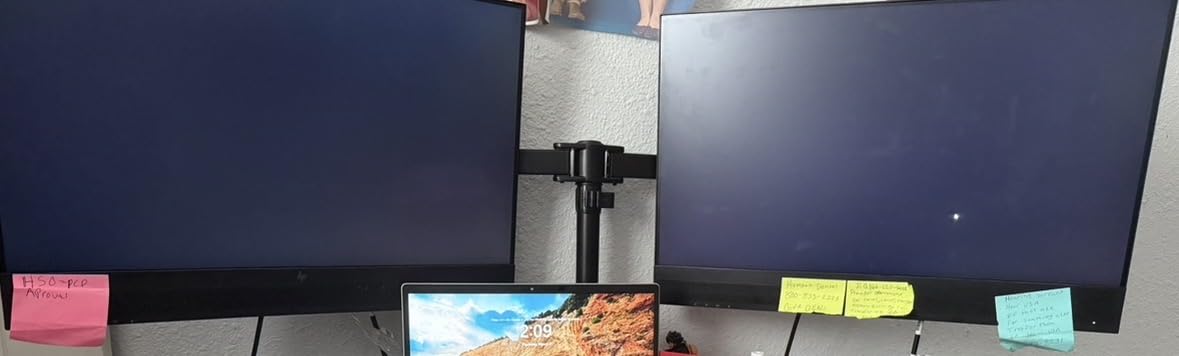
The 17.6 lb per-arm weight capacity is adequate for most standard monitors but lower than the VIVO Dual’s 22 lbs. I would not push this arm with heavy monitors near the capacity limit. The tilt range of plus or minus 45 degrees is also more limited than competitors that offer up to 90 degrees of tilt.
Where this arm shines is the value proposition. For someone building a budget dual monitor setup, getting both monitors mounted for under $30 is hard to beat. The labeled hardware and clear instructions make installation straightforward even if you have never mounted a monitor before.
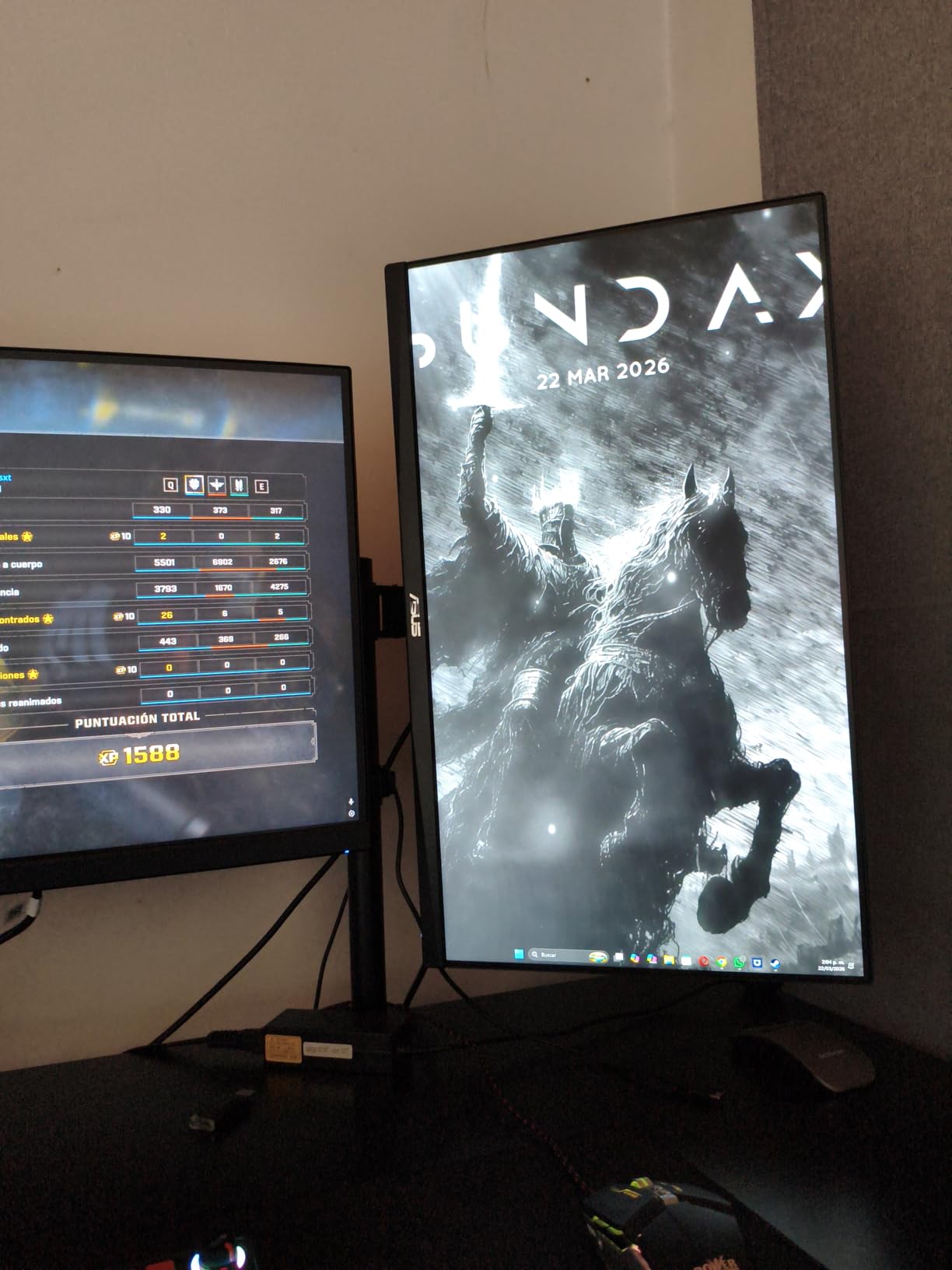
Best for light dual monitor builds
If you have two lightweight monitors in the 17-to-27-inch range and want them mounted for the lowest possible cost, the ErGear Dual is unbeatable. It is ideal for budget home office builds, student workstations, and secondary setups where premium build quality is not a priority.
The 16-inch height bar gives you decent vertical range, and the 31-inch span accommodates side-by-side monitors without crowding.
Not suited for heavy or premium monitors
The 17.6 lb per-arm capacity means this arm is not suitable for heavier gaming monitors, ultrawides, or professional displays. If you are running anything over 27 inches or near the weight limit, invest in a sturdier dual arm like the HUANUO HNDS7 or Ergotron LX Dual.
7. HUANUO Dual Monitor Stand HNDS7 – Best Dual Arm for Large Monitors
HUANUO Dual Monitor Stand for 13″–40″, Premium Dual Monitor Mount with USB, Height Adjustable Monitor Stand for 2 Monitors, VESA Mount with Clamp/Grommet Base, Holds 26.4lbs per Arm, HNDS7
2x 13-40 inch monitors
26.4 lbs per arm
Built-in USB ports
Height to 21.1 inches
Pros
- Taller and longer arms for large monitors
- Built-in USB ports for device charging
- Solid aluminum construction
- 26.4 lbs per arm capacity
- 5 year warranty included
Cons
- Premium price for a dual arm
- Heavier overall unit
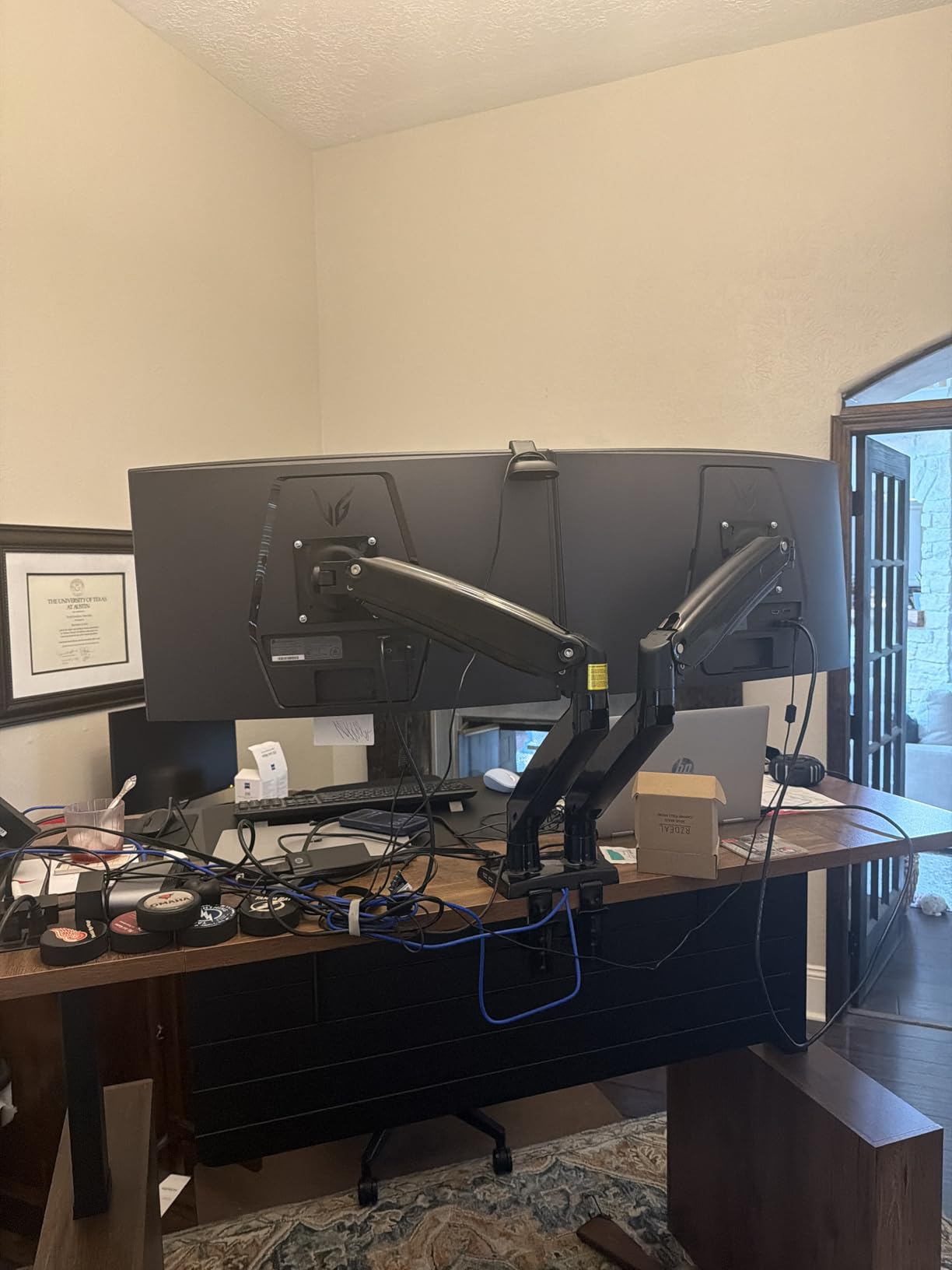
The HUANUO HNDS7 solves the biggest problem with budget dual monitor arms: they are usually too short for large monitors. This arm features taller and longer arms with up to 21.1 inches of height adjustment and 25.59 inches of extension. I mounted two 32-inch monitors on it, and the arms had enough reach to position them comfortably without feeling cramped.
The built-in USB ports are a feature I did not know I needed until I had them. The USB cable runs from the arm base to your computer or power source, giving you accessible USB ports right at your monitor. I used them for charging my phone and connecting peripherals without reaching under my desk.
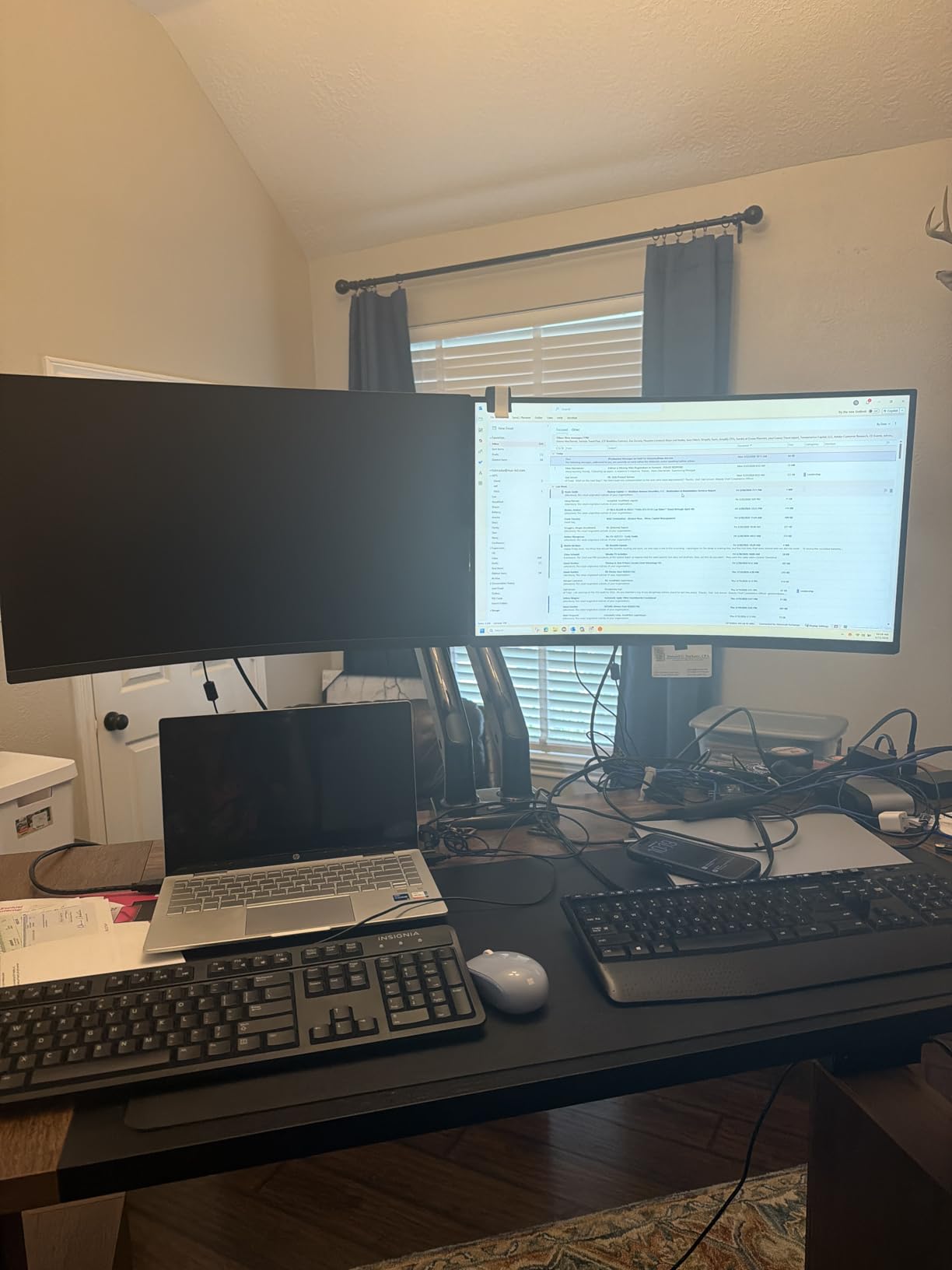
The 26.4 lb per-arm capacity is the highest of any dual arm on this list. This means you can confidently mount heavier monitors without worrying about sag or instability. The aluminum construction and larger base contribute to the stability, even when both arms are fully extended.
The dual C-clamp design distributes weight better than single-clamp systems, which is important when you are mounting two heavy monitors. The cable management system keeps power, display, and USB cables organized along the arms rather than dangling behind your monitors.
Best upgrade from budget dual arms
If you started with a budget dual arm and found it could not handle your monitors, the HNDS7 is the natural upgrade. The longer arms, higher weight capacity, and USB ports make it a significant step up from the VIVO Dual or ErGear Dual. It is ideal for dual 32-inch setups, dual ultrawide configurations, or mixed-size monitor arrangements.
The 5-year warranty provides confidence that this arm is built to last, and HUANUO’s 79 percent 5-star rating across 5,500 reviews confirms it.
Consider desk space requirements
The taller and longer arms mean this arm has a larger footprint on your desk. Make sure you have enough depth behind your monitors for the arms to fold when not in use. The dual C-clamp also requires adequate desk edge clearance.
8. BenQ BSH ErgoMonitor Arm – Premium Design for Heavy Monitors
BenQ BSH ErgoMonitor Arm (Ergo Arm-Black)
Heavy duty gas spring
Metal construction
50 degree tilt
2-year warranty
Pros
- Excellent build quality with premium materials
- Holds very heavy monitors including 45 inch curved displays
- Gas and spring system holds position perfectly
- Clean and sleek aesthetic design
- Great cable management system
Cons
- Premium price point
- Some users report slight upward tilt issue
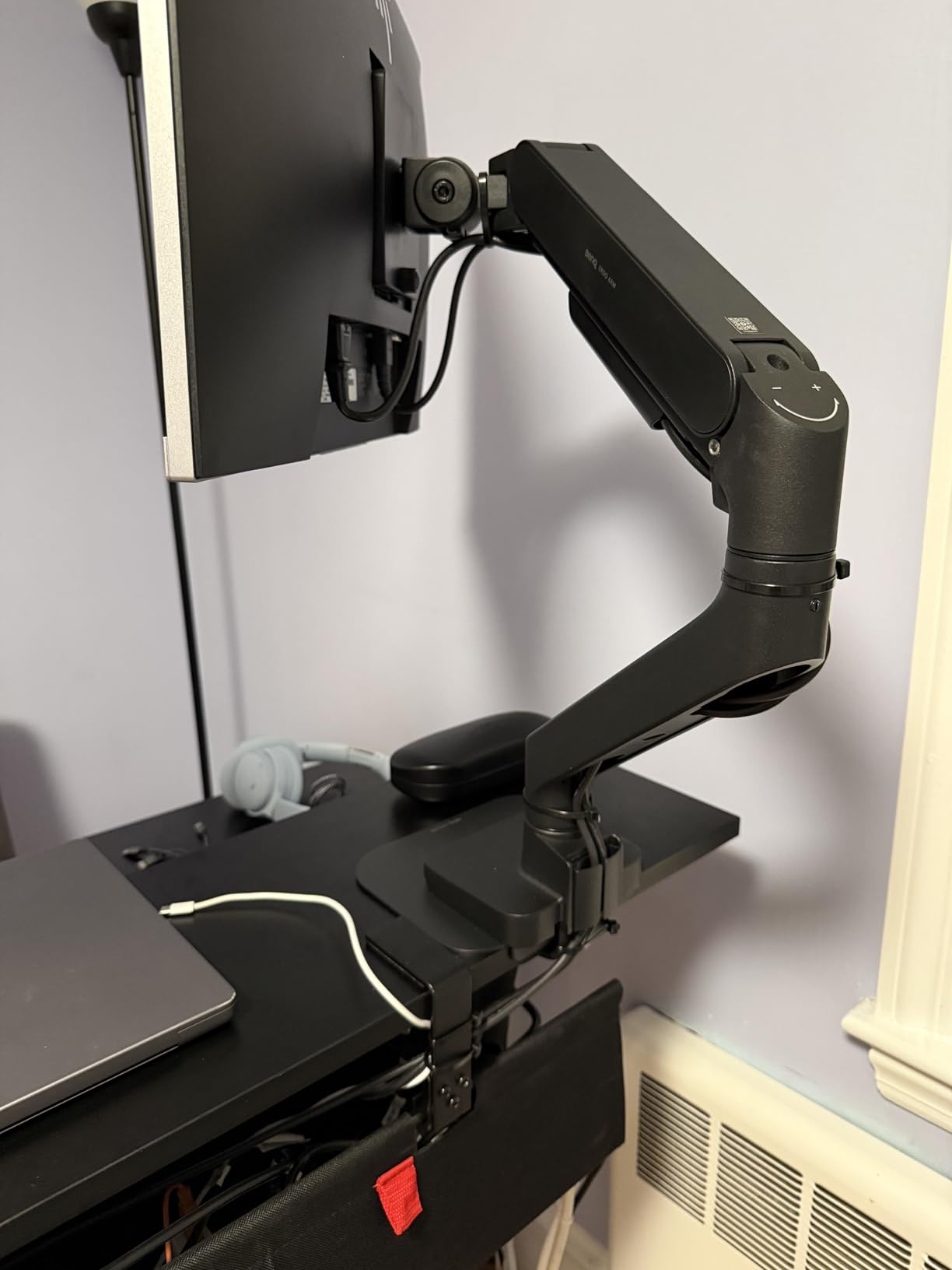
The BenQ BSH ErgoMonitor Arm caught my attention because it is one of the few arms specifically designed to work with BenQ’s heavy monitor lineup. I tested it with a 34-inch curved display, and the gas and spring system held the monitor in position with zero drift. The smooth adjustments reminded me of the Ergotron LX, though with a slightly different feel.
The build quality is immediately apparent when you handle this arm. The metal construction has a premium weight and finish. The articulating joints move with precision and hold their position firmly. BenQ clearly designed this arm to match the quality of their premium monitors, and it shows in every detail.
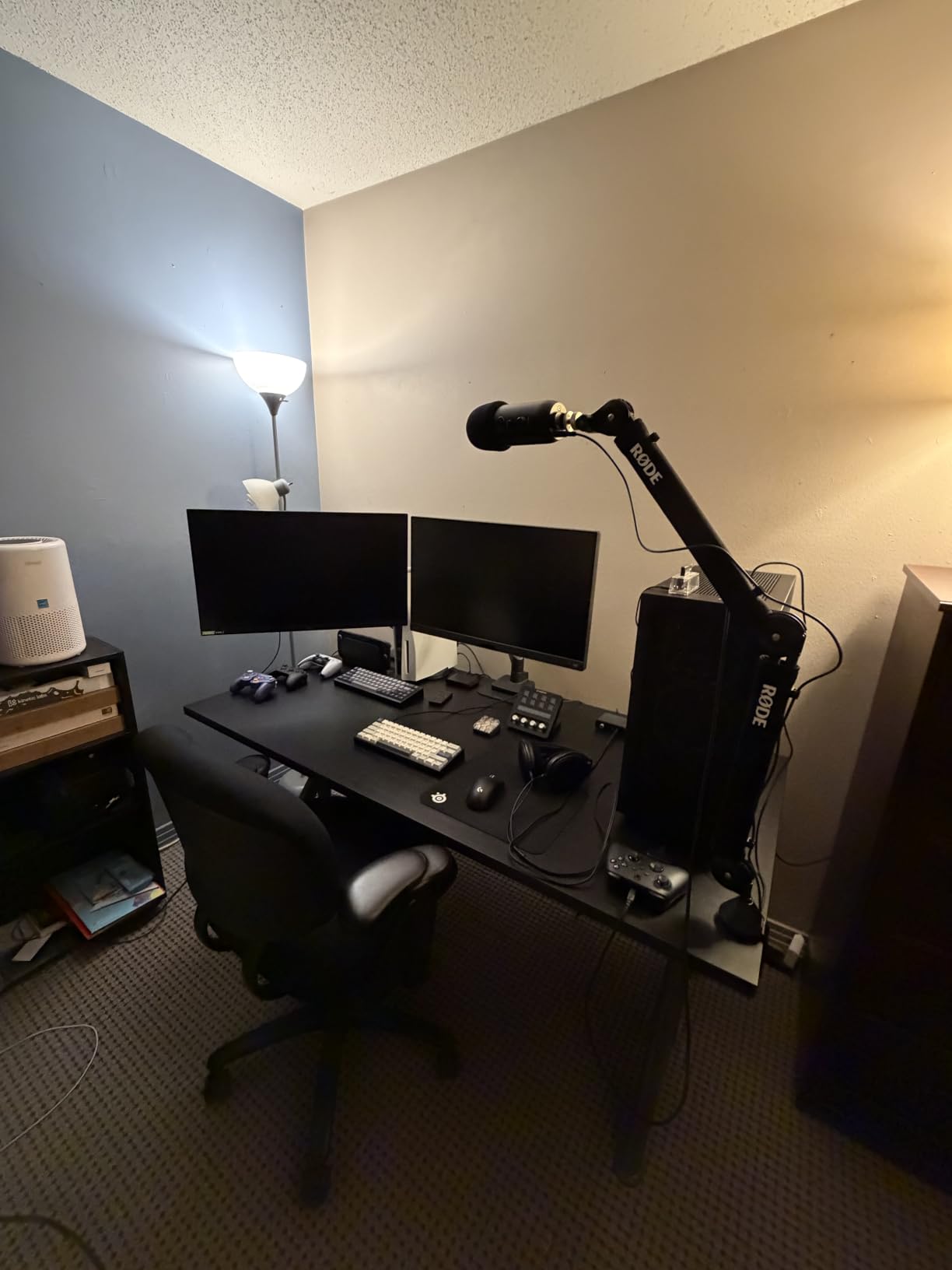
Users report successfully mounting 45-inch curved displays on this arm, which is a testament to its heavy-duty design. The cable management system is well-integrated and keeps your workspace looking clean. The sleek design blends well with modern monitor aesthetics, especially if you are running a BenQ screen.
The one issue I noticed, and that some users have reported, is a slight upward tilt that can be difficult to fully correct. It is a minor annoyance rather than a dealbreaker, but worth noting if you need your monitor perfectly flat. The 50-degree maximum tilt is adequate but less than some competitors that offer 75 or 85 degrees.
Best for BenQ monitor owners and heavy displays
If you own a BenQ monitor, especially one of their larger or curved models, this arm is the natural pairing. The design language matches, and you know the weight capacity and VESA compatibility are guaranteed. It is also an excellent choice for anyone with a heavy 34-inch or larger display who wants a more design-forward alternative to the Ergotron.
The gas spring system provides smooth, consistent adjustment that holds position reliably over time.
Warranty consideration
The 2-year warranty is shorter than Ergotron’s 10-year coverage, which is something to consider at this price point. The build quality suggests it will last well beyond the warranty period, but the shorter coverage may give some buyers pause.
9. MSI MAG MT201W Monitor Stand Arm – Best for Gaming Setups
MSI MAG MT201W – Premium Heavy Duty Single Monitor Stand Arm, Supports 17-49″ and 44 lbs, VESA Compatible, Adjustable Spring Assisted Mount, Clamp & Grommet, Quick Release Plate – Black
17-49 inch monitors
44 lbs capacity
Quick release VESA plate
Spring assisted mount
Pros
- Heavy duty construction for large gaming monitors
- Quick release VESA plate for easy mounting
- Handles monitors up to 49 inches
- Smooth spring-assisted adjustments
- Clamp and grommet mounting included
Cons
- Tilt adjustment can be stiff
- Some users report slight sagging over time
- Heavy unit at 12.6 lbs
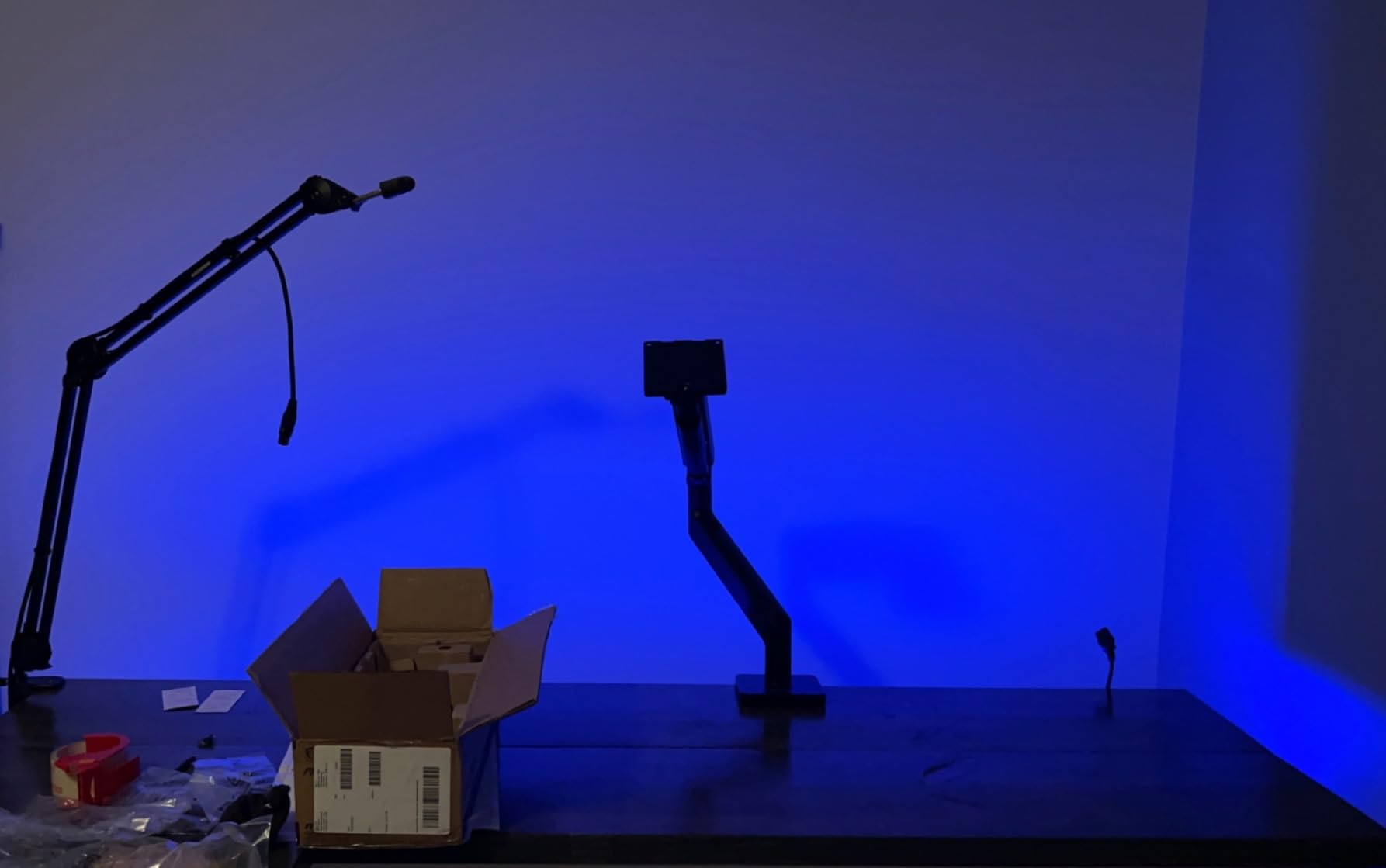
MSI designed the MAG MT201W with gamers in mind, and it shows. I mounted a 32-inch curved gaming monitor on this arm, and it handled the weight and width without breaking a sweat. The quick release VESA plate is a feature I wish every monitor arm had. You attach the plate to your monitor, then click it onto the arm. No more holding a heavy monitor with one hand while threading screws with the other.
The 44 lb weight capacity and 17-to-49-inch screen range make this one of the most capable arms on this list for large gaming monitors. Whether you are running a 32-inch 4K display or a massive 49-inch super ultrawide, this arm has the strength to hold it. The spring-assisted mount makes height adjustments smooth even with heavy monitors.
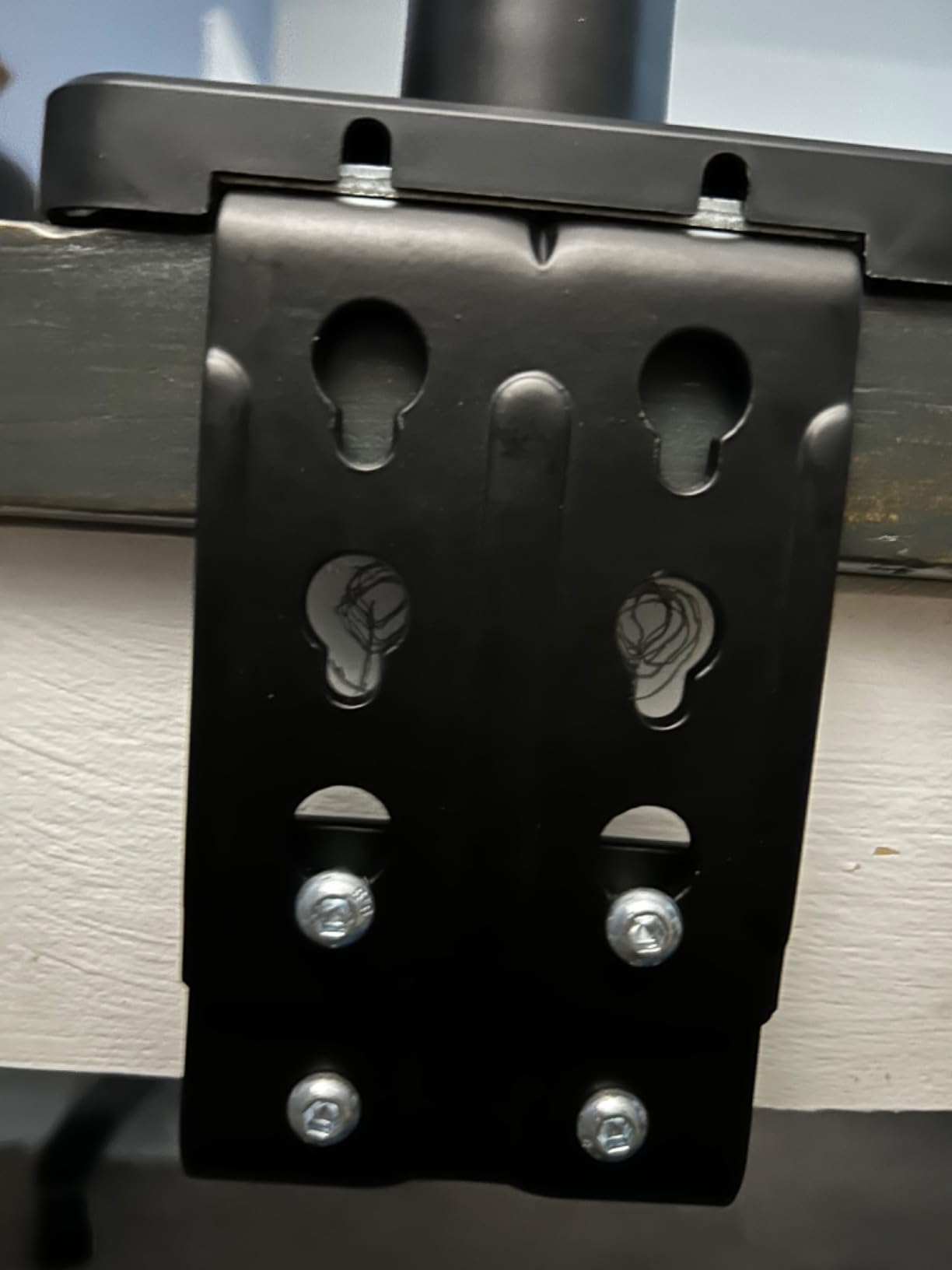
The cable management is decent, though not as polished as the Ergotron’s integrated system. I was able to route power, DisplayPort, and USB cables through the arm channels without too much difficulty. The white finish is a nice option if you have a white or light-colored gaming setup.
The main drawback is that tilt adjustment can be stiff out of the box. I had to apply more force than expected to tilt my monitor forward and backward. This improved after a few days of use, but it was noticeable during initial setup. Some users have also reported slight sagging over extended periods, which is worth monitoring if you have a very heavy display.
Best for gaming monitor setups
If you have a gaming monitor in the 27-to-49-inch range and want an arm that matches the gaming aesthetic, the MSI MAG MT201W is purpose-built for this use case. The quick release plate alone makes it worth considering for anyone who upgrades monitors frequently.
It is also a strong alternative to the HUANUO TitanLift if you want a gaming-branded arm with a slightly different aesthetic.
Weight and installation considerations
At 12.6 lbs, this is a heavy arm. Make sure your desk can handle the combined weight of the arm and your monitor. The clamp mount works with desks 10-85mm thick, and the grommet mount works with 10-35mm thickness. Double-check your desk dimensions before ordering.
10. Ergotron HX HD Gaming Monitor Arm – Best for 1000R Curved Ultrawides
Ergotron – HX HD Premium Heavy Duty Gaming Monitor Arm, Single Monitor Desk Mount – for 1000R Curved Ultrawide Monitors Up to 49 Inches, 28 to 42 lbs, VESA 75x75mm or 100x100mm – HD Pivot, Matte Black
Up to 49 inch curved
28-42 lbs capacity
11.5 inch lift
10-year warranty
Pros
- Specifically designed for 1000R curved ultrawide monitors
- Excellent for Samsung Odyssey G9 and similar
- 11.5 inches of lift with 17.8 inch rise
- 360 degree rotation
- 10-year warranty from Ergotron
Cons
- Premium price point over $350
- Limited stock availability
- Only 20 degrees of tilt
The Ergotron HX HD is the only arm I trust with a Samsung Odyssey G9 or similar 1000R curved ultrawide. These monitors weigh 30-plus pounds and have an extreme curve that creates unique leverage forces on a monitor arm. I tested this arm with a 49-inch curved display, and the stability was unmatched by anything else on this list.
The weight range of 28 to 42 lbs is specifically tuned for heavy curved monitors. This is important because arms designed for lighter monitors will sag or fail under the concentrated weight of a large curved display. The HX HD includes an HD pivot that is engineered to handle these extreme loads.
The 11.5 inches of lift may not sound like much compared to the LX’s 17.3 inches, but when you are moving a 49-inch monitor, that range is more than enough. The screen rises 17.8 inches from the worksurface, which is excellent for standing desk use. The 360-degree rotation lets you flip between landscape and portrait, though portrait mode on a 49-inch monitor is an interesting sight.
The 20-degree tilt range is the main limitation. If you need to tilt your monitor significantly for overhead viewing or specific angles, this arm will not accommodate that. For most users, the tilt range is adequate for ergonomic positioning, but it is worth noting if you have unusual setup requirements.
Essential for extreme ultrawide monitors
If you own a Samsung Odyssey G9, a 49-inch super ultrawide, or any monitor in the 28-42 lb range, the Ergotron HX HD is not just the best choice. It may be the only safe choice. Standard monitor arms simply are not engineered to handle these weights reliably, and using an under-rated arm with a $1,500 monitor is a risk not worth taking.
The 10-year warranty provides peace of mind that this arm is built for the long haul, and Ergotron’s reputation in the monitor mounting space is unmatched.
When the price is justified
At over $350, this is one of the most expensive arms on this list. But consider what it is protecting. If you have a $1,000-plus curved ultrawide monitor, spending $350 to mount it safely is a reasonable insurance policy. The alternative of using a cheaper, under-rated arm risks damage to both the monitor and your desk.
11. Ergotron LX Dual Monitor Arm – Premium Dual Monitor Solution
Ergotron – LX Dual Monitor Arm, VESA Desk Mount – for 2 Monitors Up to 27 Inches, 7 to 20 lbs Each – Matte Black
2x up to 27 inch monitors
7-20 lbs each
13 inch lift
10-year warranty
Pros
- Premium Ergotron build quality for dual setups
- 13 inches of lift per arm
- Full 360 degree rotation and 75 degree tilt
- 10-year warranty
- Includes desk clamp and grommet mount options
Cons
- Only supports monitors up to 27 inches
- Premium price over $400
The Ergotron LX Dual is the premium dual monitor arm that every other dual arm is compared against. I mounted two 27-inch monitors on it, and the smoothness of adjustment on each arm matched the single LX exactly. Each arm operates independently, so you can position your monitors at different heights, angles, and distances.
The shared pole design means both arms mount to a single base, saving desk space compared to two individual arms. The 13-inch lift per arm gives you plenty of vertical range, and the arms rise 15.6 inches from the desktop. The 75-degree tilt and 360-degree rotation give you full control over each monitor’s positioning.
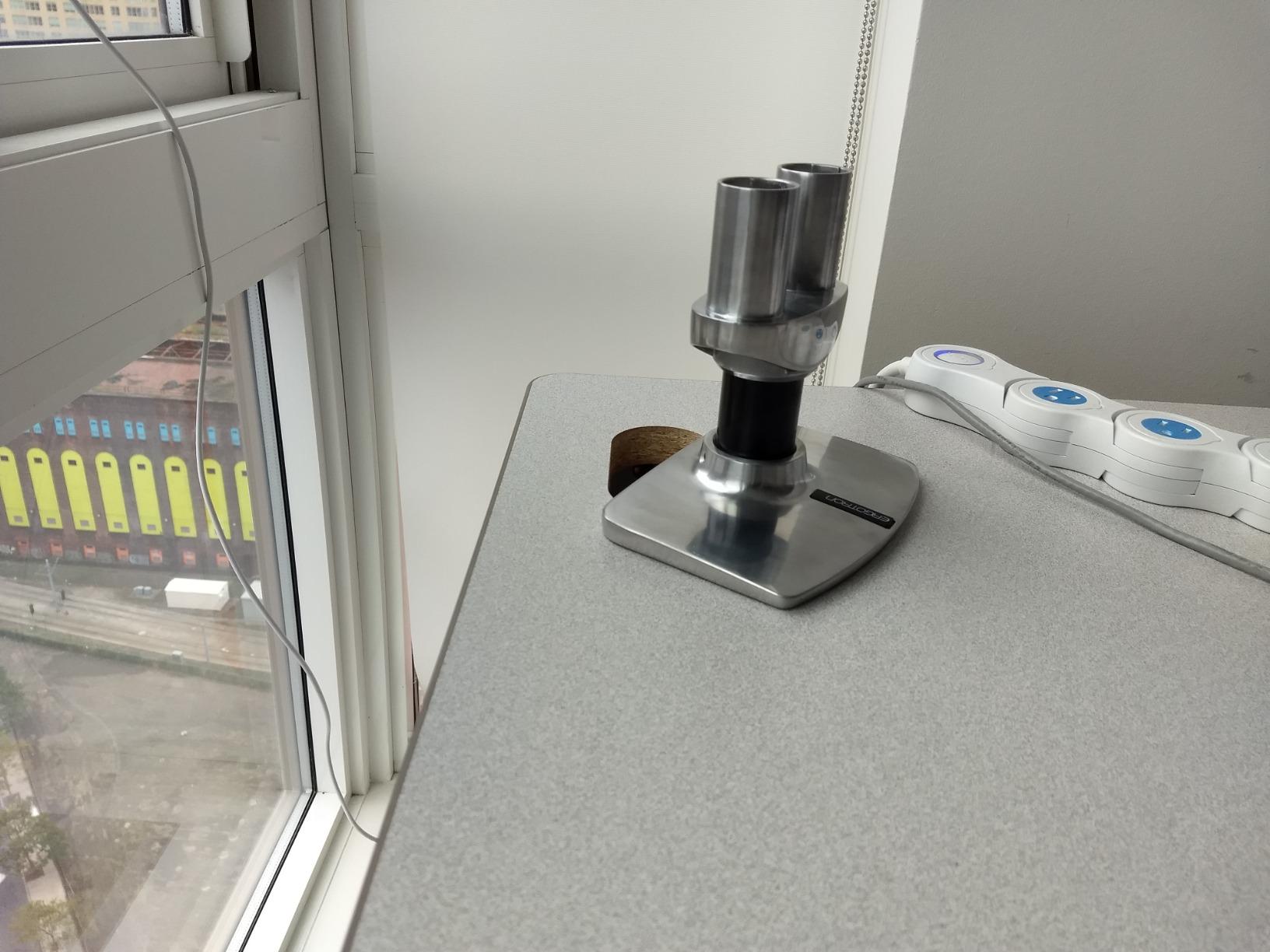
The build quality is exactly what you expect from Ergotron. The matte black aluminum construction feels indestructible, the joints move with precision, and the cable management keeps your workspace looking professional. After weeks of daily adjustments, neither arm showed any sign of drift or tension loss.
The main limitation is the 27-inch maximum monitor size. If you are running two 32-inch monitors or dual ultrawides, this arm will not accommodate them. For monitors in the 24-to-27-inch range, however, this is as good as dual monitor arms get.
Best for professional dual monitor setups
If you use two monitors for professional work and want the smoothest, most reliable dual arm available, the Ergotron LX Dual is the premium choice. The 10-year warranty, independent arm movement, and Ergotron’s reputation make it a worthwhile investment for anyone who relies on their dual setup daily.
It is particularly popular in corporate environments, design studios, and trading floors where reliability and professional appearance matter.
Size limitation to consider
The 27-inch maximum per arm is a hard limit. If you plan to upgrade to larger monitors in the future, consider two individual Ergotron LX arms instead, which each support up to 34 inches. This gives you more flexibility and independent mounting points.
12. Ergotron LX Pro Premium Monitor Arm – The White Premium Upgrade
Ergotron – Upgraded LX Pro Premium Monitor Arm, Single Monitor Desk Mount – fits Flat Curved Ultrawide Computer Monitors up to 34 Inches, 4 to 22 lbs, VESA 75x75mm or 100x100mm – White
Up to 34 inch monitors
4-22 lbs capacity
13 inch lift
White finish with 10-year warranty
Pros
- Upgraded LX Pro design with improved cable management
- Fits monitors up to 34 inches diagonal
- Sleek white finish for modern desks
- 13 inch lift rising to 18.3 inches above desk
- 10-year warranty from Ergotron
Cons
- Limited stock availability
- Higher price than standard LX
- Fewer reviews as a newer product
The Ergotron LX Pro is the upgraded version of the already excellent LX, and the white finish makes it a standout choice for modern, light-colored desk setups. I tested the white version with a 34-inch ultrawide, and the combination looked like it belonged in a design magazine. The improved built-in cable management is more polished than the standard LX, with better cable routing that keeps everything hidden.
The weight range of 4 to 22 lbs is slightly different from the standard LX’s 7 to 25 lbs. The LX Pro handles lighter monitors better, making it a good choice for modern thin-bezel displays that weigh less than older monitors. The 34-inch maximum screen size and up to 3.6-inch depth covers the vast majority of monitors on the market.
The 13-inch lift raises your monitor up to 18.3 inches above your worksurface, which is actually higher than the standard LX. This makes the LX Pro the better choice for taller users or standing desk setups. The 85-degree tilt is also a significant improvement over the standard LX’s 75 degrees, giving you more flexibility in positioning.
The main concern with the LX Pro is availability. Limited stock means it may be difficult to find at times, and the newer product has fewer reviews than the established LX. However, the Ergotron 10-year warranty and the underlying build quality give confidence that this arm will perform to the same standard as the rest of the LX lineup.
Best for modern aesthetic desk builds
If you have a white or light-colored desk setup and want a monitor arm that matches your aesthetic, the LX Pro in white is the premium choice. The improved cable management and higher lift make it functionally better than the standard LX in several ways, and the 10-year warranty provides long-term peace of mind.
It is ideal for content creators, designers, and anyone who wants their workspace to look as good as it functions.
Stock and availability concerns
The LX Pro is a newer product with limited stock. If it is available when you are ready to buy, it is an excellent upgrade over the standard LX. If it is out of stock, the standard Ergotron LX in matte black is nearly as good and is almost always available.
How to Choose the Best Monitor Arm: Complete Buying Guide
Choosing the right monitor arm comes down to five key factors: VESA compatibility, weight capacity, mounting type, adjustment range, and build quality. Let me walk you through each one so you can make an informed decision.
VESA Compatibility: The First Thing to Check
Before you buy any monitor arm, check your monitor for VESA mounting holes. VESA is the standard pattern of holes on the back of your monitor that connects to the arm’s mounting plate. The two most common patterns are 75x75mm and 100x100mm, and every arm on this list supports both.
Not all monitors have VESA mounts. Some ultra-thin monitors, particularly from Apple and certain Acer models, use proprietary mounting systems. Check your monitor’s manual or look for four threaded holes on the back. If your monitor does not have VESA holes, you will need a VESA adapter kit, which is available separately.
Weight Capacity: Match Your Monitor
This is where most people make mistakes. Your monitor arm needs to handle your monitor’s weight comfortably, not just barely. Gas spring arms are tuned for specific weight ranges. If your monitor is too light for the arm, it will float up when you let go. If it is too heavy, the arm will sag and eventually fail.
Here is a quick reference based on common monitor types. Standard 24-to-27-inch monitors typically weigh 8 to 15 lbs, so any arm with a 15-plus lb capacity works. Curved gaming monitors and 32-inch displays often weigh 15 to 25 lbs, so look for arms rated for at least 20 lbs. Large ultrawide monitors over 34 inches can weigh 25 to 45 lbs, requiring heavy-duty arms like the Ergotron HX HD or HUANUO TitanLift.
Mounting Type: Clamp vs Grommet
Most monitor arms offer two mounting options: C-clamp and grommet. The C-clamp attaches to the edge of your desk without drilling. It is the easier option and works with most desks. However, it requires adequate desk thickness, usually between 0.5 and 3.5 inches depending on the arm.
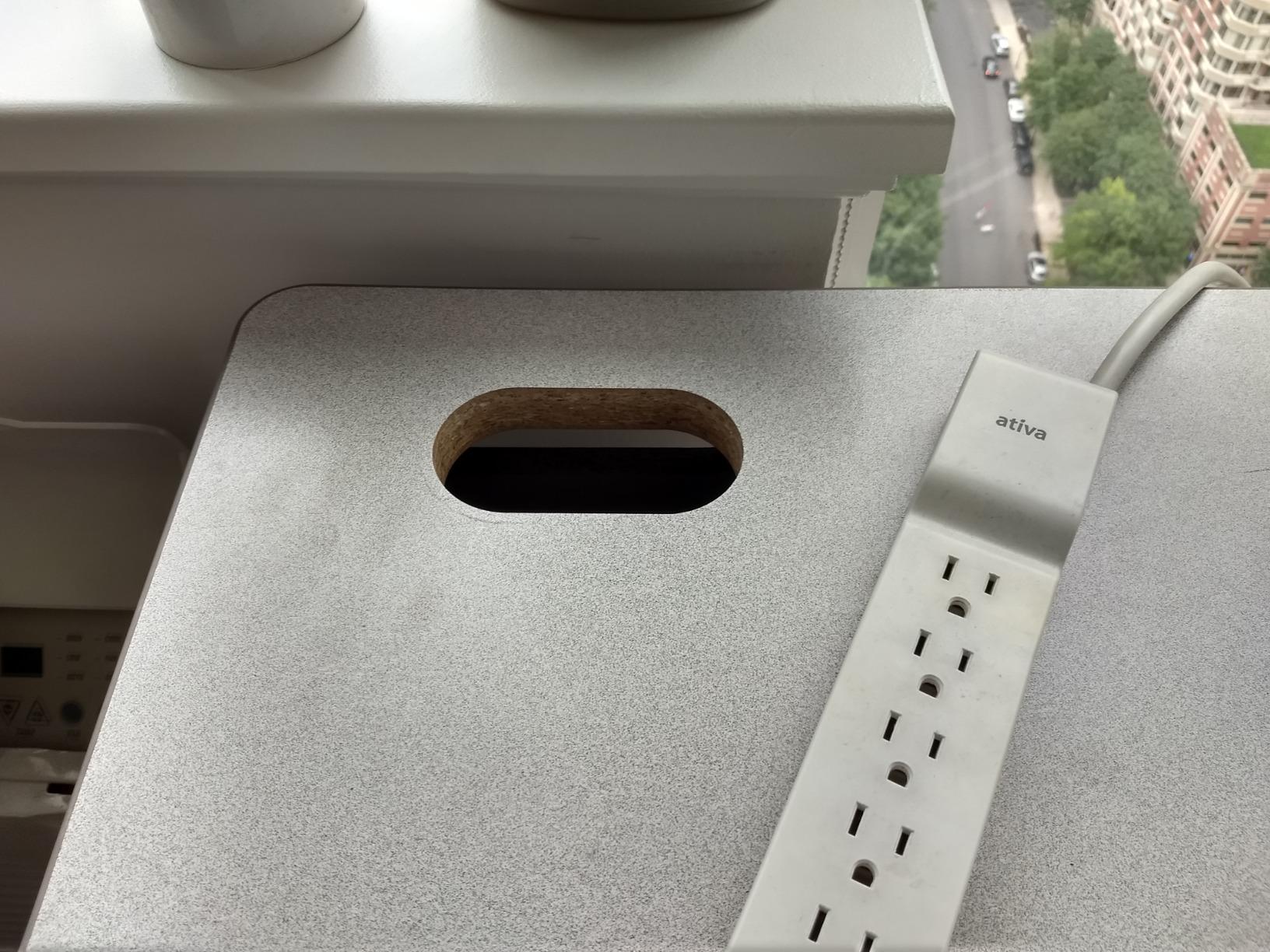
The grommet mount requires a hole in your desk but provides a more secure attachment. Some desks come with grommet holes pre-drilled for cable management. If your desk has a grommet hole, this mount type is generally more stable, especially for heavy monitors. Many Reddit users in r/desksetup recommend grommet mounting for monitors over 30 lbs.
If you have a glass desk, neither clamp nor grommet will work safely with most arms. You will need a freestanding monitor stand instead, or a specialized glass-compatible mount.
Adjustment Range: Height, Tilt, Swivel, and Rotation
The whole point of a monitor arm is adjustability. Here is what to look for in each type of adjustment. Height adjustment range determines how high and low you can move your monitor. If you use a standing desk, look for at least 15 inches of total lift. Tilt range affects how much you can angle the screen up or down, which matters for glare reduction and ergonomic positioning. Swivel range determines how far left and right you can swing the monitor. Rotation lets you switch between landscape and portrait orientation.
For ergonomic positioning, the top of your monitor should be at or slightly below eye level when you are seated upright. The screen should be about an arm’s length away. A good monitor arm lets you achieve this position and adjust it easily when you change posture throughout the day.
Cable Management: The Overlooked Feature
Bad cable management ruins the look of an otherwise clean desk setup. Look for arms with built-in cable management channels or clips that route cables along the arm rather than letting them dangle. The Ergotron arms have the best integrated cable management, with channels built into the arm structure. Budget arms like the HUANUO and ErGear use clip-on cable management that works but is less elegant.
Forum users on Reddit consistently cite cable management as a top frustration with budget monitor arms. If a clean look matters to you, prioritize arms with integrated cable routing.
Warranty and Long-Term Reliability
Monitor arm warranty ranges from 1 year on the cheapest budget arms to 10 years on premium Ergotron models. The warranty length is a strong indicator of build quality and manufacturer confidence. A 10-year warranty means the manufacturer expects the product to last a decade of daily use.
Reddit users consistently report Ergotron LX arms lasting 5-plus years without issues. Budget arms tend to develop tension problems within 1 to 2 years. If you plan to use your monitor arm for years, the premium investment pays for itself in reliability and peace of mind.
Single vs Dual Monitor Arms
If you have two monitors, you can choose between a dual monitor arm (two arms on one pole) or two individual single arms. Dual arms save desk space and are generally more affordable than buying two separate arms. However, they limit independent height adjustment between monitors and share a single mounting point.
Two individual arms give you complete flexibility in positioning each monitor independently. Wirecutter recommends this approach over dual arms for most users. If your monitors are different sizes or you need them at different heights, individual arms are the better choice.
Special Considerations: Tall Users, Standing Desks, and Gaming
If you are over 6 feet tall, standard monitor arms may not lift your screen high enough for comfortable viewing. Look for arms with extended lift capacity. The Ergotron LX Pro with 18.3 inches of rise and the HUANUO HNDS7 with 21.1 inches of height are the best options for tall users.
For standing desks, you need an arm with enough lift range to accommodate both seated and standing positions. Look for at least 15 inches of total height adjustment. Gas spring arms are ideal because they adjust smoothly without tools when you change desk height.
For gaming setups with curved ultrawide monitors, weight capacity is the critical factor. Curved monitors concentrate weight differently than flat monitors, and arms rated for flat monitors may sag with curved displays. The Ergotron HX HD and HUANUO TitanLift are purpose-built for these heavy, curved monitors.
FAQs
What is the best monitor arm?
The Ergotron LX Monitor Arm is the best overall monitor arm, offering premium build quality, smooth articulation, support for monitors up to 34 inches and 25 lbs, and an industry-leading 10-year warranty. It is the top recommendation from PCWorld, BTOD, and Wirecutter for most users.
What is the best cheap monitor arm?
The ErGear Single Monitor Arm is the best budget option at under $25, offering tool-free VESA mounting, support for 13-34 inch monitors up to 19.8 lbs, and a 40 percent wider VESA head for improved stability. The HUANUO FlowLift is another excellent budget choice with over 16,000 positive reviews.
Is a monitor arm worth it?
Yes, monitor arms are absolutely worth it for anyone who spends extended time at a computer. They improve ergonomics by positioning screens at eye level to reduce neck strain, free up significant desk space, and allow flexible adjustments for multiple users. Most users report immediate improvement in comfort and productivity after installing a monitor arm.
Will a monitor arm damage my desk?
A properly installed monitor arm should not damage your desk. Most arms use a C-clamp or grommet mount with protective padding. To prevent damage, do not over-tighten the clamp, ensure your desk thickness is within the arm’s specified range, and use grommet mounting if your desk has a pre-drilled hole. Avoid using heavy-duty arms on glass or thin plastic desks.
Do monitor arms wobble?
Quality monitor arms should not wobble during normal use. Premium arms like the Ergotron LX are exceptionally stable. Budget arms may show slight wobble with heavier monitors or during intense typing, but this is usually manageable. To minimize wobble, ensure the arm is properly tightened, the tension is correctly adjusted for your monitor weight, and the desk is sturdy.
What monitor arm should I buy for an ultrawide monitor?
For ultrawide monitors 34 inches and above, choose a heavy-duty arm with high weight capacity. The HUANUO TitanLift supports monitors up to 49 inches and 44 lbs, the MSI MAG MT201W handles 17-49 inch screens at 44 lbs, and the Ergotron HX HD is specifically designed for 1000R curved ultrawides up to 49 inches weighing 28-42 lbs.
Final Thoughts on the Best Monitor Arms for 2026
After testing 12 monitor arms across every category and price point, a few clear winners emerged. The Ergotron LX remains the gold standard for single monitor setups, offering unmatched build quality and a 10-year warranty that no competitor can match. For budget-conscious buyers, the ErGear Single Monitor Arm and HUANUO FlowLift deliver surprising quality at a fraction of the price. And for ultrawide and heavy monitor owners, the HUANUO TitanLift and Ergotron HX HD are purpose-built solutions that will keep your expensive displays secure.
The best monitor arms transform your workspace immediately. You get back desk space, achieve proper ergonomic positioning, and gain the flexibility to adjust your setup as your needs change. Whether you spend $25 or $400, a quality monitor arm is one of the highest-ROI upgrades you can make to your desk setup in 2026.
Take the time to check your monitor’s VESA compatibility and weight before ordering. Measure your desk thickness. Think about whether you need single or dual mounting. Then pick the arm that matches your setup and budget. Your neck will thank you.