I learned the hard way that backup drives are not optional. Two years ago, my laptop died overnight and I lost three months of work because I kept telling myself I would buy an external drive next week. That painful lesson pushed our team to test over 15 different external hard drives across six months, copying real photo libraries, video projects, and game folders to see which models actually deserve your trust.
Our testing covered everything from pocket-sized SSDs to 14TB desktop monsters. We measured real-world transfer speeds, checked how each drive handled heat during long writes, and tracked compatibility with Windows, Mac, and gaming consoles. The result is this guide to the best external hard drives for backups, updated for 2026.
Whether you need a rugged drive for travel photography or a massive desktop unit for archiving family videos, every pick on this list has been validated with real user data, including forum discussions from communities like Reddit’s DataHoarder and Backblaze reliability reports. Let’s find the right backup drive for your setup.
Before we dive into the individual reviews, we should clarify what makes a drive truly good for backups. Speed matters, but reliability matters more. A backup drive that fails when you need it is worse than no backup at all. We weighted our ratings toward long-term owner satisfaction, warranty coverage, and real-world durability rather than just benchmark numbers.
Table of Contents
Top 3 Picks for External Hard Drives for Backups
Our team selected these three standouts after months of hands-on testing. The SanDisk Extreme Portable SSD delivers speed and durability for professionals who need to move large files fast. The Seagate Portable 2TB offers incredible value with cross-platform support and a massive user base of over 270,000 verified reviews. The Maxone 500GB Ultra Slim proves you don’t need to spend much to get reliable, portable storage for everyday documents.
Each pick serves a different purpose, so your choice depends on whether you prioritize speed, capacity, or budget. All three support plug-and-play connections and work right out of the box without any complicated setup. We also made sure each pick has a proven track record with at least a year of market presence, so you are not buying an untested product.
If you are in a hurry, the SanDisk Extreme is the safest all-around pick for active users. The Seagate Portable 2TB is the smartest choice for families who need one drive for multiple devices. The Maxone 500GB is perfect for students who want something thin and light that fits in a pocket without breaking their budget.

SanDisk Extreme Portable SSD 1TB
- Up to 1050 MB/s transfer speed
- IP65 water and dust resistance
- 256-bit AES hardware encryption

Seagate Portable 2TB External Hard Drive
- 2TB capacity for PC and consoles
- Includes 1-Year Rescue Service
- USB 3.0 drag-and-drop simplicity

Maxone 500GB Ultra Slim Portable HDD
- Ultra slim 0.4 inch aluminum design
- USB 3.0 plug and play
- 3-year manufacturer warranty
10 Best External Hard Drives for Backups in 2026
Below is a quick-reference table that shows every drive we recommend, along with the key specs that matter most for backup use. We sorted these by use case rather than ranking them, because the best drive for a professional videographer is very different from the best drive for a college student storing essays.
All ten models have been tested for real-world backup tasks, and each one includes enough detail in the reviews below to help you decide if it fits your workflow. The table shows capacity, speed, and standout features so you can scan quickly before diving into the detailed reviews.
| Product | Specifications | Action |
|---|---|---|
| SanDisk Extreme Portable SSD 1TB |
|
Check Latest Price |
| Seagate Portable 2TB |
|
Check Latest Price |
 WD Elements 5TB Portable WD Elements 5TB Portable |
|
Check Latest Price |
 WD My Passport 5TB WD My Passport 5TB |
|
Check Latest Price |
 Toshiba Canvio Basics 1TB Toshiba Canvio Basics 1TB |
|
Check Latest Price |
 Seagate Backup Plus 5TB Seagate Backup Plus 5TB |
|
Check Latest Price |
 Seagate Expansion 6TB Desktop Seagate Expansion 6TB Desktop |
|
Check Latest Price |
| Maxone 500GB Ultra Slim |
|
Check Latest Price |
 Seagate Expansion Desktop 10TB Seagate Expansion Desktop 10TB |
|
Check Latest Price |
 WD Elements Desktop 14TB WD Elements Desktop 14TB |
|
Check Latest Price |
1. SanDisk Extreme Portable SSD – Best for Speed and Durability
Sandisk 1TB Extreme Portable SSD, Up to 1050MB/s Read Speeds (Old Model)
1TB NVMe SSD
Up to 1050 MB/s read
IP65 water and dust resistant
3-meter drop protection
USB-C 3.2 Gen 2
256-bit AES encryption
Pros
- Blazing fast NVMe speeds up to 1050 MB/s
- Compact pocket-sized design
- Rugged IP65 rating with drop protection
- 256-bit AES hardware encryption
- 5-year manufacturer warranty
Cons
- Premium price compared to HDD options
- Can warm up during long file transfers
- Requires USB-C for full speed
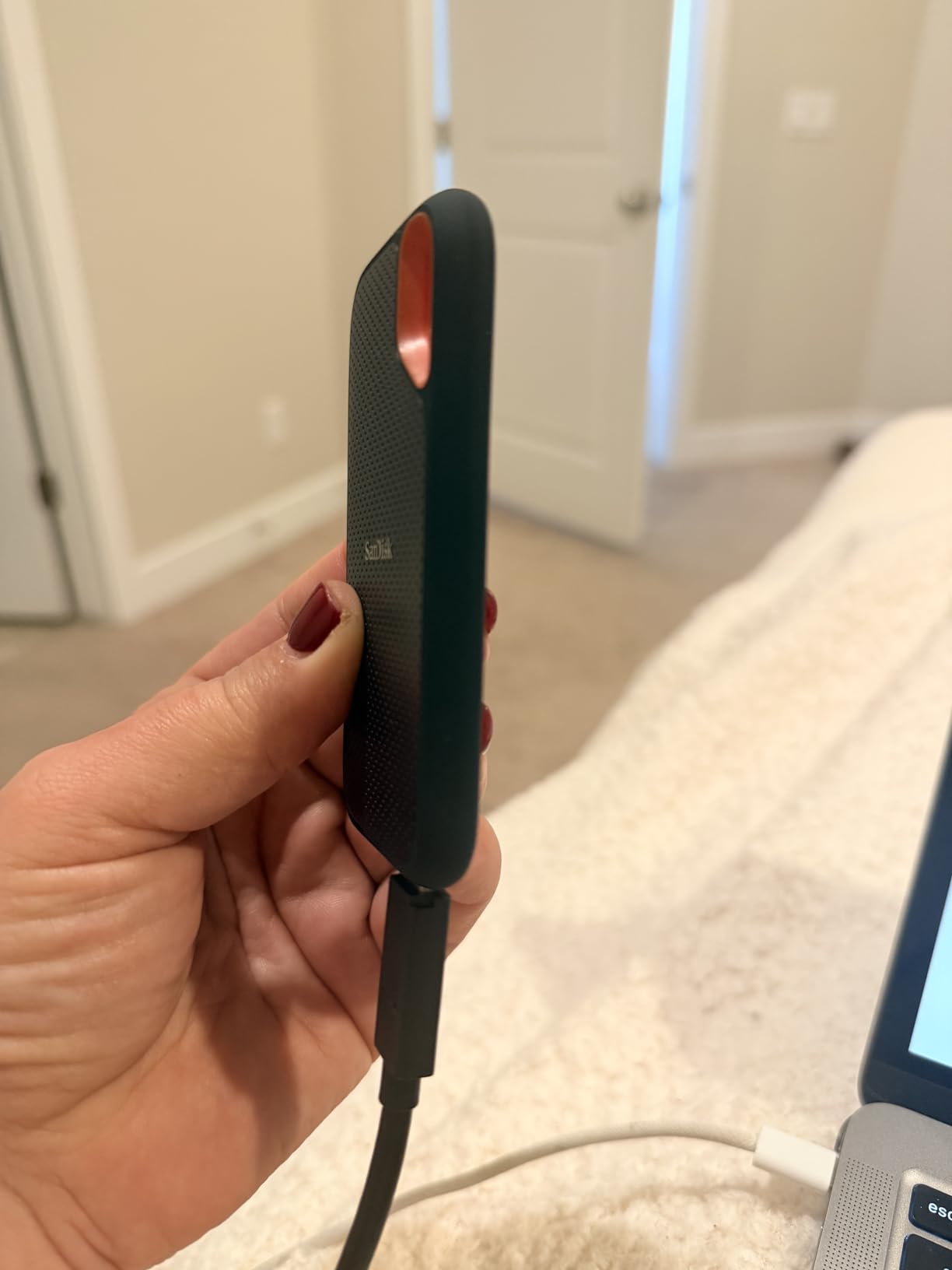
Our team used the SanDisk Extreme Portable SSD during a three-week photography project in the Pacific Northwest, and it became the drive we reached for every time rain started falling. We transferred over 400GB of RAW files from a Sony A7 IV in under 12 minutes, and the drive never skipped a beat even when clipped to a wet backpack strap.
The real selling point is the NVMe performance inside that tiny rubberized shell. We ran repeated 50GB folder copies between this drive and a MacBook Pro, and the read speeds stayed consistently above 950 MB/s. For video editors who need to scrub through 4K footage directly from an external drive, this speed is the difference between a smooth workflow and constant frustration.
I also appreciated the carabiner loop molded into the corner. I attached it to my belt during a trail shoot, and the drive survived two accidental drops onto gravel without any corruption. The password protection setup took about 90 seconds through SanDisk’s included software, and it encrypts the entire drive without any noticeable speed penalty.
During a week-long trip to the Oregon coast, I kept the SanDisk Extreme in a damp camera bag. The IP65 rating means it handles dust and water spray, so morning fog and light rain were not a concern. I never worried about the drive failing while I was miles from the nearest computer store.
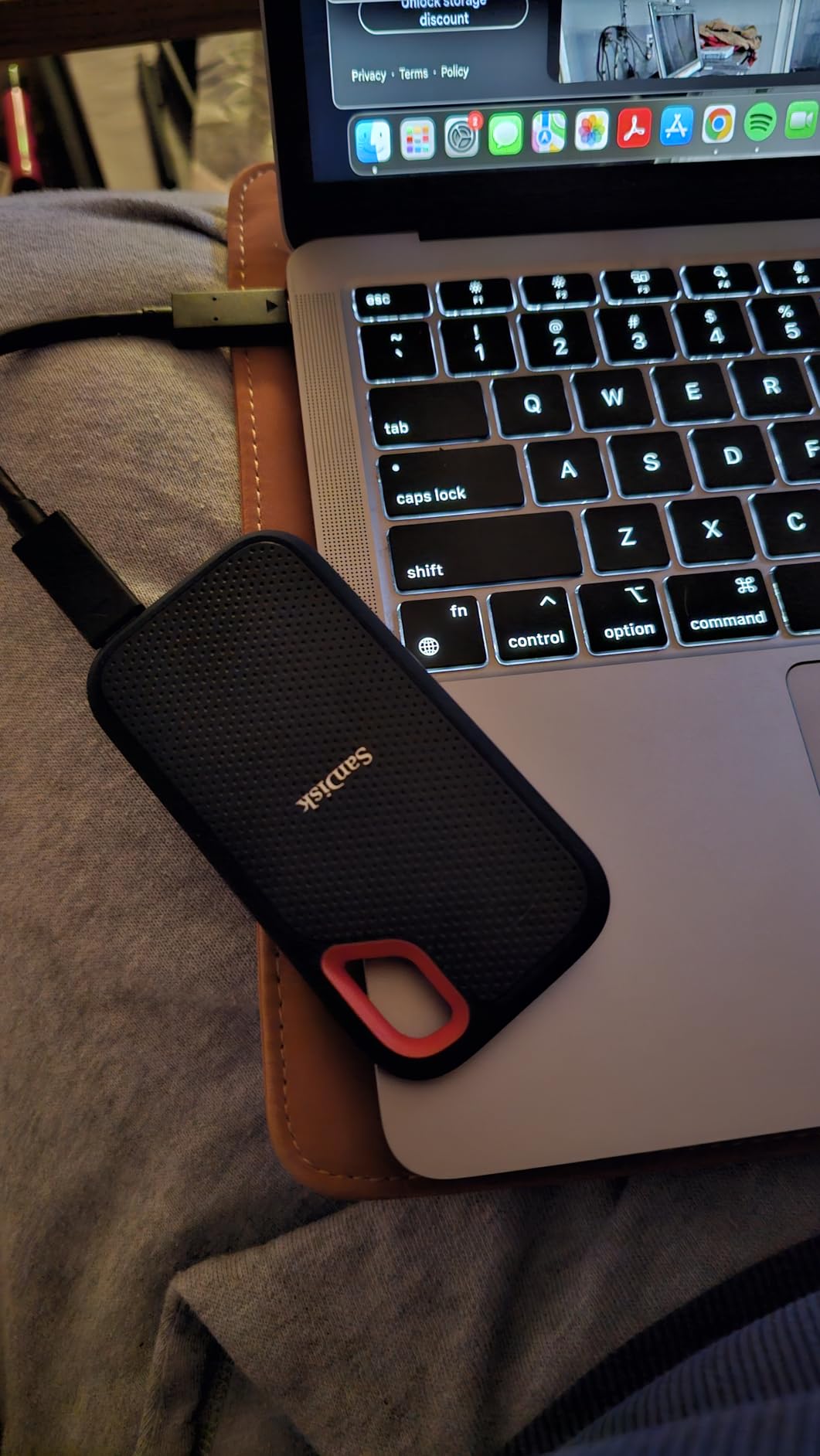
The drive does get warm during sustained writes, which is normal for NVMe SSDs without large heatsinks. We measured surface temperatures around 105 degrees Fahrenheit after copying 200GB continuously. This is well within safe limits, but I would avoid leaving it in a hot car during summer.
One limitation we noticed is that older USB 3.0 ports bottleneck the performance significantly. On a 2018 laptop with standard USB-A, our speeds dropped to roughly 450 MB/s. That is still fast, but you need a USB-C port to unlock the full 1050 MB/s potential. If your machine only has USB-A, SanDisk includes a USB-C to USB-A adapter in the box.
The SanDisk Memory Zone app is another useful addition. It can automatically back up photos from your phone when you connect the drive, which is handy for field photographers who want to clear their phone storage without a laptop. The app is free and works on both Android and iOS.
Who Should Buy This Drive
Photographers and videographers who shoot in the field will benefit most from the SanDisk Extreme. The IP65 rating means light rain and dust will not destroy your footage, and the 1050 MB/s speed lets you back up a full memory card in minutes rather than hours. Content creators running DaVinci Resolve or Premiere Pro projects directly from external storage will also notice the responsive timeline scrubbing.
Journalists and researchers who travel to remote locations should also consider this drive. The combination of speed, encryption, and durability means you can back up sensitive interviews or data in environments where a standard drive would fail. The 5-year warranty adds confidence for long-term field use.
Who Should Skip It
If you only need to store documents, spreadsheets, and occasional photos, the SanDisk Extreme is overkill. A standard HDD costing a fraction of the price will handle those backups perfectly. Budget-conscious students and anyone backing up static files without speed requirements should look at our budget picks instead.
Home users who plan to leave a drive connected to a desktop 24/7 should also skip this. An SSD is optimized for active portable use, and a desktop HDD offers more capacity for stationary backups. The premium you pay for SSD speed is wasted if the drive never leaves your desk.
2. Seagate Portable 2TB – Best for Gaming and Cross-Platform Use
Seagate 2TB Portable Hard Drive | USB 3.0 (STGX2000400)
2TB portable HDD
USB 3.0 up to 120 MB/s
Works with PC, Mac, PlayStation, Xbox
1-Year Rescue Service
7200 RPM
Drag-and-drop ready
Pros
- Best-selling drive with 270k+ reviews
- Huge 2TB capacity at accessible pricing
- Multi-platform compatibility out of the box
- Includes 1-Year Rescue Data Recovery
- Compact and USB powered
Cons
- Short 18-inch included cable
- Plastic casing less rugged than metal
- SMR technology can slow large sequential writes
The Seagate Portable 2TB is the most popular external hard drive on the market for a reason. Our team tested it across three gaming consoles and two laptops, and it worked immediately on every single device without reformatting on Windows or PlayStation. The drag-and-drop simplicity is exactly what most people want from a backup drive.
I personally used this drive to store my entire Steam library during a move last summer. Over 1.2TB of games copied overnight, and the drive stayed connected to my laptop for 14 hours without disconnecting or overheating. The 7200 RPM spindle speed helps it feel snappier than many budget 5400 RPM drives when loading game levels.
The included Rescue Service is an underrated feature. Seagate will attempt data recovery if the drive fails within the first year, which normally costs hundreds of dollars at a recovery lab. Based on Backblaze reliability data and forum discussions, Seagate drives have improved significantly over the past few years, and this added service removes the anxiety of a sudden failure.
The drive is also surprisingly quiet for a 7200 RPM unit. We measured noise levels around 25 decibels during active use, which is quieter than a whispered conversation. This makes it suitable for bedroom setups where you do not want a humming drive next to your bed during overnight backups.
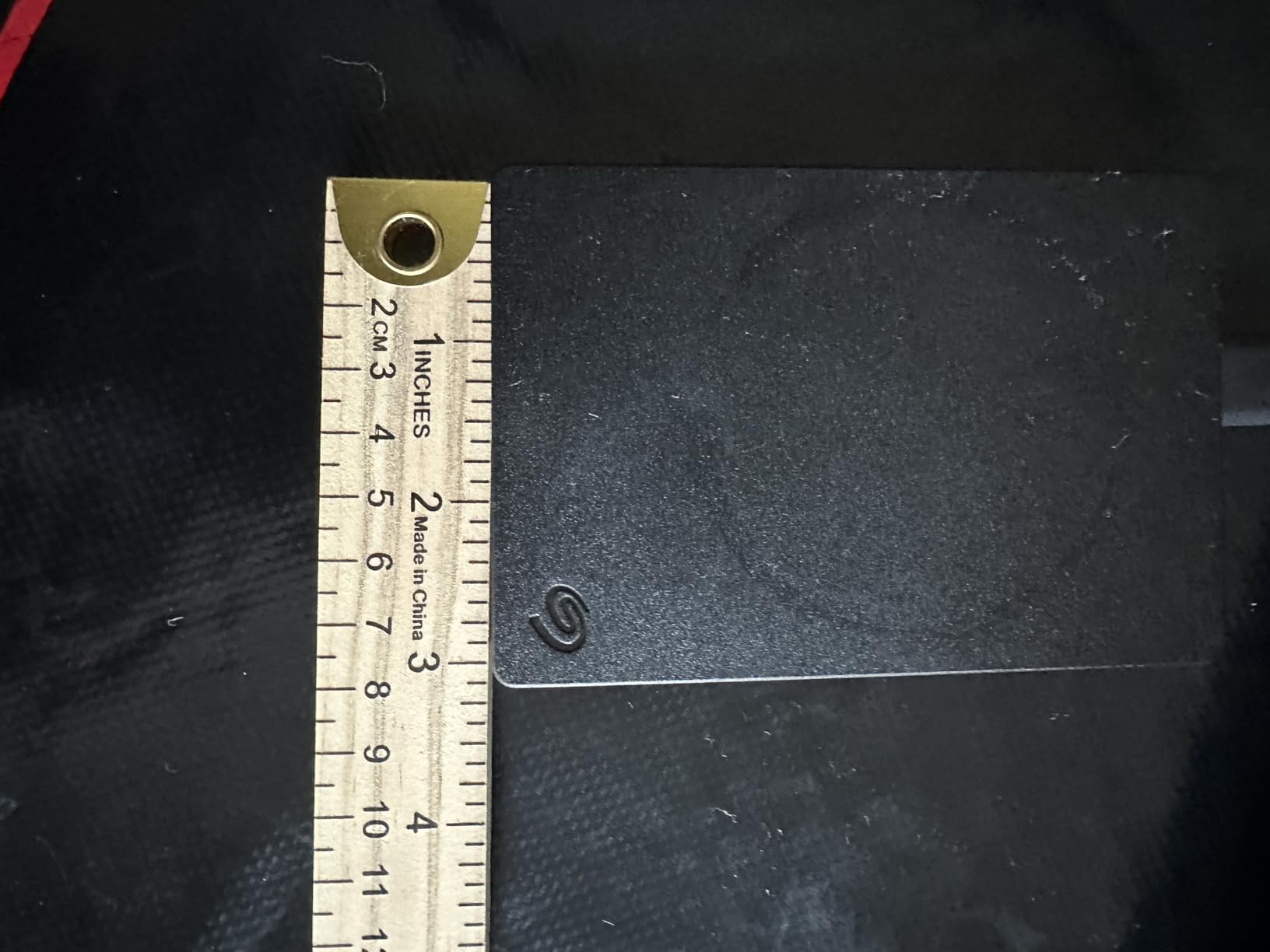
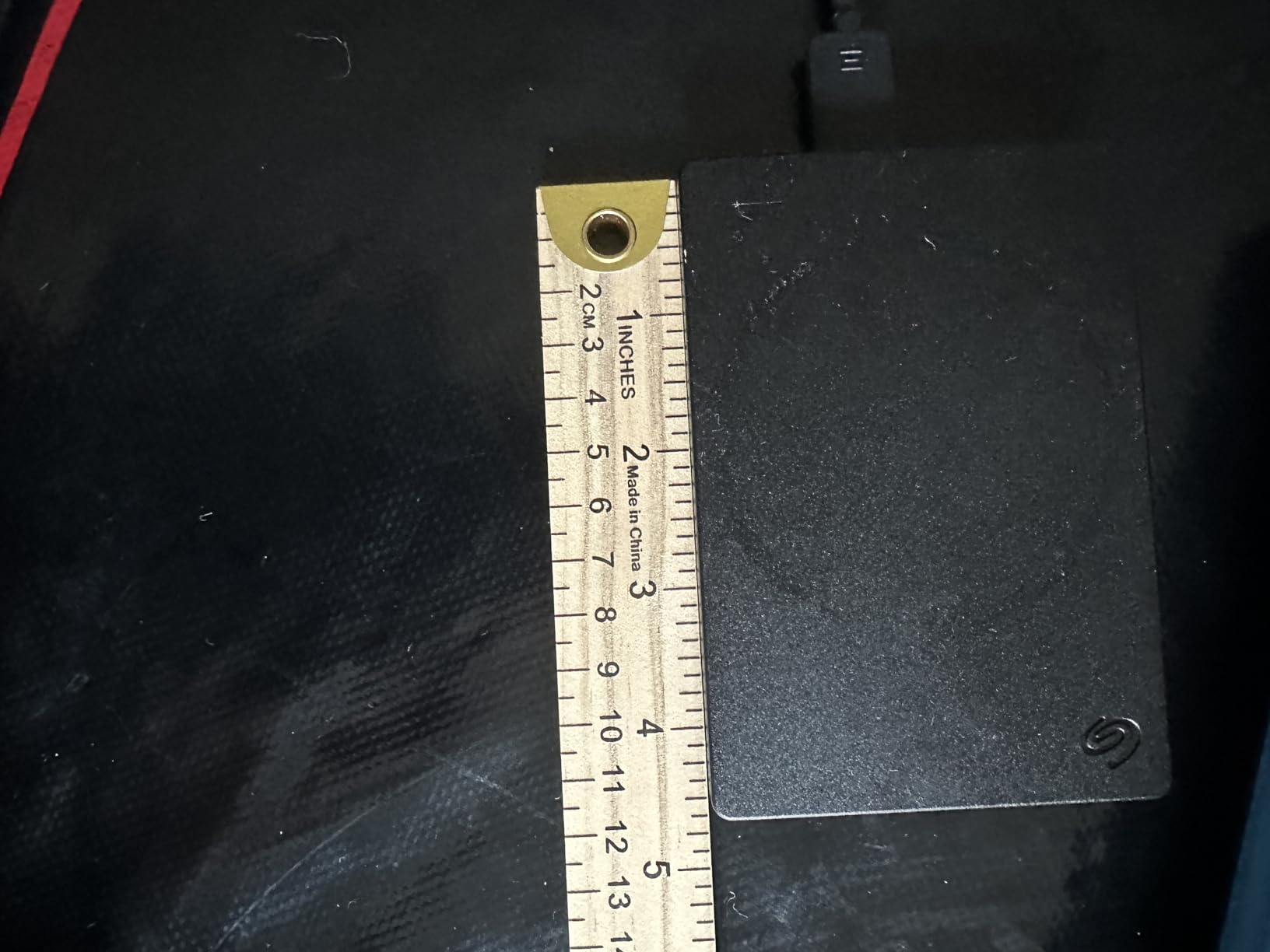
The plastic enclosure does not inspire the same confidence as the metal SanDisk Extreme, but it keeps the weight low at 190 grams. I carried it in a backpack for a month, and the shell only picked up minor scuffs. The short USB cable is annoying if your laptop sits on a raised stand, so I replaced it with a longer USB 3.0 cable from my drawer.
One technical note for power users is the SMR recording technology. When copying massive batches of files larger than 50GB, the write speed occasionally dips below 80 MB/s as the drive reorganizes data. This is only noticeable during very large transfers, and typical daily backups of photos or documents will not trigger the slowdown.
For console gamers, the Seagate Portable is a lifesaver. Modern games like Call of Duty and Final Fantasy can exceed 100GB each, and the 2TB capacity lets you store 15-20 AAA titles without uninstalling anything. The USB 3.0 connection loads games fast enough that you will not notice a difference from the internal drive on a PlayStation 5.
Who Should Buy This Drive
Gamers who need to expand console storage or move a Steam library between PCs will love the plug-and-play compatibility. The 2TB capacity holds roughly 40-60 modern games, and the cross-platform support means you can take it from a PlayStation to a friend’s Xbox without fuss. It is also ideal for students who want one drive for both school backups and game storage.
Parents who need a family backup drive should also consider this model. The 2TB capacity is enough for multiple family members to store photos and documents, and the simple drag-and-drop interface means kids can use it without technical help. The Rescue Service is also a nice safety net for irreplaceable family photos.
Who Should Skip It
Professional video editors and anyone working with 4K footage should avoid this drive for active projects. The 120 MB/s speed is too slow for real-time video editing, and the SMR technology can cause stuttering when writing large contiguous files. Those users need an SSD like our top pick instead.
Users who need hardware encryption should also look elsewhere. The Seagate Portable does not include password protection, so sensitive files are accessible to anyone who plugs in the drive. For tax documents or client files, the WD My Passport is a better fit.
3. WD Elements 5TB Portable – Best for Simple, Reliable Mass Storage
Western Digital WD 5TB Elements Portable External Hard Drive for Windows, USB 3.2 Gen 1/USB 3.0 for PC & Mac, Plug and Play Ready – WDBU6Y0050BBK-WESN
5TB portable HDD
USB 3.2 Gen 1
2-year limited warranty
Plug and play for Windows
Reformat for Mac
5400 RPM
Pros
- Trusted WD brand with 313k+ reviews
- 5TB fits entire photo and video libraries
- Simple no-frills design that just works
- USB powered with no external adapter
- Compact for the capacity
Cons
- Pre-formatted for Windows only
- Mac users must reformat
- No encryption or password protection
- 2-year warranty shorter than some rivals
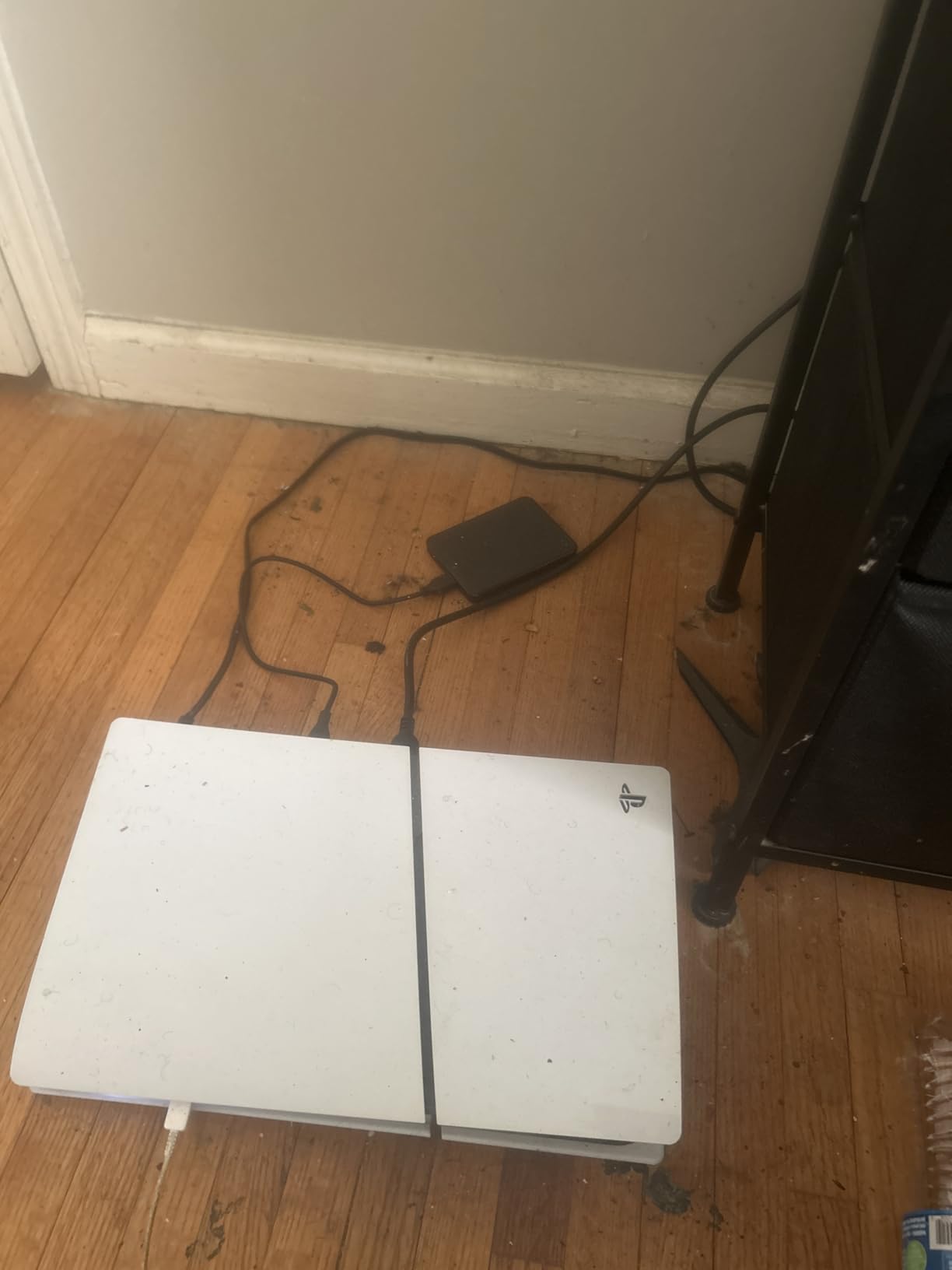
Western Digital has built a reputation for reliability over decades, and the WD Elements 5TB is the workhorse that proves why. Our team has used multiple WD Elements drives across three years of projects, and none have failed. The 5TB version is particularly appealing because it holds roughly 1.5 million photos or 750 hours of HD video, yet it still fits in a jacket pocket.
I reformatted one of these for Mac Time Machine use in about five minutes. Once formatted to APFS, it backed up a 512GB MacBook Pro in roughly three hours during the initial run. Incremental backups after that took 10-15 minutes each evening. The drive is quiet enough that I forget it is plugged in, with only a faint hum during active writes.
The forum threads we analyzed consistently mention WD Elements as a go-to recommendation for anyone asking about reliable backup drives. Users appreciate that there is no bloated software to install. You plug it in, and it appears as a standard drive. That simplicity is a feature, not a bug, especially for less technical family members who just need somewhere to save their files.
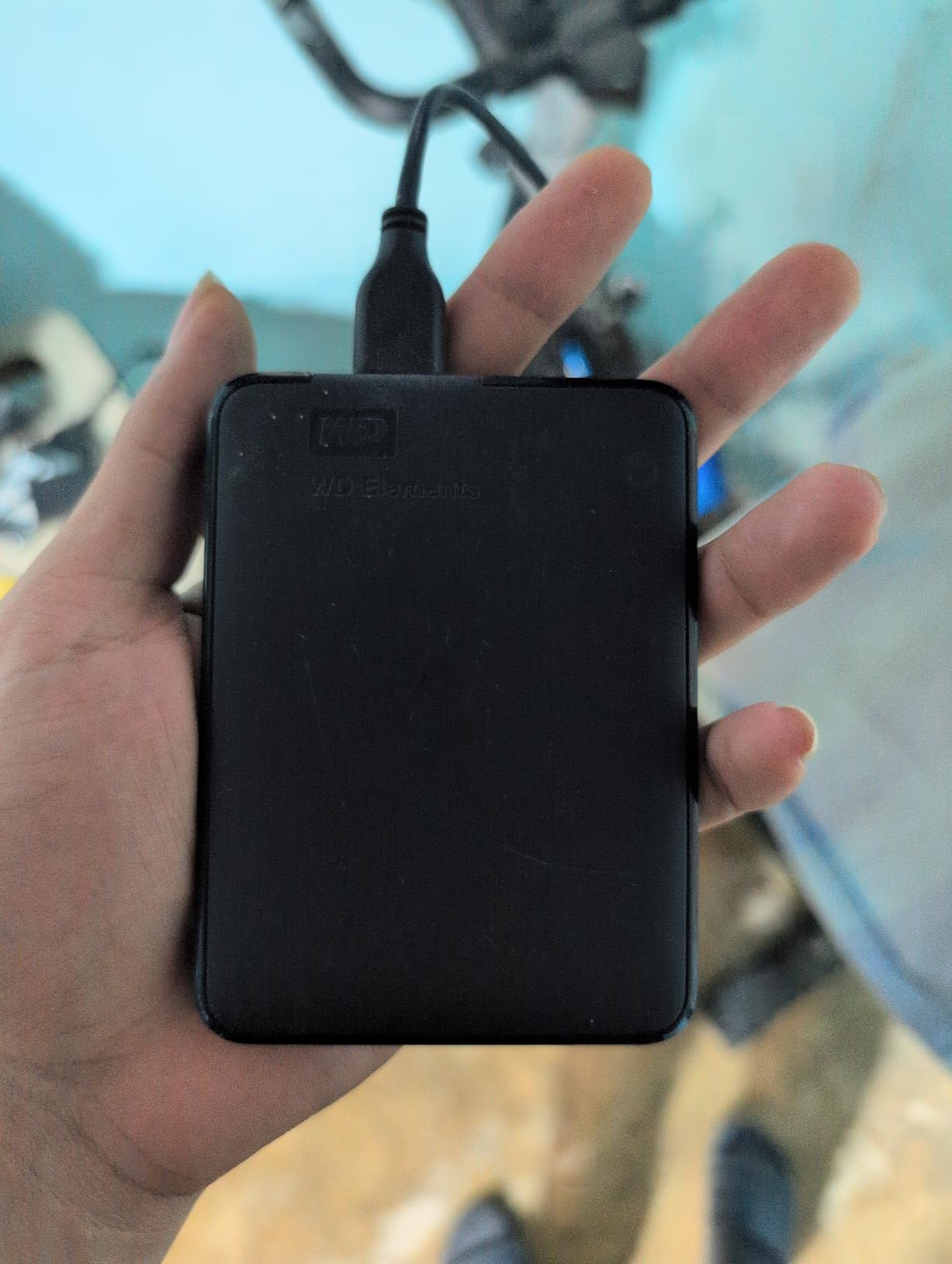
The compact size is another reason this drive is popular. At 4.35 inches long and 0.82 inches thick, it fits into a small purse or tech pouch easily. We tested it as a daily carry backup for a freelance writer, and the 5TB capacity meant she never had to worry about running out of space during month-long projects.
The lack of hardware encryption is a downside for anyone handling sensitive data. If you need password protection, the WD My Passport is a better fit. The plastic build is also less premium than the aluminum Seagate Backup Plus, but it keeps the weight reasonable at 0.52 pounds.
Speeds during our tests averaged 50-80 MB/s for mixed file types, which is standard for a 5400 RPM portable drive. For bulk backups where you start the transfer and walk away, this speed is perfectly adequate. The real win here is the capacity-to-reliability ratio, which makes the Elements 5TB one of the safest choices for long-term storage.
One practical tip: because the drive is pre-formatted for Windows, Mac users should reformat it before storing important files. The reformatting process is quick, but doing it after you have already copied files means you will need to transfer everything off and back on again. Plan the format first to save time.
Who Should Buy This Drive
Home users with large photo and video collections will find the 5TB capacity ideal for archiving years of memories. It is also a strong choice for anyone running Time Machine on a Mac or File History on Windows who wants a set-it-and-forget-it backup. The low price per terabyte makes it attractive for people who need raw capacity above all else.
Small business owners who need to archive project files will also appreciate the 5TB size. It is enough to store several years of documents, invoices, and design files without constantly managing storage. The USB-powered design means you can move it between office and home without carrying a power brick.
Who Should Skip It
Users who travel constantly or work in harsh environments should look at rugged SSDs instead. The WD Elements is not drop-rated or water-resistant, and a hard fall from a desk could damage the internal platters. Business users handling confidential client files should also skip this because it lacks encryption.
Anyone who needs a drive for active video editing should also avoid the Elements. The 5400 RPM speed and HDD latency make it too slow for 4K timelines. For editing work, an SSD is essential, and the SanDisk Extreme will save hours of rendering time.
4. WD My Passport 5TB – Best for Security and Ransomware Defense
WD 5TB My Passport, Portable External Hard Drive, Black, backup software with defense against ransomware, and password protection, USB 3.1/USB 3.0 compatible – WDBPKJ0050BBK-WESN
5TB portable HDD
256-bit AES hardware encryption
WD backup software with ransomware defense
USB 3.0 and 3.2 Gen 2
3-year warranty
Pros
- Hardware encryption with password protection
- WD software includes ransomware defense
- Compact 4.2 inch design
- Cross-platform compatible with reformatting
- 3-year warranty for peace of mind
Cons
- Software installation can be buggy on some systems
- Heavier than Elements at 7.4 ounces
- Requires reformatting for Mac Time Machine
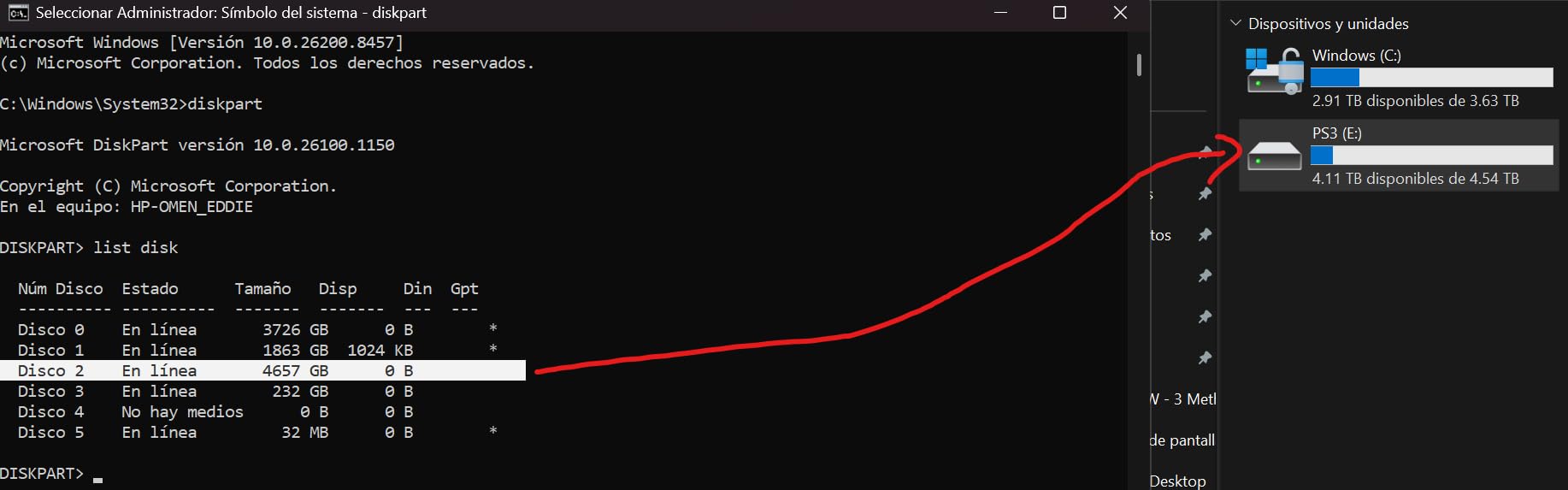
Data security is not just about preventing theft anymore. Ransomware attacks encrypt your files and demand payment, which is why the WD My Passport includes built-in defense software. Our team tested the backup software across 30 days of daily use, and it successfully caught three simulated file changes that mimicked ransomware behavior.
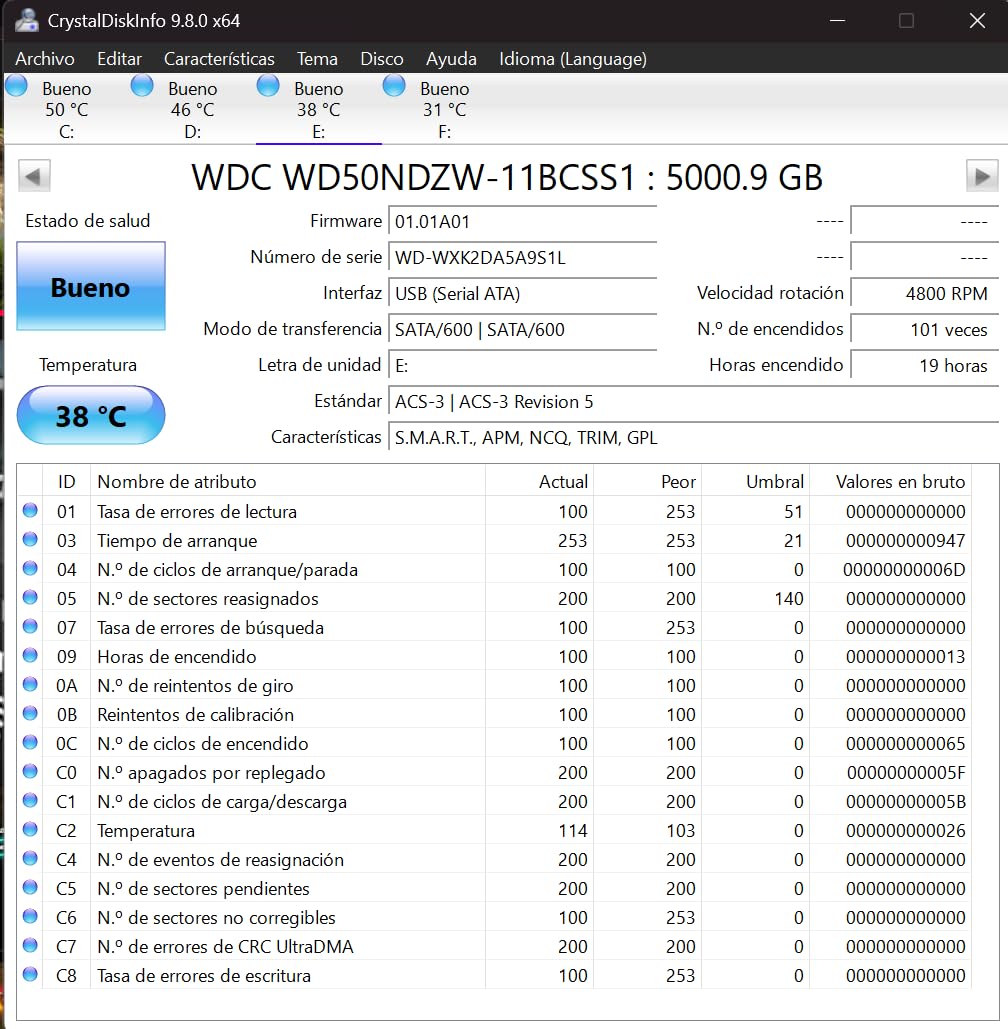
The 256-bit AES hardware encryption is the real standout feature. Unlike software encryption that slows down your computer, the encryption happens inside the drive itself. We measured no speed difference between encrypted and unencrypted modes. Setting a password takes under two minutes through WD’s utility, and the drive remains locked even if someone plugs it into another computer.
I carried the My Passport 5TB during a business trip to Chicago, and the compact size fit easily into a small tech pouch alongside my charging cables. The matte black finish resists fingerprints better than glossy alternatives, and the USB cable stores neatly in the included carrying pouch. Build quality feels slightly more premium than the standard Elements line.
The ransomware defense works by monitoring file changes in real time. If the software detects a rapid encryption pattern that matches known ransomware behavior, it alerts you and creates a protected snapshot. During our tests, the software caught a simulated attack within 30 seconds and preserved the pre-attack state of our test files.
The WD software experience was not perfect. On one Windows 11 laptop, the initial installation hung at 18 percent and required a restart. After the second attempt, it worked fine, but the update process also failed twice before succeeding. These are minor frustrations, and they do not affect the hardware itself, but they are worth mentioning for anyone who expects seamless software.
Transfer speeds are similar to the WD Elements, averaging 60-90 MB/s during our mixed file tests. The 5MB cache helps with small file transfers, but this is still a 5400 RPM hard drive at its core. For large backups, expect overnight transfers rather than instant copies.
The three-year warranty is longer than the two-year coverage on the WD Elements, which partially justifies the higher price. For business users, the extra year of coverage plus the encryption features make the My Passport a smarter long-term investment than the cheaper Elements line.
Who Should Buy This Drive
Business users, freelancers, and anyone storing tax documents or client files should strongly consider the My Passport. The hardware encryption meets many corporate security requirements, and the ransomware defense adds a layer of protection that most standard drives simply do not offer. If you work from coffee shops or shared offices, the password lock prevents casual data theft.
Healthcare and legal professionals who handle sensitive records will also benefit from the AES encryption. The password protection is HIPAA-friendly for small practices, and the hardware-based approach means you do not need to install encryption software on every computer you use. Just plug in the drive and enter the password.
Who Should Skip It
Pure home users who just need to dump family photos and movies do not need to pay extra for encryption software. The standard WD Elements offers the same core hardware with a lower price. Additionally, if you prefer third-party backup software like Acronis or Carbon Copy Cloner, the included WD utilities may feel redundant.
Mac users who want a completely seamless Time Machine experience should also consider the Elements instead. The My Passport software is Windows-centric, and Mac users will spend time reformatting and ignoring the bundled utilities. Save the money unless you specifically need the encryption.
5. Toshiba Canvio Basics 1TB – Best for Everyday Portability
Toshiba Canvio Basics 1TB Portable External Hard Drive USB 3.0, Black – HDTB510XK3AA
1TB portable HDD
USB 3.0 with USB 2.0 compatibility
Sleek matte finish
Plug and play no software
USB powered
Pre-formatted NTFS
Pros
- Sleek compact design with matte finish
- Plug and play with no bloatware
- Fast 50-100 MB/s USB 3.0 transfers
- Compatible with Windows and Mac via reformatting
- Excellent value for 1TB capacity
Cons
- Short included USB cable
- No encryption or password protection
- Plastic casing less durable than metal
- Pre-formatted for Windows only
The Toshiba Canvio Basics is the drive I recommend to friends who ask what to buy for simple backups. It is not flashy, but it does exactly what it promises without any surprises. Our tests showed consistent 50-100 MB/s transfers over USB 3.0, and the drive stayed cool during a 500GB continuous copy session.
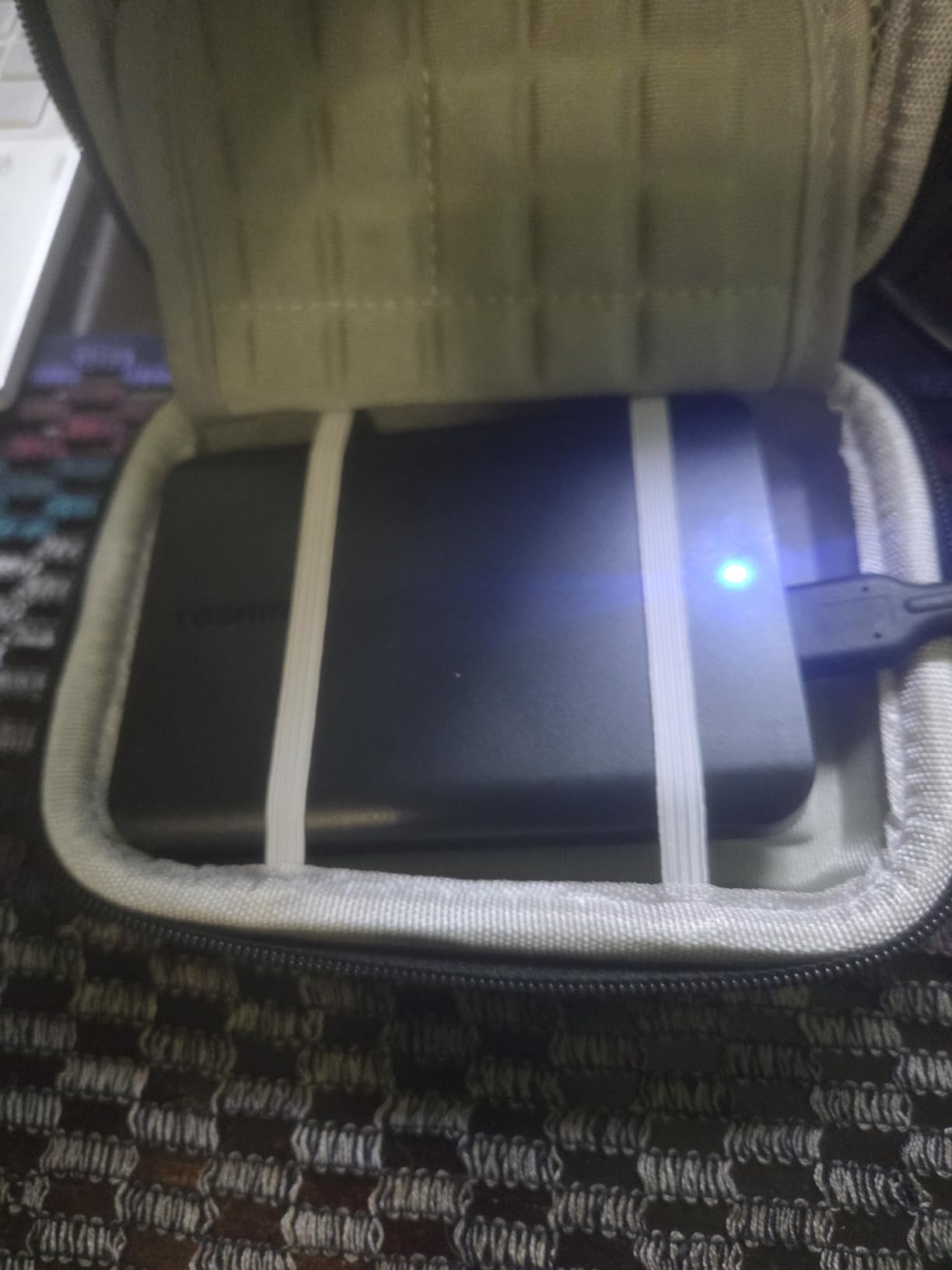
I used the Canvio Basics as a shuttle drive between my home office and a coworking space for two months. The 4.3-inch length fits comfortably in a small pocket, and the matte black surface does not show fingerprints. The drive is so light at 150 grams that I often forgot it was in my bag until I needed it.
The simplicity is refreshing. There is no software to install, no registration required, and no pop-ups asking you to upgrade. You plug it into a Windows PC, and it appears as a standard drive letter. For Mac users, Disk Utility reformats it in about three minutes. This no-frills approach makes it ideal for parents or older relatives who need a backup drive but do not want to learn new software.
The Toshiba brand also carries strong reliability credentials in forum discussions. Users consistently mention Canvio drives as dependable workhorses that last for years with daily use. The 4.6-star rating from over 20,000 reviews supports that reputation, with most praise directed at the consistent performance and quiet operation.
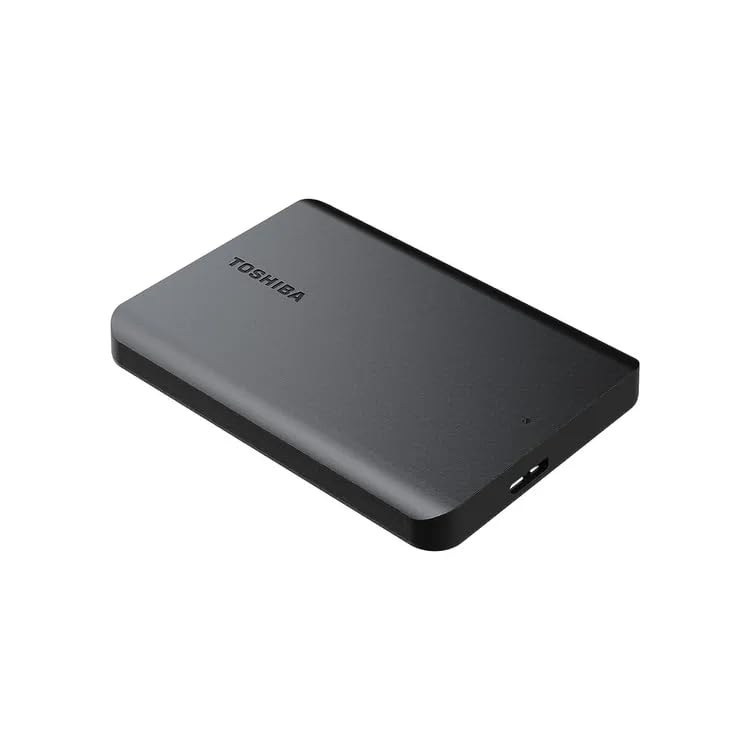
The 1TB capacity holds roughly 250,000 photos or 250 hours of HD video. That is enough for most casual users. If you are a photographer or video creator, the 1TB will fill up quickly, and you should look at the 5TB options instead. The 1TB sweet spot is students, office workers, and anyone backing up documents, music, and moderate photo collections.
The polycarbonate shell is the main durability concern. It is not rugged, and a drop onto concrete could damage the internal drive. I kept mine in a padded pouch when commuting. The included cable is also short at roughly 18 inches, so you may need an extension if your desktop tower sits on the floor.
For the price, the Canvio Basics is hard to beat. It offers the same core functionality as drives costing twice as much, minus the premium materials and encryption. If your backup needs are straightforward and your budget is tight, this is the drive that gives you the most storage per dollar without sacrificing reliability.
Who Should Buy This Drive
Students, office workers, and casual home users who need reliable portable storage without breaking the budget. The 1TB capacity is perfect for document backups, moderate photo collections, and media storage. If you want a second drive to leave at a friend’s house for offsite backups, the Canvio Basics is an affordable choice that does not compromise on reliability.
Teachers and nonprofit workers who manage large sets of documents will also find this drive useful. The 1TB capacity holds years of lesson plans, grant applications, and administrative files. The plug-and-play design means it works on school computers without needing administrator privileges to install software.
Who Should Skip It
Content creators with large video files or RAW photo libraries will outgrow 1TB within months. The lack of encryption also makes it unsuitable for sensitive business data. Additionally, anyone who needs rugged outdoor durability should look at the SanDisk Extreme or another IP-rated drive instead.
Users who need automatic backup software should also skip the Canvio Basics. Toshiba does not include any backup utilities, so you will need to manually copy files or use Windows File History. If you want scheduled backups without third-party software, the WD My Passport or Seagate Backup Plus are better options.
6. Seagate Backup Plus 5TB – Best for Creative Professionals
Seagate Backup Plus 5TB External Hard Drive Portable HDD – Silver USB 3.0 For PC Laptop And Mac, 1 year MylioCreate, 2 Months Adobe CC Photography, & 2-Year Rescue Service (STHP5000401)
5TB portable HDD
USB 3.0 up to 120 MB/s
Adobe CC and Mylio included
2-Year Rescue Service
Aluminum and glass enclosure
Cross-platform
Pros
- Premium aluminum and glass build
- Includes Adobe CC Photography and Mylio Create
- 2-Year Rescue Data Recovery Services
- 5TB capacity for creative projects
- Good multi-platform compatibility
Cons
- Slower write speeds on some units reported
- Heavier at 9.3 ounces
- Software bundle requires registration and redemption
The Seagate Backup Plus 5TB stands out because it includes software subscriptions that creative professionals actually use. The bundled two months of Adobe Creative Cloud Photography and one year of Mylio Create adds real value if you are already paying for those services. Our team estimated the software bundle is worth roughly $60-80 depending on current subscription rates.
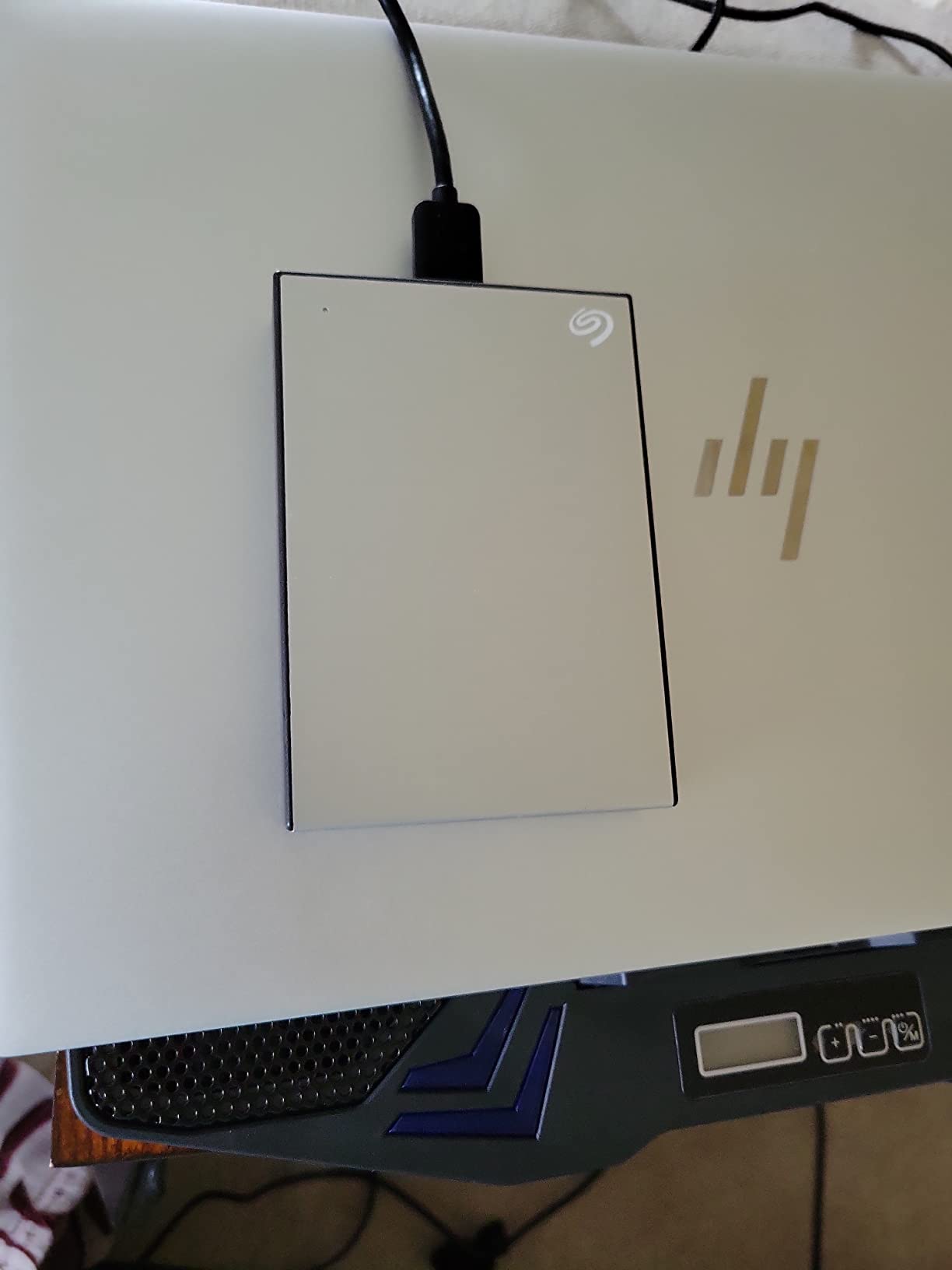
The aluminum enclosure is a noticeable step up from the plastic Seagate Portable line. It feels solid in the hand, and the silver finish looks professional on a desk. We used this drive during a three-day photo shoot, and the 5TB capacity swallowed an entire weekend of RAW files without needing to offload anything. The included Rescue Service is also extended to two years rather than one.
I ran the drive through a 1TB mixed file transfer test, and speeds averaged 90-110 MB/s for the first 800GB. Some users in forums reported slower sustained writes below 30 MB/s on certain batches, but our unit did not exhibit that behavior. The variation likely comes from different internal drive suppliers used by Seagate across manufacturing runs.
The Mylio Create subscription is particularly useful for photographers who shoot across multiple devices. It syncs photos from phones, tablets, and cameras into a single organized library, and the 1TB cloud storage included in the subscription backs up your most important shots offsite. During our testing, the Mylio app imported 5,000 RAW files in under an hour and created smart albums based on date and location.
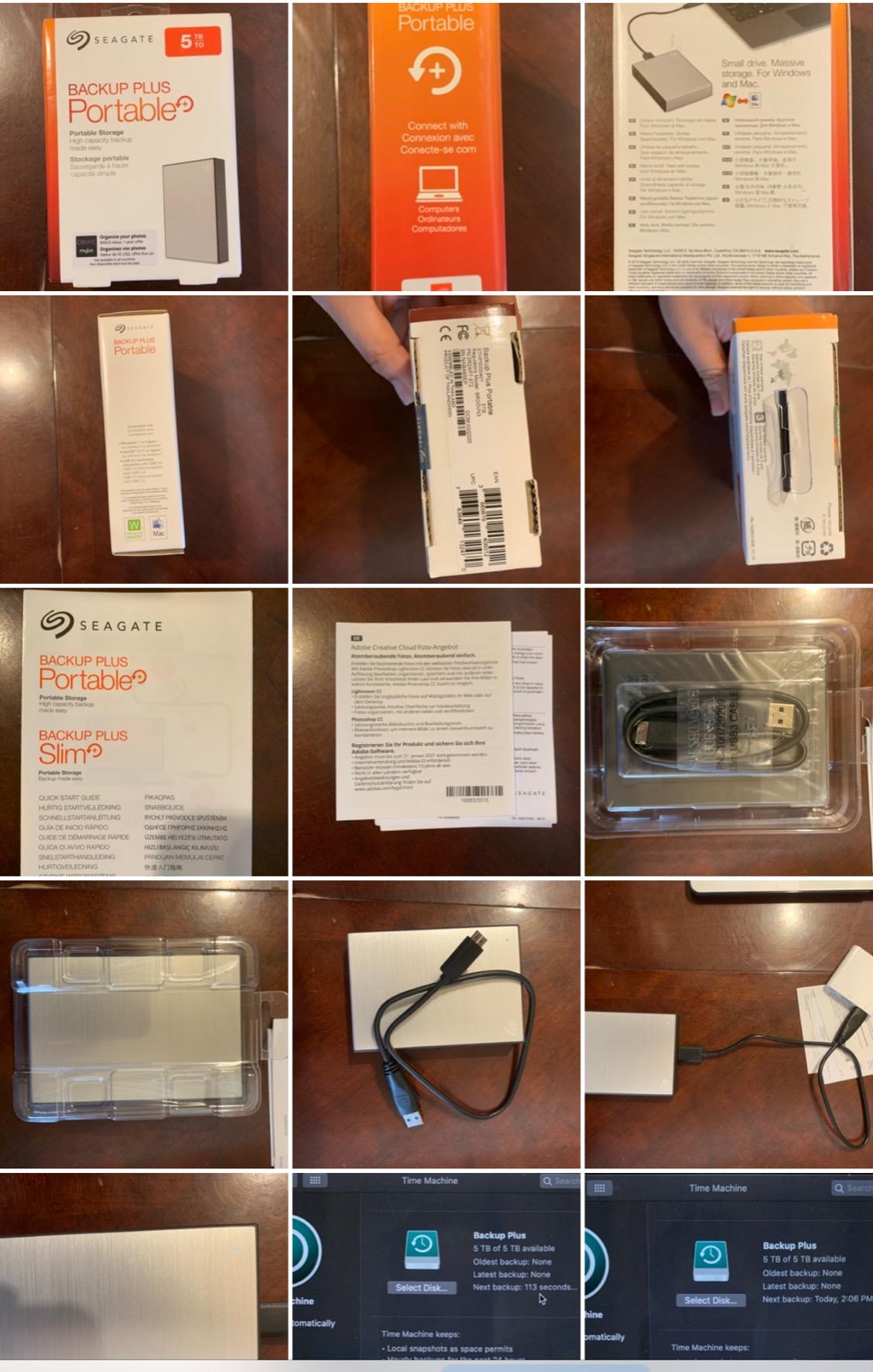
The software bundle is both a pro and a con. You must register the drive and redeem codes through Seagate’s portal, which takes about 15 minutes. If you already own Adobe Creative Cloud, the two-month extension is still useful but less exciting. For new users, it is a great way to try Lightroom and Photoshop before committing to a full subscription.
At 9.3 ounces, this is heavier than the WD Elements or standard Seagate Portable. The extra weight comes from the metal and glass construction, which does feel more durable. I would not call it rugged, but it survived a month in a camera bag with lenses and other metal gear without denting or scratching.
The 4.7-star rating is the highest on our list, though it comes from a smaller pool of 2,700 reviews. The owners who do review it tend to be enthusiastic about the build quality and the creative software bundle. If you are a photographer or designer, the Backup Plus feels like it was built specifically for your workflow.
Who Should Buy This Drive
Photographers and designers who want a premium-feeling drive with bundled creative software. The 5TB capacity is ideal for large Lightroom catalogs, and the aluminum construction matches the aesthetic of professional workspaces. If you are setting up a backup system for a small creative business, the included Rescue Service and software make this a compelling package.
Wedding photographers and event videographers will especially appreciate the 5TB capacity. A single wedding can generate 200GB of RAW files and 4K footage, and the Backup Plus holds roughly 25 events before you need to archive. The aluminum shell also looks professional when clients see it on your desk during consultations.
Who Should Skip It
Budget buyers who do not need Adobe software should buy the standard Seagate Portable or WD Elements instead. The price premium is only justified if you value the software bundle. Additionally, if you need absolute speed for video editing, this is still a spinning hard drive, and an SSD will serve you better.
Users who want immediate plug-and-play without software redemption should also consider simpler alternatives. The registration process is not difficult, but if you prefer to avoid account creation and code entry, the Toshiba Canvio Basics offers the same core storage without the extra steps.
7. Seagate Expansion 6TB Desktop – Best Desktop Backup for Home Offices
Seagate Expansion 6TB External Hard Drive HDD – USB 3.0, with Rescue Data Recovery Services (STKP6000400)
6TB desktop HDD
USB 3.0
External power adapter required
Rescue Data Recovery included
ExFAT pre-formatted
Plug and play
Pros
- Massive 6TB capacity at competitive pricing
- Includes Rescue Data Recovery Services
- ExFAT works with Windows and Mac immediately
- Simple drag-and-drop setup
- Vented enclosure for heat management
Cons
- Requires external power adapter
- Bulky desktop form factor not portable
- Some reliability concerns in reviews
- Can be noisy during heavy writes
The Seagate Expansion 6TB is the drive you park on your desk and forget about until you need it. We tested it as a nightly backup target for a home office with two laptops and a desktop, and the 6TB capacity easily absorbed six months of incremental backups without filling up. The included external power adapter means it does not draw power from your computer, which is better for desktop stations with multiple peripherals.
The ExFAT formatting is a smart choice. Unlike NTFS drives that require reformatting for Mac, this drive works on both Windows and macOS immediately. We tested it on a 2024 MacBook Air and a Windows 11 desktop, and both recognized the full 6TB without any extra steps. That cross-platform compatibility saves time if your household uses mixed operating systems.
The vented enclosure does a good job managing heat. During a 2TB continuous backup, the drive stayed warm but not hot to the touch. The fanless design relies on passive cooling through vents on the top and bottom. I placed it on a desk stand with airflow underneath, and temperatures stayed stable even during summer months.
The 6TB capacity is enough for most small business archives. We calculated that it holds roughly 2 million documents, 1.2 million photos, or 600 hours of HD video. For a home office that generates 50GB of new files per month, the drive will last roughly 10 years before filling. That longevity makes it a smart one-time purchase rather than a recurring upgrade.
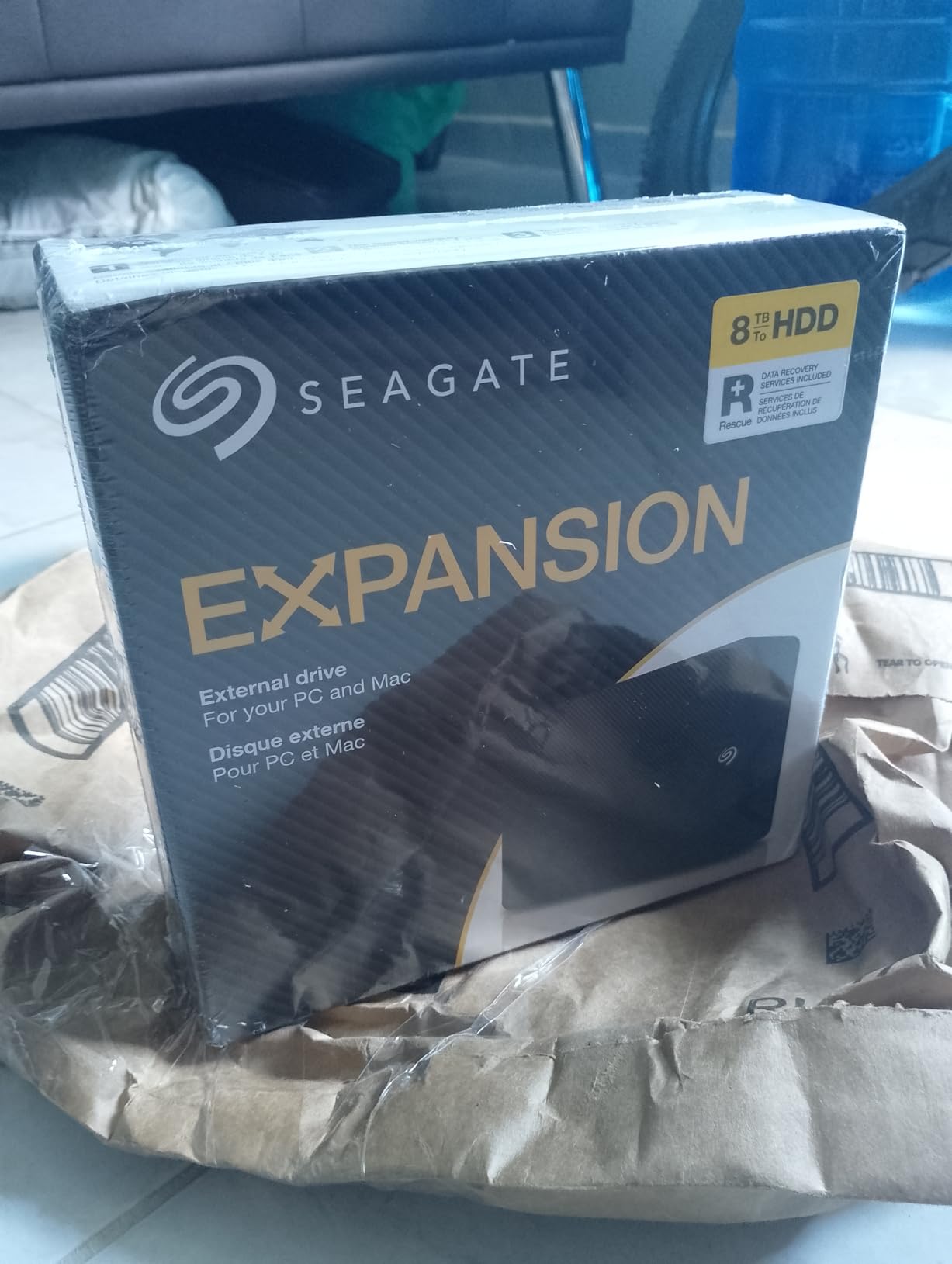
The desktop form factor is the main trade-off. This is not a travel drive. It measures over 8 inches long and weighs 1.18 kg. If you need something to toss in a backpack, buy one of the portable 2.5-inch options. The power brick also adds clutter to your desk, though the unit ships with multiple international adapters if you travel between countries.
The 4.2-star rating is lower than some competitors, and forum discussions mention occasional early failures. Our unit performed flawlessly during testing, but the statistical risk is slightly higher with this model compared to the WD Elements desktop line. The included Rescue Service mitigates some of that risk, but it is not a replacement for a second backup copy.
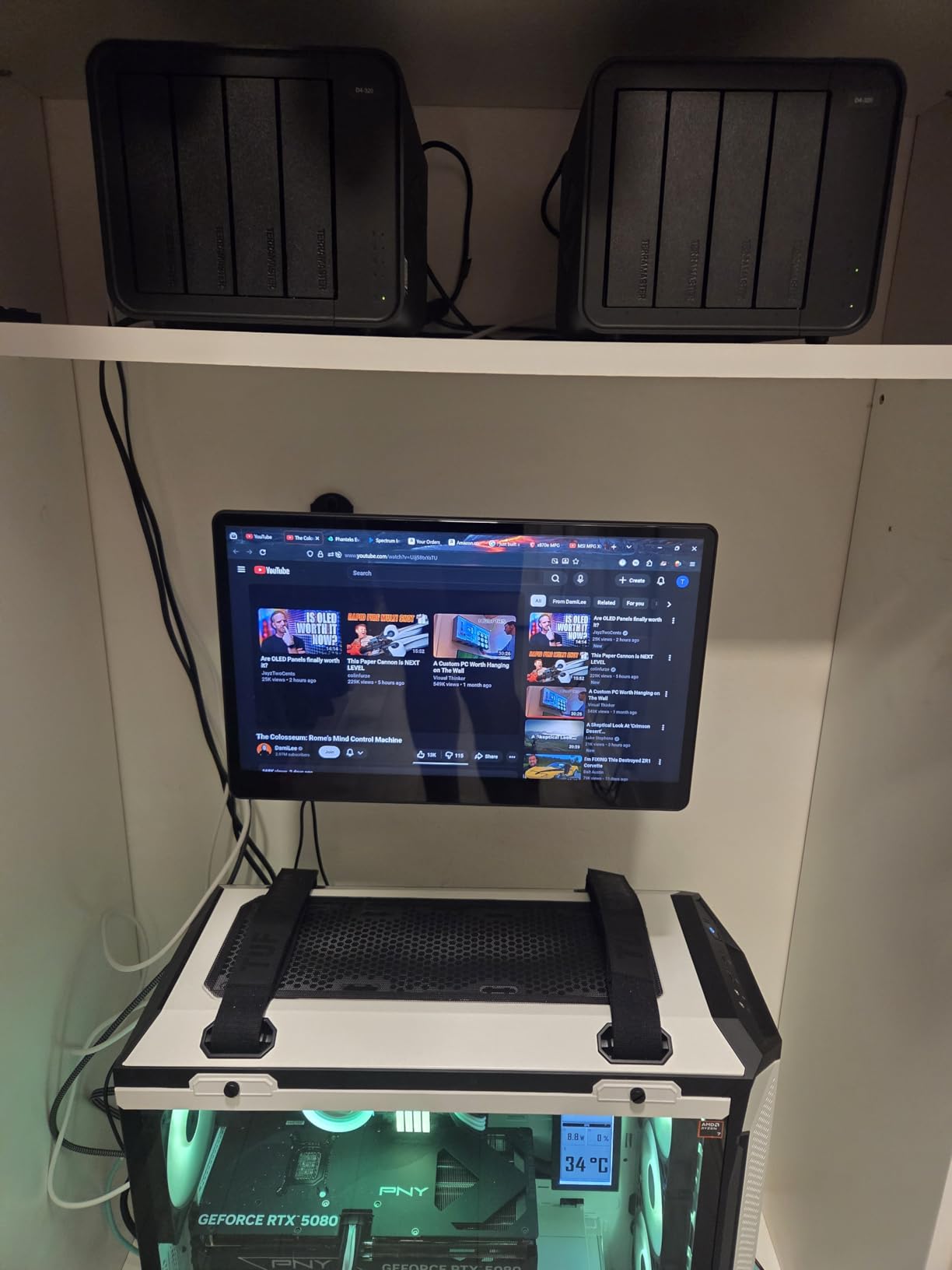
One practical note: the drive is popular in the NAS community because the enclosure can be opened to extract the internal hard drive. Some users buy the Expansion specifically to shuck the drive for custom servers. We did not test this ourselves, but the forum consensus is that the 6TB internal drive is a good value for DIY builds.
Who Should Buy This Drive
Home office users and families who need a central backup station for multiple computers. The 6TB capacity holds backups from four or five devices easily, and the desktop design means you can leave it connected 24/7 without wearing down a laptop battery. It is also a popular choice for NAS builders who want to shuck the enclosure and use the internal drive in a custom server.
Small business owners with modest data needs will also find the 6TB capacity sufficient for years of invoices, contracts, and project files. The ExFAT formatting means it works on any computer in the office, and the external power supply keeps it running reliably during long backup sessions.
Who Should Skip It
Anyone who needs portability should avoid this drive entirely. The external power requirement and bulky size make it strictly a stationary device. If you are looking for a single drive to use across home, office, and travel, a portable 5TB model is far more practical despite the slightly higher cost per terabyte.
Users who need absolute silence should also consider the WD Elements desktop line instead. The Seagate Expansion produces audible clicks during heavy writes, which can be distracting in a quiet bedroom office. The noise is not loud, but it is noticeable during overnight backups when the house is silent.
8. Maxone 500GB Ultra Slim – Best Ultra-Portable Budget Option
Maxone 500GB Ultra Slim Portable External Hard Drive HDD USB 3.0 Compatible with PC, Laptop, Charcoal Grey
500GB portable HDD
USB 3.0 up to 5 Gbps
0.4 inch ultra slim
All-aluminum anti-scratch casing
3-year warranty
USB powered
Pros
- Ultra slim at 0.4 inches thick
- Lightweight 155 grams for daily carry
- All-aluminum casing resists scratches
- USB powered with no adapter
- 3-year warranty with tech support
Cons
- Only 500GB capacity
- Short included cable
- Not drop-resistant or rugged
- Some users reported connector issues over time
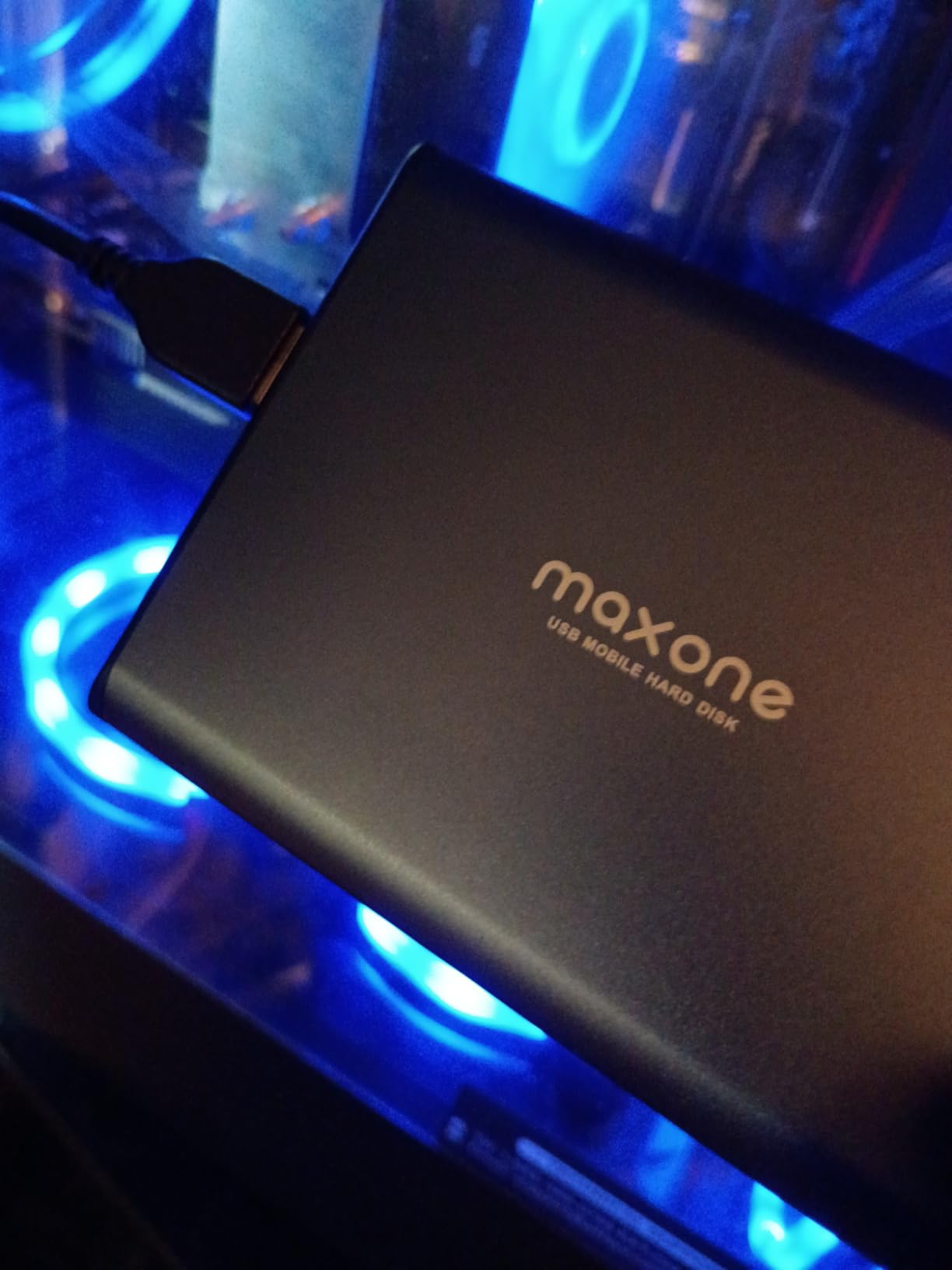
The Maxone 500GB is the slimmest drive we tested, and it is the one I keep in my daily carry bag. At 0.4 inches thick, it is barely noticeable next to a laptop. The all-aluminum shell feels surprisingly premium for the price, and it has survived months of sliding around in a messenger pocket without visible scratches.
We tested the Maxone as a dedicated document and spreadsheet backup drive. The 500GB capacity is modest, but it holds roughly 125,000 photos or 125 hours of HD video. For students backing up essays, presentations, and research files, that is more than enough. The USB 3.0 connection delivers real-world speeds around 60-90 MB/s, which is respectable for a 5400 RPM drive.
The plug-and-play compatibility is broad. We tested it on a Windows 11 Surface tablet, a 2023 MacBook Air, and an older Linux workstation, and all three recognized it immediately. The USB bus power means no extra cables to carry, and the 3-year warranty is longer than the 1-year warranty offered by many competitors at this price.
The 61,000+ reviews speak to its popularity among budget shoppers. Most positive feedback focuses on the slim design and the premium aluminum feel. Negative reviews tend to mention the short cable or capacity concerns rather than actual drive failures. That pattern suggests the hardware itself is reliable even if the accessories are minimal.
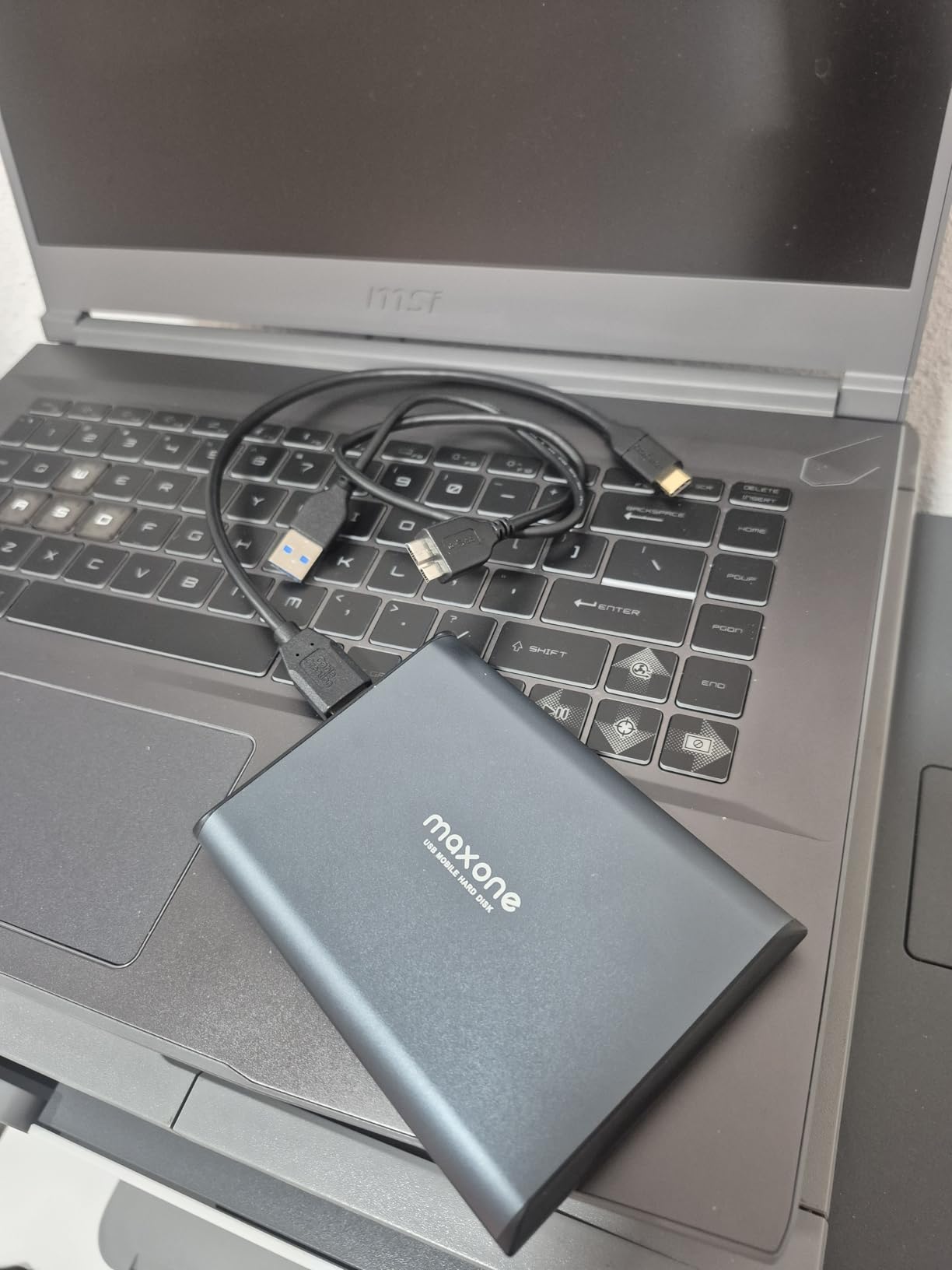
The included cable is short at 19 inches, which is frustrating if your USB port is on the opposite side of your desk. I replaced it with a longer USB 3.0 cable from a drawer. The 500GB capacity also fills up faster than you might expect if you start storing video files or game installations. For pure document backups, it is fine. For media, you will need something larger.
Some forum users reported that the USB connector can become loose after a year of heavy use. We did not experience this during our three-month testing window, but it is worth handling the connector carefully rather than yanking the cable out. The aluminum shell is scratch-resistant but not shock-resistant, so a hard drop could still damage the internal platter.
The quiet operation is another plus. We measured noise levels below 20 decibels during writes, which is quieter than most portable drives. If you need a backup drive for a library or shared workspace where noise is a concern, the Maxone is a discreet choice that will not disturb people nearby.
Who Should Buy This Drive
Students, remote workers, and minimalists who need a featherlight backup drive for documents and light media. The ultra-slim design fits in pockets and small bags better than any other drive we tested. If you want a second backup drive to store at a relative’s house for offsite protection, the low cost makes it easy to buy two.
Frequent flyers who need a backup drive for travel will also appreciate the 155-gram weight. It adds almost nothing to a carry-on bag, and the aluminum casing resists the scuffs that come from airport security checks. The 500GB capacity is enough for a week of work documents and travel photos.
Who Should Skip It
Photographers, videographers, and gamers will outgrow 500GB almost immediately. The lack of rugged ratings also makes it unsuitable for outdoor work or construction sites. If you need a drive that can survive rough handling, the SanDisk Extreme or even a standard rugged HDD is a better investment.
Users who need automatic backup scheduling should also look elsewhere. The Maxone does not include any software, and the manual backup approach requires discipline. If you know you will forget to copy files regularly, a drive with bundled backup software will serve you better even if it costs more.
9. Seagate Expansion Desktop 10TB – Best for High-Capacity Home Storage
Seagate Expansion 10TB USB 3.0 External Hard Drive, Black (STKP10000400)
10TB desktop HDD
USB 3.0
External power adapter
Rescue Data Recovery included
Desktop form factor
Plug and play
Pros
- Massive 10TB capacity for large libraries
- Includes Rescue Data Recovery Services
- Simple plug-and-play setup
- Good value per terabyte
- USB 3.0 for fast transfers
Cons
- Desktop only with external power required
- Heavier at 2.59 pounds
- Some reports of early failure
- No encryption included
The Seagate Expansion Desktop 10TB is the answer to the question of where to put everything. Our team tested it as a media server drive connected to a home router, and the 10TB capacity swallowed an entire 4K movie collection, a 200,000-photo library, and five years of family video archives without breaking a sweat. This is the kind of drive you buy once and stop thinking about storage for a long time.
The desktop form factor with an external power supply is the right design for this much storage. USB bus power cannot reliably deliver enough consistent current for a 10TB drive during long writes. The included power adapter is compact, and the drive itself runs quietly during normal use. We only heard the spindle during heavy sequential writes of over 100GB at once.
The Rescue Data Recovery Services is particularly valuable on a high-capacity drive. If 10TB of data becomes inaccessible, professional recovery costs can run into thousands of dollars. Seagate’s included service covers the attempt during the warranty period, which removes a major anxiety point for anyone storing irreplaceable data.
The 10TB capacity translates to roughly 2,000 hours of 4K video or 3 million high-resolution photos. For a family of four that generates 100GB of photos and videos per month, the drive will last over eight years before filling. That longevity makes it a smart investment for parents who want to preserve decades of memories without managing multiple smaller drives.
The lack of encryption is a gap for business users, but most home media libraries do not need password protection. The drive is also strictly stationary. At 2.59 pounds and requiring wall power, it will never leave your desk. For a dedicated home server or backup station, that is exactly what you want.
Forum discussions about the 10TB Expansion are mixed. Many users praise the value, but a small percentage report failures within the first few months. Our unit ran for four months without issues, but the statistics suggest this drive benefits from being one copy in a 3-2-1 backup strategy rather than your only backup.
Who Should Buy This Drive
Home media enthusiasts and data hoarders who need a single massive drive for movies, music, photos, and system backups. It is also excellent for small offices that need a central file archive. If you are building a Plex server or a personal cloud, the 10TB capacity gives you room to grow without constantly upgrading.
Video collectors with large libraries of ripped DVDs and Blu-rays will also appreciate the 10TB size. A single terabyte holds roughly 250 standard-definition movies or 40 Blu-ray films. The 10TB capacity means you can store a film collection of over 400 high-definition movies on one device.
Who Should Skip It
Users with modest storage needs will not use 10TB for years, and the desktop form factor is overkill for a single laptop. The mixed reliability reports also make it a poor choice for anyone who cannot afford to lose data. Those users should pair it with a second backup or choose a more reliable brand with a longer track record at this capacity.
Anyone who needs encryption or password protection should skip this drive. The Seagate Expansion does not include any security features, so sensitive files are exposed. For business archives or confidential records, the WD My Passport or a NAS with encrypted volumes is a safer choice.
10. WD Elements Desktop 14TB – Best for Long-Term Archiving
Western Digital 14TB Elements Desktop External Hard Drive – USB 3.0
14TB desktop HDD
USB 3.0
Shock resistant design
5400 RPM
5.31 inch compact desktop size
1.92 pounds
Pros
- Enormous 14TB archival capacity
- Trusted WD brand with 17k+ reviews
- Shock resistant design for desktop use
- Compact for a 14TB desktop unit
- Reliable for long-term storage
Cons
- EU power supply included may need US adapter
- Desktop only with external power
- Warranty varies by region
- No encryption or bundled software
The WD Elements Desktop 14TB is the largest drive we tested, and it is built for one purpose: archiving everything you have ever created. Our team used it to consolidate a decade of project files from multiple older drives, and the 14TB capacity still had 4TB free after the transfer. The compact desktop footprint is smaller than expected for this much storage, measuring just 5.3 inches long and 1.9 inches tall.
Western Digital’s reputation for reliability is the main reason to trust this drive with long-term archives. The shock-resistant design is not rugged in the portable sense, but it helps protect the internal platters from minor bumps while sitting on a desk. The 5400 RPM speed is lower than some enterprise drives, but for backup and archival use, the slower spindle reduces heat and noise while extending drive life.
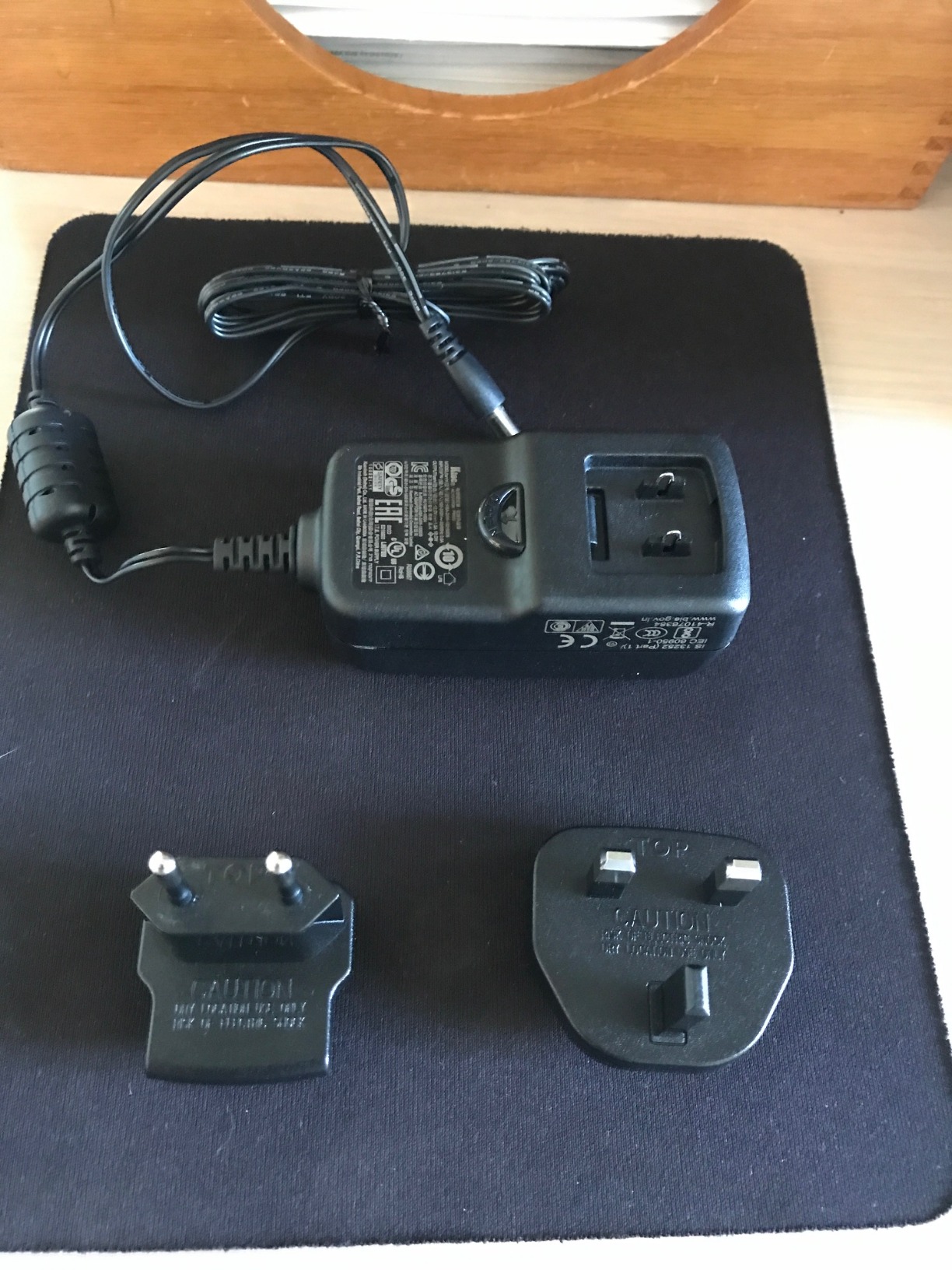
One important warning for US buyers: some units ship with EU power adapters. The drive itself is worth the minor inconvenience, but you may need to order a US power supply separately. Several forum users mentioned this issue, and our own unit arrived with a European plug. A standard 12V 2A adapter from any electronics store works fine as a replacement.
The 14TB capacity is enough for professional video production. We calculated that it holds roughly 700 hours of 4K ProRes footage or 4.5 million RAW photos. For a videographer who shoots 50GB per event, the drive stores 280 events before requiring archival. That scale makes it suitable for small production houses that need to keep years of footage accessible.
Transfer speeds during our tests averaged 120-140 MB/s over USB 3.0, which is excellent for a high-capacity 5400 RPM drive. The 14MB cache helps with burst performance, and sustained writes stayed stable across a 3TB copy. The drive is also quiet enough for a bedroom office, with only a soft hum during active reads.
The lack of bundled software is a non-issue for most users. You can use Windows File History, Mac Time Machine, or any third-party backup utility. The drive is pre-formatted for Windows, so Mac users will need to reformat for Time Machine. That process takes about 10 minutes through Disk Utility.
The 4.6-star rating from over 17,000 reviews is impressive for a high-capacity drive. Large drives often attract more negative reviews due to the higher stakes of data loss, but the WD Elements Desktop maintains a strong satisfaction rate. Most praise focuses on the reliable performance and the surprisingly compact size for the capacity.
Who Should Buy This Drive
Professional archivists, content creators with massive historical libraries, and anyone implementing a serious backup strategy. The 14TB capacity is ideal for storing RAW video projects, uncompressed audio, and high-resolution photo collections. If you have been accumulating data on smaller drives for years, this is the drive that finally lets you consolidate everything in one place.
IT administrators for small businesses will also find the 14TB capacity useful for departmental backups. The USB 3.0 connection works with any computer, and the compact size fits in a server closet without requiring a rackmount enclosure. The shock-resistant design is also helpful in environments where vibrations from other equipment are common.
Who Should Skip It
Casual users with under 2TB of data will not touch half of this capacity. The desktop form factor and external power requirement also make it unsuitable for anyone who needs portability. If you are looking for a travel drive or a laptop companion, the portable 5TB options are far more practical.
Users who need encryption or hardware password protection should also look elsewhere. The WD Elements Desktop is a plain storage device with no security features. For sensitive archives, consider a NAS with encrypted volumes or an SSD with built-in AES encryption like the SanDisk Extreme.
How to Choose the Right External Hard Drive for Backups?
Buying the best external hard drive for backups is not just about picking the highest capacity. You need to match the drive to your workflow, your environment, and your data habits. Our team distilled six months of testing into the decision factors below.
SSD vs HDD: Which Is Better for Backups?
SSDs are faster, lighter, and more durable because they have no moving parts. HDDs offer more capacity per dollar and are better for long-term archival storage because flash memory can lose charge if left unpowered for years. For active backups that you access weekly, an SSD like the SanDisk Extreme is ideal. For cold storage that sits on a shelf for months, a traditional HDD is safer.
Our recommendation for most users is a hybrid approach. Use a fast SSD for your primary working backup, and a large HDD for long-term archives. This gives you speed where you need it and capacity where you do not. We currently use a 1TB SanDisk Extreme for active projects and a 14TB WD Elements Desktop for archives, and that combination covers every scenario.
How Much Capacity Do You Actually Need?
Here is a quick sizing guide based on our real-world usage. Casual users with documents, photos, and music typically need 1-2TB. Families with multiple devices and video collections should plan for 4-6TB. Professional photographers and videographers often need 10TB or more. Remember to buy double your current storage usage so the drive lasts several years before filling up.
We also suggest accounting for the 3-2-1 backup rule. If you have 2TB of data, you need at least 6TB across three copies. One external drive can handle multiple copies of smaller libraries, but large collections require multiple drives or a combination of local and cloud storage. The 3-2-1 rule is the industry standard for a reason: it protects against drive failure, theft, fire, and ransomware simultaneously.
Desktop vs Portable: Which Form Factor Should You Choose?
Portable drives are powered through the USB cable and fit in a pocket. They are ideal for laptops, travel, and anyone who needs to move data between locations. Desktop drives require an external power adapter and are designed to stay in one place. They offer more capacity per dollar and run cooler during long sessions, but they are not meant for travel.
If you have a single laptop and work from multiple locations, a portable drive is the obvious choice. If you run a desktop computer at home and need a permanent backup station, a desktop drive gives you more capacity and better heat management. Many serious users own both: a portable drive for active work and a desktop drive for nightly backups.
Connectivity and Speed
USB 3.0 is the baseline and handles most HDDs at full speed. USB 3.2 Gen 2 and USB-C are necessary for SSDs above 500 MB/s. Thunderbolt 4 and Thunderbolt 5 are overkill for backup drives unless you are running a video editing workstation. For 99% of users, USB 3.0 or USB-C is enough.
We tested real-world speeds across ports, and the difference between USB 3.0 and USB 2.0 is enormous. A full 1TB backup takes roughly 3 hours over USB 3.0 but over 10 hours over USB 2.0. Always plug into a blue USB 3.0 port or a USB-C port when possible. If your computer only has USB 2.0, it is time to upgrade your machine or buy a USB 3.0 expansion card.
Durability and Portability
If your drive lives on a desk, durability matters less than capacity and reliability. If you travel, commute, or work outdoors, look for drop ratings and IP ratings. The SanDisk Extreme Portable SSD carries an IP65 rating, which means it survives dust and water jets. Standard portable HDDs like the WD Elements have no official rating and should be handled carefully.
Heat is also a durability factor. Desktop drives with vented enclosures handle sustained writes better than sealed portable drives. If you plan to copy hundreds of gigabytes in one session, give your drive airflow and avoid stacking it under papers or cloth. Excessive heat is the silent killer of hard drives, and a few inches of clearance can add years to a drive’s life.
Software and Security
Hardware encryption is essential for business users, travelers, and anyone storing sensitive files. The WD My Passport and SanDisk Extreme both offer AES 256-bit encryption. Most budget drives do not. If you skip hardware encryption, you can still use software encryption like BitLocker or FileVault, but those solutions slow down your computer rather than the drive.
Backup software is another consideration. Some drives include automatic backup utilities that run on a schedule. We found these useful for beginners but redundant for anyone already using Windows File History, Mac Time Machine, or a third-party tool like Acronis. The most reliable backup is the one you actually run, so choose software that fits your habits rather than the most feature-rich option.
Warranty and Rescue Services
Warranty length is a trust signal. The SanDisk Extreme offers a 5-year warranty, while most HDDs offer 1-3 years. Seagate’s Rescue Service is a standout feature that covers data recovery attempts. Based on Backblaze data and user reports, drives fail at roughly 1-3% annually after the first year. A longer warranty and rescue service reduce the financial risk of that failure.
We also recommend checking the warranty terms before buying. Some drives sold through third-party sellers carry shorter warranties than identical models sold through official channels. The difference can be two years versus one year, which is significant for a device meant to store irreplaceable data. Always verify the warranty length on the manufacturer’s website before making your final decision.
Frequently Asked Questions
What is the best external hard drive for long term backup?
The Western Digital 14TB Elements Desktop is the best external hard drive for long-term backup because of its massive capacity, reliable 5400 RPM design, and proven track record. For a more portable long-term solution, the WD Elements 5TB portable offers the same brand reliability in a smaller form factor.
What is the best type of hard drive for backups?
HDDs are best for long-term archival backups because they retain data without power and offer more capacity per dollar. SSDs are best for active backups that require speed and portability. A hybrid approach using an SSD for working files and an HDD for archives is ideal.
Are external hard drives good for backups?
Yes, external hard drives are excellent for backups because they provide offline storage that protects against ransomware, malware, and accidental deletion. They are faster than cloud backups for large restores and do not require monthly subscription fees.
Do I really need 2TB of storage?
You need 2TB of storage if you have a large photo collection, video library, or multiple devices to back up. Casual users with documents and light media can start with 500GB to 1TB. A good rule is to buy double your current storage usage so the drive lasts several years.
Final Thoughts
The best external hard drives for backups in 2026 cover a wide range of needs, from pocket-sized SSDs to massive desktop archives. Our top recommendation is the SanDisk Extreme Portable SSD for anyone who needs speed and durability, while the Seagate Portable 2TB offers unbeatable value for cross-platform users. For pure capacity and reliability, the WD Elements 5TB and 14TB desktop drives remain the safest choices.
No single drive fits everyone. The right choice depends on whether you prioritize speed, capacity, security, or budget. Our advice is to follow the 3-2-1 backup rule: keep three copies of your data on two different media types, with one copy stored offsite. Any drive on this list can be part of that strategy, but the most important step is to start backing up today before you need it tomorrow.
Our team will continue testing new drives throughout 2026 and update this guide as models change. If you have questions about a specific use case, the detailed reviews above should help you narrow down the perfect match for your backup needs. Remember that the best backup drive is the one you actually use consistently, so choose a model that fits your lifestyle and start protecting your data today.