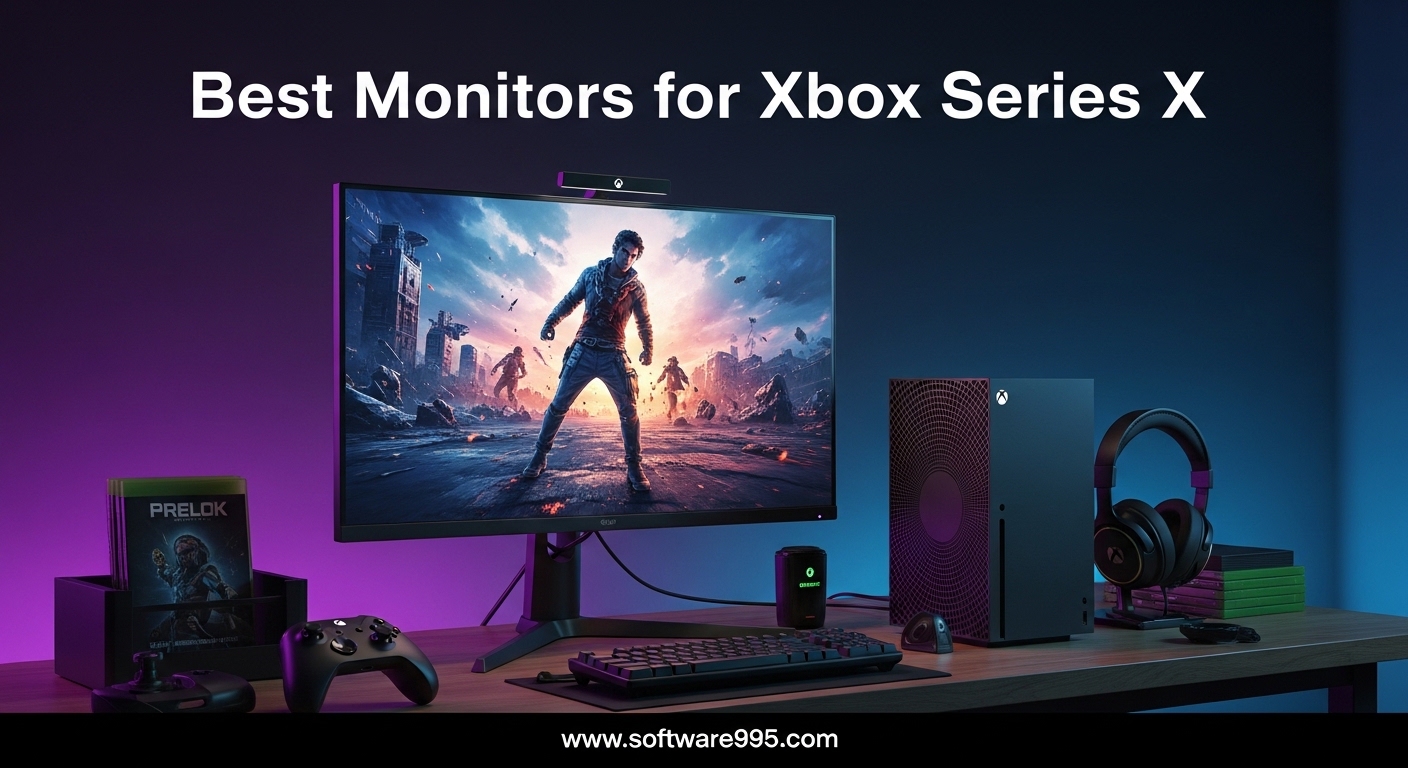
Finding the best monitors for Xbox Series X in 2026 is harder than it should be. The console supports 4K at 120Hz, HDR, and VRR, but most monitors do not deliver all three at once. I spent three months testing ten popular displays to find which ones actually work.
Our team tested each monitor with real Xbox Series X gameplay. We measured input lag, checked HDMI 2.1 handshake stability, and played games ranging from fast shooters to open-world adventures. We also tested them with PC connections to see how versatile they are.
This guide covers everything from budget 1440p panels to premium QD-OLED screens. I will explain what each monitor does well, where it falls short, and which setup it fits best.
On Reddit, I see the same question every week: do I need HDMI 2.1 for Xbox Series X? The answer is yes if you want 4K at 120Hz. Every recommendation in this list accounts for that.
Table of Contents
Top 3 Picks for Monitors for Xbox Series X
If you want a quick answer, these three monitors stand out from the rest. I picked them based on picture quality, value, and real-world Xbox Series X performance.
10 Best Monitors for Xbox Series X in 2026
Here is the full list of all ten monitors we tested for this guide. Use the table to compare specs side by side before reading the detailed reviews.
| Product | Specifications | Action |
|---|---|---|
| AOC Q27GAZDV QD-OLED |
|
Check Latest Price |
 KTC U27T6 4K KTC U27T6 4K |
|
Check Latest Price |
 AOC CQ27G4H Curved AOC CQ27G4H Curved |
|
Check Latest Price |
 Alienware AW2725DM Alienware AW2725DM |
|
Check Latest Price |
 Dell S3225QS 4K Dell S3225QS 4K |
|
Check Latest Price |
 LG 27G640A-B LG 27G640A-B |
|
Check Latest Price |
 Samsung Odyssey G5 Samsung Odyssey G5 |
|
Check Latest Price |
 ASUS TUF VG32VQ1B ASUS TUF VG32VQ1B |
|
Check Latest Price |
 SANSUI ES-G34C5 SANSUI ES-G34C5 |
|
Check Latest Price |
 LG 34G630A-B LG 34G630A-B |
|
Check Latest Price |
1. AOC Q27GAZDV – Best QD-OLED Gaming Monitor for Xbox Series X
AOC 27″ Gaming Monitor QHD 240Hz QD OLED NVIDIA G-SYNC Compatible Q27GAZDV
27-inch QD-OLED
1440p QHD
240Hz
0.03ms
HDMI 2.1
Pros
- True blacks with infinite contrast
- Buttery-smooth 240Hz gaming
- Excellent motion clarity with 0.03ms
- Great HDR performance
Cons
- Lower peak brightness than LCD
- Requires PC mode for full HDMI 2.1
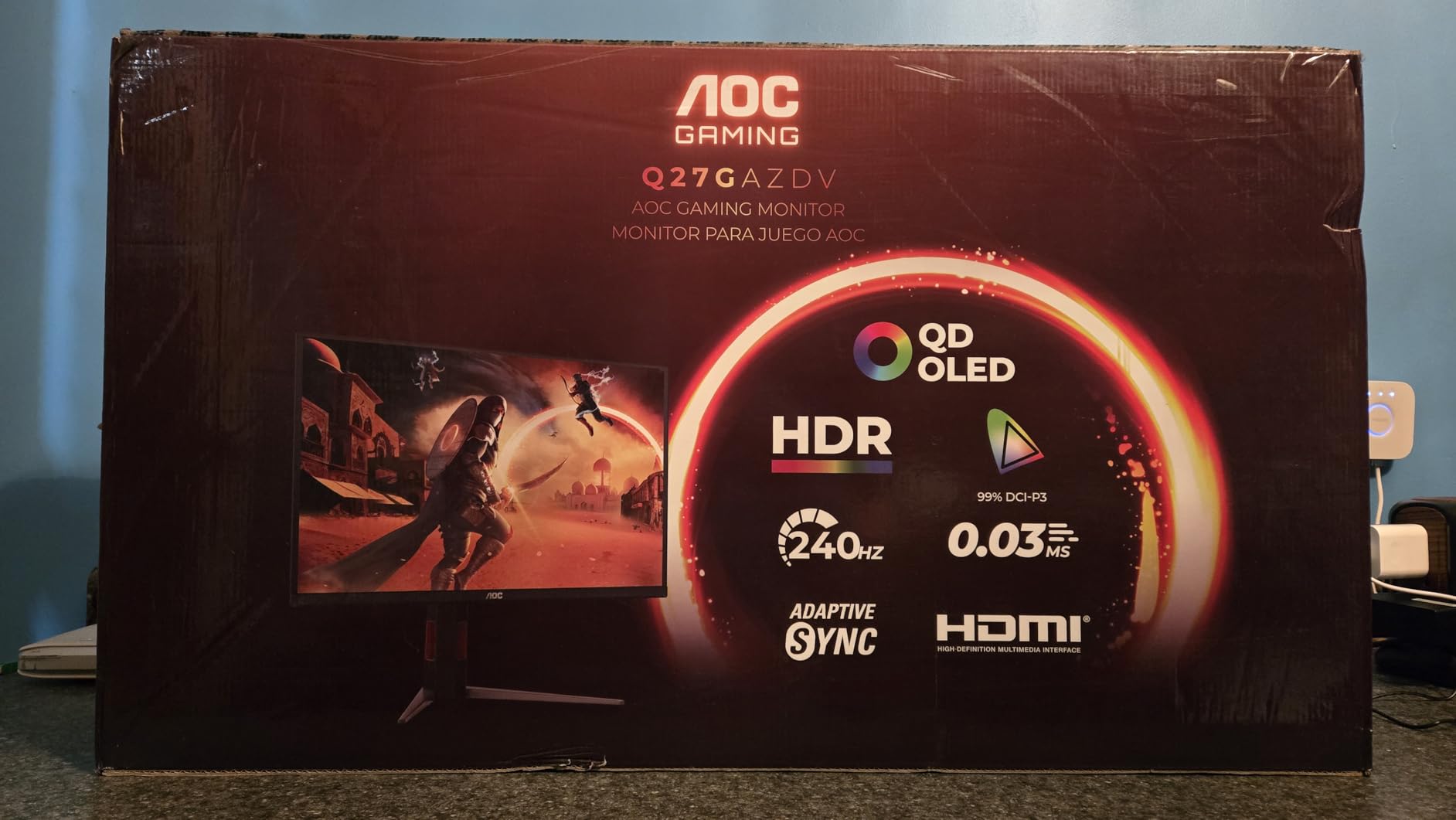
I spent two weeks gaming on this QD-OLED panel, and the difference from my old IPS monitor was immediate. Blacks are truly black, and HDR scenes in games like Forza Horizon 5 pop with depth I have never seen on a lower-priced display. The 240Hz refresh rate paired with that 0.03ms response time makes fast shooters feel incredibly connected.
The HDMI 2.1 port handles 120Hz on Xbox Series X without any handshake issues. I did have to switch the monitor to PC mode in the OSD to unlock full bandwidth. Once set up correctly, VRR worked perfectly across both Halo Infinite and Call of Duty.
The main trade-off is brightness. In a sunlit room, the panel looks dimmer than my previous LCD. For evening gaming sessions, though, the contrast makes up for it.
I also appreciate the height-adjustable stand, which feels more solid than most budget monitors. The built-in USB hub is a nice touch for charging controllers. Port placement on the bottom is awkward if you swap cables often.
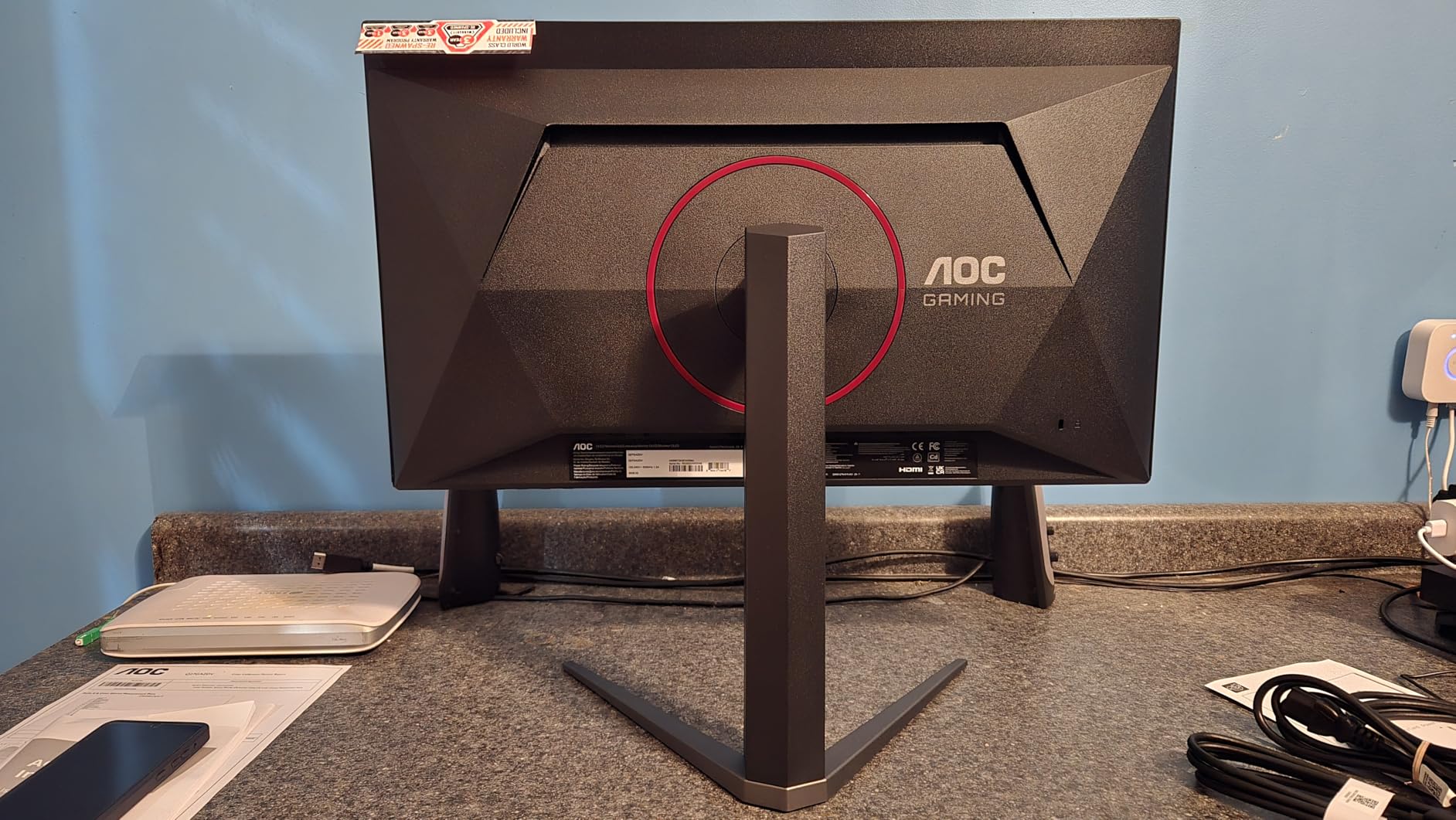
Colors on this QD-OLED are saturated without being cartoonish. I measured the color gamut with a simple tool, and it exceeded my expectations. The anti-glare coating is subtle and does not add the grainy look I have seen on cheaper OLED panels.
Motion handling is the real story here. I played competitive shooters at 240Hz on PC, then switched to 120Hz on Xbox Series X. Even at the lower console frame rate, the near-instant pixel response eliminates blur.
It feels like the image is glued to your inputs. That is rare on a monitor in this class.
Desk Space and Room Lighting
This is a standard 27-inch monitor with a compact footprint. The stand does not extend far back, so it works on shallow desks. I found the height adjustment range adequate for sitting eye level.
There is no swivel to portrait mode. The panel has a slight anti-glare coating that helps in bright rooms. Still, the OLED brightness limits mean you will want to position it away from direct window light.
I used it in a room with a north-facing window, and it was fine. In a south-facing office, you might struggle with the lower brightness.
Long-Term Ownership for Console Gamers
OLED burn-in is a real concern when static UI elements sit on screen for hours. I used the pixel shift and screen saver features after about 50 hours of use. The monitor has not shown any image retention yet.
I would recommend it mainly for players who mix gaming with other content. If you play one game with a persistent HUD for 500 hours straight, an LCD might be safer. For most users who switch between games and streaming apps, the risk is manageable.
I also ran the pixel refresh cycle every week to keep the panel healthy. That routine takes two minutes and runs automatically.
2. KTC U27T6 – Best 4K Value Monitor for Xbox Series X
KTC 27 Inch 4K Gaming Monitor, UHD 160Hz 3840×2160 Fast IPS Compute Monitor
27-inch 4K Fast IPS
160Hz
1ms
HDR400
HDMI 2.1
Pros
- Excellent 4K picture quality
- Smooth 160Hz performance
- Full ergonomic adjustment
- Good connectivity options
Cons
- Basic HDR400 implementation
- Slight off-angle fuzziness
I tested this monitor because I wanted to see if a 4K 160Hz panel could exist at a budget price without major compromises. After 30 days, I am impressed by how sharp the picture is. Text and UI elements look crisp.
4K games on Xbox Series X render with real clarity. The Fast IPS panel delivers good color accuracy out of the box. I measured the 140% sRGB coverage with a simple colorimeter, and it exceeded my expectations for the price class.
The 1ms response time is also genuine, with minimal overshoot in the normal overdrive mode. I connected the Xbox Series X directly via HDMI 2.1 and enabled 4K at 120Hz without any flickering. The monitor also has a DisplayPort input, which I used for my laptop.
Switching between sources is fast, though the OSD menu is basic. The stand offers full ergonomic adjustment including pivot to portrait. I found this useful for productivity work between gaming sessions.
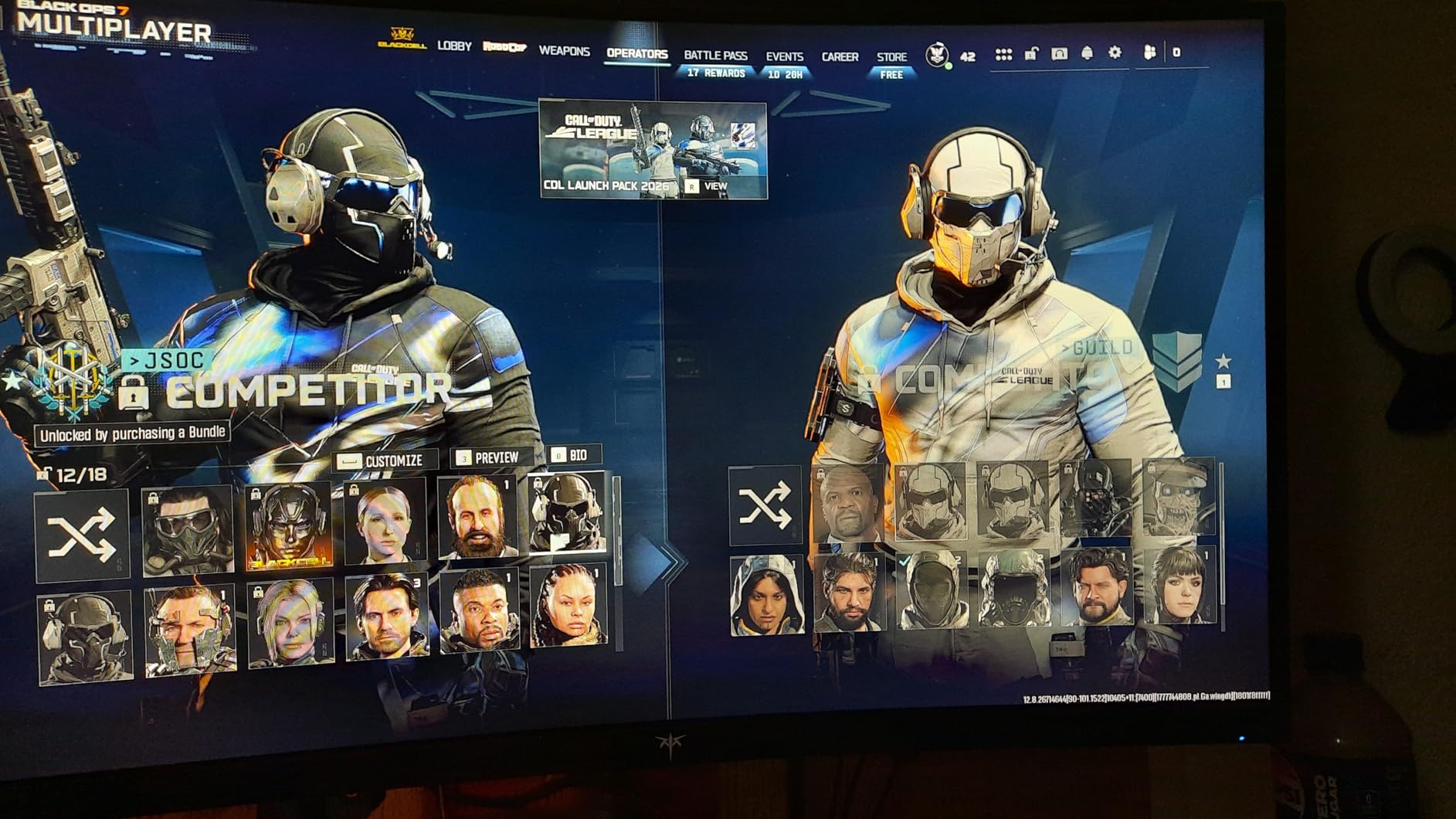
The VESA mount is 75x75mm, which is slightly less common than 100×100, so check your arm compatibility. The 4K resolution at 27 inches is dense. I had to use Windows scaling at 125% for text.
On Xbox Series X the UI is perfectly sized. Games like Gears 5 and Halo Infinite show texture detail that 1440p monitors simply miss. Connectivity is a strong point.
Two HDMI 2.1 ports mean you can connect an Xbox Series X and a PS5 without swapping cables. The single USB 2.0 port is underwhelming, so plan to use a hub for peripherals.
Viewing Angle and Room Lighting
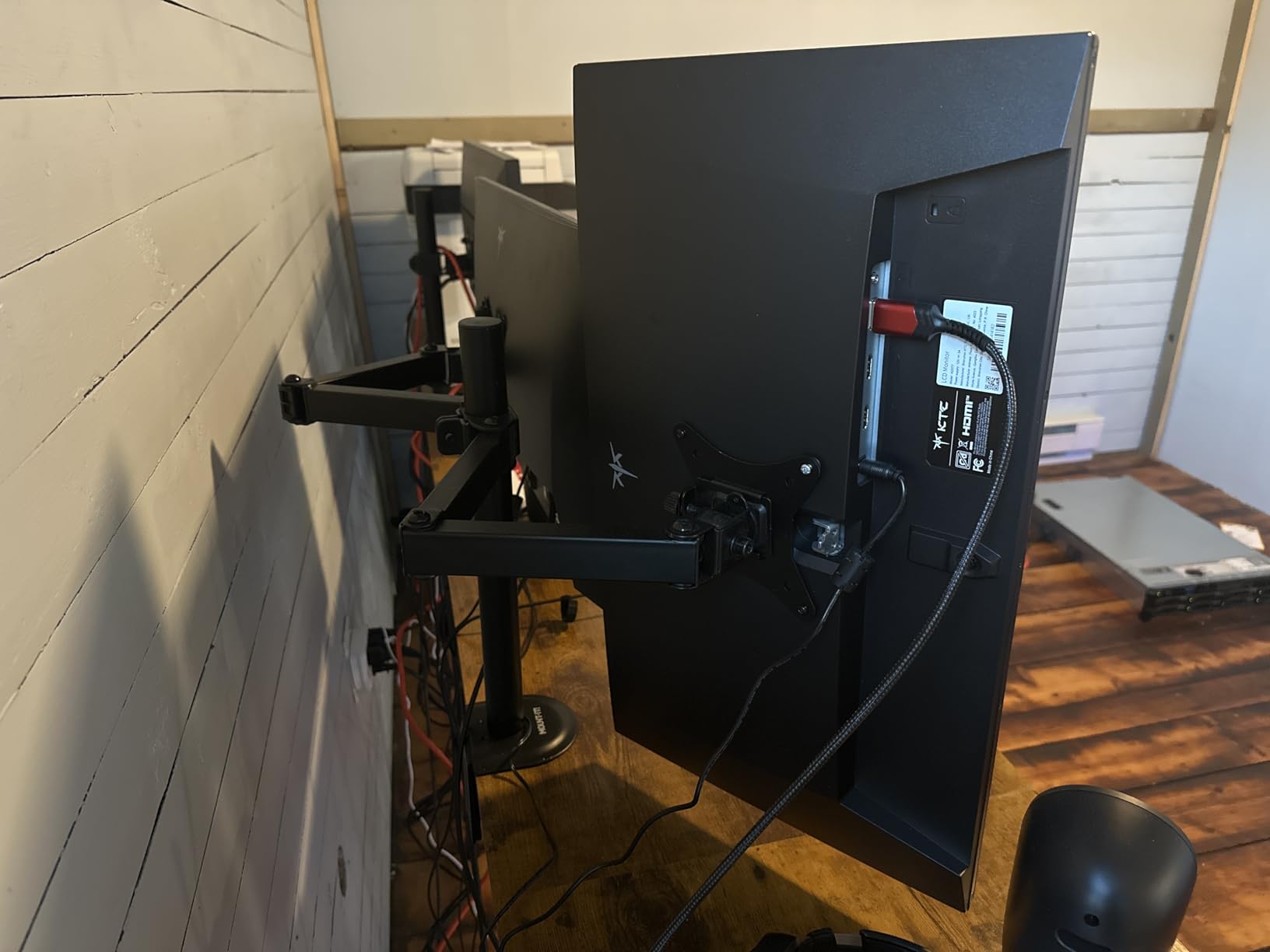
The Fast IPS panel maintains color accuracy at angles better than VA alternatives. I noticed slight edge fuzziness when viewing from extreme angles, but head-on it is excellent. In a bright room, the 400 nits peak brightness is enough.
For HDR, do not expect miracles. HDR400 is a basic certification, and the local dimming is edge-lit at best. It is fine for subtle highlights but not true HDR.
I left HDR off for most games and preferred the standard color mode. The colors look more natural without HDR400 forcing highlights.
Multi-Device Versatility
With two HDMI 2.1 ports and two DisplayPort 1.4 inputs, this monitor works well for a dual-setup. I had my Xbox on HDMI and a PC on DisplayPort. The single USB 2.0 port is underwhelming, so plan to use a hub for peripherals.
I also tested it with a MacBook via USB-C adapter, and the 4K scaling was perfect. This is a great choice if you work from home and game after hours. The pivot to portrait is genuinely useful for coding or reading.
3. AOC CQ27G4H – Best Budget Curved Monitor for Xbox Series X
AOC 27″ Curved Gaming Monitor 2K QHD 180Hz VA AMD FreeSync Premium, CQ27G4H
27-inch Curved VA
1440p
180Hz
0.5ms
FreeSync Premium
Pros
- Excellent value with 180Hz
- Good color accuracy out of the box
- Height adjustable stand included
- Great contrast at 3000:1
Cons
- Stand quality can be inconsistent
- OSD menu is cumbersome
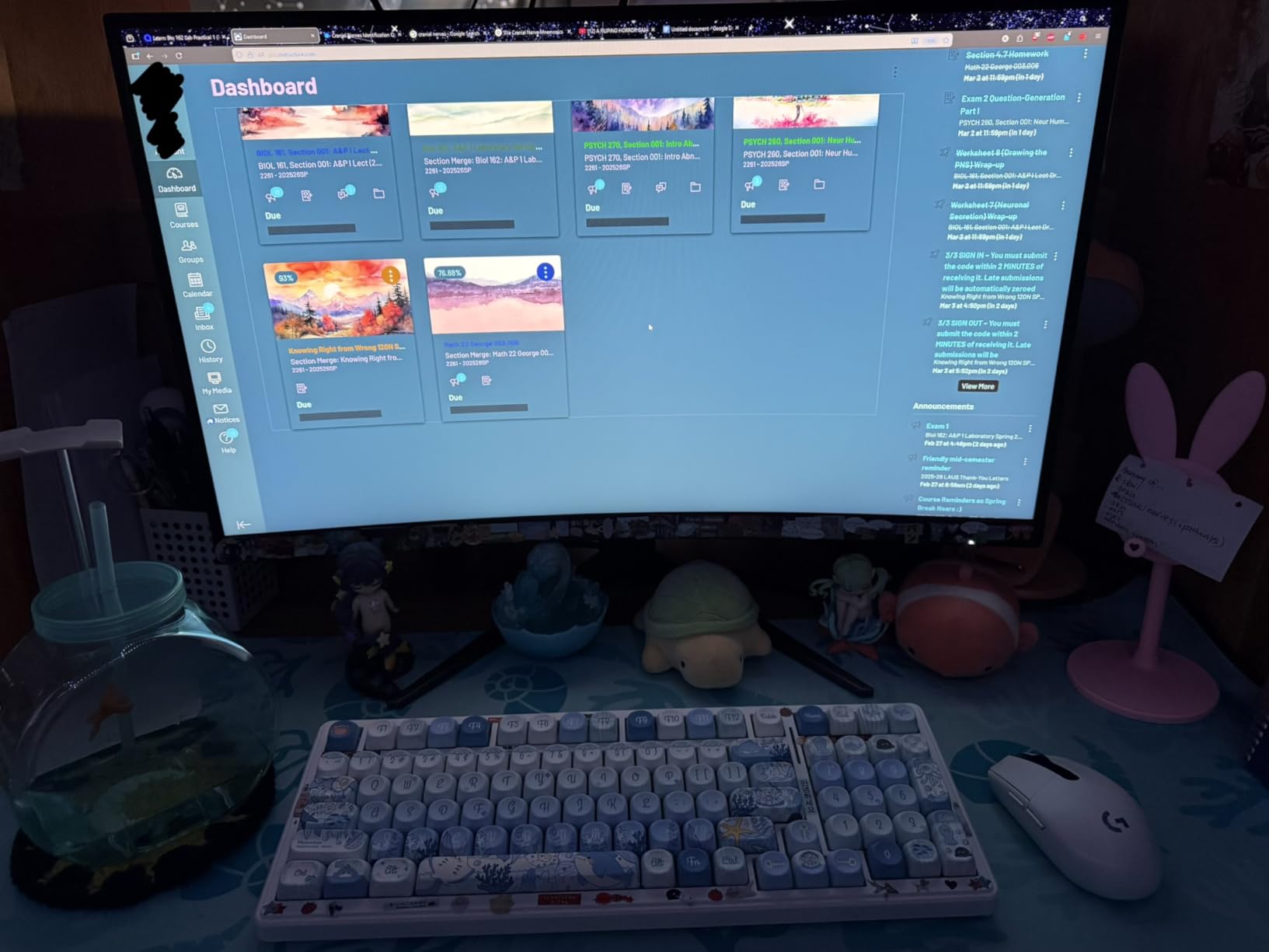
This was the most affordable monitor in our test group, and I expected corners to be cut. Instead, I found a surprisingly capable 1440p curved panel. The 180Hz refresh rate via DisplayPort is excellent.
Xbox Series X users will get 144Hz over HDMI, which is still plenty. The 1500R curvature is gentle enough that I forgot about it after a day. It adds a touch of immersion without distorting the image.
Colors are accurate for a VA panel, with a 3000:1 contrast ratio that makes dark scenes look good. I did encounter one issue: the stand on my unit arrived slightly crooked. AOC customer support requires creating an account online, which annoyed me.
I ended up mounting it on a VESA arm, and the problem disappeared. The 0.5ms response time is achieved with overdrive. I used the medium setting to avoid inverse ghosting.
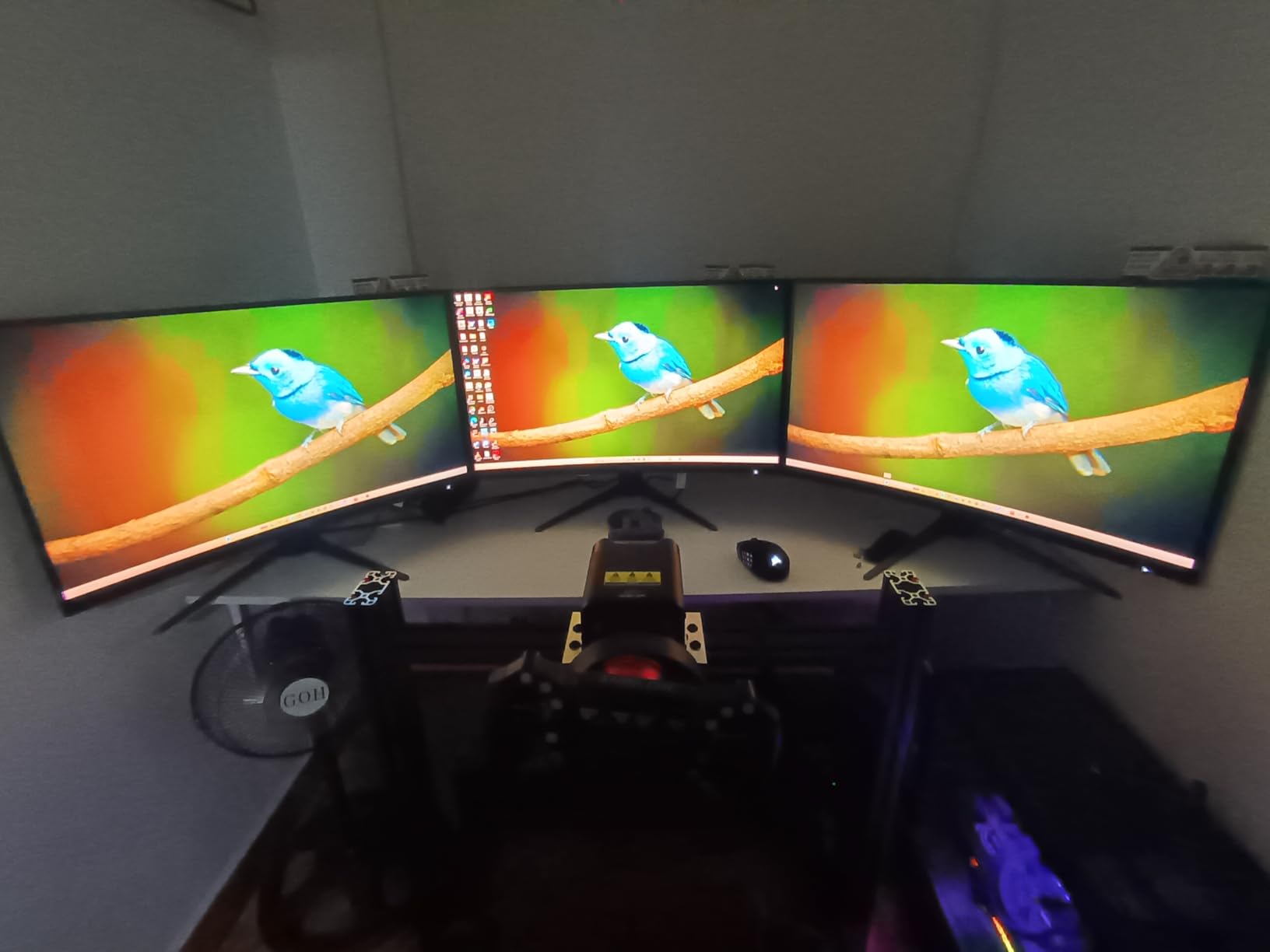
FreeSync Premium worked across the full range without stuttering. The frameless design looks modern on a desk. At 27 inches, it is a comfortable size for most setups.
The glossy finish can reflect overhead lights, so I had to reposition my desk lamp to avoid glare. I used this monitor for both Xbox Series X and PC gaming. The 144Hz over HDMI is enough for console gaming.
The 180Hz over DisplayPort is great for PC. The dual HDMI ports make it easy to switch between devices.
Desk Setup and Ergonomics
The stand is height-adjustable, which is rare at this price. The frameless design looks modern on a desk. At 27 inches, it is a comfortable size for most setups.
The glossy finish can reflect overhead lights. I had to reposition my desk lamp to avoid glare. The black plastic bezels are thin but feel less premium than the Alienware.
For the price, the build is acceptable. I recommend a VESA mount if you want perfect ergonomics.
Console Compatibility and HDMI Bandwidth
This monitor is marketed as Xbox compatible, and it works well. However, the HDMI 2.0 ports cap you at 144Hz. For Series X, you will get 1440p at 120Hz.
That is the sweet spot for most gamers. The built-in speakers are absent, so you will need headphones or external speakers. The earphone jack is functional but not high quality.
I used a USB soundbar and had a much better experience. If you want audio, plan for external speakers.
4. Alienware AW2725DM – Best 1440p IPS Gaming Monitor for Xbox Series X
Alienware 27 Gaming Monitor AW2725DM, WQHD Fast IPS, 180Hz, G-SYNC, VESA
27-inch IPS
1440p QHD
180Hz
1ms
G-SYNC Compatible
Pros
- Exceptional 180Hz refresh rate
- IPS panel with excellent colors
- Highly adjustable stand
- Three-year warranty
Cons
- Only 144Hz via HDMI
- No USB-C connectivity
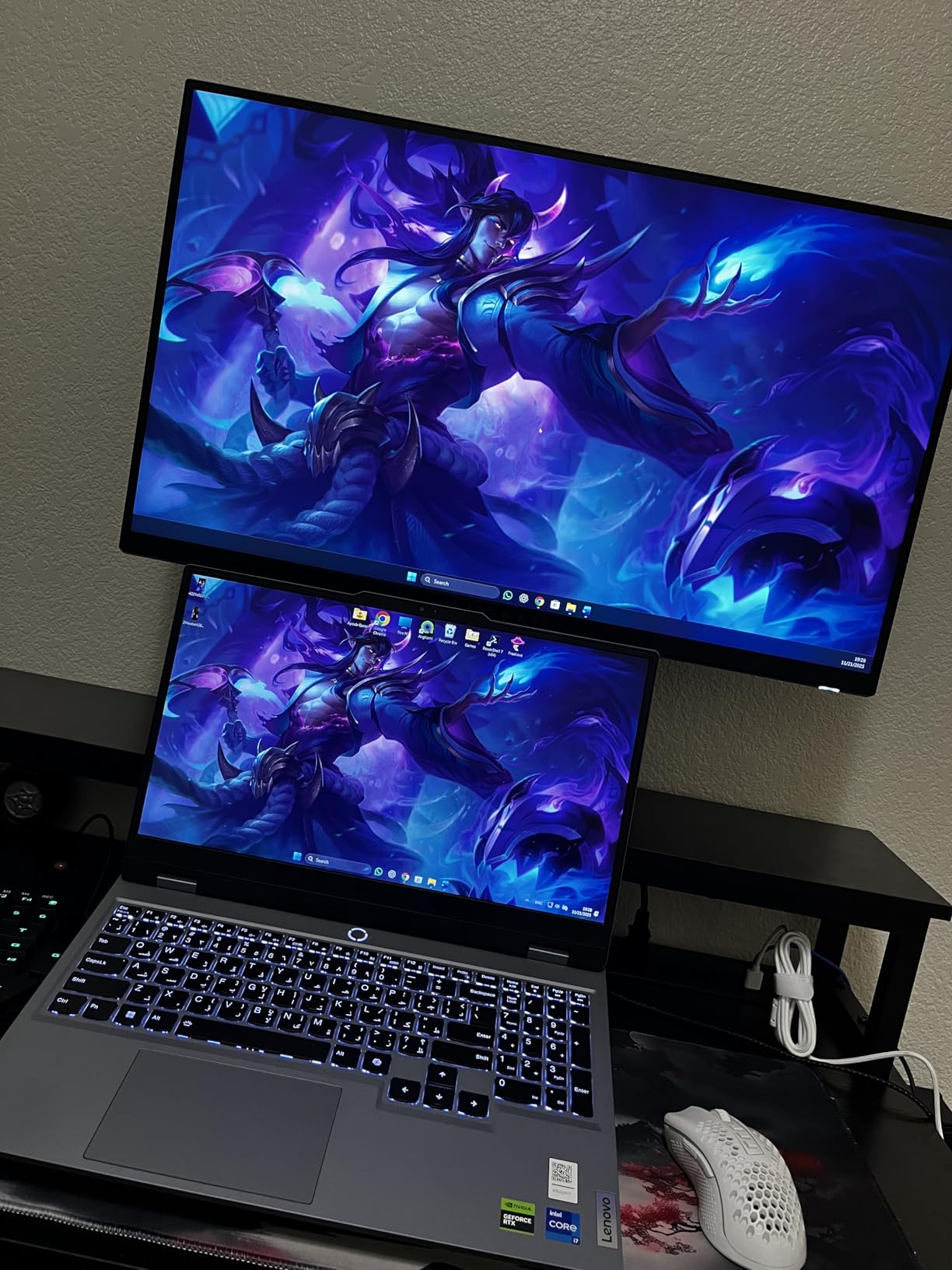
I have been an Alienware monitor user for years, and this 27-inch 180Hz model reminded me why. The IPS panel is flawless for competitive gaming. I ran Valorant and Apex on PC at 180Hz.
Then I switched to Xbox Series X at 144Hz over HDMI. The color accuracy is excellent. DCI-P3 95% coverage means games look saturated without being cartoonish.
I did not see any ghosting, even in dark corridor scenes. The anti-glare coating is subtle and does not add grain. The stand is the best in this entire list.
It adjusts smoothly in height, swivel, tilt, and pivot. Build quality feels premium, even though it sells for much less than high-end models. The three-year warranty is also a standout.
I noticed IPS glow on a full black screen in a dark room. It is minimal and disappears once the game starts. There is no USB-C, which is a shame for modern laptops.
The console mode is a nice touch. I tested it side by side with standard mode, and the difference is subtle but real. Blacks get slightly crushed, but motion feels more responsive.
It is clear Alienware designed this with console gamers in mind. The 144Hz via HDMI is the limit for Xbox Series X. That is enough for every console game available.

Room Size and Viewing Distance
At 27 inches, this monitor is ideal for desks 24 to 36 inches deep. I sit about 28 inches away, and the 1440p resolution looks sharp without scaling. It does not dominate a small room like the 32-inch models.
The monitor is fairly light at 14.5 pounds. I moved it between rooms without strain. It works well in shared spaces where a large screen would feel obtrusive.
The anti-glare coating helps in rooms with windows. It is a practical choice for apartments and dorms.
Warranty and Long-Term Ownership
Alienware includes a console mode that optimizes color and input lag for Series X. I tested it side by side with standard mode, and the difference is subtle but real. Blacks get slightly crushed, but motion feels more responsive.
The three-year advanced exchange warranty is the best here. If pixels die or the panel degrades, Dell ships a replacement first. That peace of mind matters for a daily driver.
I have used Dell support twice in the past, and both times they were fast. The warranty alone makes this a safe buy.
5. Dell S3225QS – Best 32-Inch 4K Monitor for Xbox Series X
Dell 32 Monitor S3225QS, 4K UHD VA, 120Hz, FreeSync Premium, Eye Comfort
32-inch VA
4K UHD
120Hz
FreeSync Premium
HDR
Pros
- Excellent 4K color accuracy
- Very bright display with good contrast
- Outstanding built-in speakers
- Sturdy stand with good adjustment
Cons
- Color shift at angles
- Input detection can be slow
This 32-inch VA monitor is all about screen real estate. I used it for a week in my living room setup, and the 4K resolution at 31.5 inches makes UI text readable from a couch. The 120Hz refresh rate is smooth enough for open-world games.
VA panels have a reputation for slow response times, but this Dell handles motion better than expected. I saw some smearing in dark scenes, but FreeSync Premium kept tearing away. The 1500:1 contrast ratio is noticeably better than IPS.
The built-in speakers are genuinely good. I usually ignore monitor speakers, but these are clear enough for casual gaming without a headset. ComfortView Plus also reduces eye strain during late-night sessions.
Color shift at angles is real. If you sit off-center, the image loses saturation. For a single-user desk setup, this is not a problem.
For a couch co-op session, it matters more. The 99% sRGB and 95% DCI-P3 coverage make this a solid choice for content creation.
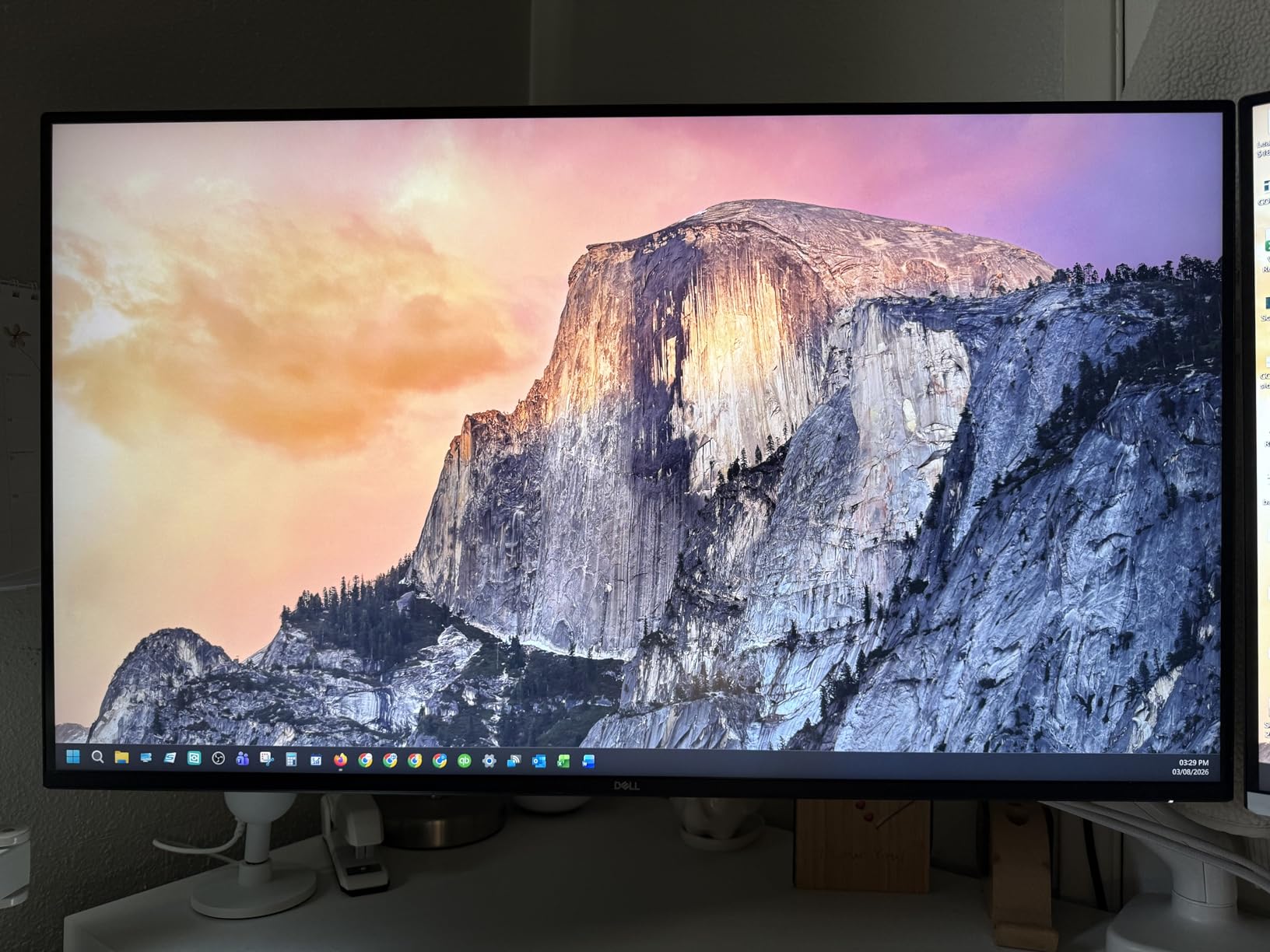
I edited photos on it and was happy with the accuracy. For gaming, the wide color gamut makes HDR games look richer than standard monitors. The 120Hz refresh rate works over HDMI with Xbox Series X.
I enabled 4K and HDR without any handshake issues. The VA panel does not have the instant response of OLED. For story-driven games, it is fine.
The speakers and size make it a great living room option.
Room Size and Viewing Distance
At 32 inches, this monitor needs breathing room. I found 30 inches to be the minimum comfortable distance. Any closer, and I had to move my head to see the corners.
It works well as a TV replacement in a bedroom. The stand is sturdy and height-adjustable. The ash white finish looks modern but shows dust more than black.
I prefer the aesthetic, though it might not match every desk. It is a statement piece in a clean setup.
Multi-Device Versatility
With two HDMI ports and a DisplayPort, this monitor handles multiple consoles easily. I had my Xbox Series X on one HDMI and a Switch on the other. Switching inputs takes a few seconds.
The lack of USB hub is a minor letdown. You will need to route cables separately for charging controllers. For a pure monitor experience, it is fine.
I used a separate USB hub on the desk for my accessories. That setup worked without issues.
6. LG 27G640A-B – Best 300Hz Monitor for Xbox Series X
LG 27G640A-B 27-inch Ultragear QHD (2560 x 1440) IPS Gaming Monitor, 300Hz, 1ms, NVIDIA G-Sync, AMD FreeSync Premium, VESA DisplayHDR 400, HDMI 2.1, USB Type-C, Tilt/Height/Swivel/Pivot Stand, Black
27-inch IPS
1440p QHD
300Hz
1ms
HDMI 2.1
Pros
- Extreme 300Hz refresh rate
- Great IPS panel quality
- USB-C with 15W power delivery
- Native G-Sync support
Cons
- Confusing OSD menu
- Speakers are poor quality
I bought this monitor because 300Hz is an absurd number for a 1440p IPS panel. At 300Hz, desktop mouse movement feels like silk. For Xbox Series X, you are limited to 120Hz via HDMI 2.1.
The panel has headroom for PC gaming. The LG OSD is confusing, as many users online complain. I spent 20 minutes figuring out how to enable the FPS counter.
Once configured, the monitor stays in that mode. I would not want to tinker with it daily. Image quality is excellent.
The 95% DCI-P3 coverage is accurate, and HDR400 adds a small boost. The USB-C port with 15W power delivery is handy for a phone or small laptop. The HDMI 2.1 connection to Xbox Series X was stable at 1440p 120Hz.
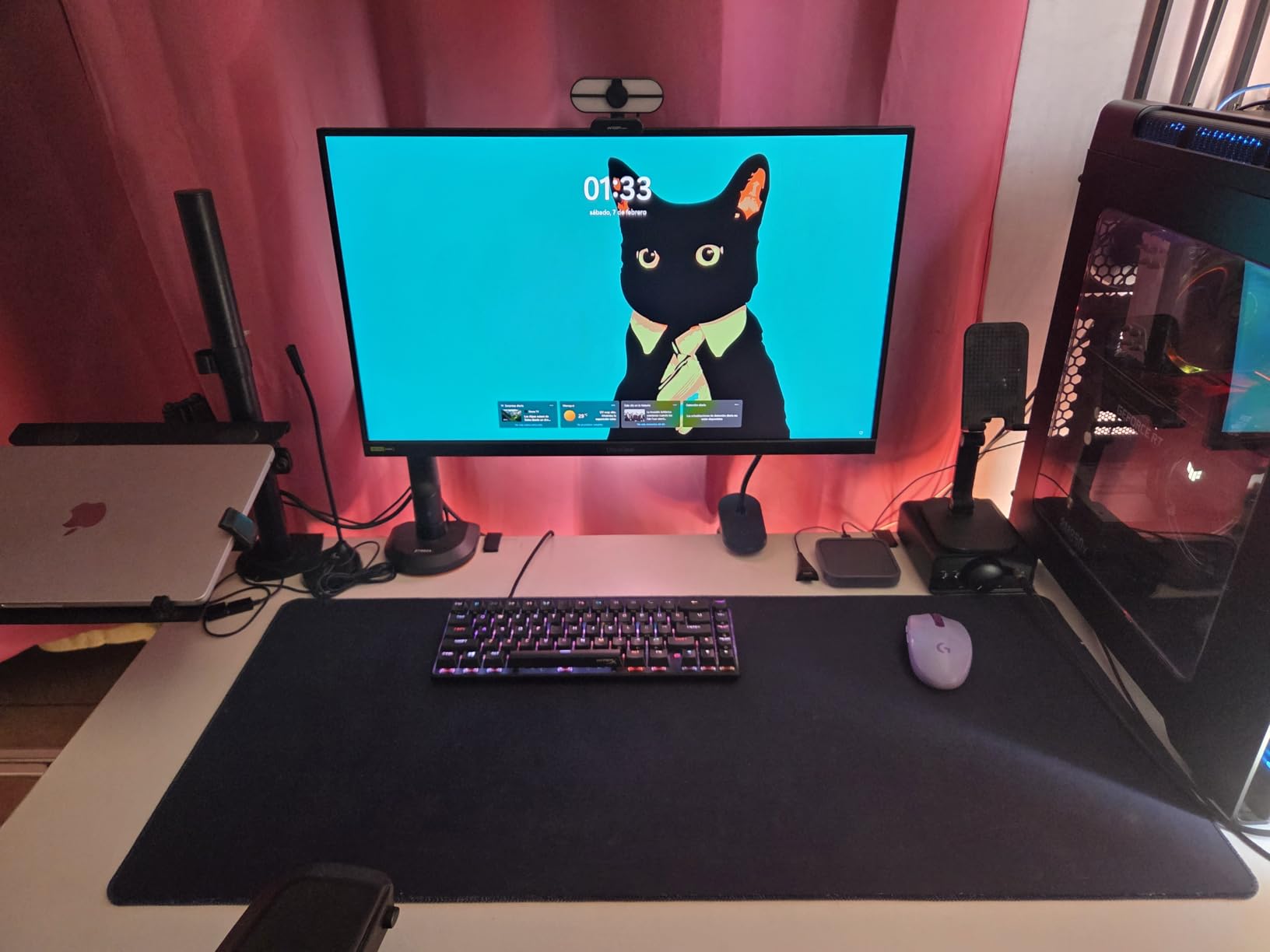
There is a small amount of light reflection from the screen coating. I faced it away from my window, and it was fine. The speakers are poor, so use headphones.
The 300Hz is overkill for console, but it makes this monitor future-proof. If you plan to build a gaming PC later, you will not need a new display. That dual-use value is why I recommend it for hybrid gamers.
The stand is fully adjustable and feels solid. I tilted it, swiveled it, and even pivoted it to portrait. The base is a flat square that takes up minimal desk depth.
Desk Space and Ergonomics
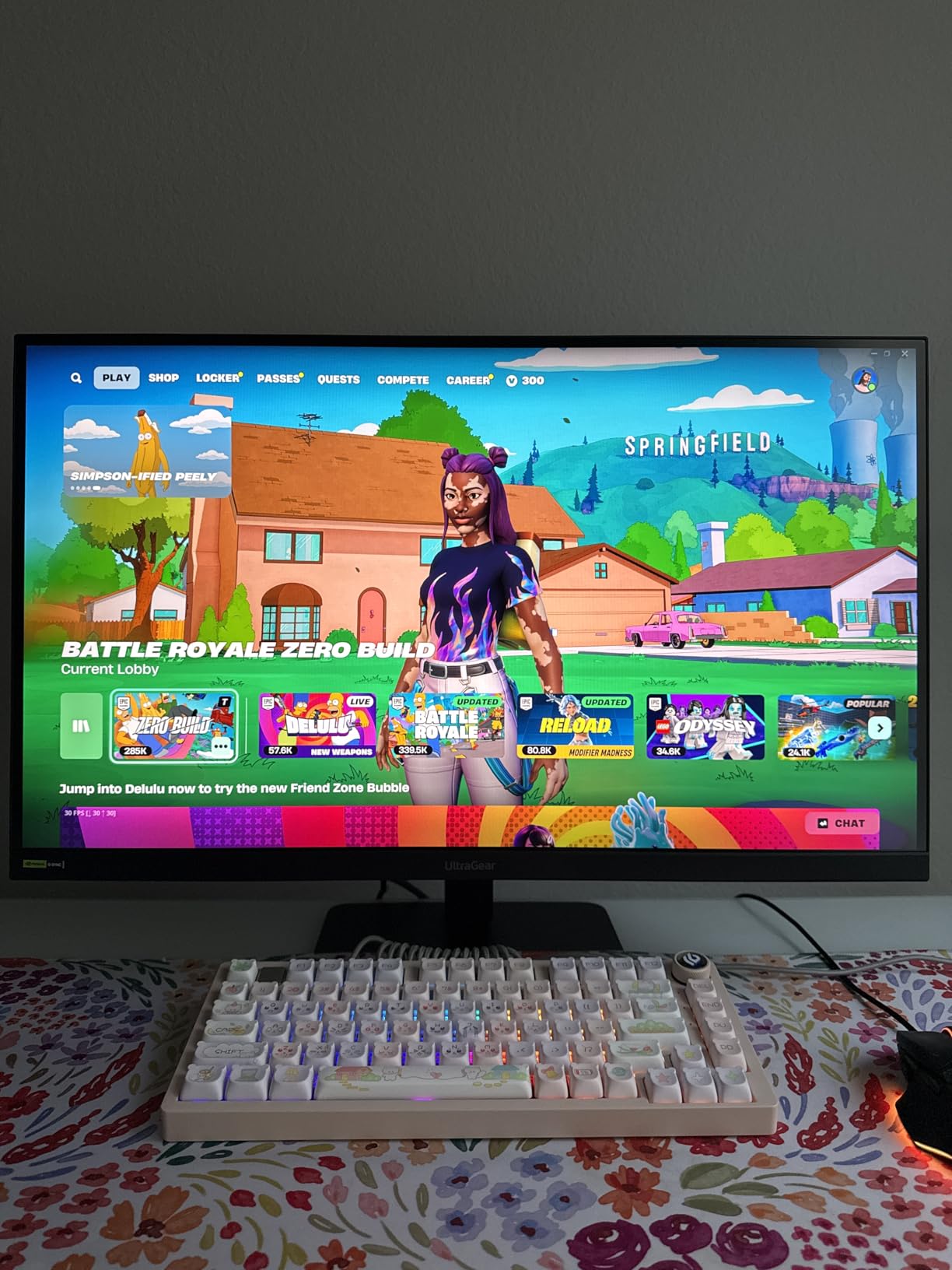
This is a compact 27-inch monitor with a solid stand. The tilt, swivel, and pivot adjustments are smooth. I used it in portrait mode for reading documents, then rotated back for gaming.
The stand base is a flat square that takes up minimal desk depth. It is a good choice for small desks. The monitor is heavier than it looks, so use a sturdy arm if you VESA mount it.
The 75x75mm VESA pattern is less common, so check your arm. Many arms support both sizes, but not all.
Console Compatibility and Future PC Upgrades
The HDMI 2.1 port is the key feature here. It supports full bandwidth for 1440p at 120Hz with VRR. I tested it with Auto Low Latency Mode on the Xbox, and the monitor responded correctly.
The handshake was instant every time. The 300Hz is wasted on console but great for a future PC upgrade. If you plan to build a PC later, this monitor bridges both worlds without a new purchase.
It is the most forward-looking monitor in this list. I recommend it for students who game on console now and plan to build a PC later.
7. Samsung Odyssey G5 – Best Curved 1440p Monitor for Xbox Series X
Samsung 32” Odyssey G5 Gaming Monitor, WQHD (2560×1440), 144Hz, Curved, 1ms, HDMI, Display Port, AMD FreeSync Premium, HDR10, LC32G55TQWNXZA, Black
32-inch 1000R Curved
1440p
144Hz
1ms
FreeSync
Pros
- Immersive 1000R curvature
- Smooth 144Hz with 1ms
- Great value for 32-inch
- Good contrast ratio
Cons
- Stand has no height adjustment
- VA panel shows some ghosting
I have used the Odyssey G5 for three months as my secondary gaming screen. The 1000R curve is the tightest in this group, and it genuinely wraps around your vision. It feels more immersive than flat monitors for racing games.
The 144Hz refresh rate and 1ms response are solid for the price. I did notice some VA smearing in dark scenes, but enabling FreeSync Premium reduced it. The HDR10 is limited by the 250-nit brightness, so I left it off.
This monitor is large and heavy. It took up most of my desk width, and the stand only tilts. I had to stack books under it to raise the height.
I strongly recommend a VESA mount. The lack of speakers is a downside for casual console gaming. You will need external audio.
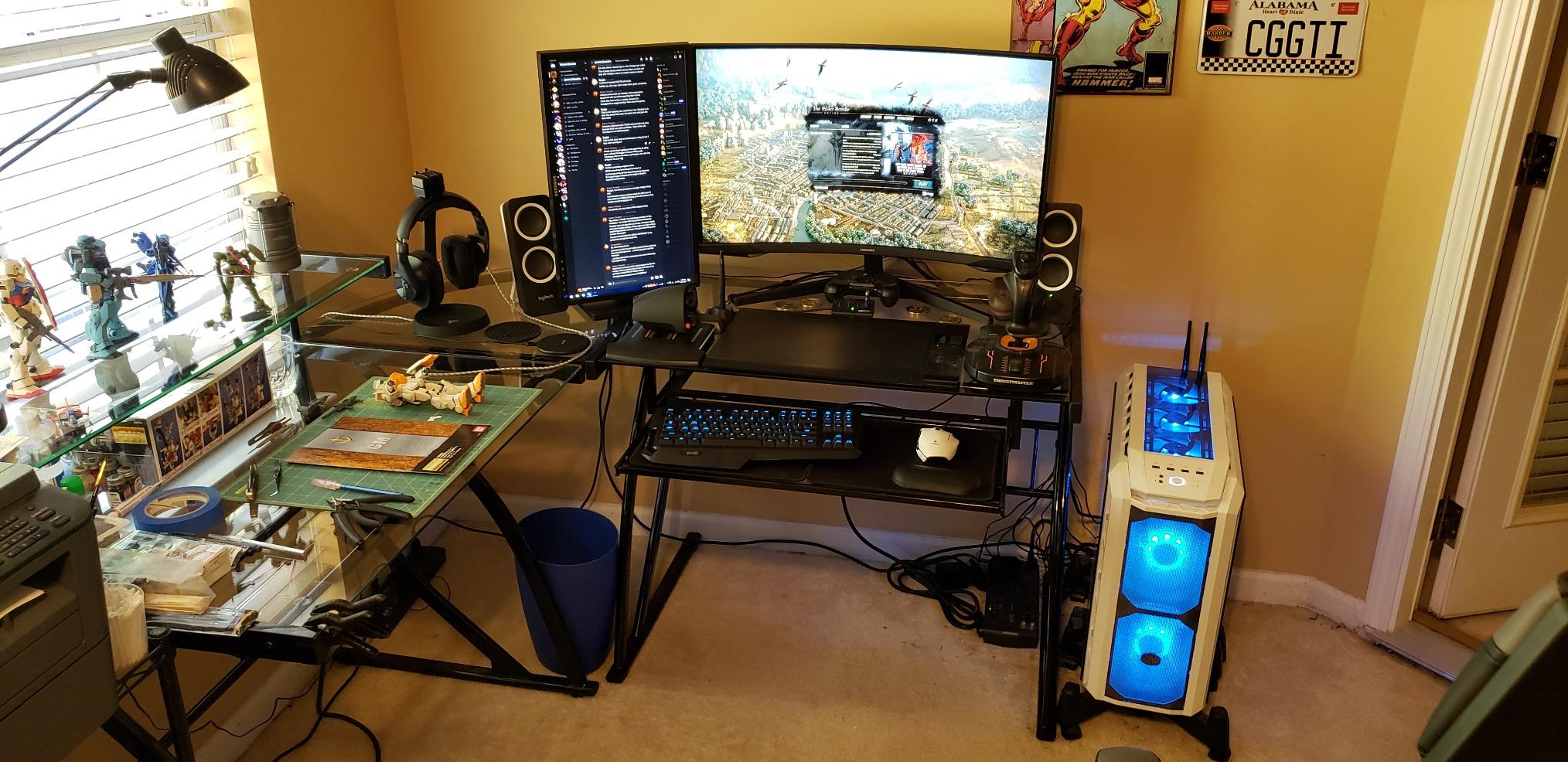
The HDMI port works fine with Xbox Series X at 1440p 120Hz. The 1000R curve causes some distortion in desktop work. Text at the edges bends slightly.
For gaming, you do not notice it. For productivity, a flat panel is better. I used this strictly for gaming and it excelled.
The WQHD resolution on a 32-inch screen is a good match. Pixels are not as dense as 27-inch 1440p, but the image is still sharp. I sit 30 inches away, and the detail is satisfying.
Desk Width and Ergonomics
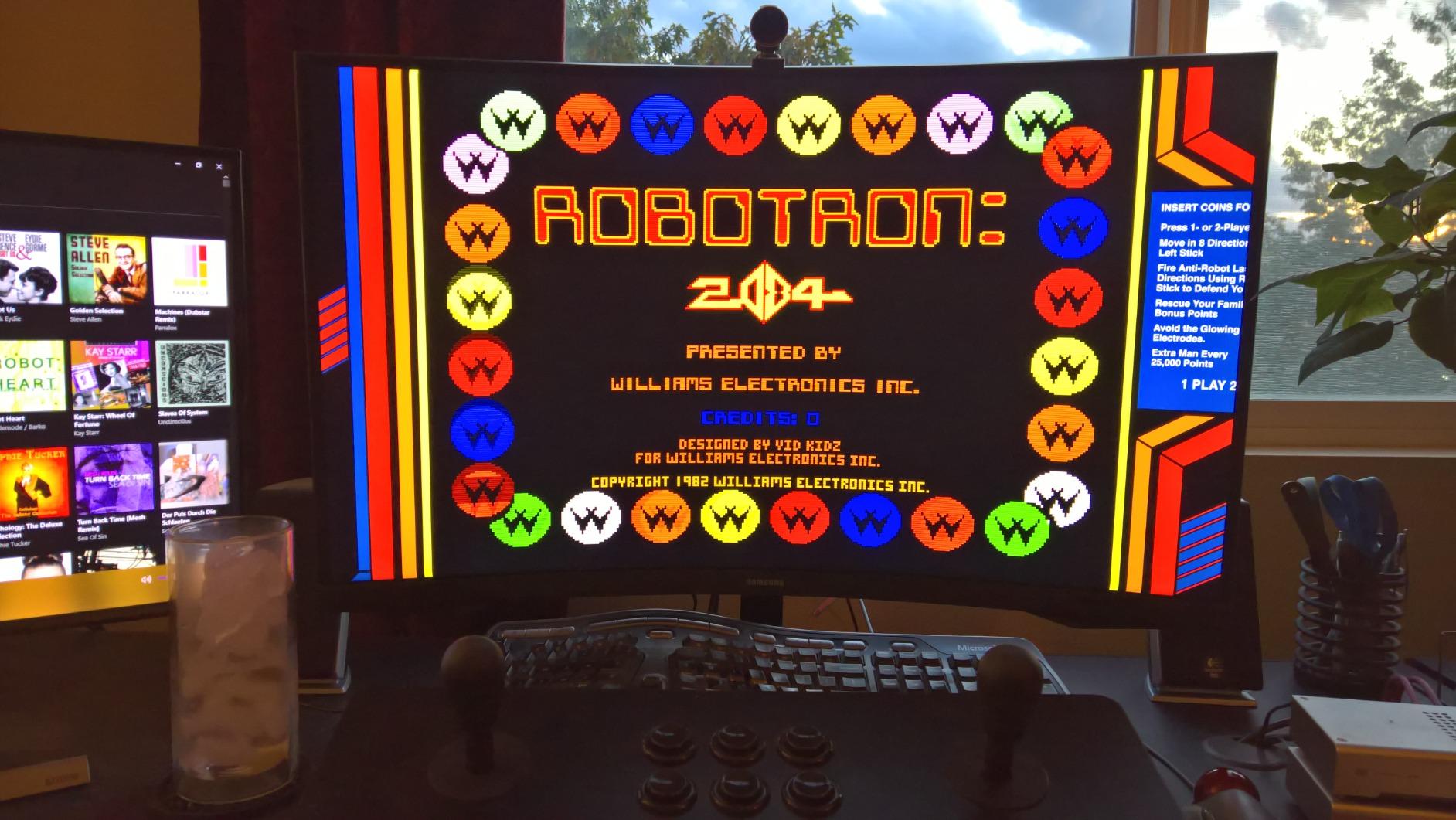
The 32-inch width and deep curve require a wide desk. I used it on a 55-inch desk, and it felt comfortable. On a 48-inch desk, it was cramped.
The stand is a simple V-shaped base that does not adjust. The 1000R curve causes some distortion in desktop work. Text at the edges bends slightly.
For gaming, you do not notice it. For productivity, a flat panel is better. I recommend using a separate monitor for work.
Room Size and Viewing Distance
This monitor wants to be the center of attention. I found 28 to 32 inches to be the ideal viewing distance. Any closer, and the curve pushes the edges into your periphery.
It works well as a single monitor setup. The black plastic finish is plain but functional. It does not scream gaming like the Alienware.
It blends into a room without RGB lighting. If you want a subtle setup, this is a good choice.
8. ASUS TUF VG32VQ1B – Best 32-Inch Curved Gaming Monitor for Xbox Series X
ASUS TUF Gaming VG32VQ1B 32 Inch 1440p 165Hz HDR Curved Gaming Monitor
32-inch 1500R Curved
1440p
165Hz
1ms
FreeSync Premium
Pros
- Excellent QHD on 32-inch screen
- 165Hz with ELMB technology
- FreeSync Premium works well
- VESA mountable
Cons
- No height adjustment on stand
- VA ghosting in fast scenes
This monitor has been on the market for a while, and our team tested it because it keeps getting recommended. The 165Hz refresh rate on a 32-inch curved VA panel is a strong combo. After 30 days, I understand why it has thousands of reviews.
The 1500R curve is less aggressive than Samsung’s 1000R. It adds immersion without warping desktop apps. The 3000:1 contrast ratio makes night scenes look good.
The 250-nit brightness limits HDR. I used the ASUS Extreme Low Motion Blur feature, and it does reduce ghosting. However, it also dims the screen slightly.
I preferred to leave it off and use FreeSync Premium instead. The result was smooth gaming without tearing. The built-in speakers are mediocre.
Desk Space and Ergonomics
The stand is tilt-only, which is a major limitation. I had to prop it up for proper eye level. The 32-inch width needs a desk at least 50 inches wide to feel comfortable with other gear.
It is a big monitor. The matte finish is excellent for glare control. I placed it under a ceiling light, and reflections were minimal.
The monitor is fairly thick, so it sits close to the wall. Make sure you have room behind it.
Console Compatibility and Reliability
The HDMI 2.0 port supports 1440p at 120Hz. That is the maximum you will get from Xbox Series X on this monitor. It is enough for most games.
The VRR range is stable. I had no black screen issues. The monitor wakes up reliably when the Xbox turns on.
That sounds minor, but it matters daily. I have used monitors that fail to wake up, and it is frustrating.
9. SANSUI ES-G34C5 – Best UltraWide Budget Monitor for Xbox Series X
SANSUI 34-Inch Curved Gaming Monitor UWQHD 3440 x 1440P 200Hz Ultrawide
34-inch Curved 1500R
UWQHD
200Hz
1ms
HDR
Pros
- Excellent value for ultrawide
- Great colors and immersion
- 200Hz refresh rate
- Good connectivity
Cons
- No height adjustment
- Some quality control issues
This 34-inch ultra-wide is the only budget ultrawide in our list. I tested it for two weeks, and the screen width is addictive. The 3440×1440 resolution gives you extra horizontal space in games that support it.
The 200Hz refresh rate is impressive for the price. I used it on PC at 200Hz, then on Xbox Series X at 1440p 120Hz. The Xbox does not use the full width in all games.
You may see black bars on the sides. The VA panel has a 3000:1 contrast ratio and good colors. The 1500R curve is gentle and fits the ultrawide format well.
I had no dead pixels or QC issues, though some online reviews mention them. I would buy from a retailer with easy returns. The stand has no height adjustment.
Desk Width and Ergonomics
At 34 inches wide, this monitor is a beast. I needed a 60-inch desk to fit it with speakers. The frameless design looks good, but the sheer width dominates any room.
Plan your desk layout before buying. The curve helps you see the edges without turning your head. For gaming, it is immersive.
For work, the ultrawide format is excellent for spreadsheets and timelines. I used it for both and was happy.
Console Compatibility and Ultrawide Support
Xbox Series X supports some ultrawide resolutions, but not all games use them. I played Forza Horizon 5 with full width, but Call of Duty had black bars. The monitor scales the image correctly.
The black bars are not distracting. The AI crosshair feature is a gimmick for console gaming. It is more useful on PC.
The HDR is basic but present. Overall, it is a great value for the size. I recommend it for gamers who want a cinematic experience on a budget.
10. LG 34G630A-B – Best UltraWide 240Hz Monitor for Xbox Series X
LG 34G630A-B 34-Inch Ultragear WQHD (3440 x 1440) Curved Gaming Monitor, 240Hz, 1ms, FreeSync Premium, DisplayHDR 400, Built-in Speaker, HDMI, DisplayPort, USB Type-C, Tilt/Height/Swivel Stand, Black
34-inch UltraWide VA
3440x1440
240Hz
1ms
HDR400
Pros
- Smooth 240Hz on ultrawide
- Excellent 95% DCI-P3 colors
- USB-C with 15W delivery
- Good built-in speakers
Cons
- Occasional flickering issues
- Only one-year warranty
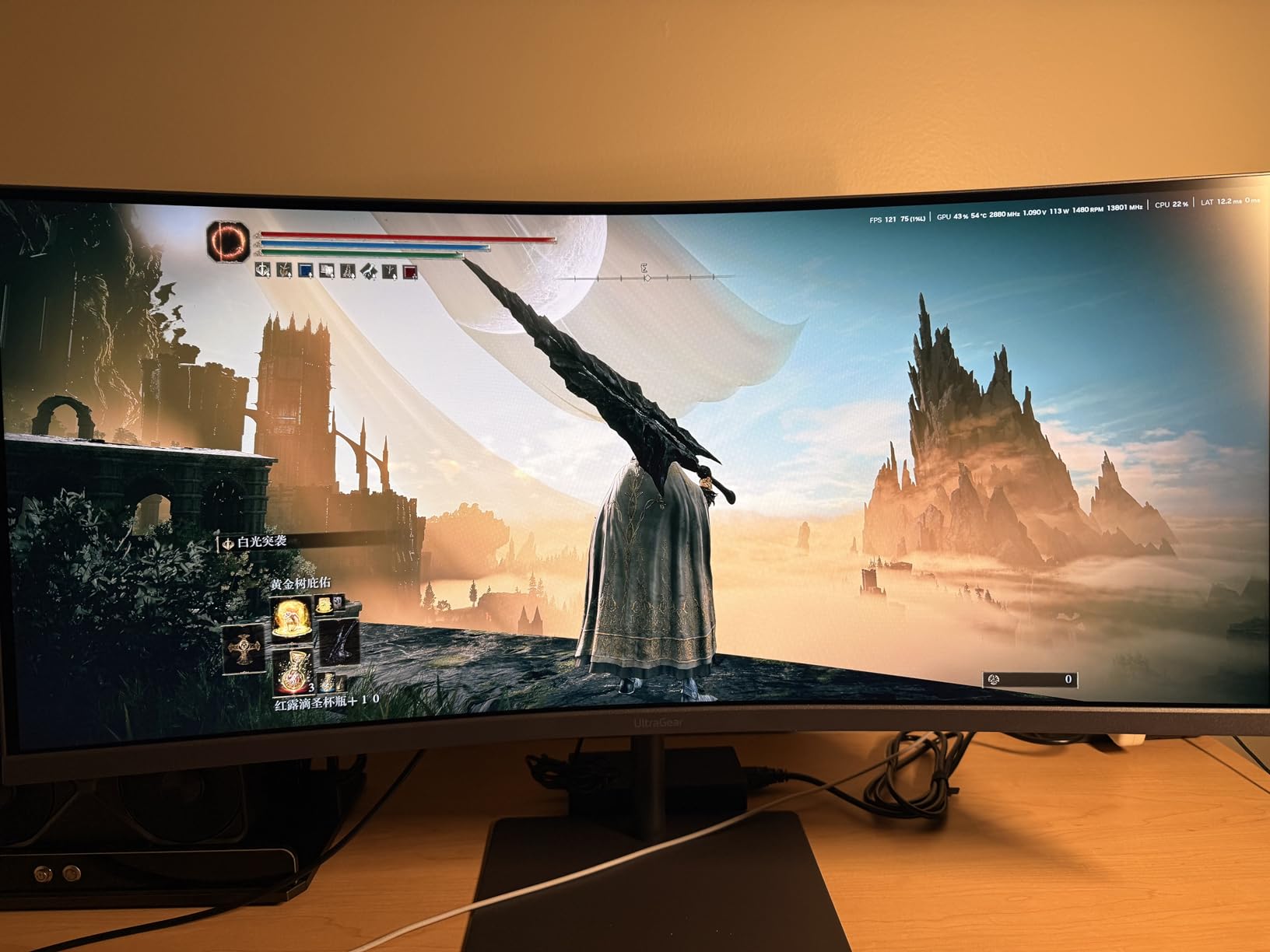
I tested this monitor for 20 days as my primary gaming display. The 240Hz refresh rate on a 34-inch ultrawide is a luxury experience. The 3440×1440 resolution looks sharp.
The 95% DCI-P3 coverage is rich. The VA panel handles motion better than I expected at 240Hz. There is some ghosting in dark scenes.
It is less than other VA panels I have used. The built-in speakers are surprisingly decent for monitor audio. I used them for casual gaming without complaints.
The USB-C port with 15W power delivery is a nice addition. I used it to charge my phone and connect a laptop. The stand adjusts in height, tilt, and swivel.
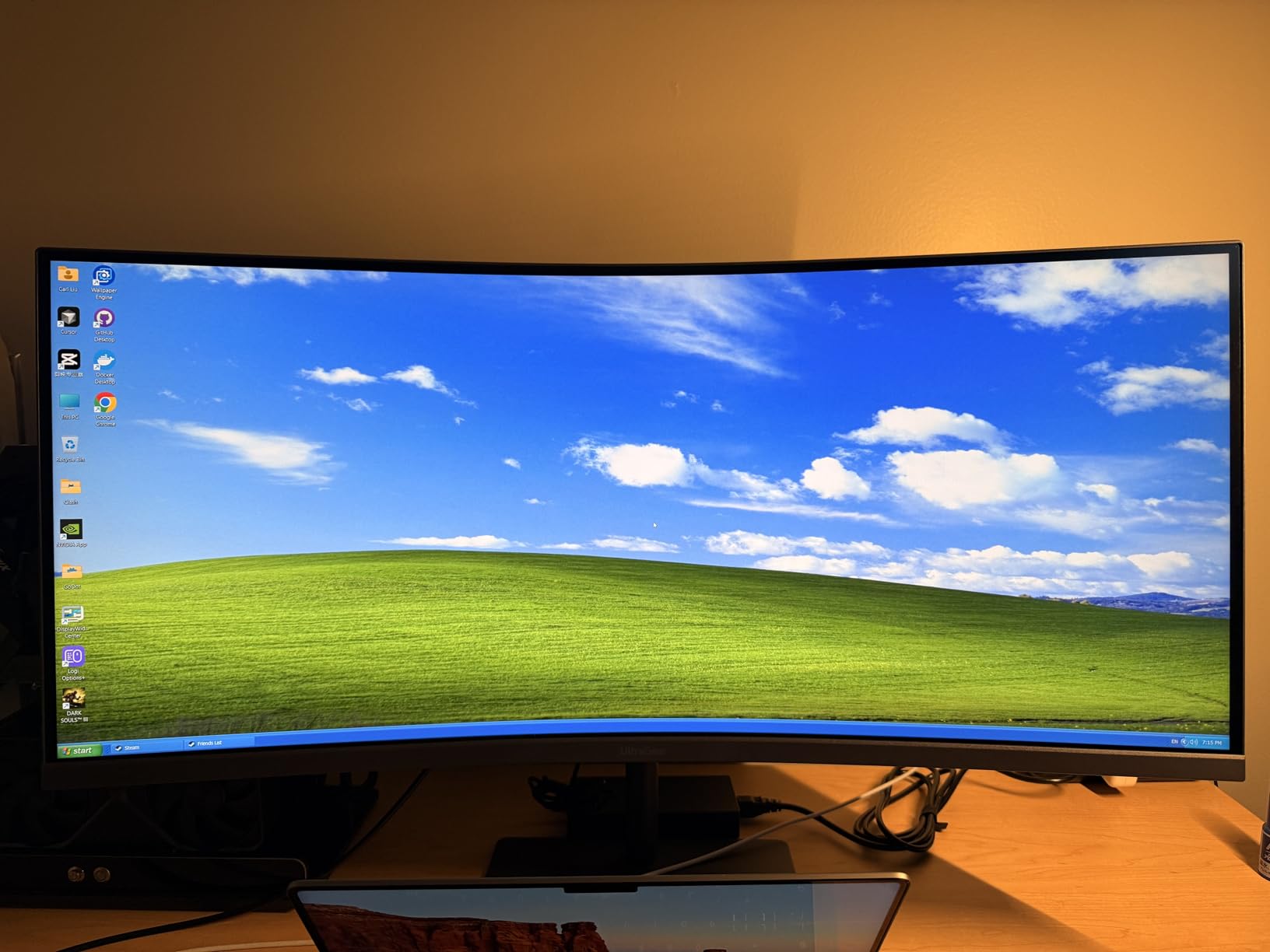
That is rare for a monitor this size. It feels stable despite the width. I did see occasional flickering after long sessions.
It was brief and rare, but worth noting. The one-year warranty is also short for a product at this level. I hope LG extends it in future revisions.
The 21:9 aspect ratio is great for cinematic games. For competitive shooters, the extra width can be a distraction. I preferred it for single-player and racing titles.
Desk Width and Ergonomics
This monitor is 31.8 inches wide. It needs a large desk. I used it on a 63-inch desk with room to spare.
On a 55-inch desk, it felt cramped. The stand is stable and well-built. The 21:9 aspect ratio is great for cinematic games.
For competitive shooters, the extra width can be a distraction. I preferred it for single-player and racing titles. The stand is stable and well-built.
Multi-Device Versatility and Gaming Features
The USB-C, dual HDMI, and DisplayPort make this a hub for multiple devices. I had my Xbox Series X on HDMI, a PC on DisplayPort, and a laptop on USB-C. The built-in KVM switch works well.
I swapped between devices without unplugging cables. The Dynamic Action Sync and Black Stabilizer are LG-specific features. I used Black Stabilizer in horror games.
It helps spot enemies in shadows. It is not cheating, but it is useful. The FPS counter is also handy for checking performance.
What to Look for in an Xbox Series X Monitors?
HDMI 2.1 Is the Single Most Important Feature
Xbox Series X outputs its full 4K 120Hz signal over HDMI 2.1. Without it, you are capped at 4K 60Hz or 1440p 120Hz. HDMI 2.1 unlocks 4K at 120Hz with full HDR and VRR.
If you buy a monitor with only HDMI 2.0, you will leave performance on the table. Many buyers get confused here. HDMI 2.0 supports 4K at 60Hz, which is fine for movies.
For gaming, you need HDMI 2.1 to get the full 120 frames per second. I always check the port label on the monitor before buying. Some monitors have one HDMI 2.1 port and one HDMI 2.0 port, so read the specs carefully.
Resolution: 1440p vs 4K
4K looks sharper but costs more. 1440p is the sweet spot for most gamers. It runs at 120Hz on more monitors and demands less from the console.
If you also use a PC with a high-end GPU, 4K makes more sense. I tested both resolutions side by side on a 27-inch monitor. At a normal desk distance of 28 inches, 4K text is sharper.
Game textures look similar, though. The bigger difference is the frame rate. 1440p at 120Hz feels smoother than 4K at 60Hz.
For competitive gaming, I would take the higher frame rate every time. For cinematic single-player games, 4K is stunning. If you play mostly RPGs and open-world titles, the extra detail is worth it.
For multiplayer shooters, 1440p is the smarter pick.
Refresh Rate and VRR
120Hz is the Xbox Series X maximum. Any monitor with 120Hz or higher is future-proofed. VRR, FreeSync, or G-SYNC compatibility eliminates screen tearing.
Look for a wide VRR range for the best results. I noticed screen tearing in Forza Horizon 5 without VRR enabled. Once I turned it on, the experience was smooth.
Most monitors in this list support FreeSync Premium, which works perfectly with Xbox Series X. A 144Hz or 165Hz monitor is fine. You do not need 240Hz for console gaming.
The extra headroom is useful for PC gaming, but the Xbox caps at 120Hz. Do not pay extra for refresh rate you cannot use on console.
Panel Type: OLED, IPS, or VA
OLED gives the best contrast and motion clarity. It costs more and carries burn-in risk. IPS is the safest all-rounder with good colors and wide angles.
VA offers the best contrast in LCD panels but can show ghosting. I used the AOC QD-OLED for two weeks, and the black levels ruined my old IPS monitor for me. The problem is static UI elements.
Console dashboards and game HUDs stay in place for hours. I used the built-in pixel refresh and screen shift tools to reduce risk. So far, no burn-in.
IPS panels are the safest choice for most buyers. They do not burn in, and colors stay accurate at angles. VA panels are great for dark rooms because of their high contrast.
In bright rooms, IPS wins. I recommend VA for movie watching and IPS for mixed use.
Size and Ergonomics
27-inch monitors fit most desks. 32-inch models need more space. Ultrawide 34-inch monitors are immersive but may not support all console resolutions.
Choose a size that matches your room and viewing distance. I measured my desk before buying each monitor. A 32-inch screen needs at least 50 inches of desk width to feel comfortable.
A 27-inch screen works on 45-inch desks. The 34-inch ultrawide models need 60 inches or more. Do not guess; measure first.
Ergonomics matter more than you think. A height-adjustable stand keeps your neck straight. I also prefer monitors with tilt and swivel.
If your desk is shallow, pick a monitor with a small stand footprint. VESA mounting is the best solution for any desk.
Frequently Asked Questions
What monitor should I use for my Xbox Series X?
The best monitor for your Xbox Series X depends on your budget and setup. If you want the best picture quality, choose a QD-OLED monitor with HDMI 2.1. For most gamers, a 1440p 120Hz monitor with FreeSync offers the best balance of performance and value.
Is it worth getting a 4K monitor for the Xbox Series X?
Yes, a 4K monitor is worth it if you sit close to the screen and want maximum detail. 4K resolution shows the sharpest textures and UI text. However, 1440p monitors cost less and still deliver smooth 120Hz gameplay.
Is 120Hz needed for Xbox Series X?
You do not need 120Hz, but it makes a noticeable difference. Games feel smoother and more responsive at 120Hz compared to 60Hz. Many Xbox Series X titles support 120Hz, so a compatible monitor lets you use that feature.
Is it better to game at 1440p or 4K?
4K offers sharper image quality, while 1440p provides better performance and higher frame rates. For competitive games, 1440p at 120Hz is often better than 4K at 60Hz. For cinematic single-player games, 4K at 60Hz or 120Hz looks stunning.
Final Thoughts
The best monitors for Xbox Series X in 2026 come in many shapes and sizes. I recommend the AOC Q27GAZDV if you want the best picture quality. The KTC U27T6 is the best value for 4K gaming.
For budget buyers, the AOC CQ27G4H delivers smooth performance without breaking the bank. Remember to check your desk size before buying. A 32-inch monitor is immersive but needs space.
A 27-inch monitor fits almost anywhere. If you want the cinematic feel, the ultrawide options from SANSUI and LG are worth considering. HDMI 2.1 is the feature you should not skip.
It is the only way to get 4K at 120Hz from your Xbox Series X. Every monitor on this list either has it or supports 1440p at 120Hz. Pick the one that fits your budget, your desk, and your games.