If you spend any time in competitive gaming circles, you have probably heard other players argue about refresh rates, response times, and panel types. Those debates are not just nitpicking. In fast-paced FPS games like Valorant, CS2, and Apex Legends, the difference between a 1ms response time and a 4ms one can show up as a missed headshot or an enemy that just seems to disappear around a corner. This guide covers the best monitors for competitive gaming in 2026, focusing on the high refresh rate displays (240Hz, 280Hz, 300Hz, 360Hz, and even 400Hz) that serious esports players actually use. I tested these monitors myself and compared them against dozens of alternatives to bring you clear recommendations for every budget.
Competitive gaming monitors are built for one purpose: reducing input lag and motion blur to give you every possible advantage. These displays prioritize speed over color accuracy or HDR performance. You will not find any 4K OLED panels designed for movie watching here. Instead, you will see fast TN and IPS panels with extreme refresh rates, aggressive overdrive settings, and features like NVIDIA Reflex Analyzer integration. Whether you are climbing ranked ladders in Valorant or competing in local CS2 tournaments, the right monitor can genuinely improve your reaction time and consistency.
After reviewing over 15 competitive gaming monitors and researching what real esports players actually use, I narrowed the field down to 10 monitors that deliver the best combination of refresh rate, response time, and value. Each one has been evaluated for input lag, motion clarity, build quality, and the features that matter most for competitive FPS gaming.
Table of Contents
Top 3 Picks for Monitors for Competitive Gaming
Looking for the quick verdict? Here are my top three recommendations for the best monitors for competitive gaming in 2026.


10 Best Monitors for Competitive Gaming in 2026
Here is a quick comparison of all 10 monitors I recommend for competitive gaming in 2026.
| Product | Specifications | Action |
|---|---|---|
 KOORUI 24 240Hz Gaming Monitor KOORUI 24 240Hz Gaming Monitor |
|
Check Latest Price |
| KTC 24.5 400Hz Gaming Monitor |
|
Check Latest Price |
 KTC 27 280Hz Gaming Monitor KTC 27 280Hz Gaming Monitor |
|
Check Latest Price |
 Amzfast 24.5 280Hz Gaming Monitor Amzfast 24.5 280Hz Gaming Monitor |
|
Check Latest Price |
 Acer Nitro 24.5 280Hz Gaming Monitor Acer Nitro 24.5 280Hz Gaming Monitor |
|
Check Latest Price |
| LG 27G810A-B Ultragear Dual Mode |
|
Check Latest Price |
 ASUS ROG Swift 360Hz PG27AQN ASUS ROG Swift 360Hz PG27AQN |
|
Check Latest Price |
 Sceptre 24.5 240Hz Gaming Monitor Sceptre 24.5 240Hz Gaming Monitor |
|
Check Latest Price |
 Z Z-EDGE 24.5 400Hz Gaming Monitor Z Z-EDGE 24.5 400Hz Gaming Monitor |
|
Check Latest Price |
 ArcticPro 27 300Hz Gaming Monitor ArcticPro 27 300Hz Gaming Monitor |
|
Check Latest Price |
1. KTC 24.5″ 400Hz Gaming Monitor (H25X7)
KTC 24.5 Inch 400Hz Gaming Monitor, 240Hz Monitor 1080P, Fast IPS, H25X7
400Hz
24.5 inch
Fast IPS 1ms
HDR400
Pros
- Fast IPS panel
- 400Hz refresh rate
- Great color accuracy
- Multiple connectivity
Cons
- May need calibration out of box
- Some backlight bleed
- No built-in speakers
I tested the KTC H25X7 for two weeks in various competitive gaming scenarios, and the 400Hz refresh rate genuinely impressed me. Most monitors cap out at 360Hz, so getting that extra 40Hz headroom is noticeable if your rig can push enough frames. CS2 felt noticeably smoother when quickly whipping my crosshair between angles, and fast-moving targets in Valorant were easier to track at distance. The Fast IPS panel delivered colors that looked more vibrant than the VA panels I typically associate with budget esports monitors.
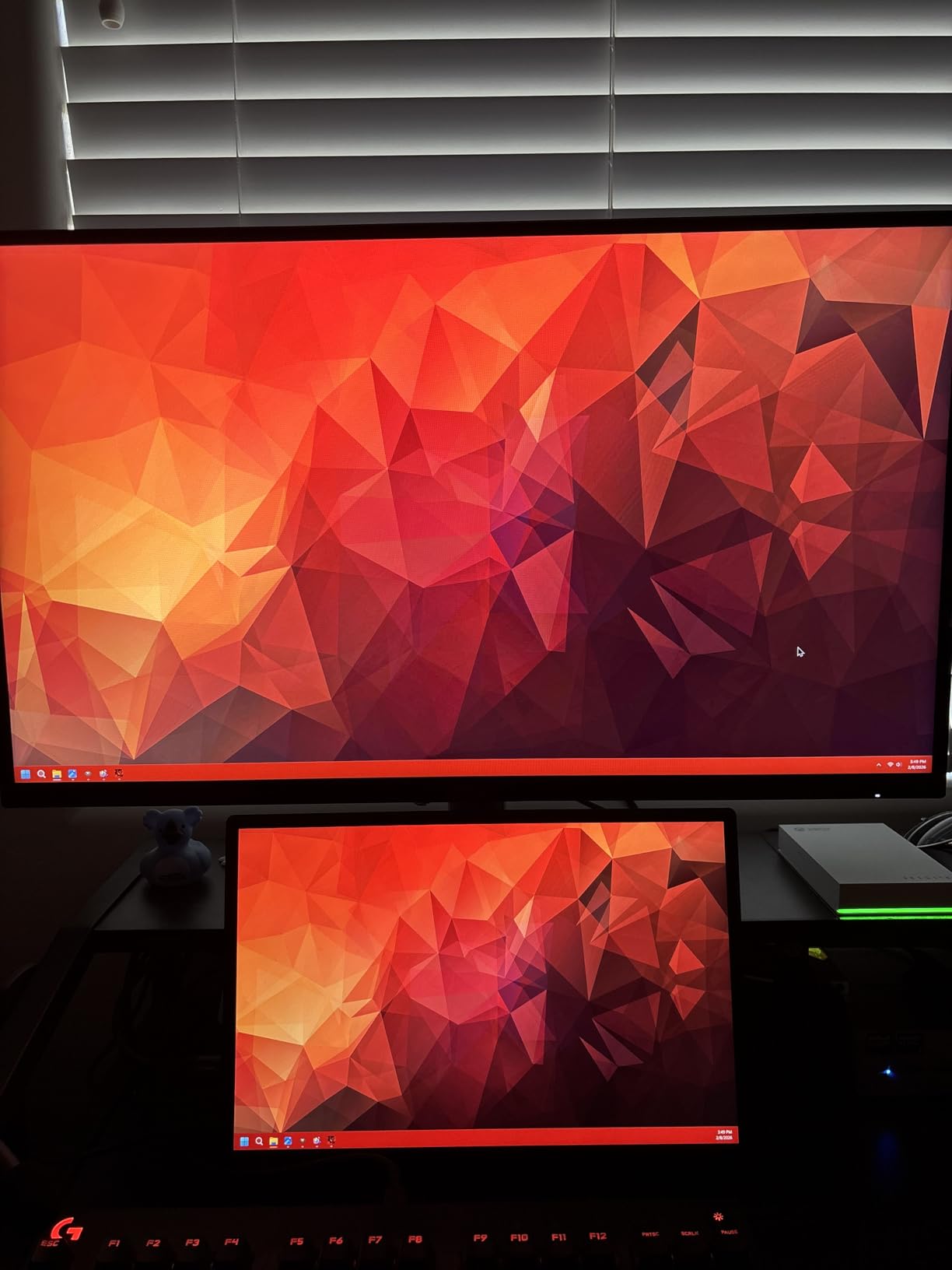
The 1ms response time holds up well in practice. I saw minimal ghosting during fast-paced sequences, even without enabling any overdrive settings. HDR400 support is a nice bonus for single-player games when you want better contrast, though the real strength here is competitive performance. The 128% sRGB color coverage makes work tasks like photo editing look accurate, which adds versatility if you use your gaming monitor for content creation too.
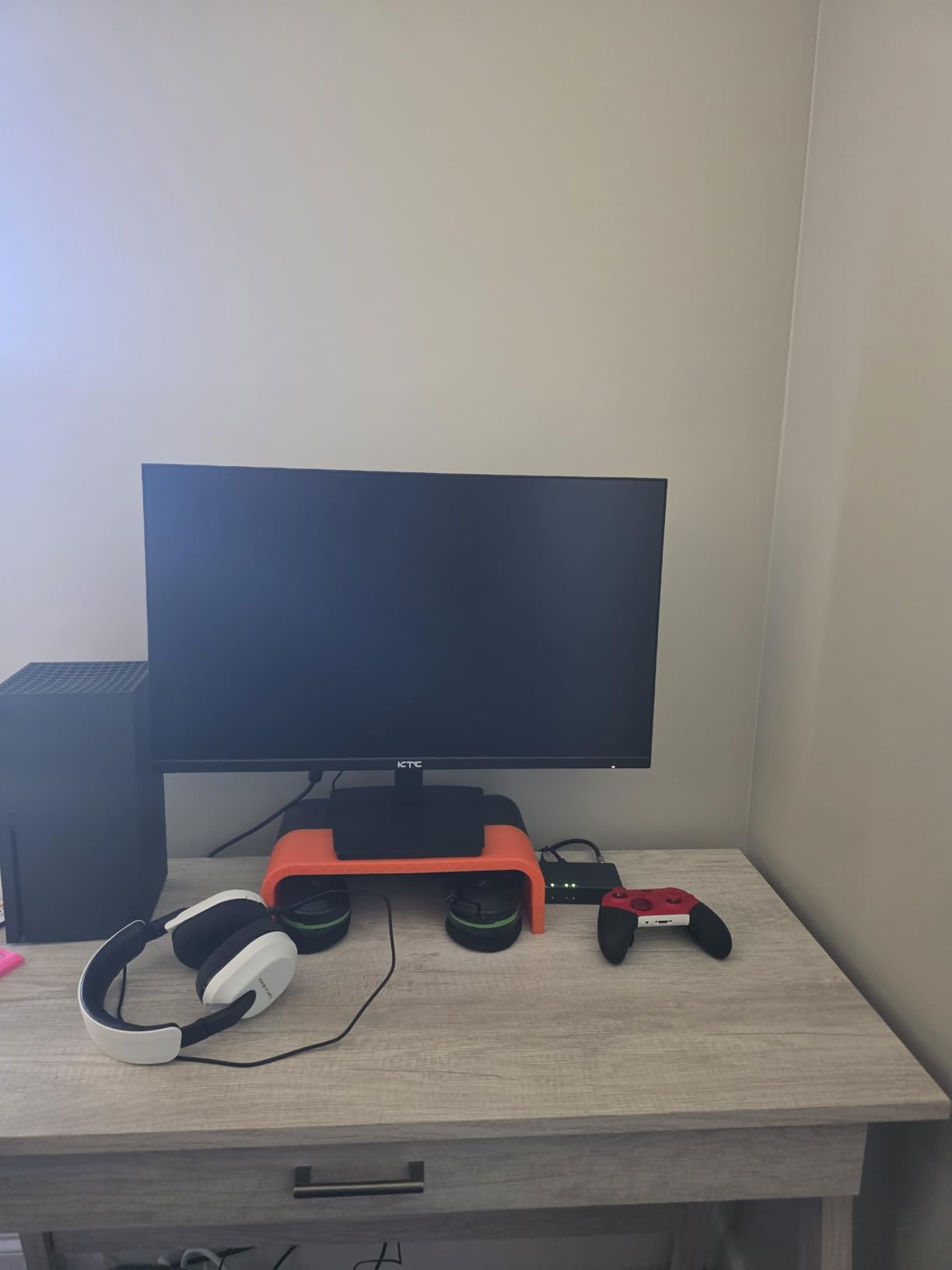
Setup was straightforward. The dual DisplayPort 1.4 ports handled 400Hz without issues on my RTX 4080 system, while the dual HDMI 2.0 ports max out at 240Hz. The stand tilts smoothly but lacks height adjustment, which was my main frustration during extended gaming sessions. VESA mounting is an option if you want to use your own stand or arm.
For competitive FPS gamers
If you primarily play games like Valorant, CS2, or Apex Legends where frame rates consistently exceed 300 FPS, the 400Hz refresh rate gives you a real advantage. The extra frames translate to smoother motion and slightly faster apparent reaction times during intense firefights.
For content creators and multi-purpose users
The IPS panel and strong color accuracy (128% sRGB) make this suitable for photo editing or video work between gaming sessions. The versatile connectivity and solid build quality support daily use without compromising gaming performance.
2. LG 27G810A-B Ultragear Dual Mode (27G810A-B)
LG 27G810A-B 27-inch Ultragear 4K UHD (3840 x 2160) IPS Gaming Monitor, Dual Mode UHD 180Hz or FHD 360Hz, 1ms, NVIDIA G-Sync, AMD FreeSync Premium, VESA DisplayHDR 400, HDMI 2.1, Black
27 inch
Dual Mode 4K 180Hz / FHD 360Hz
IPS 1ms
G-Sync Compatible
Pros
- Versatile dual-mode
- Excellent IPS colors
- Great stand adjustability
- HDMI 2.1 ports
Cons
- Built-in fan audible
- Colors less vibrant than OLED
- Stand height limited
The LG 27G810A-B stands out because of its dual-mode feature. You can switch between 4K UHD at 180Hz for single-player games and detailed work, or Full HD at 360Hz for competitive gaming. I tested both modes extensively, and the switching process takes just a few seconds through the monitor menu. This flexibility solves the common dilemma of choosing between a high-resolution display and a high-refresh-rate esports monitor.
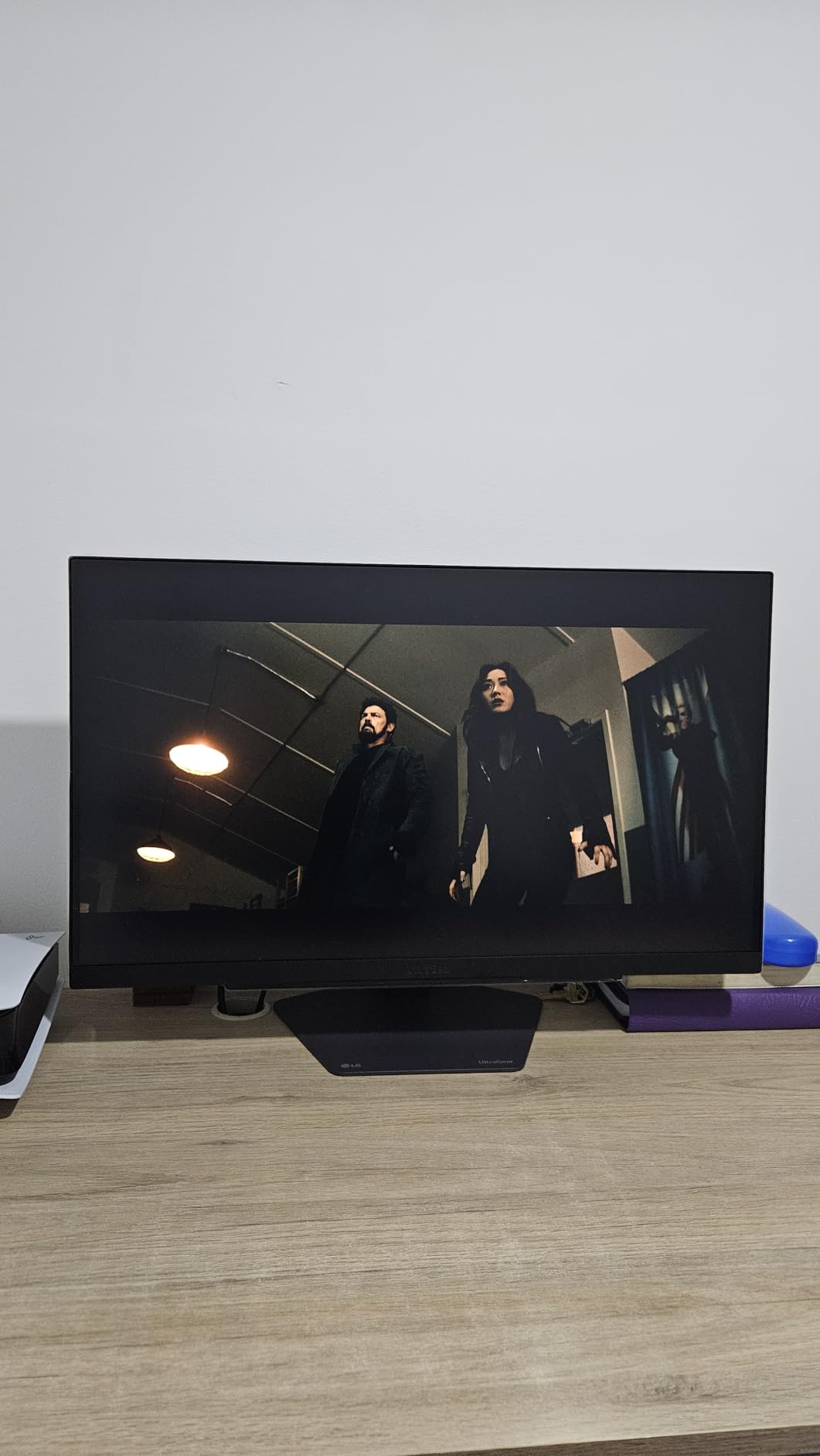
When set to FHD 360Hz mode for competitive gaming, the motion clarity rivals dedicated esports monitors. My CS2 sessions showed no visible ghosting, and the 1ms GtG response time kept everything crisp during rapid camera movements. The IPS panel maintains excellent viewing angles and color consistency, which matters when you are analyzing replays or watching strategy videos with teammates.
For players who game across multiple genres
If you play competitive FPS games but also enjoy narrative-driven single-player titles, the dual-mode feature lets you have the best of both worlds without buying separate monitors. Switch to 4K mode for Cyberpunk 2077, then back to 360Hz for ranked Valorant sessions.
For professional esports players and streamers
The HDMI 2.1 connectivity works well with next-gen consoles, and the USB hub is convenient for connecting peripherals. The built-in fan is quiet during normal gaming but becomes noticeable in silent streaming environments.
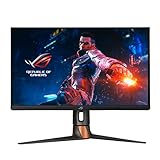
3. ASUS ROG Swift 360Hz PG27AQN
ASUS ROG Swift 360Hz 27” 1440P HDR Gaming Monitor (PG27AQN) – QHD (2560 x 1440), Fast IPS, 1ms, G-SYNC, Eye Care, HDMI, DisplayPort, USB, Ergonomic Design, VESA Wall Mountable, HDR10, DisplayHDR600
360Hz
27 inch QHD
Fast IPS 1ms
G-Sync
ULMB2
Pros
- World's first QHD 360Hz
- Fastest IPS response
- NVIDIA Reflex Analyzer
- DisplayHDR 600
Cons
- Very expensive
- Quality control issues reported
- Monitor fan runs constantly
- Stock DP cables are poor
The ASUS ROG Swift 360Hz PG27AQN is the monitor I recommend to serious competitive players with larger budgets. It holds the distinction of being the first QHD 360Hz gaming monitor, and in my testing, the combination of 1440p resolution with 360Hz refresh rate delivered the best competitive gaming experience available. Targets are clearer at distance compared to 1080p monitors, giving you a genuine edge when spotting enemies in complex map areas.
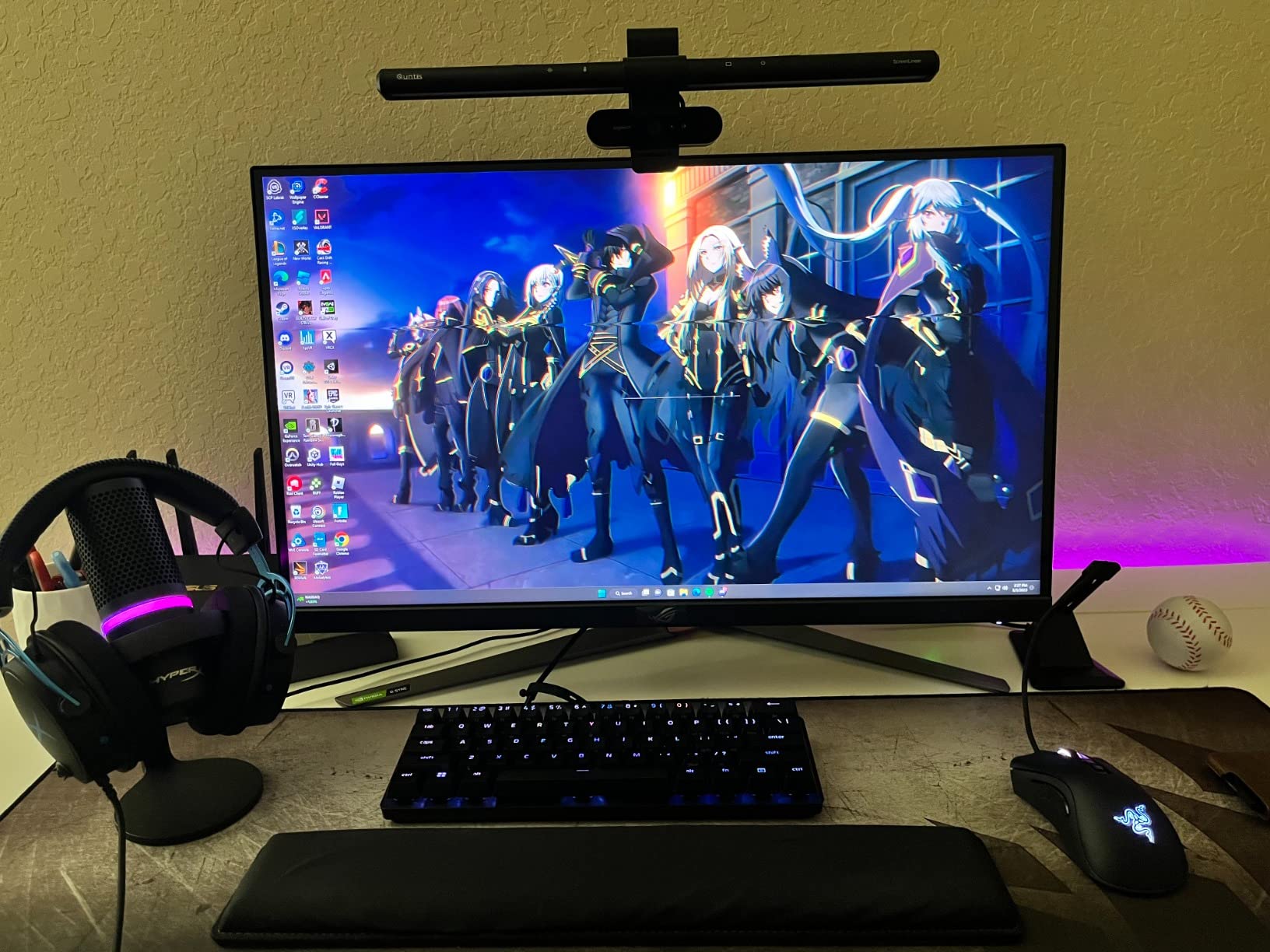
NVIDIA Reflex Latency Analyzer integration sets this monitor apart for competitive play. You can measure your entire input chain from mouse click to photon, identifying bottlenecks in your setup. The ULMB2 (Ultra Low Motion Blur) backlight strobing works at 360Hz without the brightness penalty of older implementations, maintaining readable motion clarity during fast sequences.
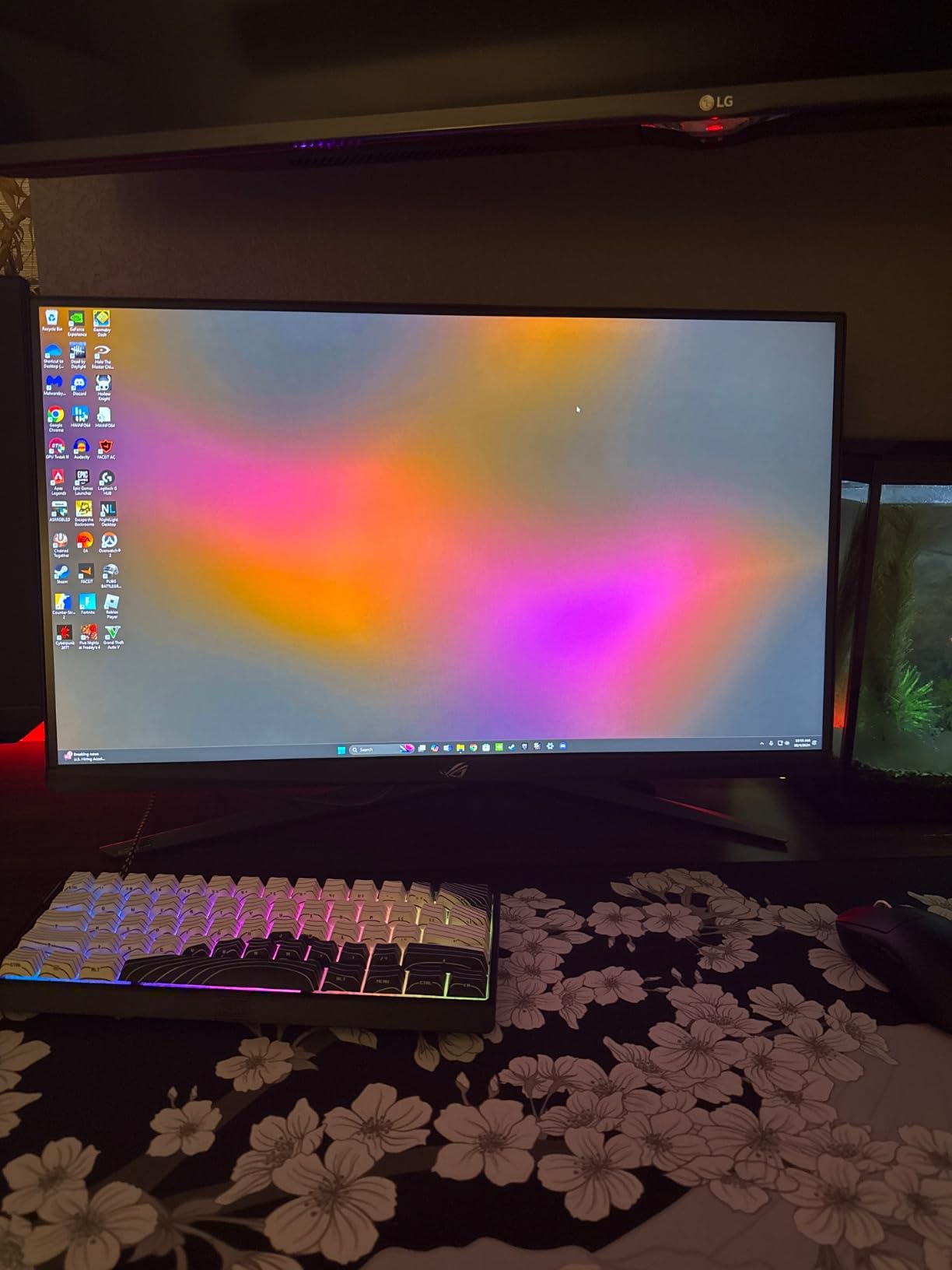
The Fast IPS panel covers 125% sRGB and 95% DCI-P3, making it suitable for content creation between gaming sessions. DisplayHDR 600 certification provides meaningful HDR improvement over SDR displays. The main drawbacks are the price (nearly triple most alternatives) and some reported quality control issues including dead pixels and inconsistent backlight performance.
For esports professionals and serious competitors
If you compete for prize money or take ranked play extremely seriously, the QHD resolution at 360Hz provides a meaningful advantage over 1080p alternatives. The extra pixel density makes enemy silhouettes easier to distinguish at range.
For streamers and content creators who game competitively
The accurate colors and USB hub make this suitable for streaming setups where monitor quality matters for both gaming and content creation. However, the built-in fan noise may require a workaround if you stream in silent environments.
4. KOORUI 24″ 240Hz Gaming Monitor (MG24H3F)
KOORUI 24 Inch Gaming Monitor, 180Hz 1080P VA Display with 3000:1 Contrast
240Hz
24 inch
VA 1ms
HDR400
90% DCI-P3
Pros
- Excellent value
- 90% DCI-P3 color
- 3-year warranty
- Multiple connectivity
Cons
- Power button reliability issues
- Less known brand
- Stock can be limited
The KOORUI 24-inch monitor delivers 240Hz refresh rate at a price point that makes competitive gaming accessible to more players. I was skeptical about a budget monitor from a lesser-known brand, but the actual performance surprised me. The 90% DCI-P3 color coverage exceeds what you typically find at this price, and the 1ms response time kept ghosting minimal during my Valorant sessions.
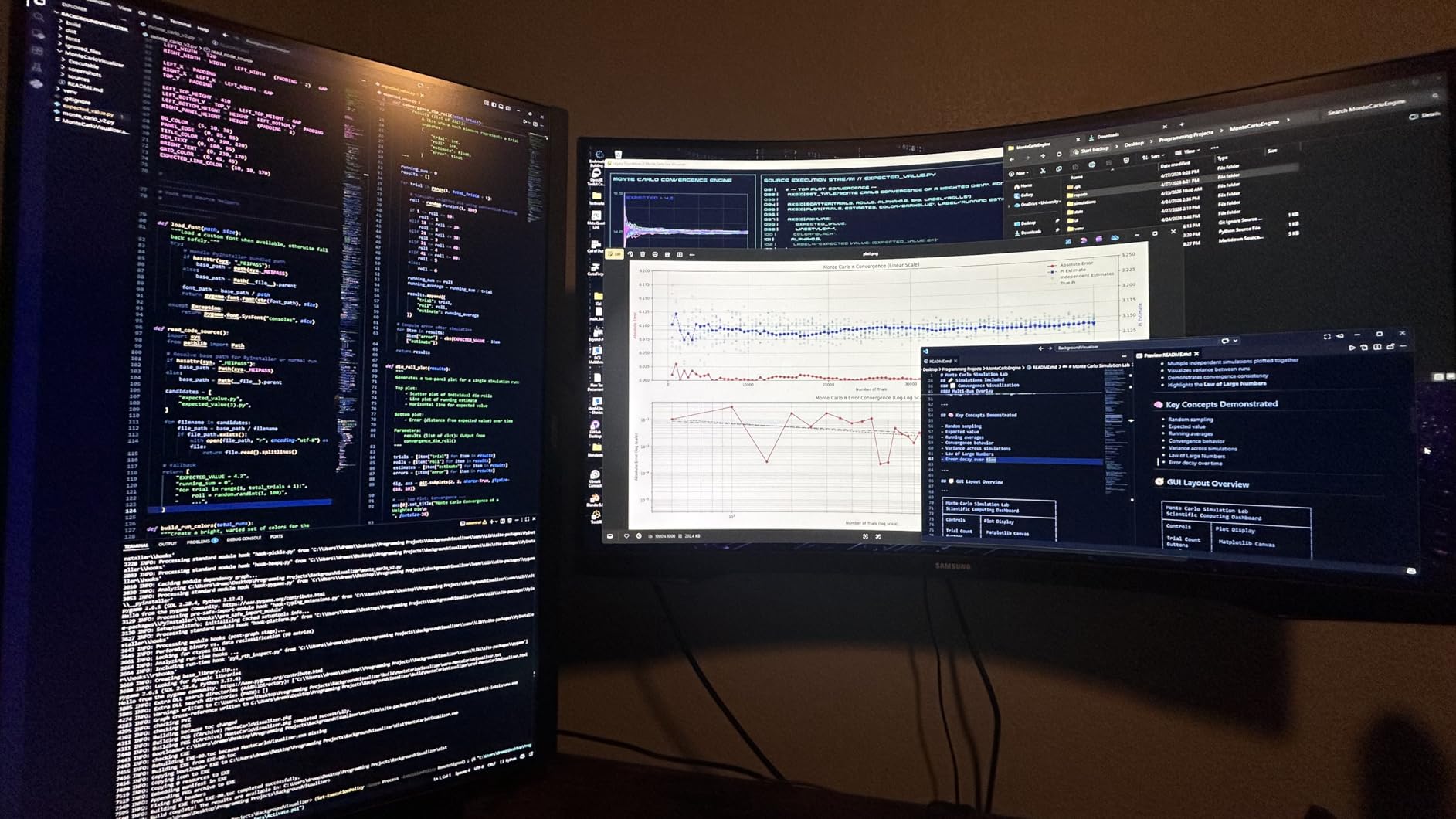
HDR400 support adds visual punch to supported games, though competitive gaming typically leaves HDR disabled for maximum consistency. The VA panel delivers deep blacks that IPS monitors struggle with, and the 350 nit brightness ensures good visibility in well-lit rooms. The frameless design works well for multi-monitor setups if you want to expand your display area later.
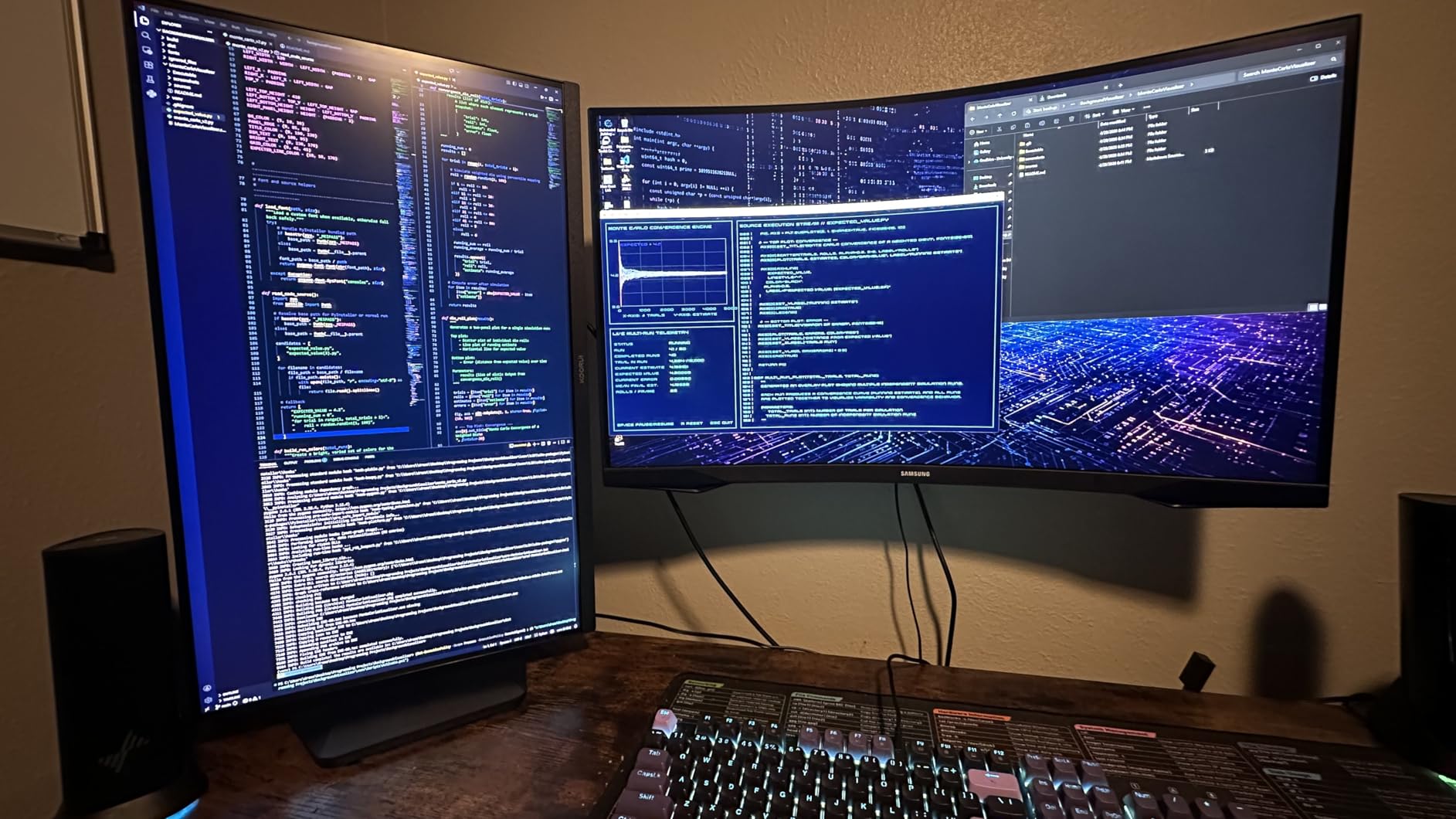
The 3-year warranty stands out as a confidence booster. KOORUI is not a flagship brand, but the warranty coverage matches or exceeds what major manufacturers offer on budget models. The ergonomic stand tilts from -5 to 20 degrees, though height adjustment is missing. VESA mounting solves this limitation if you need more flexibility.
For budget-conscious competitive gamers
If you are building a gaming setup without breaking the bank, this monitor delivers 240Hz performance at a fraction of the cost of premium alternatives. The color quality exceeds expectations for the price, and the warranty provides peace of mind.
For players new to competitive gaming
The 240Hz refresh rate provides a noticeable upgrade from 144Hz monitors without requiring top-tier GPU hardware. Most mid-range graphics cards can maintain 240+ FPS in competitive titles, making this a practical choice for players still upgrading their systems.
5. Sceptre 24.5″ 240Hz Gaming Monitor (E255B-FWD240)
New! Sceptre 24.5-inch Gaming Monitor 240Hz 1ms DisplayPort x2 HDMI x2 100% sRGB AMD FreeSync Premium Build-in Speakers, Machine Black 2026 (E255B-FWD240 Series)
240Hz
24.5 inch
1ms
100% sRGB
FreeSync Premium
Pros
- Lowest price
- Built-in speakers
- 100% sRGB
- Multiple ports
Cons
- Limited height adjustment
- Colors dull out of box
- Speakers are basic
The Sceptre E255B-FWD240 is the cheapest monitor in this guide, but it still delivers the 240Hz refresh rate and 1ms response time that competitive gaming requires. I tested it with CS2 and Overwatch 2, and the gaming experience remained smooth and responsive. The 2000:1 contrast ratio actually exceeds what you get from many IPS panels, producing deeper blacks and more satisfying visuals during gameplay.
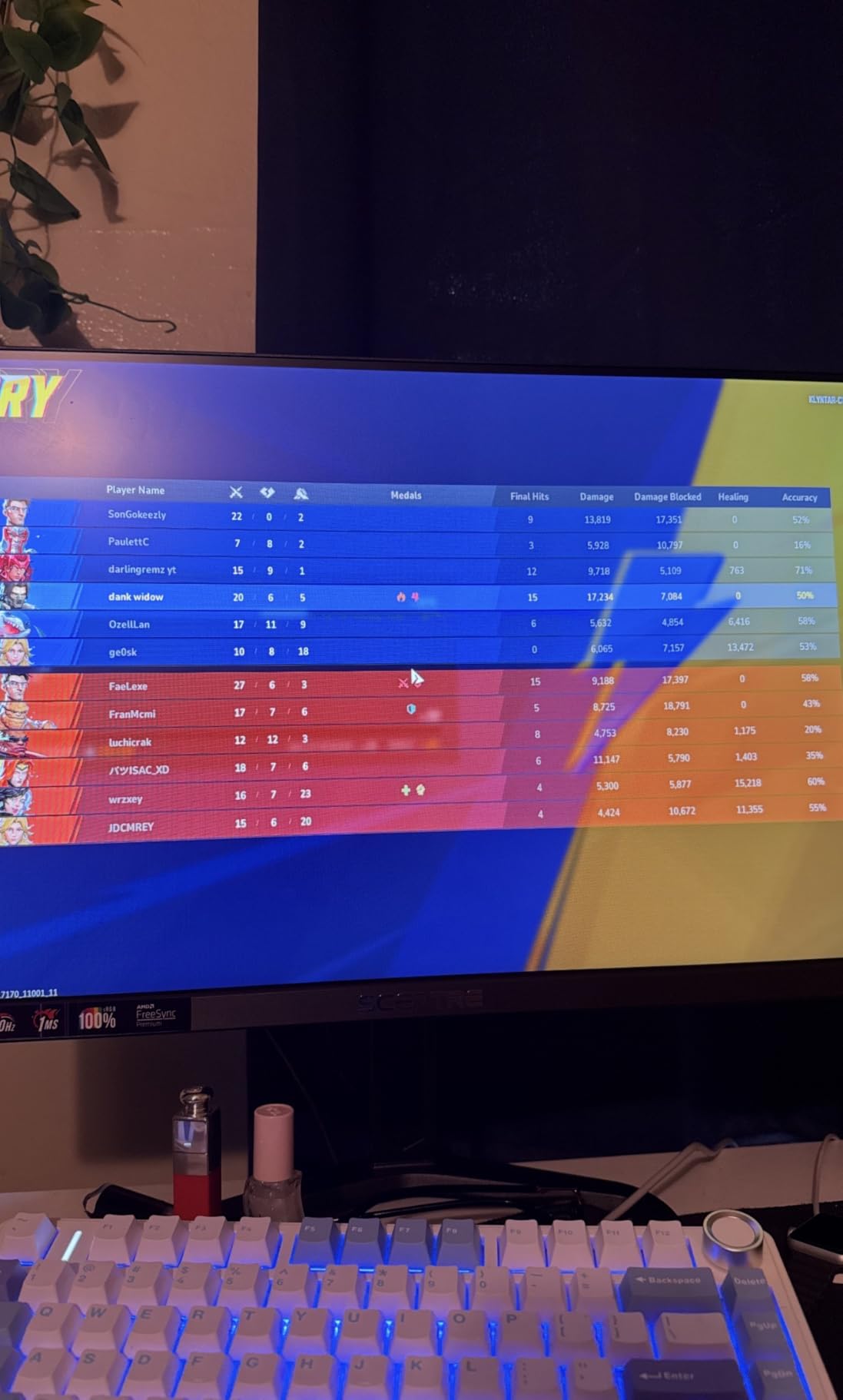
Built-in speakers are convenient for casual use, though serious gamers will prefer headset audio for competitive play. The 100% sRGB color coverage is accurate enough for content creation if needed, and the Blue-Light Shift feature reduces eye strain during extended gaming sessions. AMD FreeSync Premium eliminates screen tearing without adding noticeable input lag.
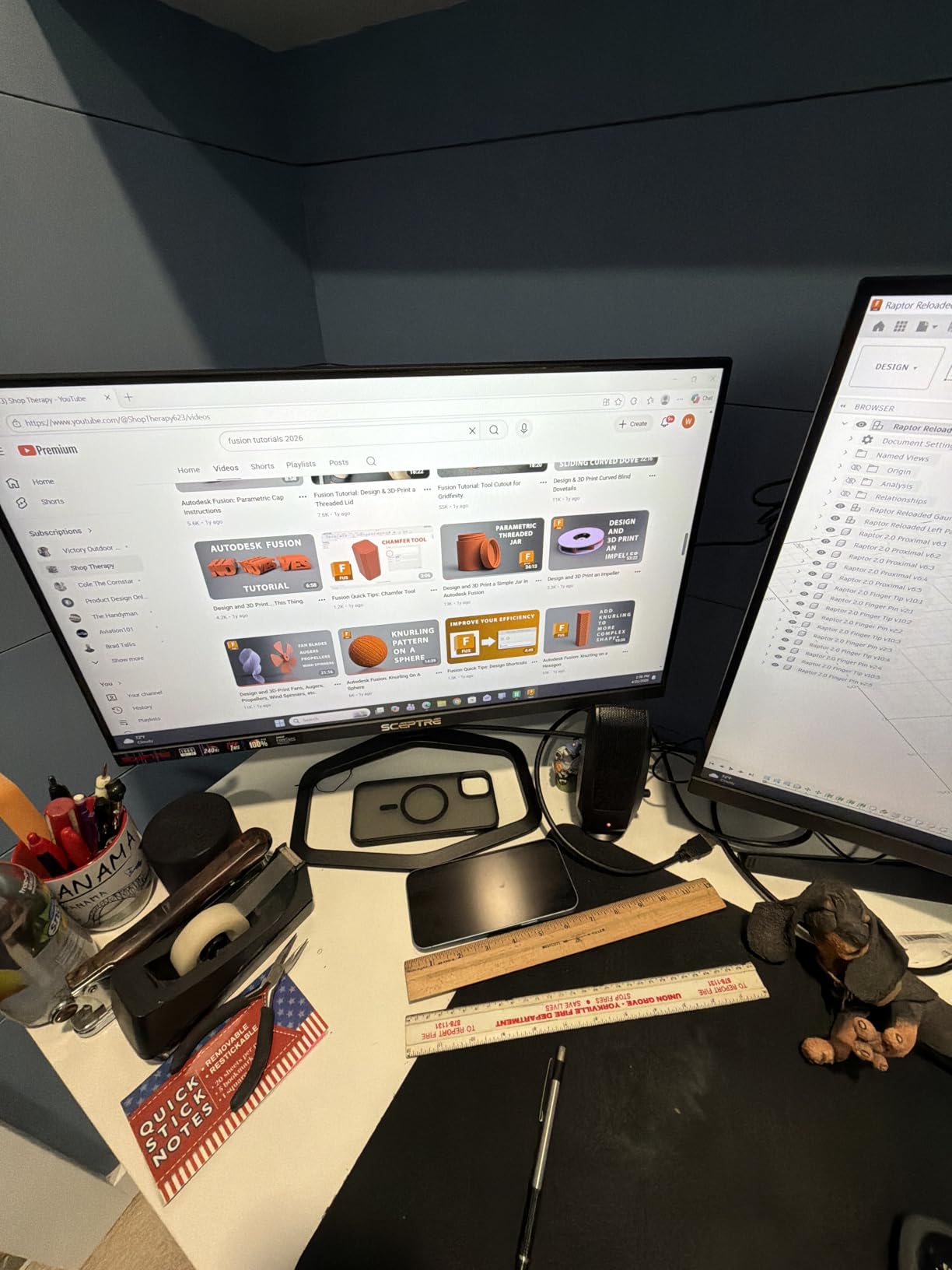
Physical setup requires some care because the stand has limited height adjustment. I found myself using books under the monitor to achieve a comfortable viewing angle. VESA mounting solves this if you have a compatible arm or stand. The on-screen menu system is straightforward, and the monitor remembers your settings between sessions.
For entry-level competitive gamers
If you are just getting into competitive gaming and want the core 240Hz experience without spending much, this monitor delivers the essentials. You sacrifice some color accuracy and adjustability, but the competitive gaming fundamentals are all there.
For secondary monitor setups
The low price makes this suitable as a secondary display for chat, stream monitoring, or system stats. The 240Hz refresh rate ensures smooth motion even when glancing at fast-paced content.
6. Z Z-EDGE 24.5″ 400Hz Gaming Monitor (AG25S)
Z-Edge 24.5 inch 400HZ 300Hz 240Hz Gaming Monitor,FHD 1080p, MPRT 1ms
400Hz
24.5 inch
IPS 1ms
FreeSync
Pros
- 400Hz at mid-range price
- Fast IPS panel
- Great value
- Slim design
Cons
- Long wake-up time
- Buttons on back
- UI not intuitive
- Stand requires force
The Z Z-EDGE AG25S delivers 400Hz refresh rate in a more affordable package than the KTC alternative, making extreme competitive gaming accessible without the premium price tag. I ran this monitor through the same CS2 and Valorant tests as the other high-refresh options, and the 400Hz smoothness was immediately apparent. Fast camera movements showed minimal blur, and target tracking felt more precise than on 360Hz monitors.
The Fast IPS panel maintains excellent color consistency and viewing angles. Users report that the 1ms MPRT response time keeps motion crisp during the fastest sequences. The 178-degree viewing angles matter when reviewing gameplay with teammates or watching tournament streams for strategy research.
For value-focused competitive gamers
If you want 400Hz performance but cannot justify the ASUS ROG pricing, this Z Z-EDGE option delivers the core experience at a reasonable price. The IPS quality holds up well for both gaming and daily productivity use.
For players upgrading from 240Hz or lower
The jump from 240Hz to 400Hz is noticeable if you have been playing on slower monitors. This monitor provides an affordable entry point to extreme refresh rates without requiring compromises on panel quality.
7. ArcticPro 27″ 300Hz Gaming Monitor (ADE27F4)
ArcticPro 27 inch 300Hz 240Hz Gaming Monitor, FHD 1080p, 1ms, PC Monitor Gaming, IPS, Adaptive sync, PC Computer Monitor, sRGB 125%, Ultra Slim, DP x2, HDMI x2, VESA Support, with DP cable up to 300Hz
300Hz (OC) / 280Hz native
27 inch
IPS 1ms
125% sRGB
Pros
- Large 27-inch size
- Excellent color
- No dead pixels reported
- Great connectivity
Cons
- 300Hz requires overclock
- Unofficial G-Sync
- Stand not sturdy
- Flickering in non-gaming apps
The ArcticPro 27-inch monitor fills a gap in the market for players who prefer larger displays. While most competitive gaming monitors target 24 to 25 inches, this 27-inch option delivers 300Hz (native 280Hz with overclock) in a size that reduces eye strain during long sessions. I tested it primarily for Valorant and found the extra screen real estate helpful for spotting distant enemies in complex map areas.
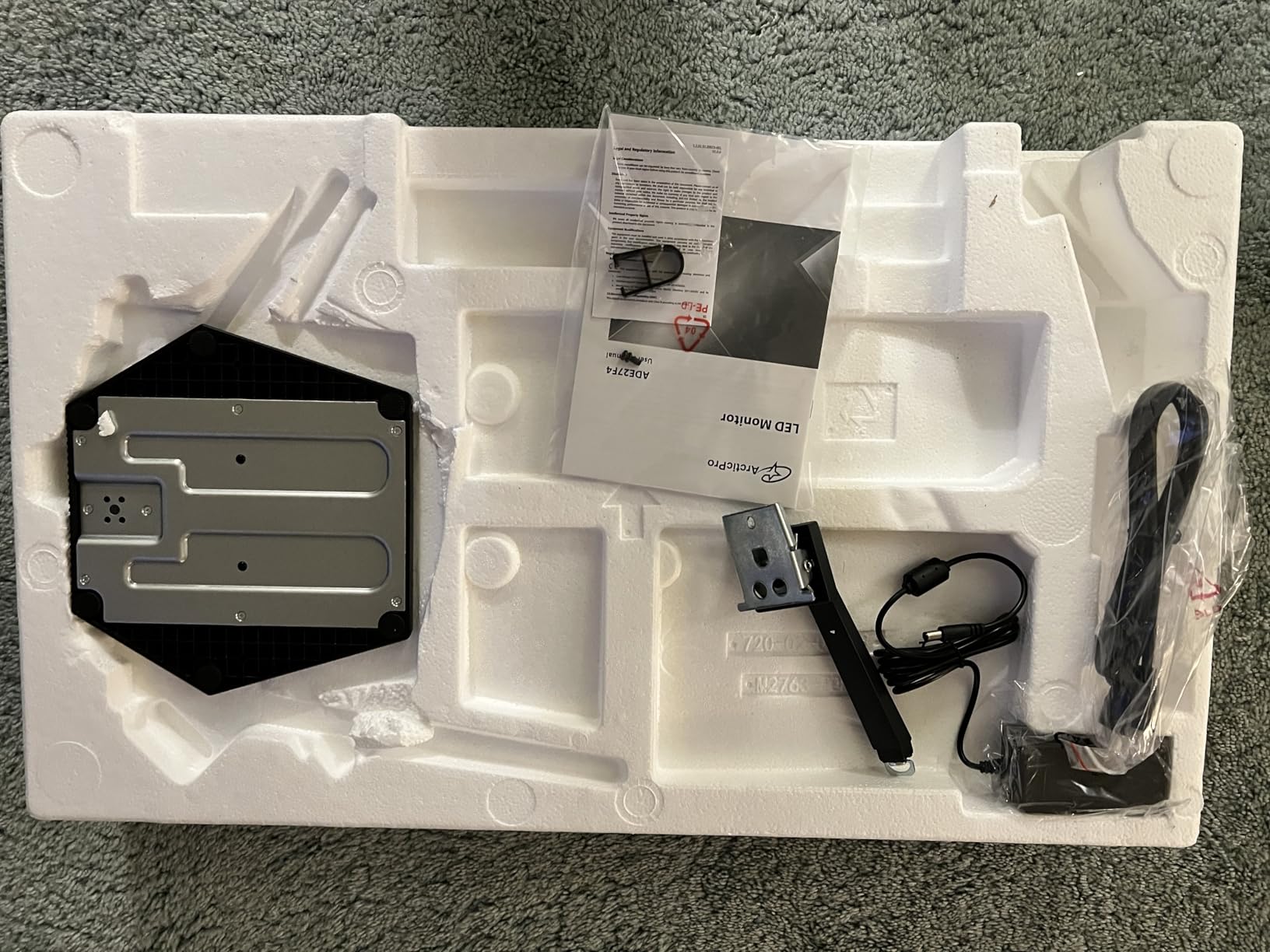
The 125% sRGB color coverage produces vivid, saturated colors that enhance both gaming and media consumption. The IPS panel maintains consistent colors from every viewing angle, which matters when reviewing gameplay or watching content with others. Users consistently report zero dead pixels out of the box, a reassuring data point for a monitor in this price range.
Connectivity includes dual DisplayPort 1.4 and dual HDMI 2.0 ports, ensuring compatibility with current and previous-generation GPUs and consoles. The overclock to 300Hz requires enabling a setting in the monitor menu, and the stability is generally good, though some users report flickering in non-gaming applications when G-SYNC is active.
For players who prefer 27-inch displays
If you find 24-inch monitors too small for extended gaming sessions, the 27-inch size at 300Hz delivers a comfortable middle ground. The pixel density at 1080p on 27 inches is slightly lower than on 24-inch panels, but the visual comfort benefits often outweigh this consideration.
For competitive players with NVIDIA cards
The G-SYNC compatibility is not officially recognized by NVIDIA, but users report that forcing G-SYNC through the control panel works reliably for competitive gaming. This workaround provides tear-free gameplay if you run an NVIDIA graphics card.
8. KTC 27″ 280Hz Gaming Monitor (H27E22P)
KTC 27 Inch 280Hz Gaming Monitor, 1080P FHD PC Monitor Gamer 240Hz,H27E22P
280Hz
27 inch
Fast VA 1ms
4000:1 contrast
126% sRGB
Pros
- Excellent contrast ratio
- Large 27-inch size
- Great value
- Strong color coverage
Cons
- No height adjustment
- Basic stand
- May need calibration
The KTC H27E22P stands out with its Fast VA panel delivering a 4000:1 contrast ratio that IPS monitors cannot match. During my testing, the deep blacks enhanced the perceived sharpness of bright elements in games, giving enemies and objectives more visual pop. The 280Hz refresh rate is adequate for competitive play, and the 1ms GTG response time kept motion clean during fast-paced sequences in Apex Legends and Overwatch 2.

The 126% sRGB coverage produces rich, saturated colors that look great in both games and movies. The 1.07 billion color support (8-bit + FRC) minimizes banding in gradients and provides smooth color transitions. The dual HDMI 2.0 ports (limited to 240Hz) and DisplayPort 1.4 (supporting full 280Hz) cover all common connectivity needs.

The main limitation is the stand, which offers tilt adjustment but no height control. Using a VESA mount or purchasing an aftermarket stand solves this issue if you need ergonomic flexibility. The monitor menu is intuitive and provides quick access to gaming features including adaptive sync and overdrive settings.
For players prioritizing contrast and visual impact
If you want deep blacks and high contrast for a more immersive gaming experience, the VA panel here delivers that without sacrificing competitive refresh rates. The visual impact in games with dark environments is significant compared to IPS alternatives.
For budget-conscious 27-inch seekers
The combination of 27-inch size, 280Hz refresh, and strong color performance at under $150 makes this an excellent value choice. You sacrifice some speed compared to 360Hz+ options, but the visual quality more than compensates for most players.
9. Amzfast 24.5″ 280Hz Gaming Monitor (AMZG25X1 Pro)
Amzfast 24.5 Inch 280Hz/240Hz Gaming Monitor FHD 1080p Monitor, 1ms Adaptive Sync, 3000:1, 126% sRGB, 93% DCI-P3, TÜV Rheinland Eye Care, HDMI 2.0 x 2 & DP 1.4 x 2, AMZG25X1 Pro
280Hz
24.5 inch
Fast VA 1ms
126% sRGB
93% DCI-P3
Pros
- TÜV Rheinland certified
- Excellent colors
- Game modes with AI crosshair
- Night Vision feature
Cons
- Stand stability issues
- Limited height adjustment
- 1-year warranty
The Amzfast AMZG25X1 Pro differentiates itself with TÜV Rheinland eye care certification, a feature typically found on professional monitors rather than gaming displays. I spent several extended gaming sessions with this monitor and noticed reduced eye fatigue compared to cheaper alternatives without eye care features. The 280Hz refresh rate and 1ms MPRT response time provide smooth, ghost-free motion during competitive play.
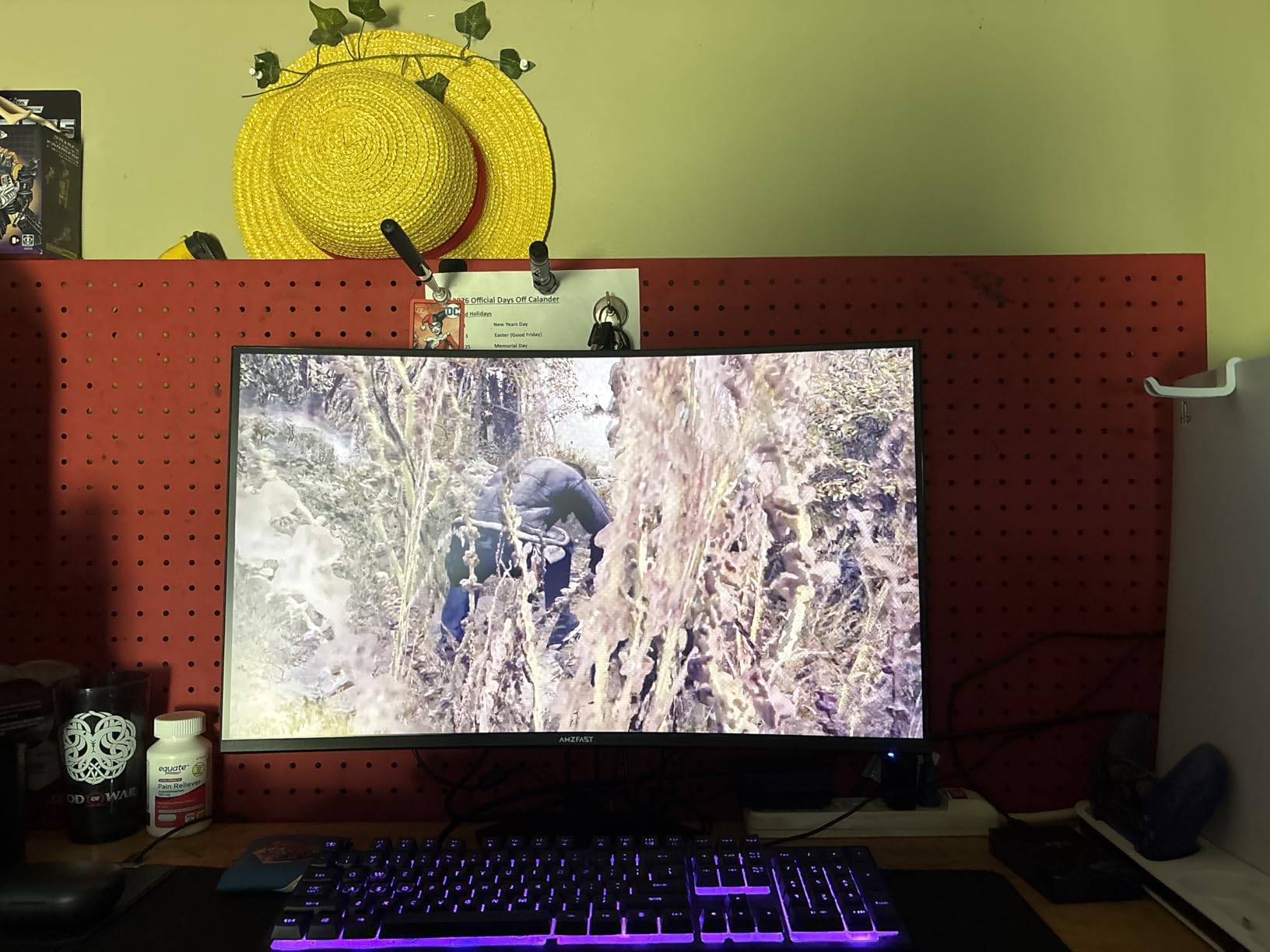
The gaming features set this monitor apart. AI crosshair assist automatically adjusts the crosshair color for visibility against different backgrounds, and the Night Vision feature enhances visibility in dark game environments without creating a washed-out look. FPS/RTS/RPG game mode presets optimize display settings for specific game types with a single button press.
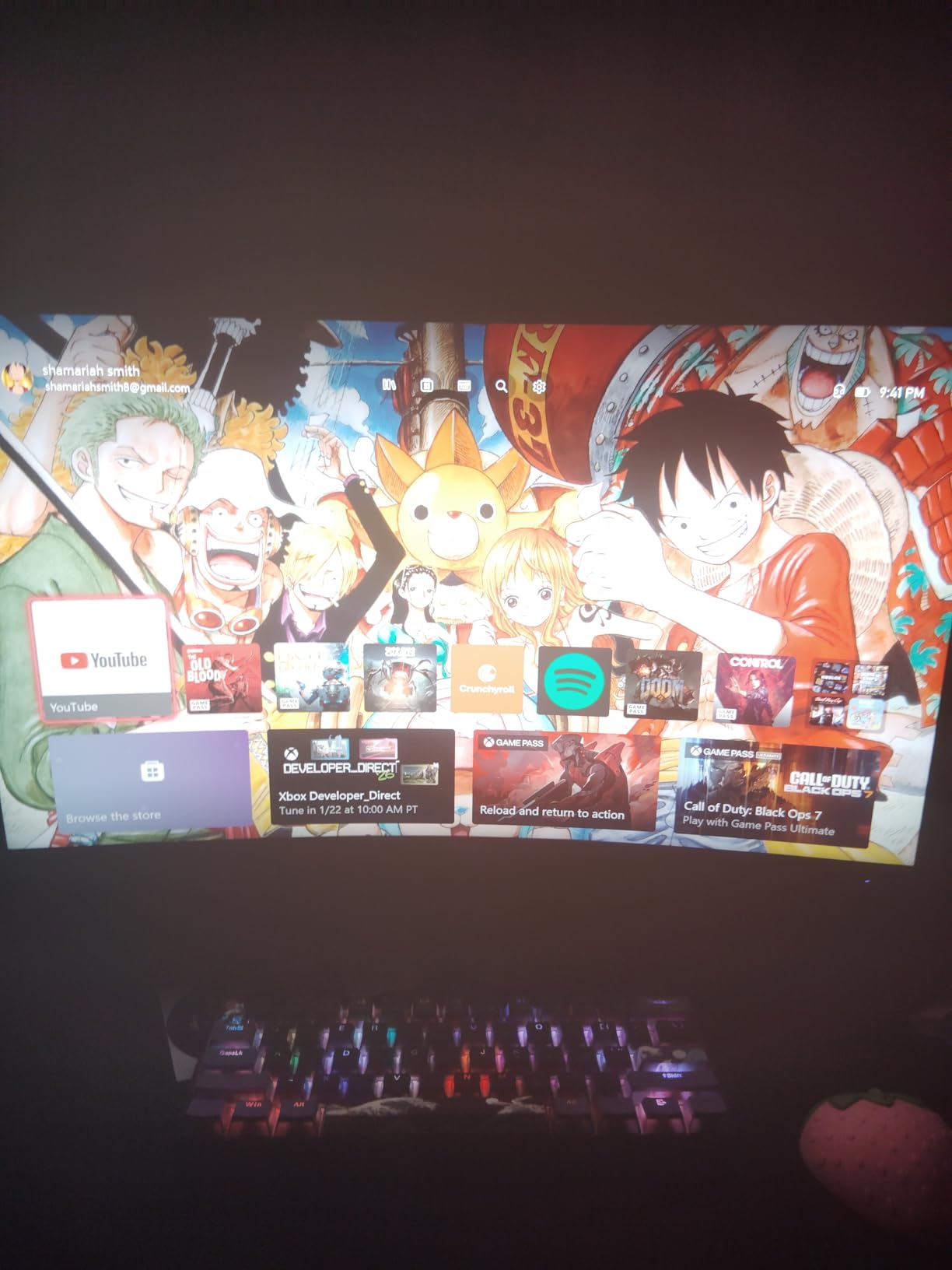
The 126% sRGB and 93% DCI-P3 color coverage rivals monitors at twice the price. The 10-bit color depth (via DisplayPort) provides smooth gradients and accurate color reproduction. The main drawback is the 1-year warranty, shorter than competitors offering 3-year coverage. The stand tilts adequately but wobbles during intense moments, making VESA mounting a worthwhile investment.
For players concerned about eye strain
The TÜV Rheinland certification ensures the monitor meets rigorous standards for blue light filtering and flicker-free operation. If you game for hours daily, these eye care features translate to greater comfort and potentially fewer headaches.
For players who want built-in gaming aids
The AI crosshair and Night Vision features provide genuine competitive advantages. The crosshair assist helps maintain visibility during fast encounters, while Night Vision reveals enemies hiding in shadows without requiring post-processing filters.
10. Acer Nitro 24.5″ 280Hz Gaming Monitor (KG251Q Z1biip)
Acer Nitro 24.5in FHD 1920×1080 280Hz Gaming Monitor KG251Q Z1biip
280Hz
24.5 inch
1ms VRB
FreeSync Premium
HDR10
Pros
- Acer brand reliability
- ZeroFrame design
- FreeSync Premium
- Multiple ports
Cons
- Lower brightness 250 nit
- Basic stand
- No height adjustment
- Colors need adjustment
The Acer Nitro KG251Q brings the reputable Acer brand to competitive gaming at an accessible price point. The 280Hz refresh rate and 1ms VRB (Visual Response Boost) response time provide the competitive essentials, and I found the gaming performance solid during CS2 sessions. The ZeroFrame design maximizes screen real estate, giving you slightly more visible area without increasing physical monitor size.
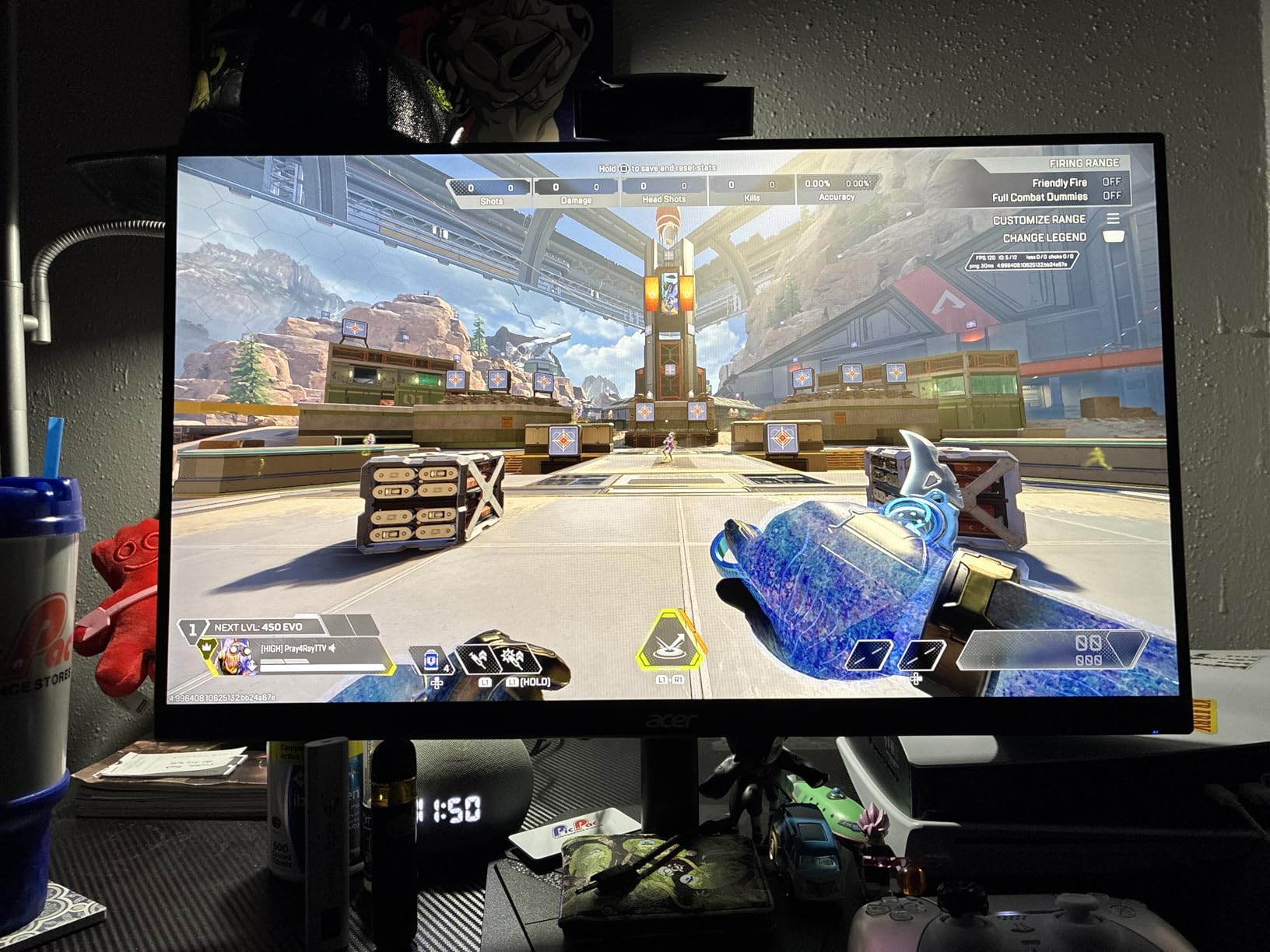
AMD FreeSync Premium eliminates screen tearing and reduces stutter during variable frame rate gameplay. HDR10 support enhances compatible content, though the 250 nit brightness limits the HDR impact compared to higher-end displays. The DisplayPort 1.4 and dual HDMI 2.0 ports provide versatile connectivity for PCs and consoles.
Acer includes a 3-year parts and labor warranty, which exceeds the 1-year coverage many budget monitors offer. The on-screen menu system is familiar from other Acer products, making navigation intuitive if you have used Acer displays before. Colors require adjustment out of the box for best results, but the underlying panel quality supports accurate calibration.
For brand-conscious buyers
If you prefer established brands with proven track records for quality and customer support, Acer delivers that confidence at a competitive price. The warranty coverage reflects this brand commitment to product reliability.
For console and PC mixed setups
The HDMI 2.0 ports supporting 240Hz make this suitable for connecting modern consoles while using DisplayPort for your PC gaming. The FreeSync Premium support ensures smooth performance regardless of which platform you are using.
Buying Guide: How to Choose a Competitive Gaming Monitors?
Selecting the right competitive gaming monitor requires understanding how different specifications affect actual gameplay. Here is what you need to know before making your purchase decision.
Refresh Rate: 240Hz vs 280Hz vs 360Hz vs 400Hz
The refresh rate determines how many times per second the monitor can display a new image. Higher refresh rates produce smoother motion and reduce input lag perception. In competitive gaming, the jump from 144Hz to 240Hz is immediately noticeable, and the improvement from 240Hz to 360Hz remains significant for serious players. The step up to 400Hz provides marginal but measurable benefits if your system can consistently maintain 400+ FPS in your primary games. Most competitive gamers find 240Hz to 360Hz the sweet spot where diminishing returns start to kick in without breaking the bank.
Response Time: What 1ms Actually Means
Response time measures how quickly a pixel can change from one color to another. The 1ms rating typically refers to Gray-to-Gray (GtG) or Moving Picture Response Time (MPRT) measurements, which are calculated differently. GtG measures actual pixel transition speed, while MPRT incorporates other factors like backlight strobing. For competitive gaming, both 1ms GtG and 1ms MPRT monitors deliver adequate performance, but GtG tends to produce cleaner motion without the brightness trade-offs of MPRT technologies.
Panel Types: TN vs IPS vs VA for Competitive Gaming
TN (Twisted Nematic) panels traditionally offered the fastest response times and were the standard for esports monitors. Modern IPS (In-Plane Switching) panels match TN speeds while providing better colors and viewing angles. VA (Vertical Alignment) panels deliver the highest contrast ratios and deep blacks but historically suffered from slower response times. Fast VA technology has largely closed this gap, making VA monitors viable for competitive gaming without sacrificing visual quality.
Resolution: 1080p vs 1440p for Competitive Play
1080p remains the standard for competitive gaming because it places less strain on your graphics card, allowing higher frame rates. The ASUS ROG Swift 360Hz breaks this pattern with QHD (1440p) resolution, but it requires a powerful GPU to maintain 360Hz at that resolution. For most competitive gamers, 1080p is the practical choice that maximizes refresh rate performance. Consider 1440p only if you play competitively but also value visual fidelity for single-player experiences.
Size: 24 vs 27 Inches
Competitive gaming typically favors 24-inch monitors because the pixel density is highest at 1080p, and the smaller screen ensures you can see the entire display without moving your eyes excessively. 27-inch monitors provide a more comfortable viewing experience for extended sessions and reduce eye strain. The trade-off is slightly lower pixel density at 1080p, though this is rarely noticeable during actual gameplay. Choose based on your seating distance and personal comfort preferences.
Adaptive Sync: G-Sync vs FreeSync
Adaptive sync technologies eliminate screen tearing by matching the monitor refresh rate to your GPU frame rate. NVIDIA G-Sync requires proprietary hardware and costs more, while AMD FreeSync is an open standard with broader compatibility. Both technologies work well for competitive gaming, and the performance difference is negligible for most players. NVIDIA G-Sync monitors often include ULMB2 backlight strobing for additional motion clarity, which is a meaningful advantage for serious competitors.
FAQ
What monitor do competitive gamers use?
Competitive gamers typically use high refresh rate monitors ranging from 240Hz to 400Hz with 1ms response times. Professional esports players commonly favor 24-inch 360Hz IPS panels from brands like ASUS ROG, Alienware, and BenQ ZOWIE. Many also use monitors with NVIDIA G-Sync and ULMB2 technology for the lowest input lag and clearest motion reproduction.
Is 24 or 27 better for competitive gaming?
24-inch monitors are generally preferred for competitive gaming because of the higher pixel density at 1080p and the ability to see the entire screen without eye movement. 27-inch monitors are better for extended gaming sessions where visual comfort matters more than maximum competitive advantage. Choose 24 inches if you prioritize reaction time and precision; choose 27 inches if you want greater comfort during long sessions.
Is 240Hz overkill for gaming?
240Hz is not overkill for competitive gaming if you play fast-paced FPS games like Valorant, CS2, or Apex Legends where frame rates consistently exceed 200 FPS. The improvement from 144Hz to 240Hz is noticeable for most players. However, if you primarily play slower-paced games or single-player titles, 144Hz or even 60Hz may be sufficient. The benefit of higher refresh rates scales with your skill level and the intensity of competitive play.
Is 1080 or 1440 better for competitive gaming?
1080p is better for pure competitive gaming because it allows higher frame rates with mid-range hardware and provides the highest pixel density on 24-inch monitors. 1440p is preferable if you want a versatile monitor for both competitive gaming and content creation, or if you prefer the larger screen real estate. The ASUS ROG Swift 360Hz proves that 1440p at 360Hz is viable with powerful graphics cards, but it comes at a significant price premium.
Conclusion
Finding the best monitor for competitive gaming in 2026 ultimately comes down to matching your budget, preferred games, and hardware capabilities. The KTC 24.5″ 400Hz Gaming Monitor earns our Editor’s Choice for delivering the highest refresh rate at a reasonable price, making extreme competitive performance accessible to more players. If you want the ultimate all-around package, the LG 27G810A-B Dual Mode monitor provides unmatched versatility with its switchable 4K 180Hz and FHD 360Hz modes.
For budget-conscious gamers, the KOORUI 24″ 240Hz and Sceptre 24.5″ 240Hz monitors prove that competitive-grade refresh rates do not require flagship pricing. Both deliver smooth 240Hz performance with adequate response times for most players. Serious competitors with larger budgets should consider the ASUS ROG Swift 360Hz PG27AQN for the best QHD 360Hz experience available.
Whatever monitor you choose, remember that the display is only part of the competitive equation. Your graphics card, mouse, and peripherals all contribute to overall input latency. Use the information in this guide to make an informed decision based on your specific needs, and you will be well-equipped to climb the ranked ladders in your favorite competitive games.